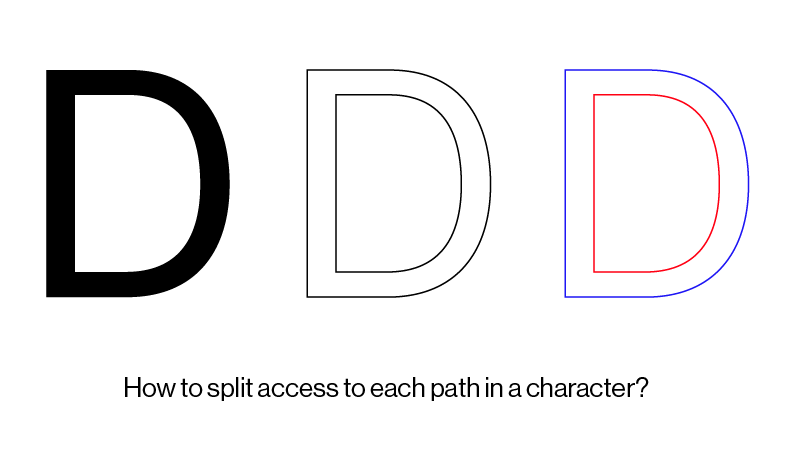
In Illustrator, most texts are comprised of compound object when they are outlined, because it has inner and outer space. Is there a way to ungroup them? I attached a photo. Thank you.
Best,
Q
The new NodeBox forum is live! Everything from support.nodebox.net moved here: sign in with the same email to pick up your old posts. Something not working? Write to forum-support@nodebox.net.
NodeBox 3From the old forum
In Illustrator, most texts are comprised of compound object when they are outlined, because it has inner and outer space. Is there a way to ungroup them? I attached a photo. Thank you.
Best,
Q
There's no built-in node to do this, but you can use this custom one. It contains a .py script that it uses to take out the contours. The code is really simple:
def contours(path):
    return path.contours
We have some documentation on writing your own nodes. Note that accessing the graphics API is subject to change as we are moving to a new, more performant API.
Thank you very much :-)
Best,
Q
Hello Frederik,
Your code worked fine with rectangle, but when I tried it for type. I got an error.
[cid:F2470894-F178-42BD-94E7-C029F3352540@mit.edu]
Please let me know how to solve this.
Thank you.
All the best,
Q
Q / K y u h a S h i m
Research Fellow / Data Visualization Specialist | Senseable City Lab, MIT
Faculty | MFA Digital+Media, RISD
MIT, 9-209, 77 Mass. Avenue,
Cambridge, MA 02139 USA
e qshim@mit.edumailto:qshim@mit.edu || qshim@risd.edumailto:qshim@risd.edu
t +1.401.924.1002
w http://kyuhashim.com
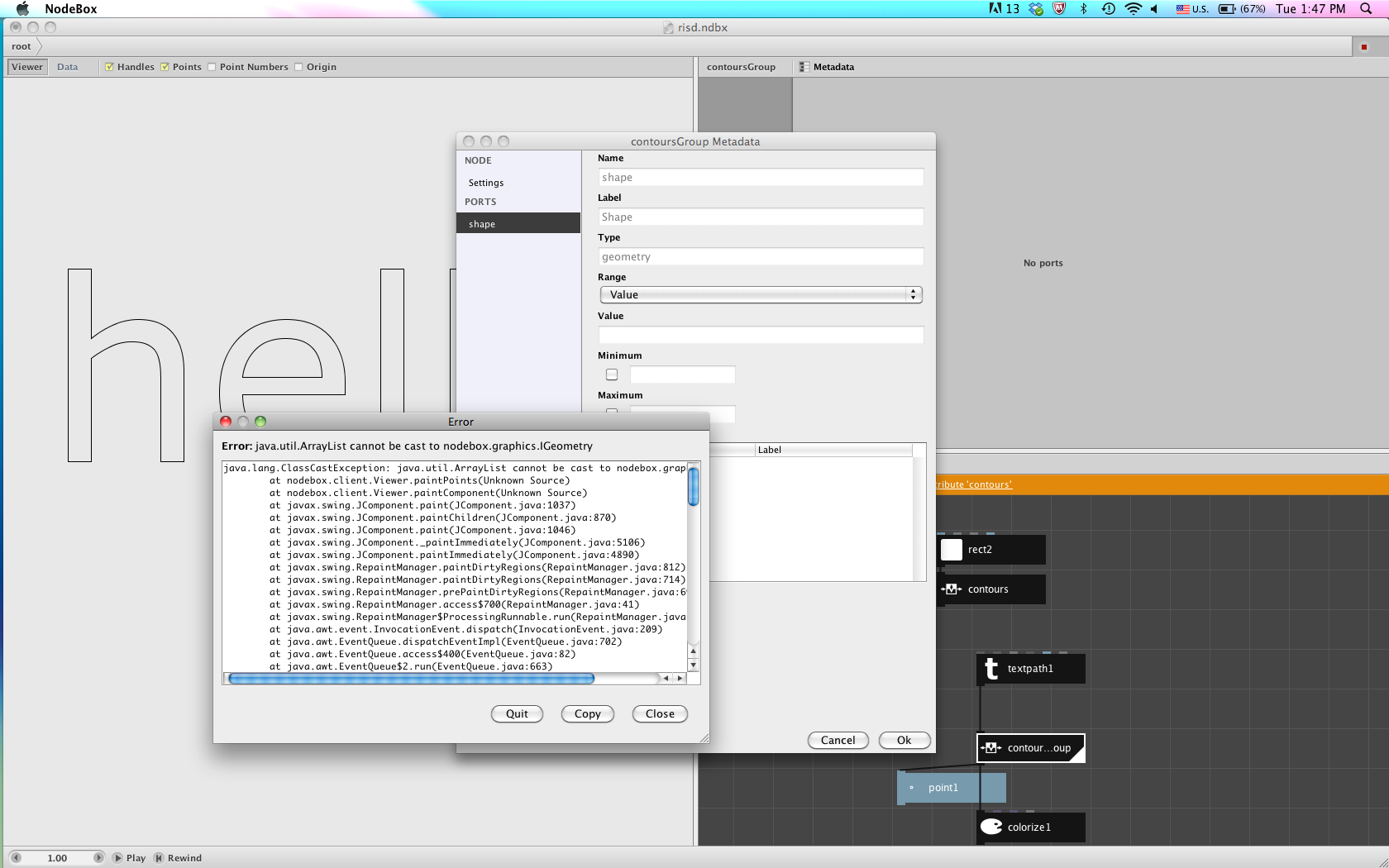
Found some weirdness with the output of contours.py (screenshot attached). The output cant be used by other nodes.
Im not a coder nor a programmer and that's why I love Nodebox. The ability to split compound shapes into paths should be implemente into a node. Also I miss a node who returns the height and width of a shape.
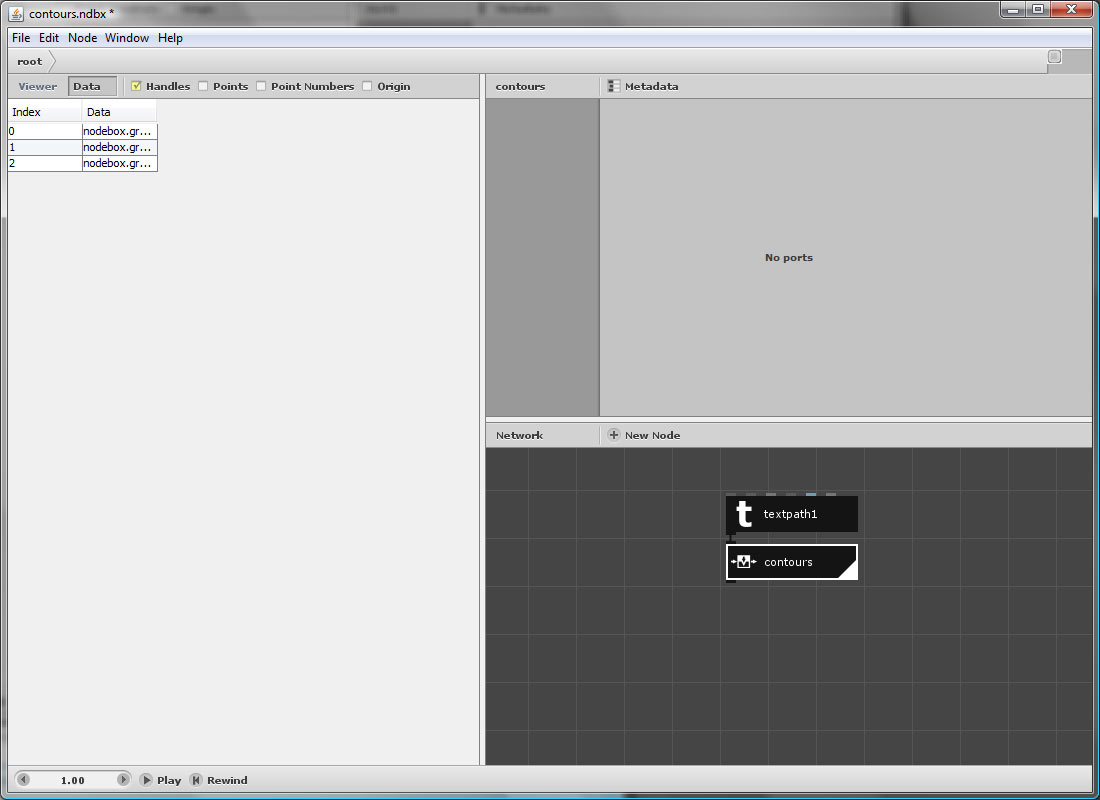
The function I showed returned a list of Contour objects, not paths. The new example converts all of the contours to proper paths.
The code looks like this:
from nodebox.graphics import Path

def contours(path):
    return [Path(c) for c in path.contours]
A note of warning: we're currently revising the NodeBox graphics API so all code that relies on it will break. This is not so bad for internal code, since we can change it, but if you write your own graphics code you will have to rewrite it. Any code that just uses built-in Python primitives and libraries (e.g. working with numbers and strings) will continue to work.