Hello guys,
I am still new with nodebox, i just didnt know how to get the string or value from the http get node. ive tried lookup node but cant. Can anyone tell me how? Big Thanks!
The new NodeBox forum is live! Everything from support.nodebox.net moved here: sign in with the same email to pick up your old posts. Something not working? Write to forum-support@nodebox.net.
NodeBox 3From the old forum
Hello guys,
I am still new with nodebox, i just didnt know how to get the string or value from the http get node. ive tried lookup node but cant. Can anyone tell me how? Big Thanks!
Nvm guys, done. :)
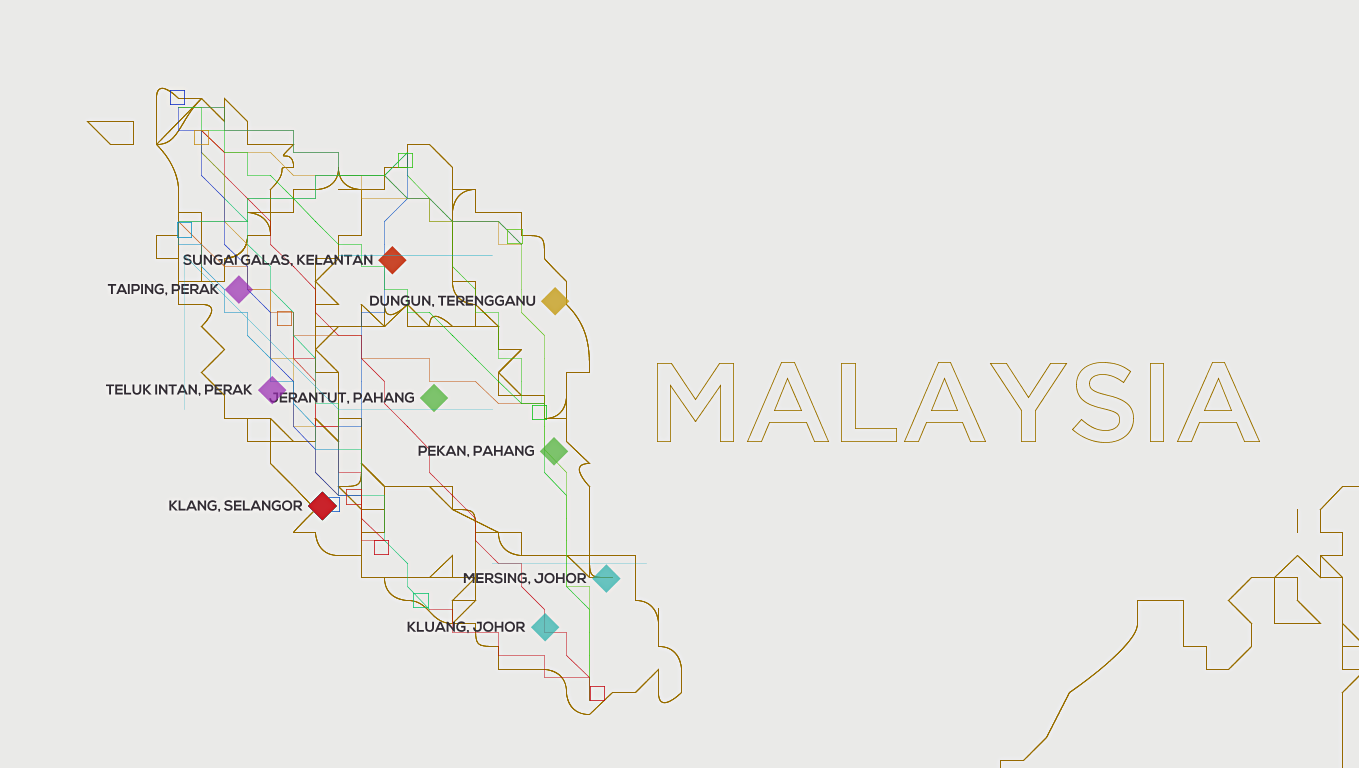
Btw, i made a simple map of Malaysia, and by using Google Maps API, i can map it to my custom map. :)
The procedure with the lookup node is correct. In short:
Important: network support is experimental and the API can change. The "text" field will be renamed "body" in future versions of NodeBox.
Kind regards,
F
Hello, I am really curious how you got the API data from google map and create your own. It seems like connecting the lookup node to the http-get node is not enough to generate any workable data. Thanks.
Hello sjeon01, well i used this API, https://developers.google.com/maps/documentation/geocoding/
for an example, i put this "http://maps.googleapis.com/maps/api/geocode/json?address=1600+Amphitheatre+Parkway&sensor=true" at the HTTP get, and it will output a JSON format,
you must call the "text" from the HTTP Get first using lookup, then by using JSON Query, use this, "$results"
then u will get all the data, u can filter it down, by using lookup, and more json query.
so, that is how i acquire the longitude and latitude for a location.
then i load a malaysia custom map using svg, and make my own grid, create some range from the min and max coordinates of malaysia map in google map, and so i resize it to fit the range.
In fact, the JSON Query node is smart enough to get data immediately from the HTTP Get node, so the lookup node is optional.
yes indeed, but can u like give the json query documentation? cause somehow
i dont really get it to get data i need.
The "query JSON" node uses JSONPath, which is a way to dig into JSON using a path expression. Documentation on the standard is here:
http://goessner.net/articles/JsonPath/
Specifically for your use case about geocoding:
$.$.results$.results[0]$.results[0].geometry.locationAt this point, Query JSON gives me a table containing "lat" and "lng" columns. Here, you can use two lookup nodes to extract "lng" (the X coordinate) "lat" (the Y coordinate). Note that latitude needs to be flipped (negated) to map to the Y coordinate.
I've included an example that demonstrates geocoding.
Kind regards,
Frederik
Thank you so much!!!!!
Help me a lot. yeah, thanks for the JSONPath and the geocoding.
You're welcome!