A new Nodebox user, Julien, recently asked this:
Centering the text path in the middle?
Is it possible to center a text path, instead of just choosing the beginning or the end for alignment? This could be handy for centering variable size text (in my case, the inscriptions on the lens).
A perfectly reasonable request that is harder than it seems. The text_on_path node will create a text path that follows another path, like a circle, but it has no center option. So when you want to center text atop a circle you have to manually adjust the margin as you change circle diameter or font size. This is not hard to do, but it is a small pain, and it prevents you from automatically centering text over circles that dynamically change their size.
Creating a node (subnetwork) to do this is harder than it might seem even if you limit the guide path to a circle. To make the calculations you need to measure the arc formed from the beginning of the inscription to the end, which will vary in a complex way depending on diameter, font size, and which font you use. An interesting challenge!
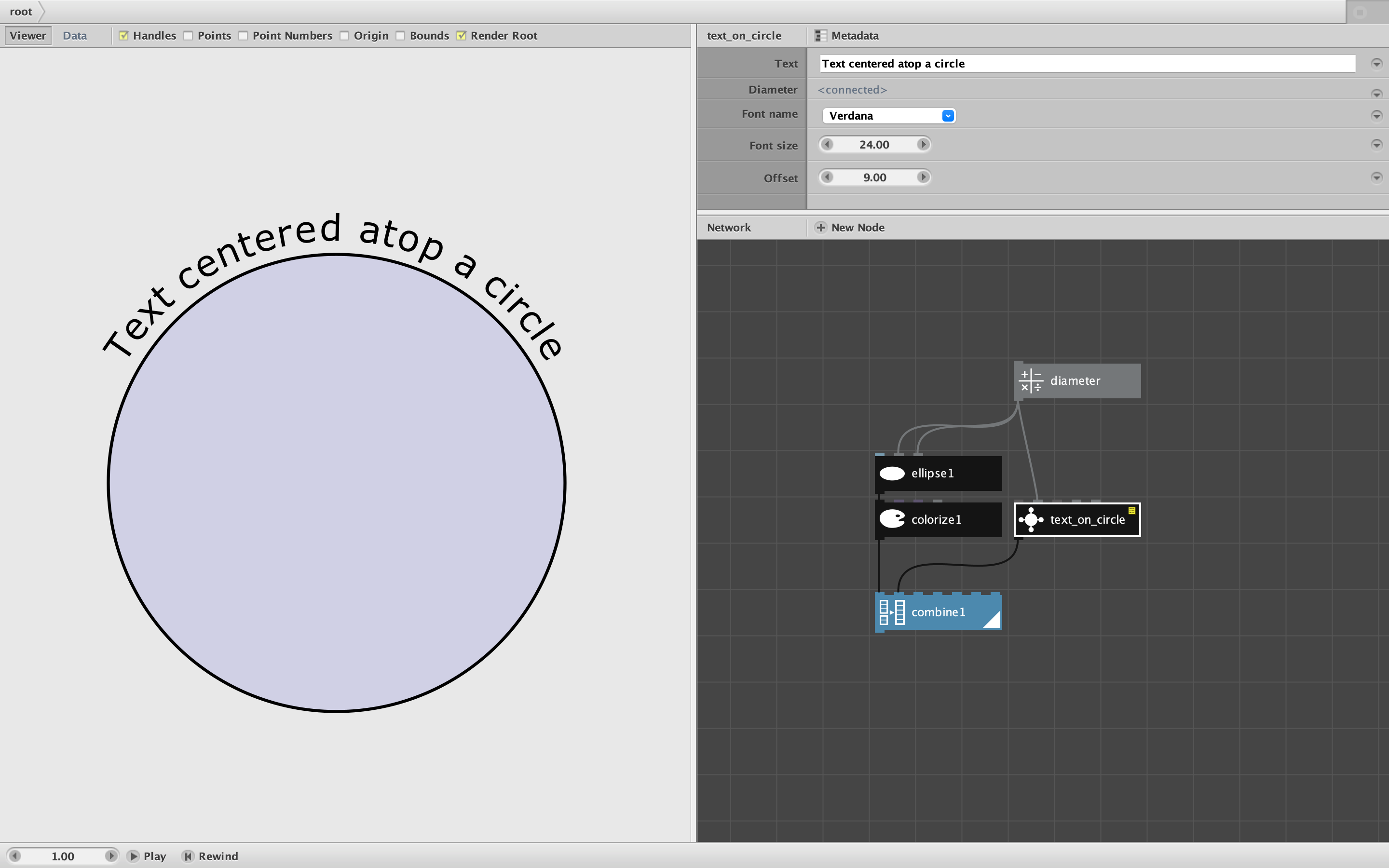
Challenge accepted! Behold: the text_on_circle node. Give it some text, a diameter, font name, font size, and offset (above or below the circle) and it will create a text path for you. A rather arcane function, but it does come in handy every now and then.
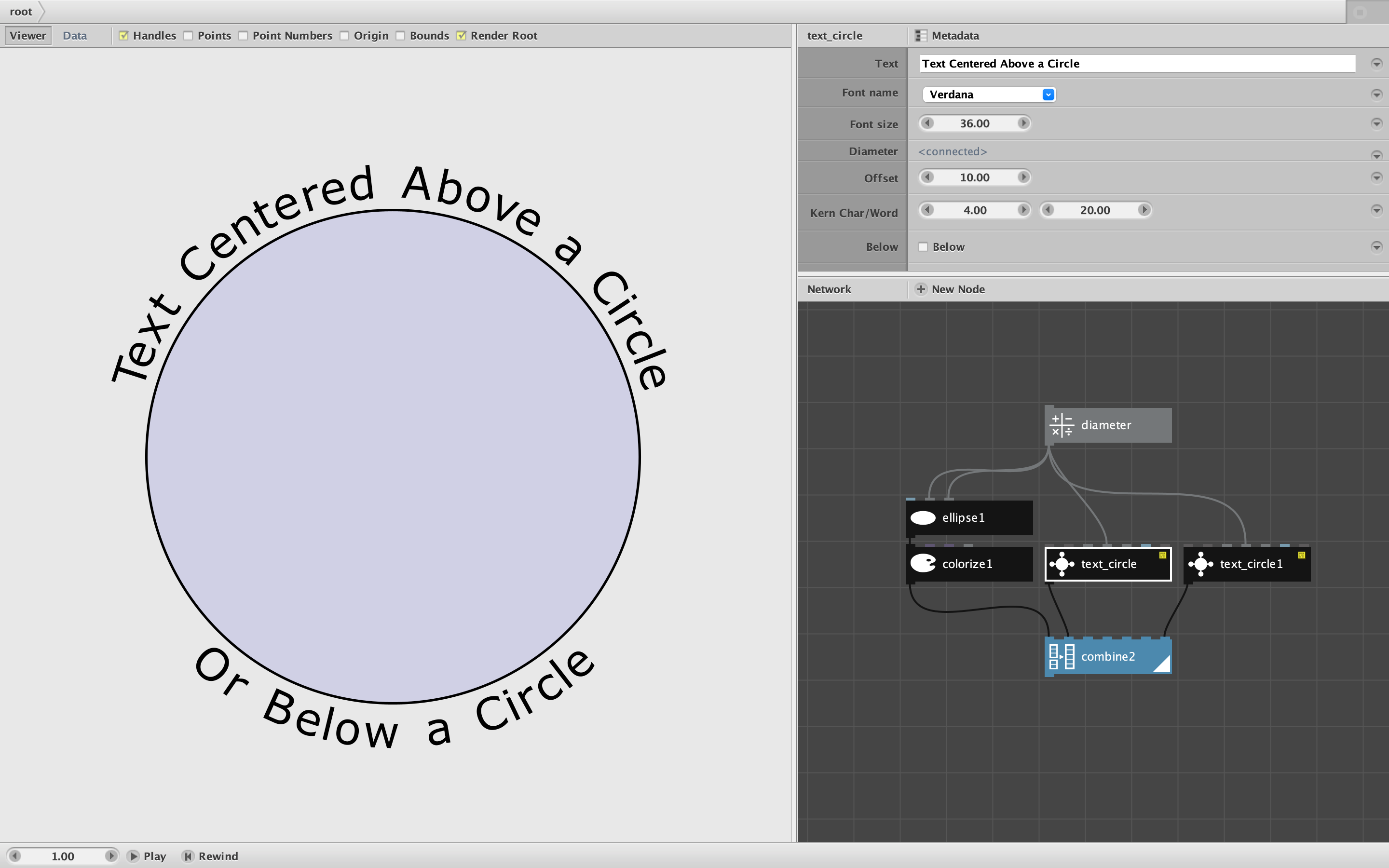
NOTE: see next comment for an improved version!
I will be adding this node to the next release of my node library. Enjoy!
John