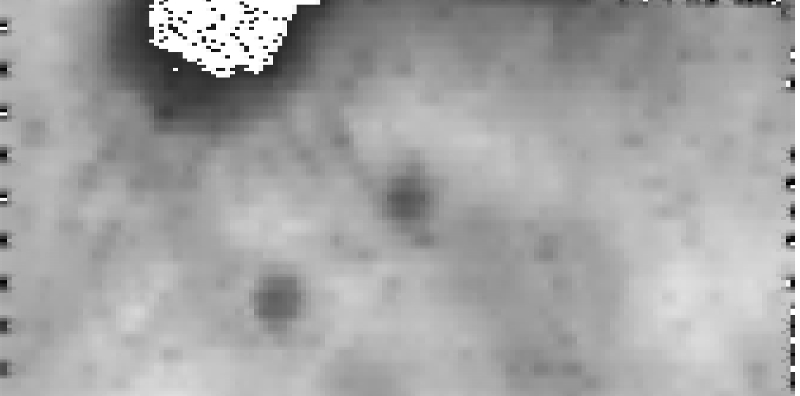
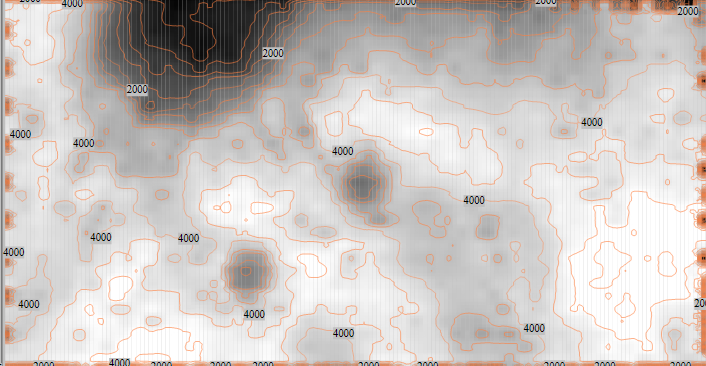
I picked up some xyz triplets and made a simple surface map; see samples bellow, one made with quickgrid and the other with nodebox.
The new NodeBox forum is live! Everything from support.nodebox.net moved here: sign in with the same email to pick up your old posts. Something not working? Write to forum-support@nodebox.net.
Show your WorkFrom the old forum
basic mapping
-
-
wrong csv, sorry, thats an island :)
-
Hi Rodolfo,
interesting.
What is the problem with the white area? Is that in the csv-file? It should be dark, not? -
Hi there. I guess it's related to the threshold values, in order to make
other parts visible, I had to tamper the values - colour range values
mostly if I recall well.
It is not very accurate.
No dia 3 de Set de 2014 10:35, "lucasnijs" <
tender2+d4fdf117285eacc4f3848dbe45578d12123ec19de@tenderapp.com> escreveu: -
I've been re-looking at it again; nothing wrong with the code in itself, just csv info missing - quickgrid compensates lacking info, and that is why there is a filled area in the screenshot.
The original csv data from the "moon" came from some topo reconnaissance I made using ISA MapSat from the Kerbal Space Program game (http://wiki.kerbalspaceprogram.com/wiki/ISA_MapSat); I didn't collected enough data from that area (if you check the "z" querie you'll find some zeroes)
If you run the other CSV data attached (dadosNV) you'll render a nice complete map.
The threshold values I mentioned earlier are basically the "alpha" and "range" of the gray_color node; you can define some "blur" and "gamma" with them.
I'll try to think on adding countours one of these days, that would be nice.
-
Ok. I used a "convert range" node to convert the big numbers to a 0-255 range. Because of the huge difference in size, and because there is a lot more data in the light areas, you have to play with those numbers. Which made us think about different ways of distribution in converting numbers to other ranges. Kind of gamma correction.
Thanks for sharing this. -
I didn't remember to convert the range, nice idea.
Anyway, glad that my endeavors are useful.
No dia 5 de Set de 2014 14:21, "lucasnijs" <
tender2+d4fdf117285eacc4f3848dbe45578d12123ec19de@tenderapp.com> escreveu: