Julien,
I made that hard-wired node with the mathematical trickery because I wanted to show you that technique. It often comes in handy. But you're right: it's kludgy and does not scale.
So see the attached demo with a much cleaner more generic solution.
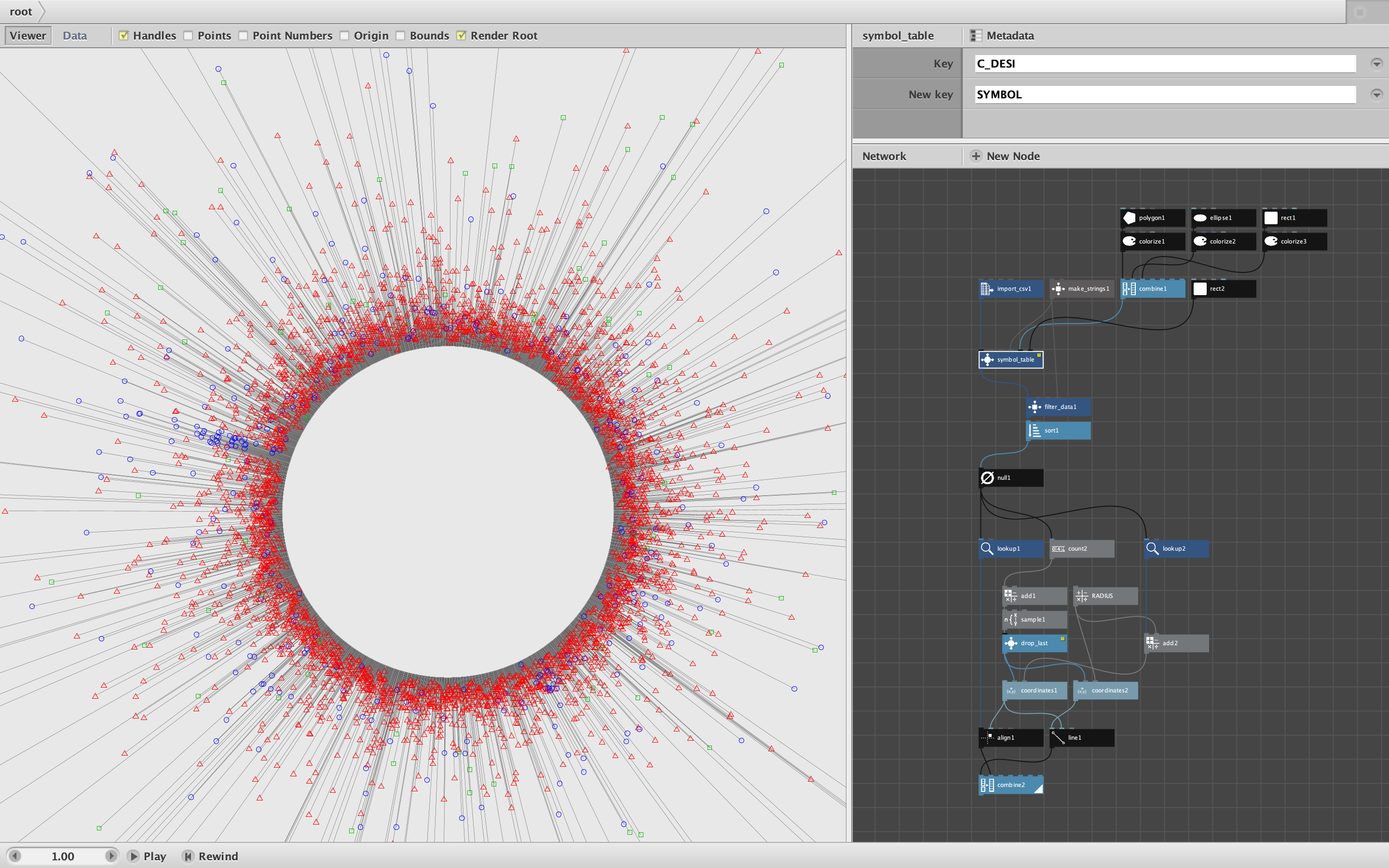
This solution features a new node: symbol_table. Symbol_table takes the following parameters:
- a data table
- a key in that table holding values you wish to symbolize
- the name of a new symbol column
- a list of string values you wish to symbolize
- a list of symbols (can be shapes or strings or numbers or anything)
- a null symbol for values not included in value list (can be anything)
Symbol_table takes all this and outputs a new version of your original data table with a new symbol column. You can now slice and dice this table however you wish and, when you're ready, extract the symbol values for drawing your visualization or whatever. Very flexible!
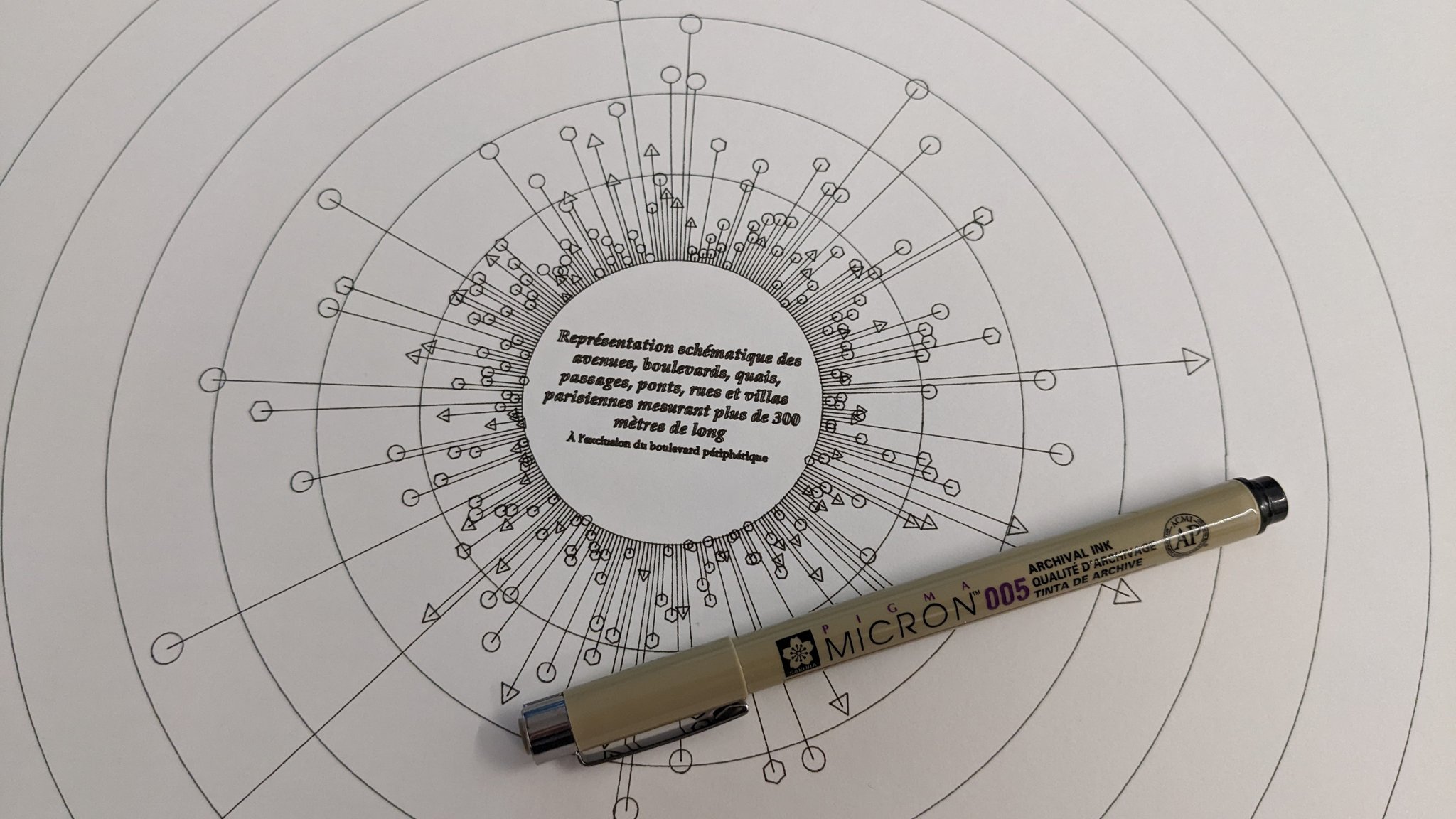
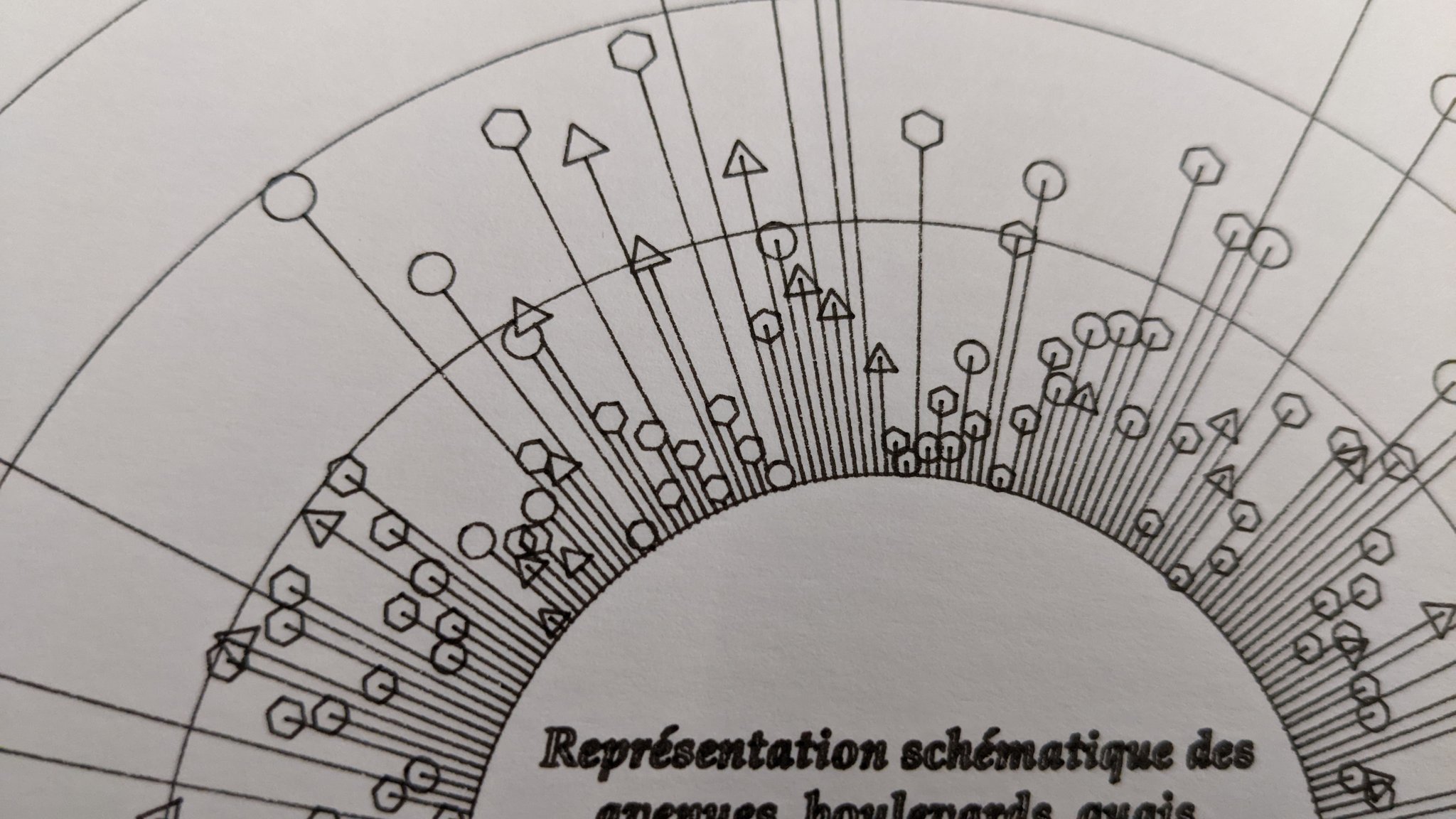
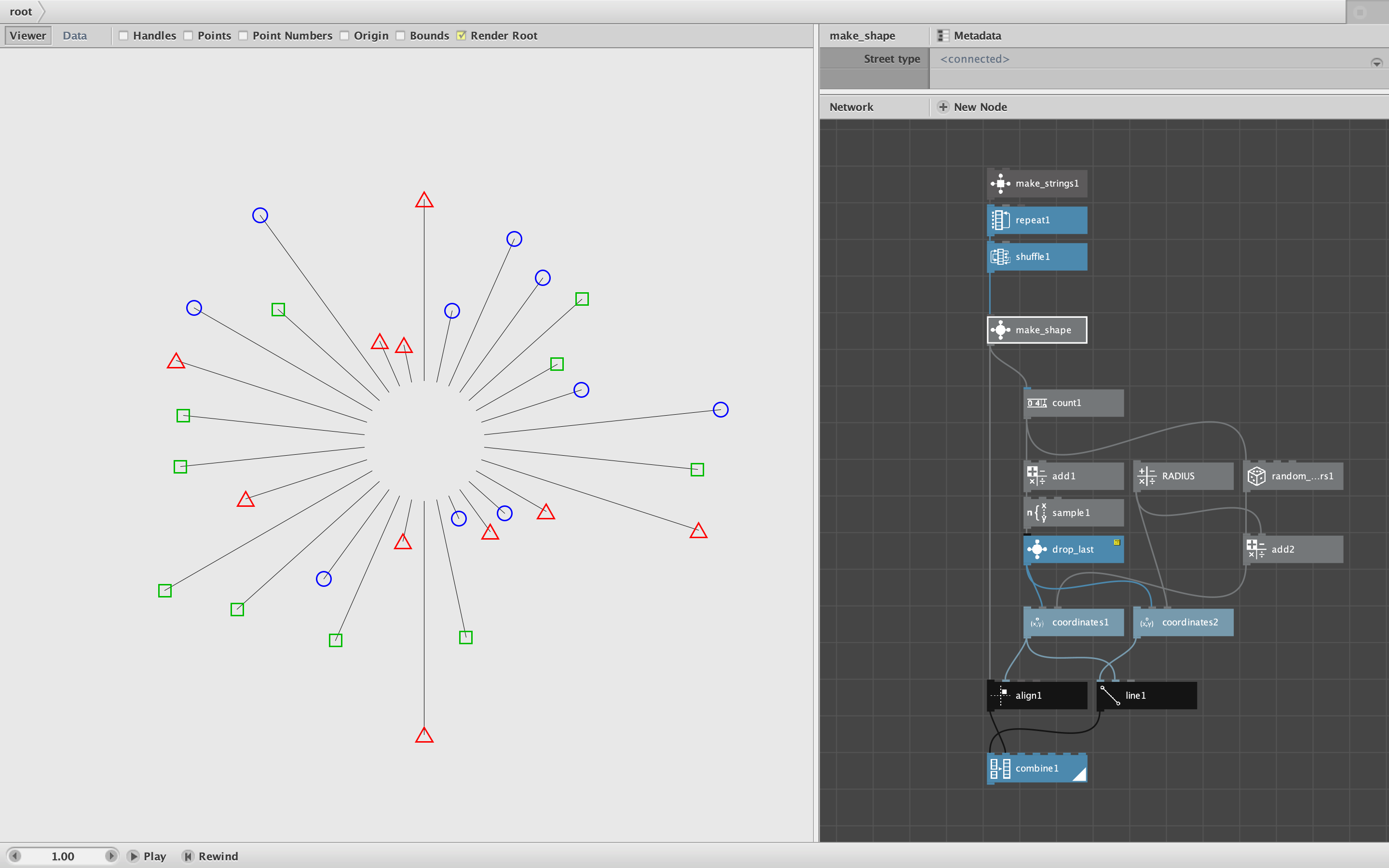
In this case I used a stripped down version of your actual Paris street data with the three street types and shapes from the previous example. If you render the symbol_table node and put it in data view you will see the original data table with a new column at the end, SYMBOL, which holds a path for each type of street: triangles for RUE, circles for AV, squares for BD, and the null symbol, an invisible zero-sided square, for every other type.
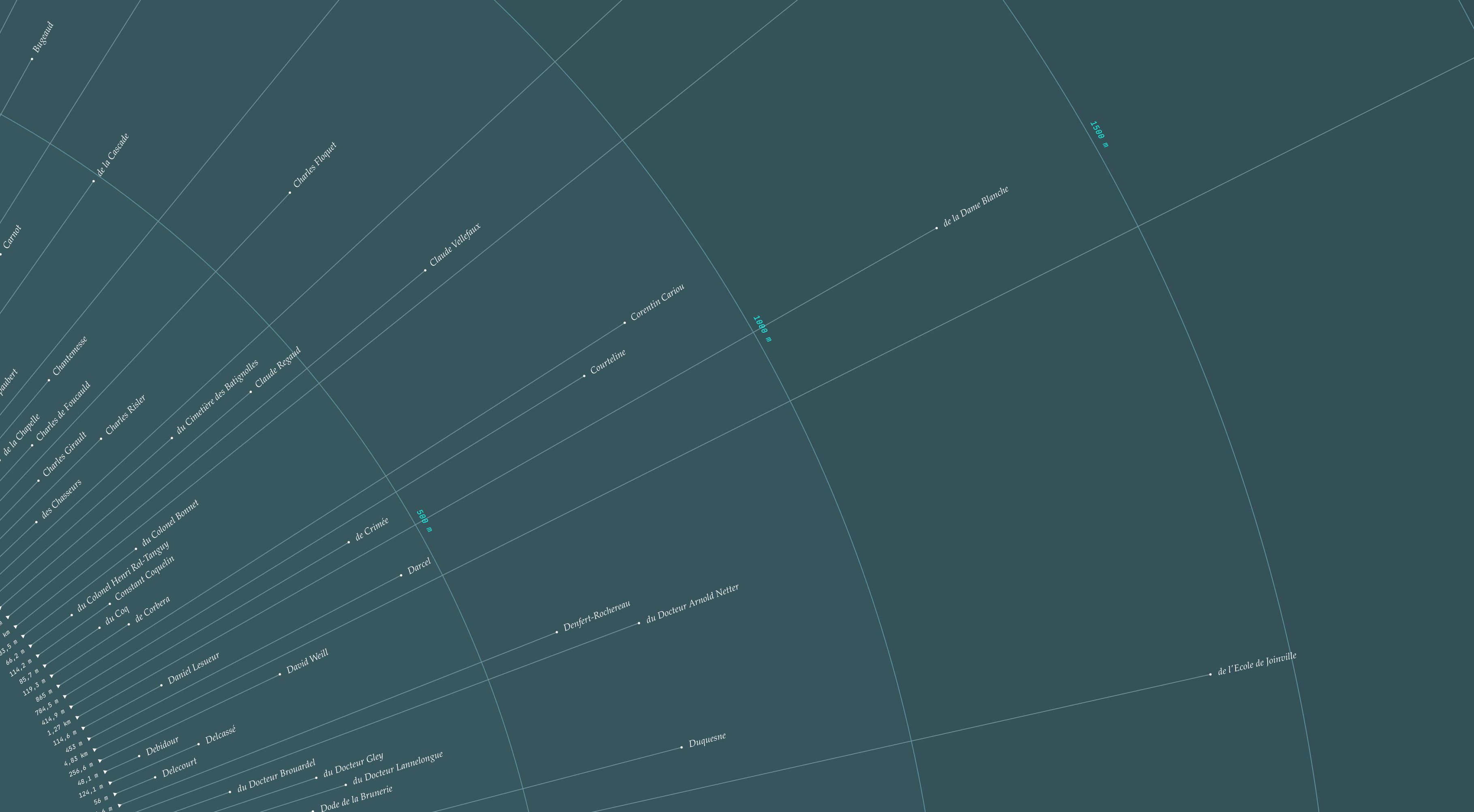
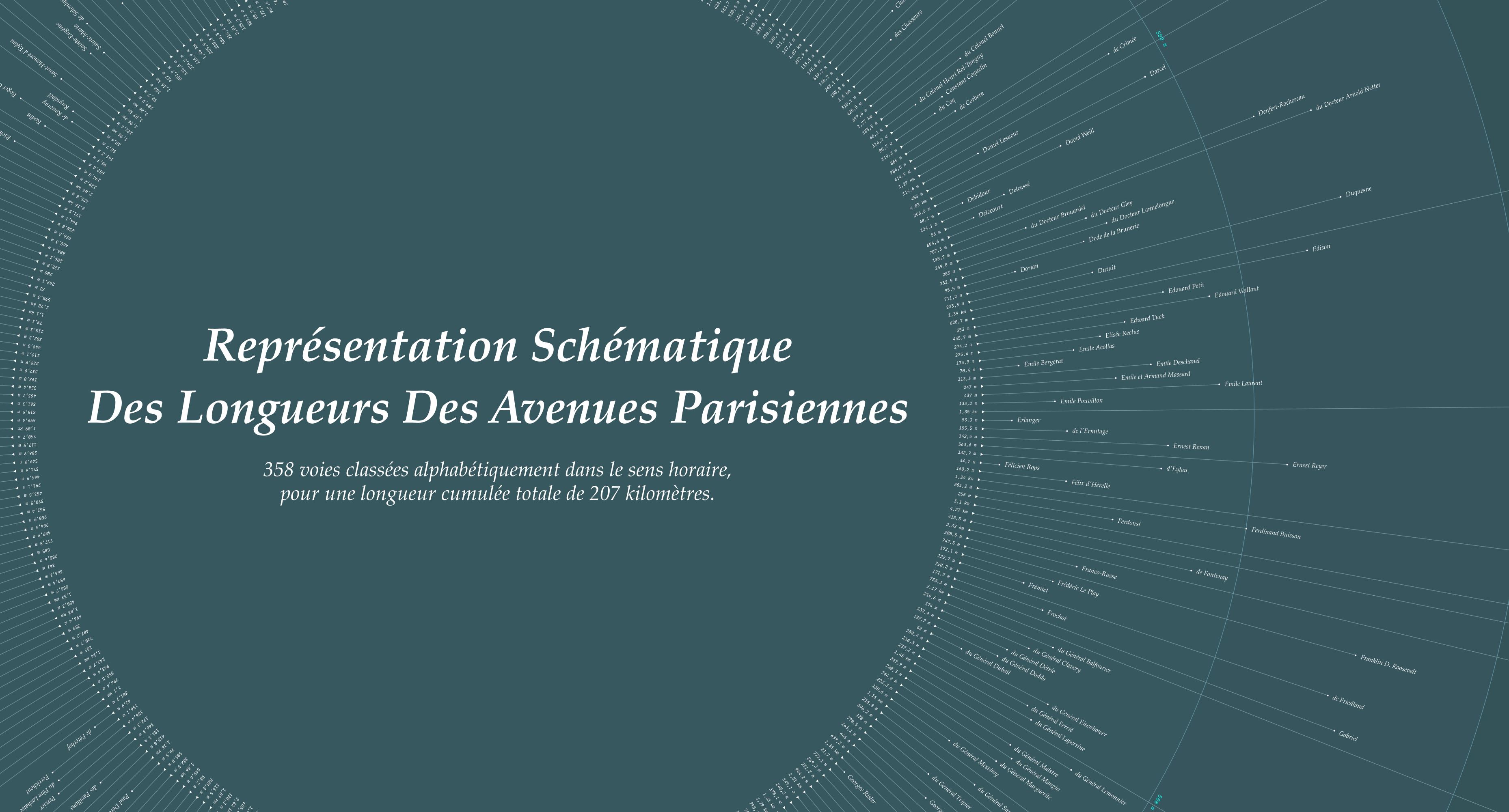
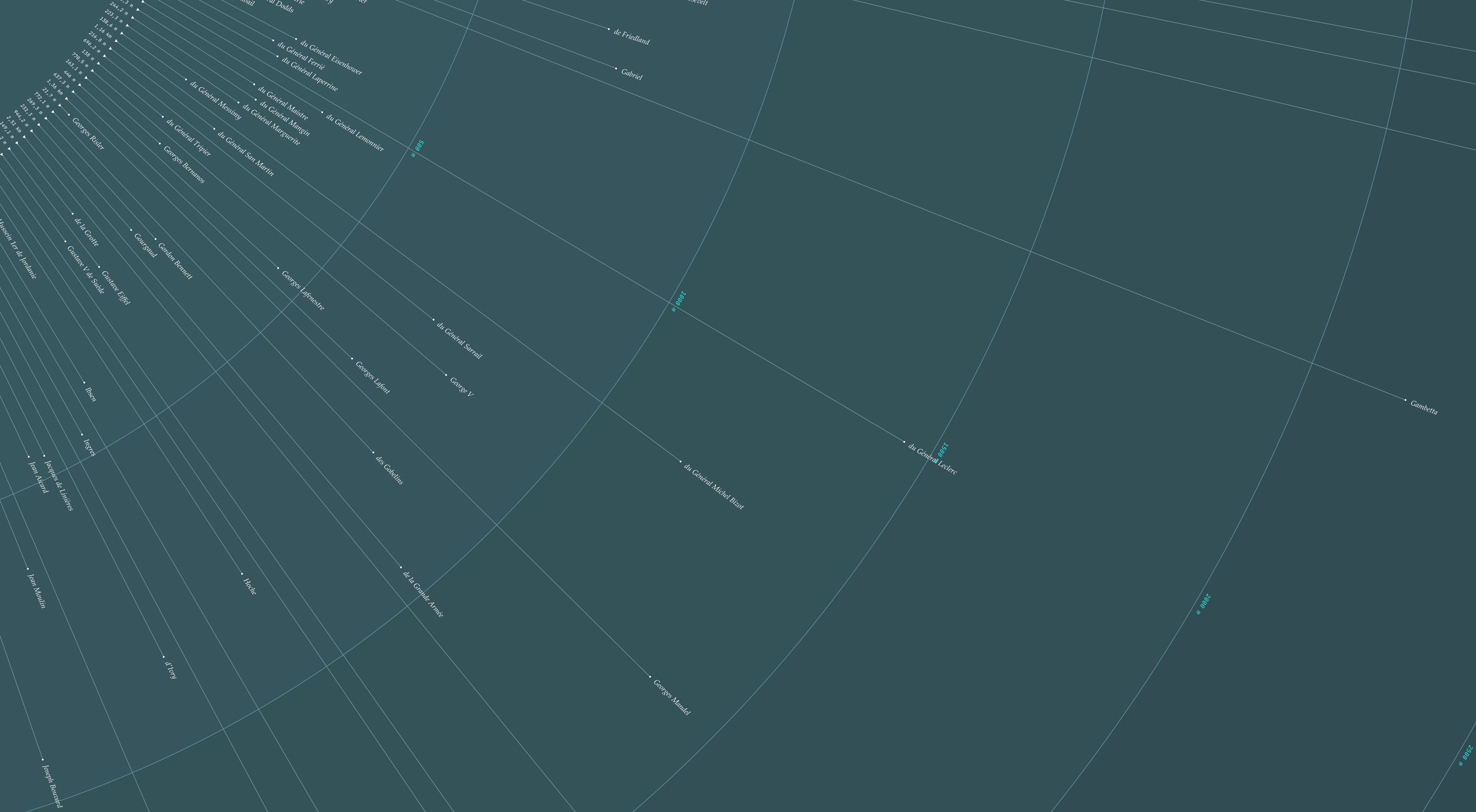
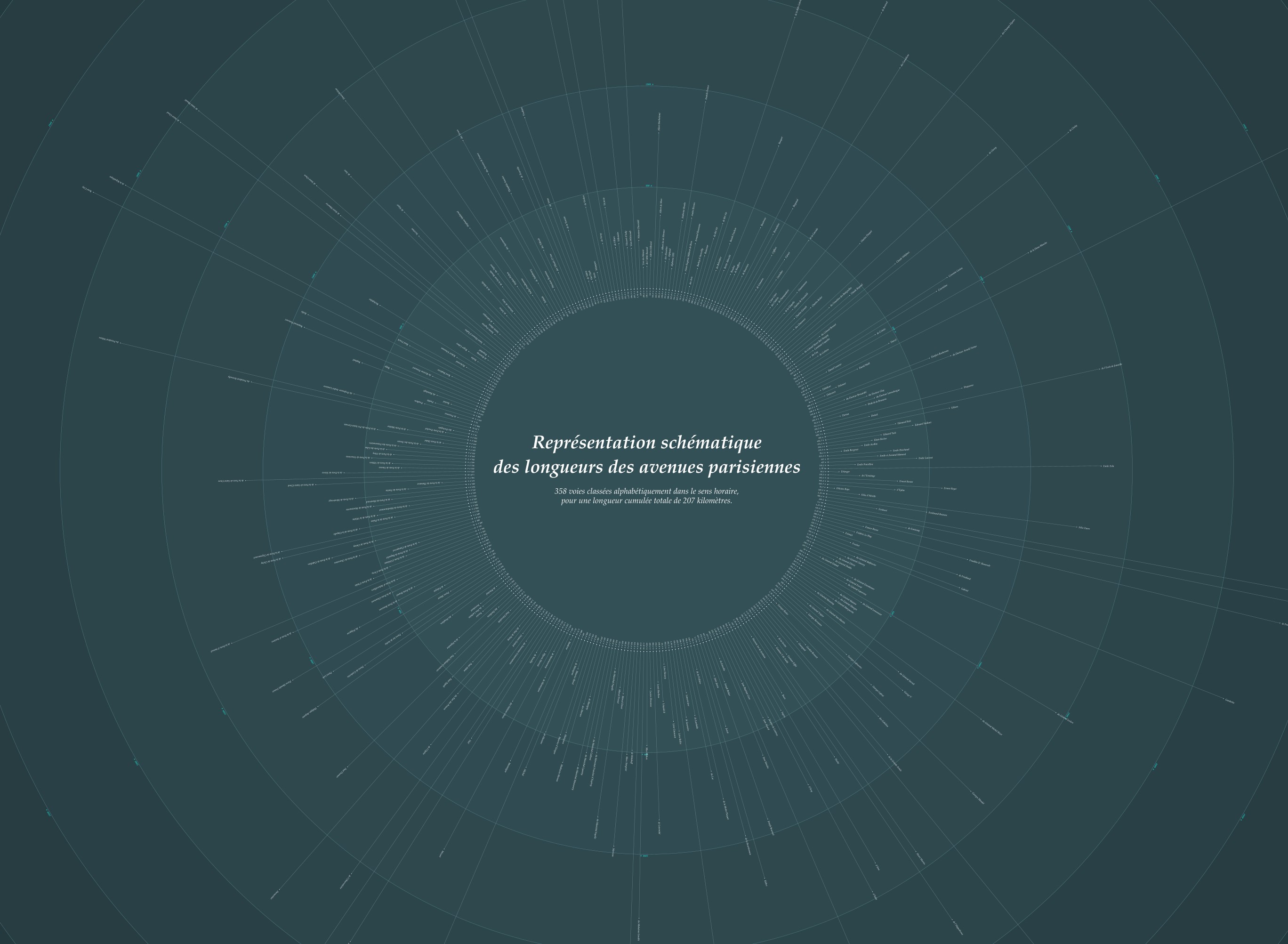
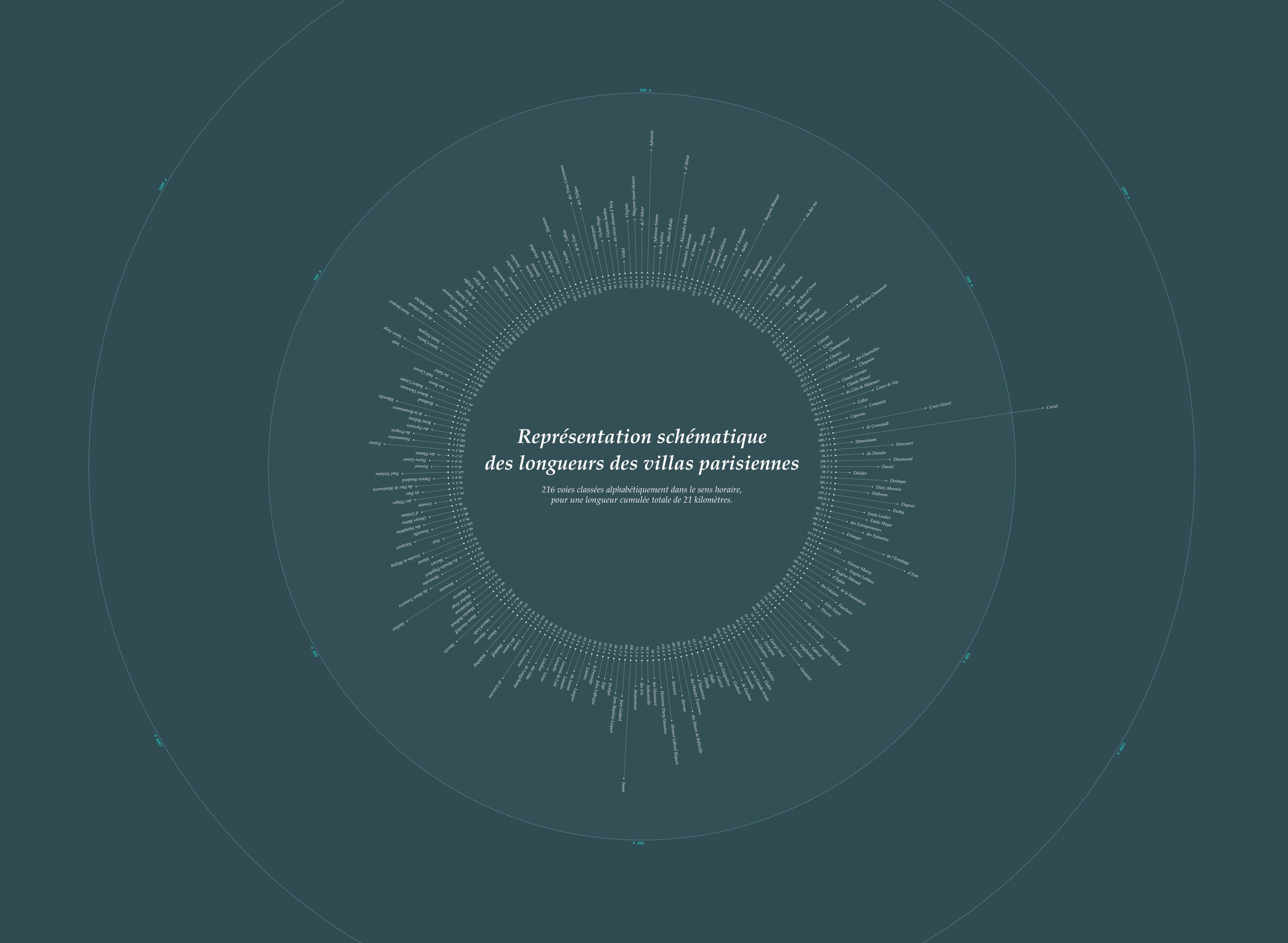
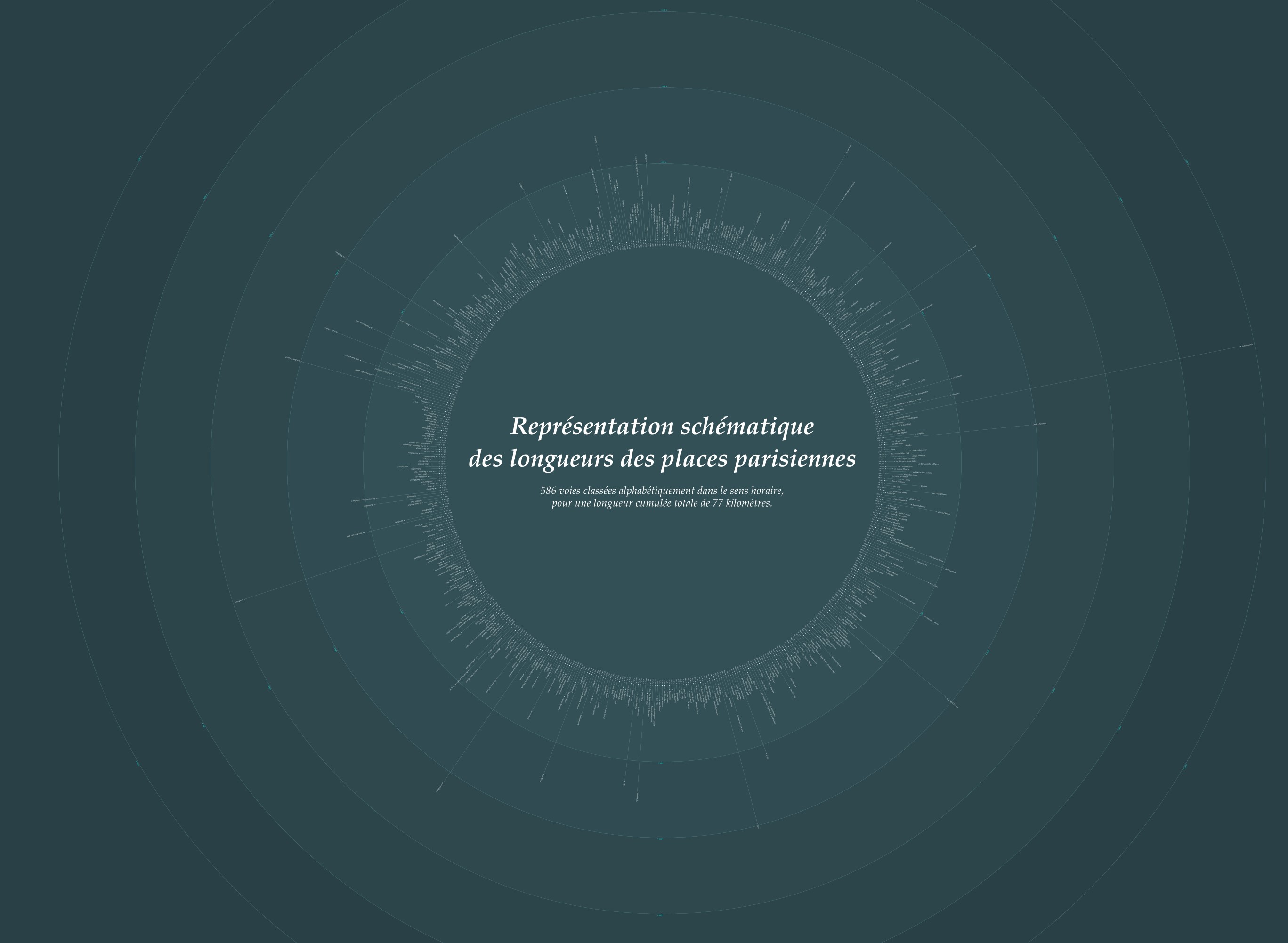
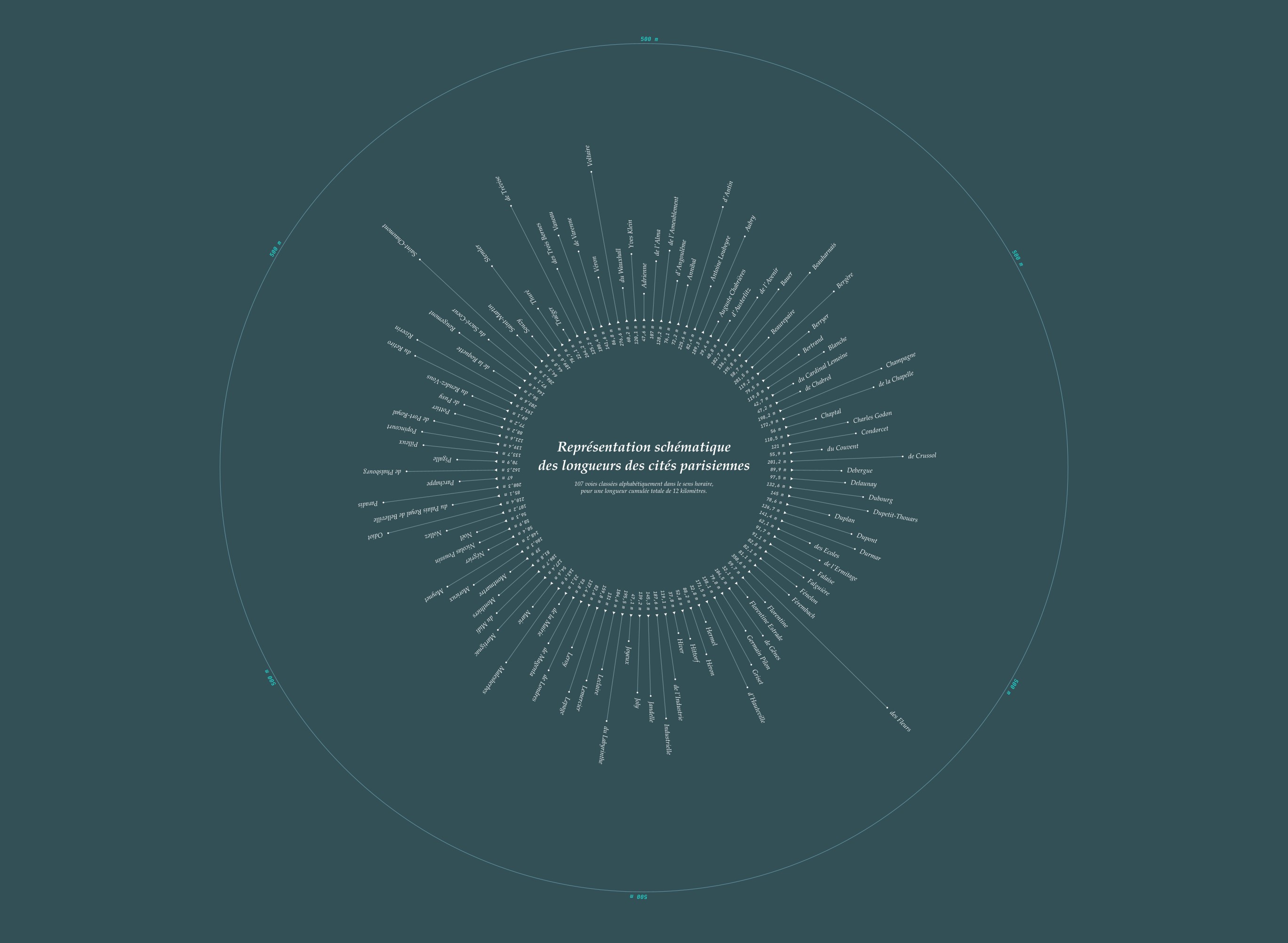
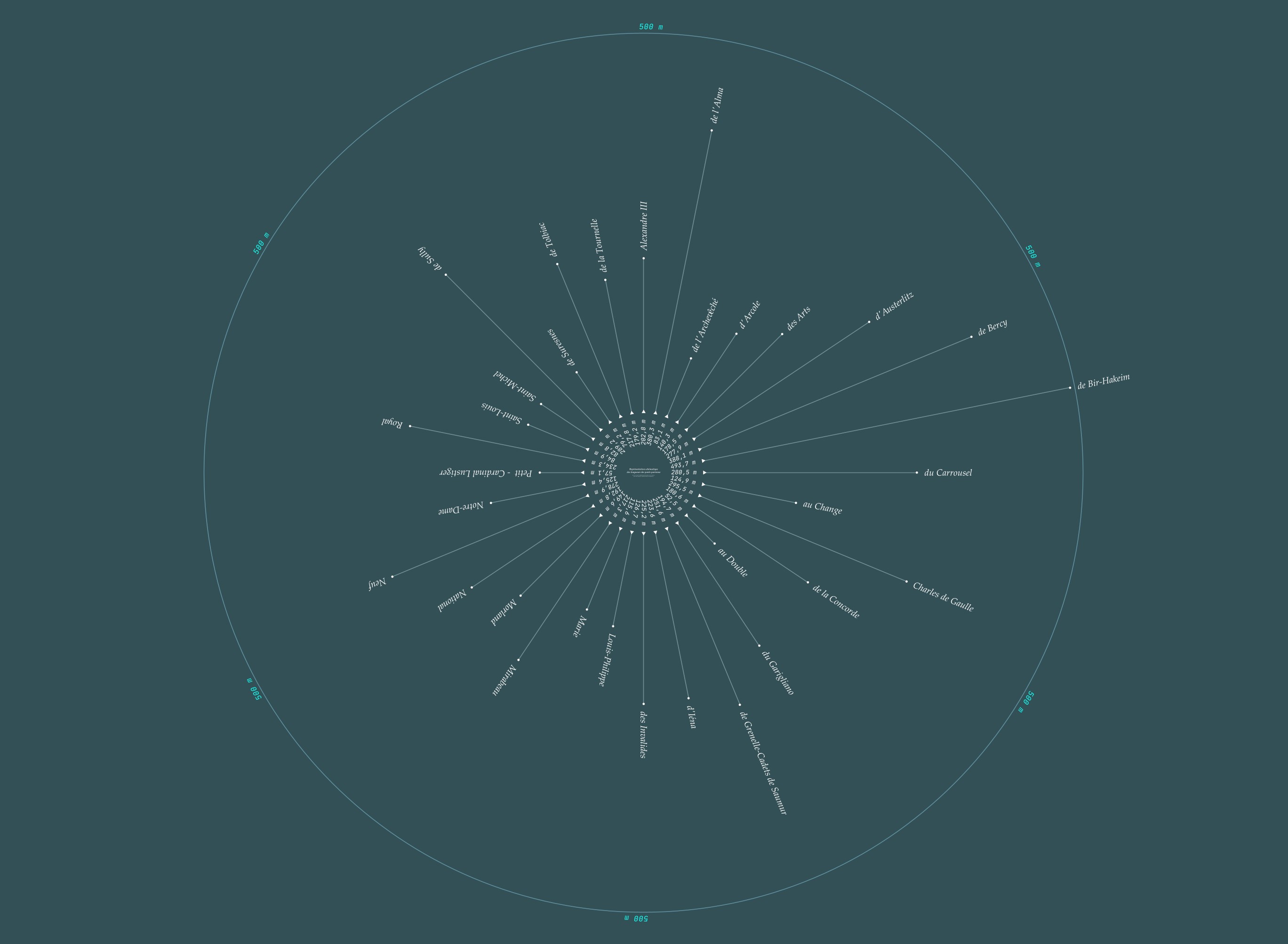
For this demo I then take this table, filter it down to those three types, sort by street name, and plot the symbols around a circle. Notice that I didn't have to filter the table; if you connect symbol_table directly to the null1 node you will see a visualization of all 6542 streets. In that case other street types have rays showing length but no visible symbol.
Aside: In the filtered viz shown in the screenshot you can see a cluster of blue circles at about the ten o'clock position. I was curious so looked in the data: these are a series of forty avenues that begin with the word gate (Porte): Porte Brancion, Porte Brunet, Porte Chaumont, etc. Cool!
You can visualize a different subset of street types by simply changing the list in the make_strings1 node. Of course you don't have to use triangles and circles; you could use the letters A to Z either as strings or as text paths already pre-rendered in the font of your choice, or wingding font symbols, or whatever you want. And it's pretty fast. On my laptop it renders the full viz for all 6542 rows in one second.
Perhaps I should have given you this demo from the outset. But I think we both learned more with the back and forth we've had so far.
And now on to your aesthetic objections to the lack of IF/THEN nodes...
Over the years I've coded in dozens of different languages and almost all of them shared the fundamental constructs of loops and branches. So for me too it was a shock when I first encountered Nodebox. At first I couldn't even see how to implement a looping algorithm without loops, and using switches instead of IF/THEN branches felt like coding with one hand tied behind my back.
But over time I saw the simplicity and beauty of Nodebox and came to appreciate the advantages of its pure functional approach.
Every Nodebox node is a function which takes any number of inputs and always produces a single output. As a result the final structure is always a perfect tree with inputs coming in as leaves at the top, then a consolidating cascade of branches narrowing to a final trunk solution at the bottom. Each network has a beautiful structure which is fully visible (once you tidy things up).
If Nodebox allowed loops and branches the resulting structures would quickly devolve into a rats nest. This is one reason why other attempts at a visual language have failed: they're just too messy. But Nodebox, with its consistent downward flow, is so clean and predictable that you can construct even vast networks with thousands of nodes and still find your way around months later.
Thinking in this pure list-based functional way does take a little getting used to, but once you make the adjustment it starts to feel natural. Debugging in particular becomes much easier than it is in "normal" languages like Processing. I also find it easier and more intuitive than Excel for pure data-munging tasks like making the simplified Paris Street data CSV from your original file.
So I hope you'll stick with it. You seem to have the knack.
John





.png)