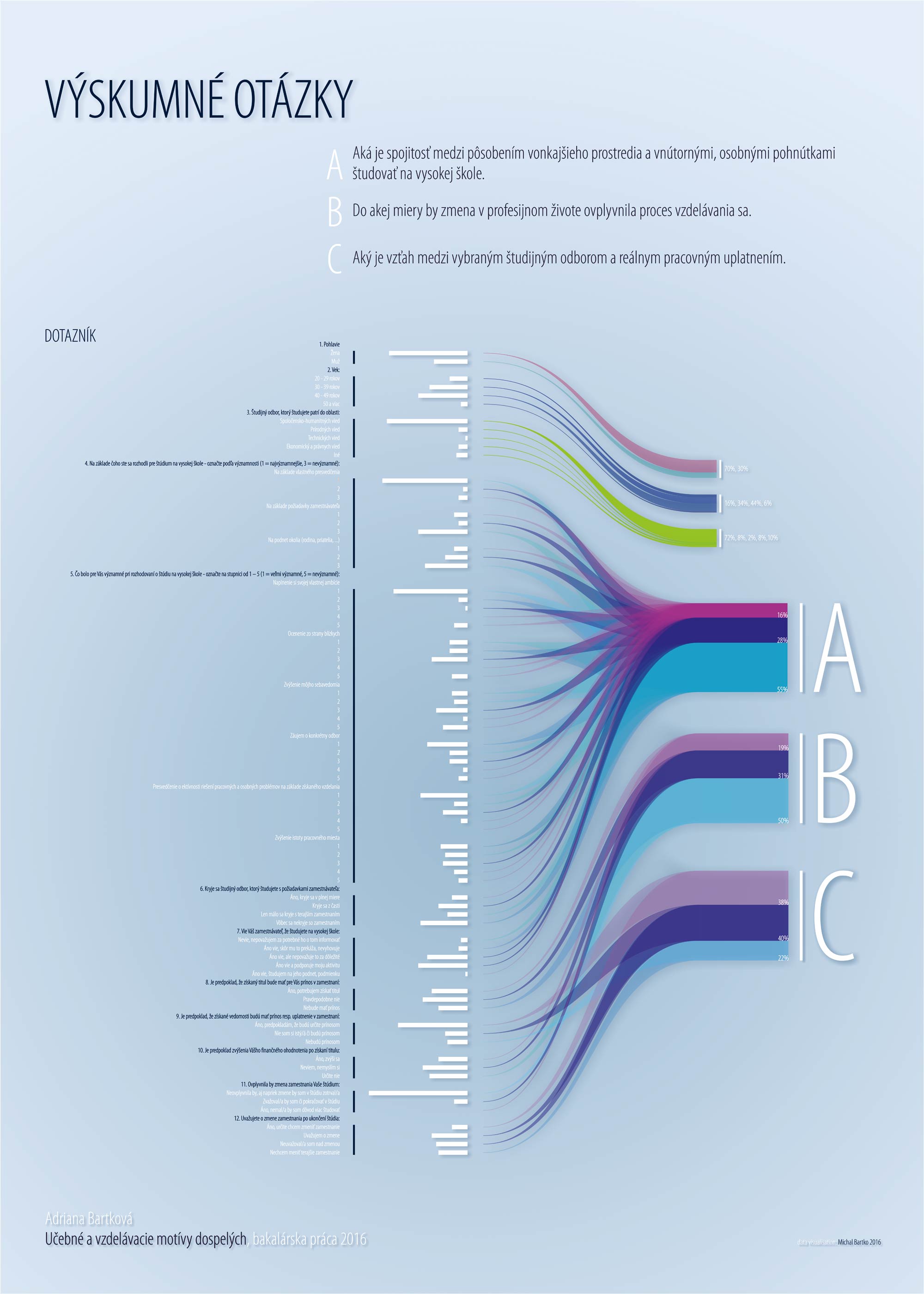
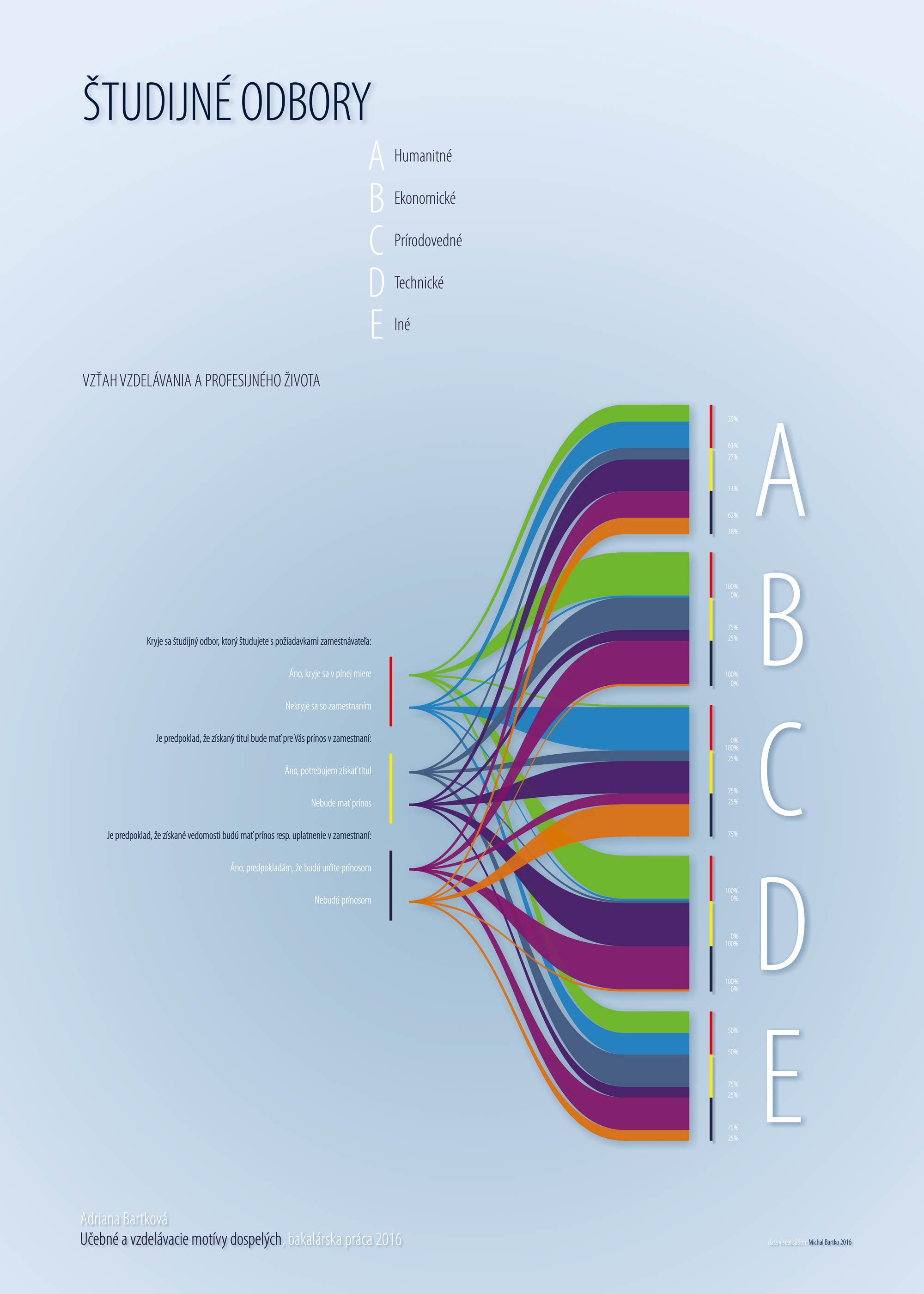
My first visualisation of research data by Nodebox+AI.
The new NodeBox forum is live! Everything from support.nodebox.net moved here: sign in with the same email to pick up your old posts. Something not working? Write to forum-support@nodebox.net.
Show your WorkFrom the old forum
research data visualisation
-
-
Lovely! Thanks for sharing this.
Wish I could read Slovak. Frederick, please add a translate node (when you get some free time)!
John
-
I liked it too, but how did you work with non ascii chars? Nodebox can't handle those, it's a bit frustrating... and it can't export text, just shapes, hard to edit!
-
I attach a file with core nodebox code. But when I am a beginner, the solution is a little rough, witI attach a file nodebox code. But when I am a beginner so the solution is a little rough, without elegance, but it works :-). For Rioch In nodebox you can work with non-ASCII characters. The procedure is one step more than usual. 1.Date processed in Excel 2. Save As CVS. and the third step will open the CVS file in a text editor which supports UTF-8 code characters. For example PSpad. Set the character format to UTF-8 and save it as a txt file. This is a solution for special characters :-)
-
thanks Michaelo for the tip, it works great, guess I should have done my research too
and thanks for the file, maybe it could be optimised but looks impressive as it is..!