Treemaps are a great way to visualize relative proportions within a hierarchy. Most Treemap algorithms require recursion so are hard to do entirely within NodeBox. I implemented this version using a custom node.
The treemap subnetwork takes a list of values and a bounding rectangle. It outputs the rectangles which comprise the treetop. The rectangles are colored but you will generally want to re-color them to express categories or some other dimension like intensity.
The list of values can be unordered and unnormalized, but will be sorted in descending order to create the treemap. Therefor you will generally want to sort them in descending order yourself beforehand so that you can correlate them to associated information like labels.
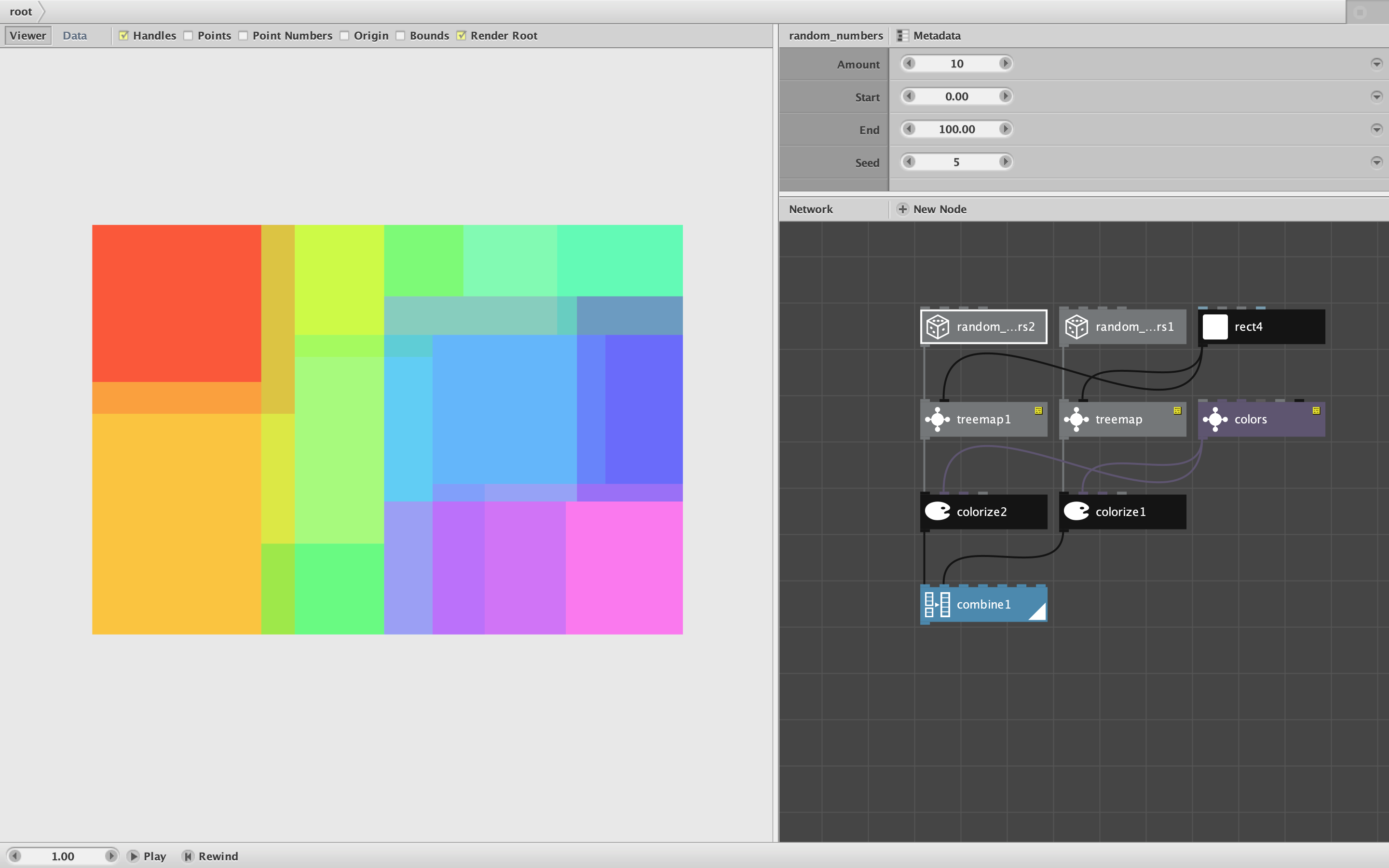
The attached demo shows two examples. The first, consisting of only three nodes, plots a set of random numbers. Adjust the number of random values and the size of the rectangle to see how the treemap adapts.
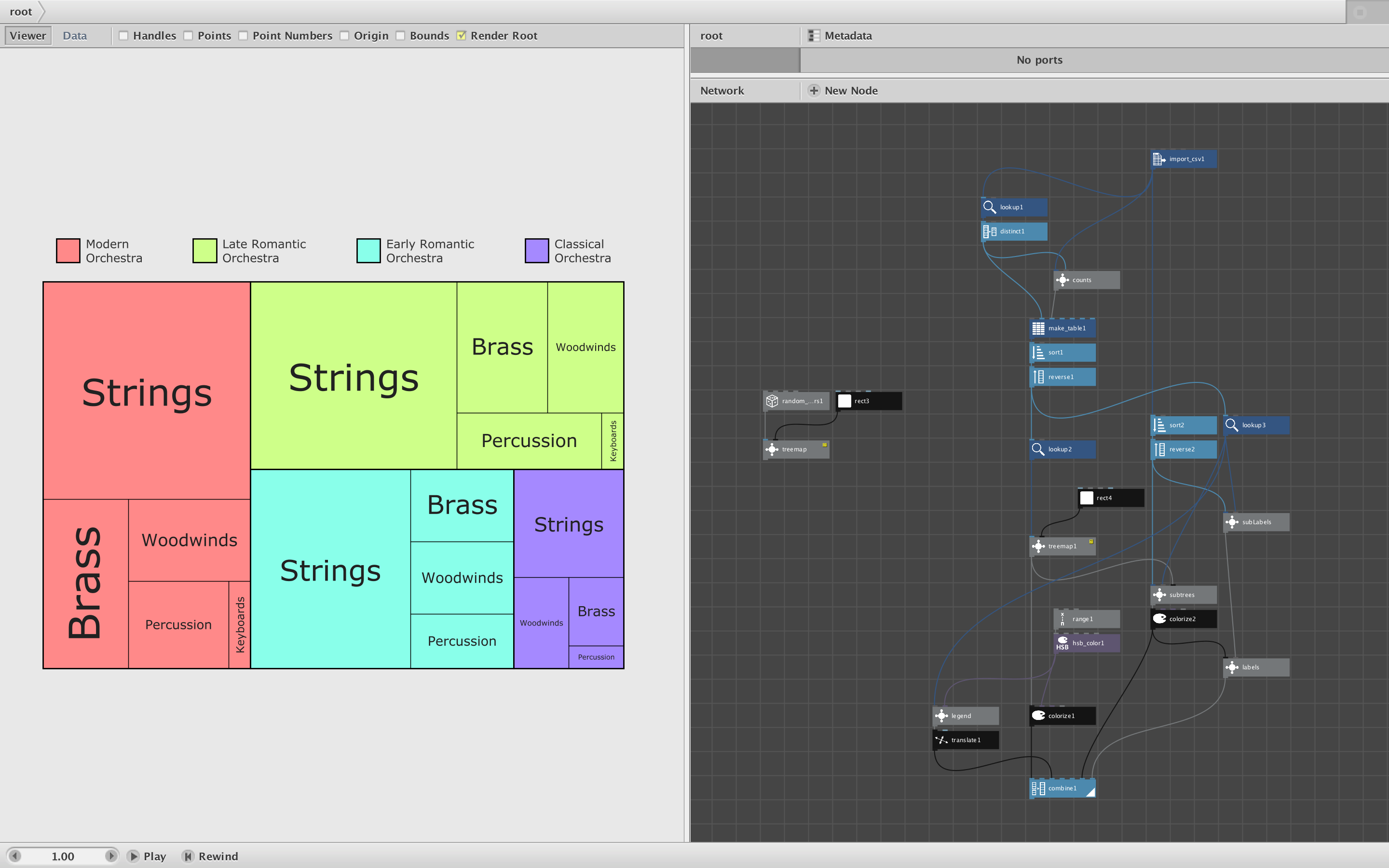
The second example shows how to make a compound colored treemap with labels and a legend. The top-level treemap shows the relative proportion of instruments in four stages of the evolution of orchestras. Those four rectangles are colored with a thicker border. The rectangles are then fed into another treemap subnet so that each is further subdivided. I also provide a labels subnet that automatically sizes each minor box label, rotating when necessary.
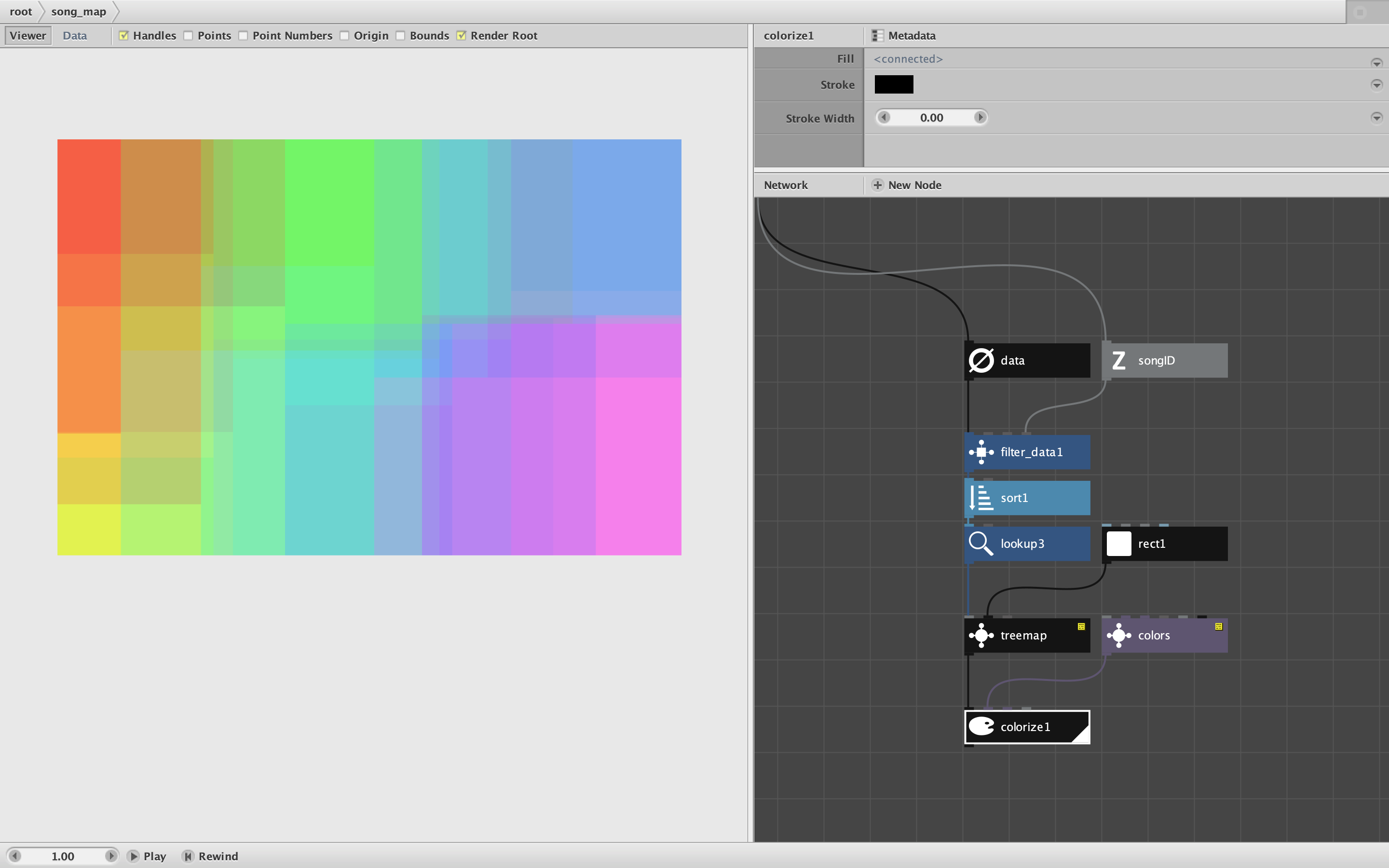
Inside the treemap subnet is the make_map custom node which does the actual work, using the squarify algorithm. You will need to add the treemap.py file to your code library whenever using this node. If you want thicker borders around a top level treemap you can change the function call (in the node's Metadata under Settings) from treemap/squarify to treemap/padded_squarify.
If you make anything interesting with this subnet please share it on the forum. Enjoy!
John