Jussi,
Thanks for this interesting and important question.
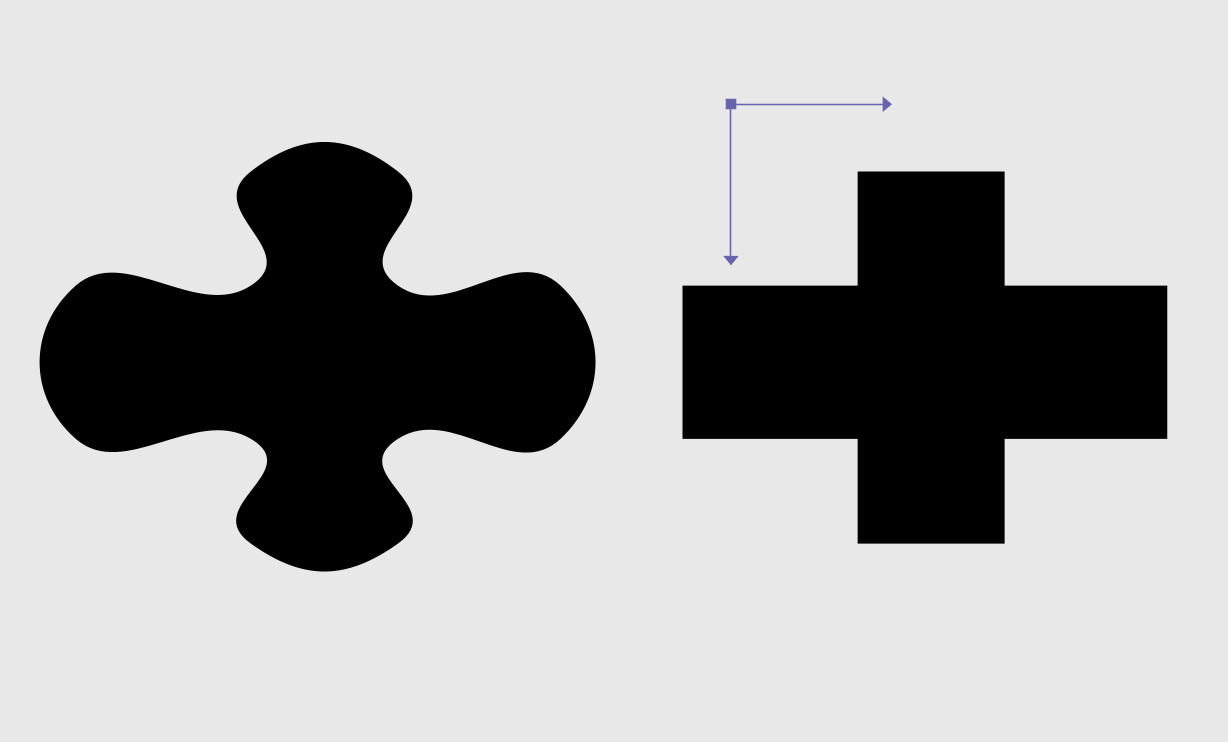
You're right: the round_segments node often does not give us the results we desire. As you can tell from reading that article you linked to, rounding the corners of a polygon is a surprisingly tricky business. I believe even the algorithm described there would fail in certain corner cases (like self-intersecting paths),
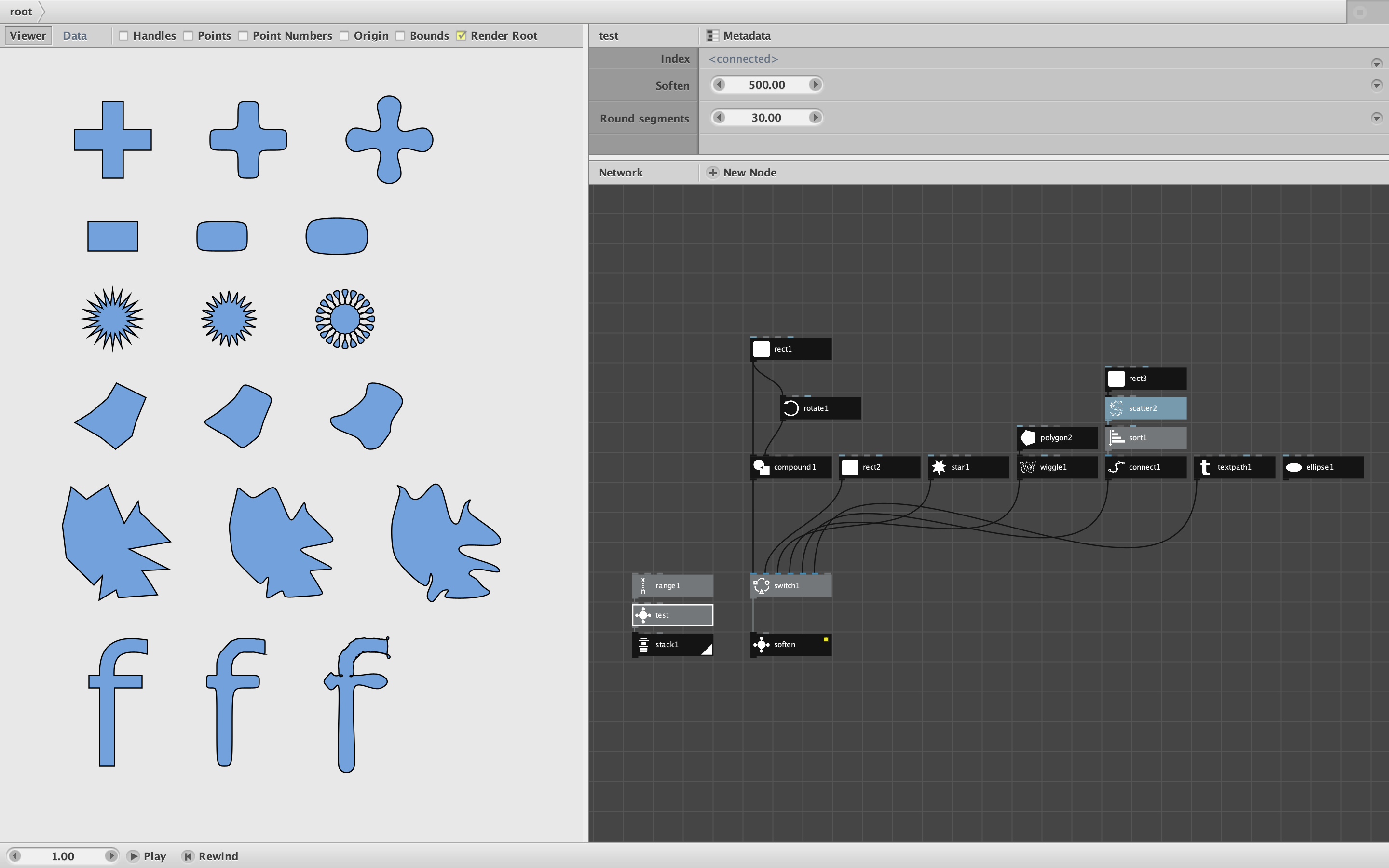
A few years ago I took a run at this problem using a different algorithm I found. My fit_curve node calculates a curved path from scratch but produces results not much different than round_segment. In fact, I later removed it from my library for that reason. In some cases, though, it is slightly better, so I've been thinking about restoring it or trying to make a better one.
For simple shapes like rectangles, an alternative is to use the roundness parameter on the rect node. By using this with a compound node, you can sometimes produce the paths you want. You can also use my explode and curve nodes to construct exact paths from scratch. This can be rather cumbersome, but it is possible.
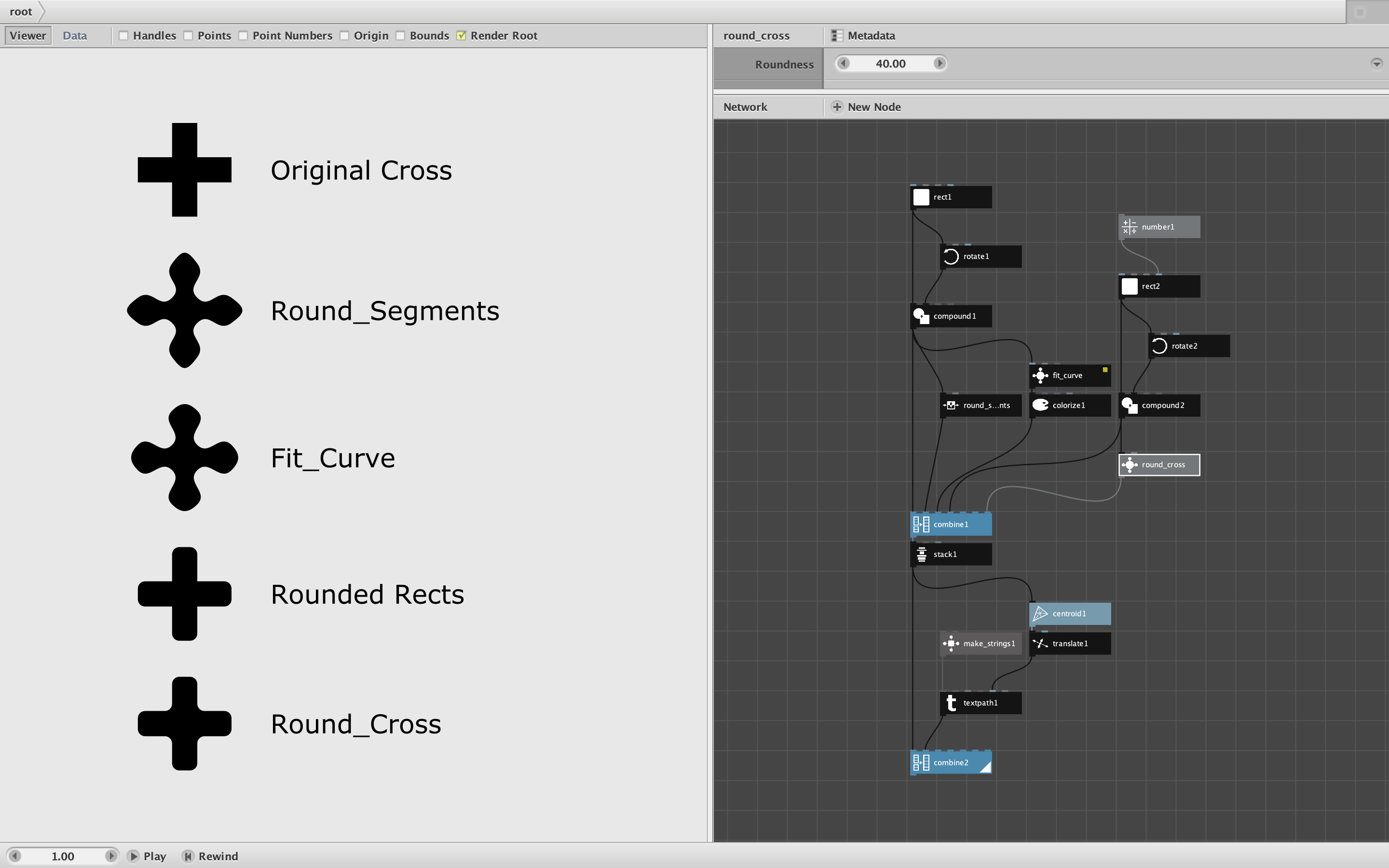
The attached demo provides a summary of options in the particular case of a cross (see screenshot).
- I start with a simple cross with sharp corners.
- Below that you see the results of applying the round_segments node (as you also showed).
- Below that is my fit_curve node which, as you can see, is similar to round_segments.
- If all you want to do is round the tips of the cross, you can just build it using rounded rectangles.
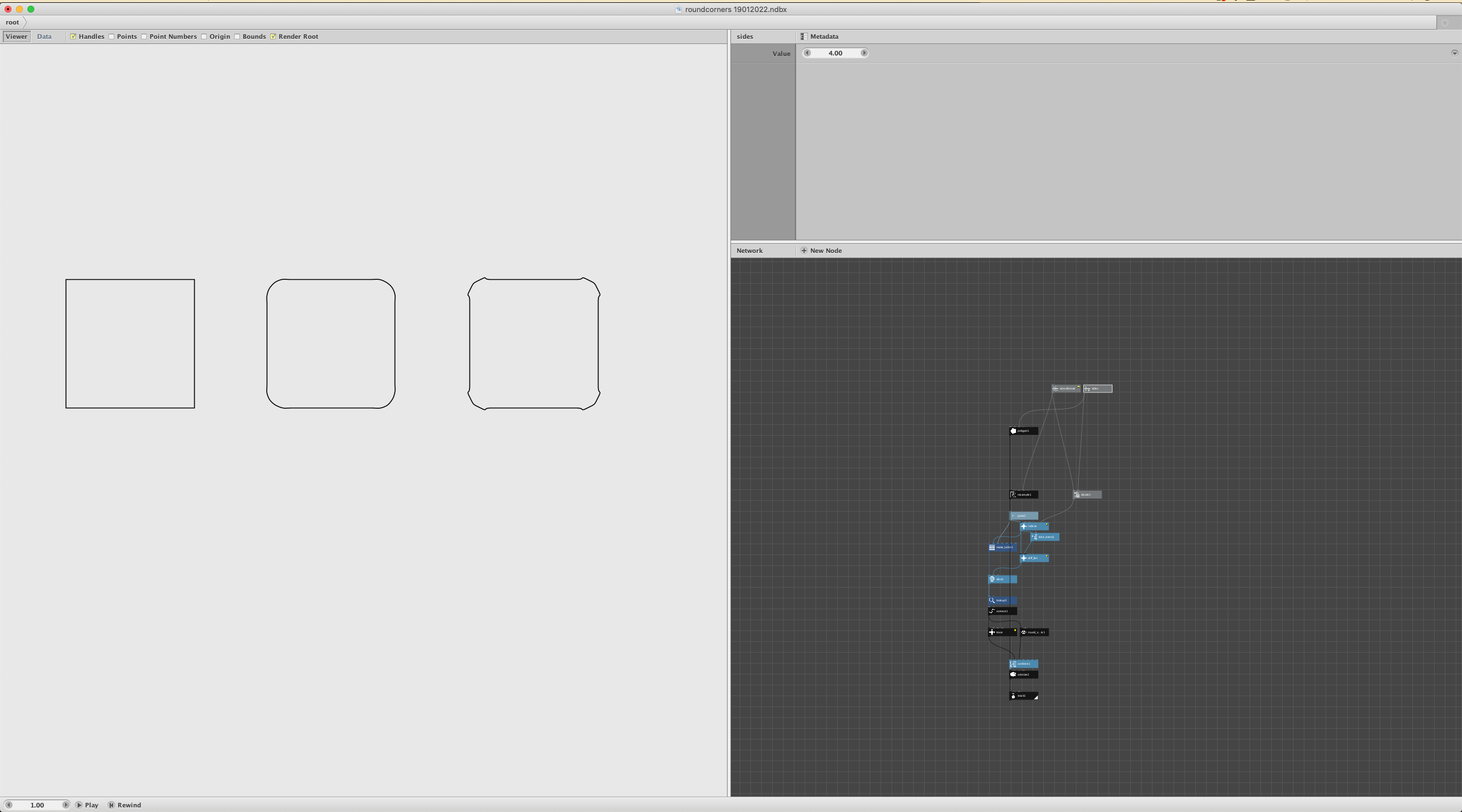
- Finally, for results like Illustrator, you can create a specialize subnetwork
So to answer your question: no, I do not currently know of a general purpose polygon rounding node that would produce results like Illustrator apparently does.
But the algorithm you found gives me new hope. It could certainly be implemented as a subnetwork node. I also followed a link in one of the comments from that article to what appears to be an even more general-purpose algorithm. I'm a tad busy at the moment, but when I get a chance I might try implementing that algorithm and see how well it works.
Even in Illustrator I think you will find that providing a single roundness or radius value is often not sufficient to produce the path you really want. For ideal results you may need to provide a different level of roundness for each corner (or even pick and choose which corners you want to round). In Illustrator this can be done by adjusting the spline curves by hand. The more general-purpose algorithm I found also provides a way of overriding the roundness value for particular corners; that might be feasible for simple shapes but would become cumbersome for shapes with hundreds or thousands of corners.
Sorry I don't have a quick fix for this one. If I come up with something more I will respond to this thread.
John