Hi Noah,
Great questions!
Q1. How do you apply colors randomly?
In this case the hsb_color node is set to assign colors in a range of 0 to 16. The lookup and convert nodes are sending a list of width-based values, each ranging from 0 to 16.
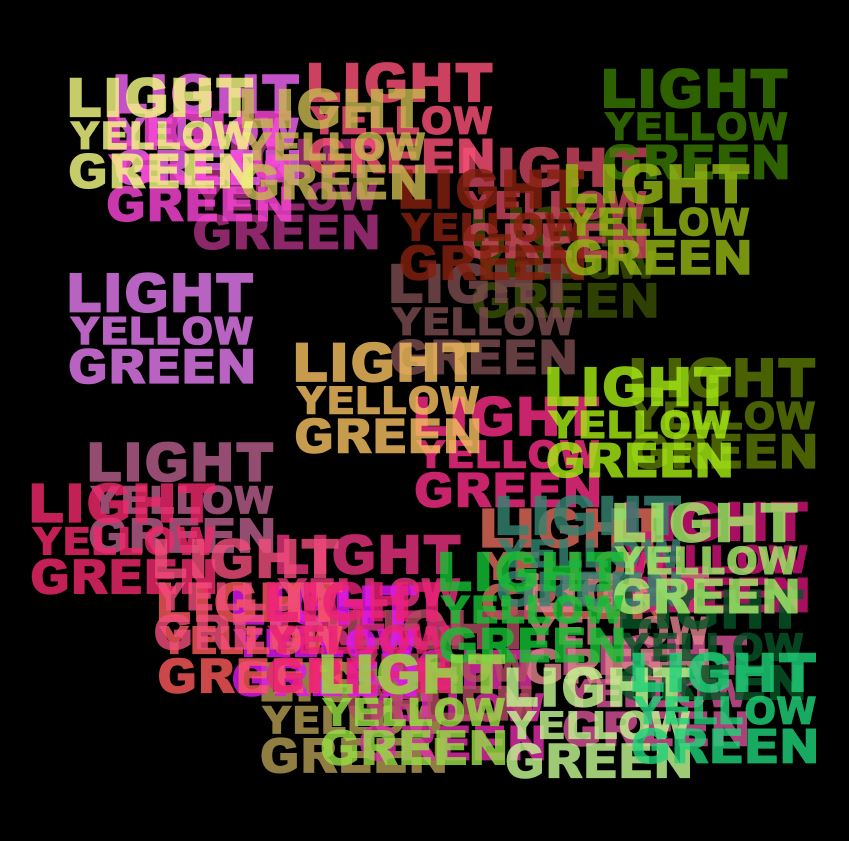
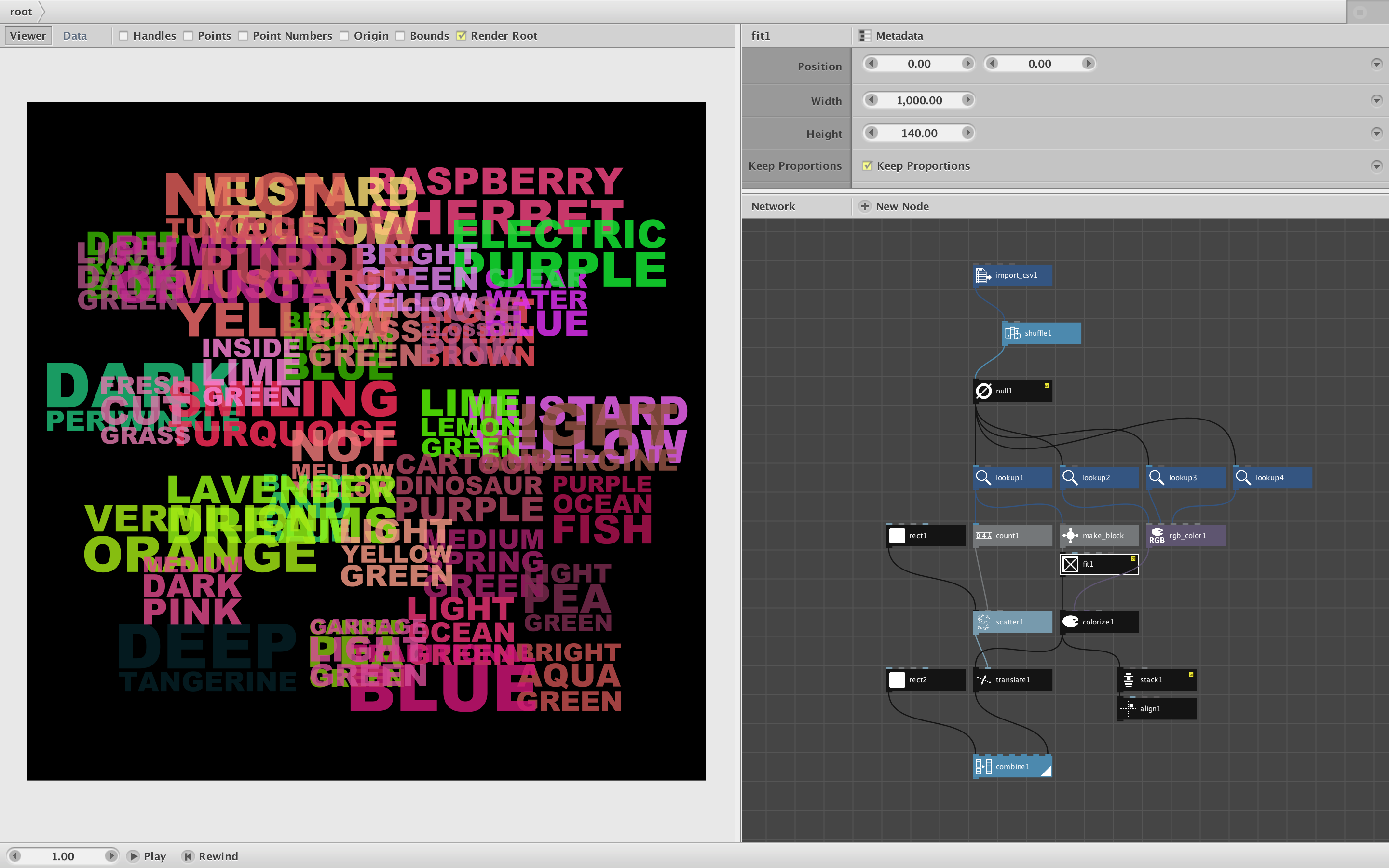
To replace this with random colors, just feed a random_numbers node into the hsb_color node instead. Set the random_numbers node to start at 0 and end at 16. Then choose an amount. If you set amount to 3 you will get the same three random hues applied over and over again.
Change the seed value to verify that these hues are random. Each see will produce a different set of 3 hues.
If you want more colors, choose a higher amount. You could add a count node to see how many words there are (3358 in this case) and set the amount to that. That way each title would get its own random color.
Another option would be to choose, say, 5 possible hues at random, but apply them in a different order each time so the same hues don't keep repeating. To do this take the total amount of titles, divide by 5, then feed that result as the amount of a repeat node. Feed your five random hues from your random_numbers node into the repeat node to create a list of 3360 hues. These are still repeating, but now you can feed THAT list into a shuffle node to give the whole thing one more shuffle.
In this case a single random_numbers node with a sufficiently large amount is all you really need. But in other cases you may need to refine exactly what you mean by "random colors".
Q2. How do I apply this at the title level instead of the word level?
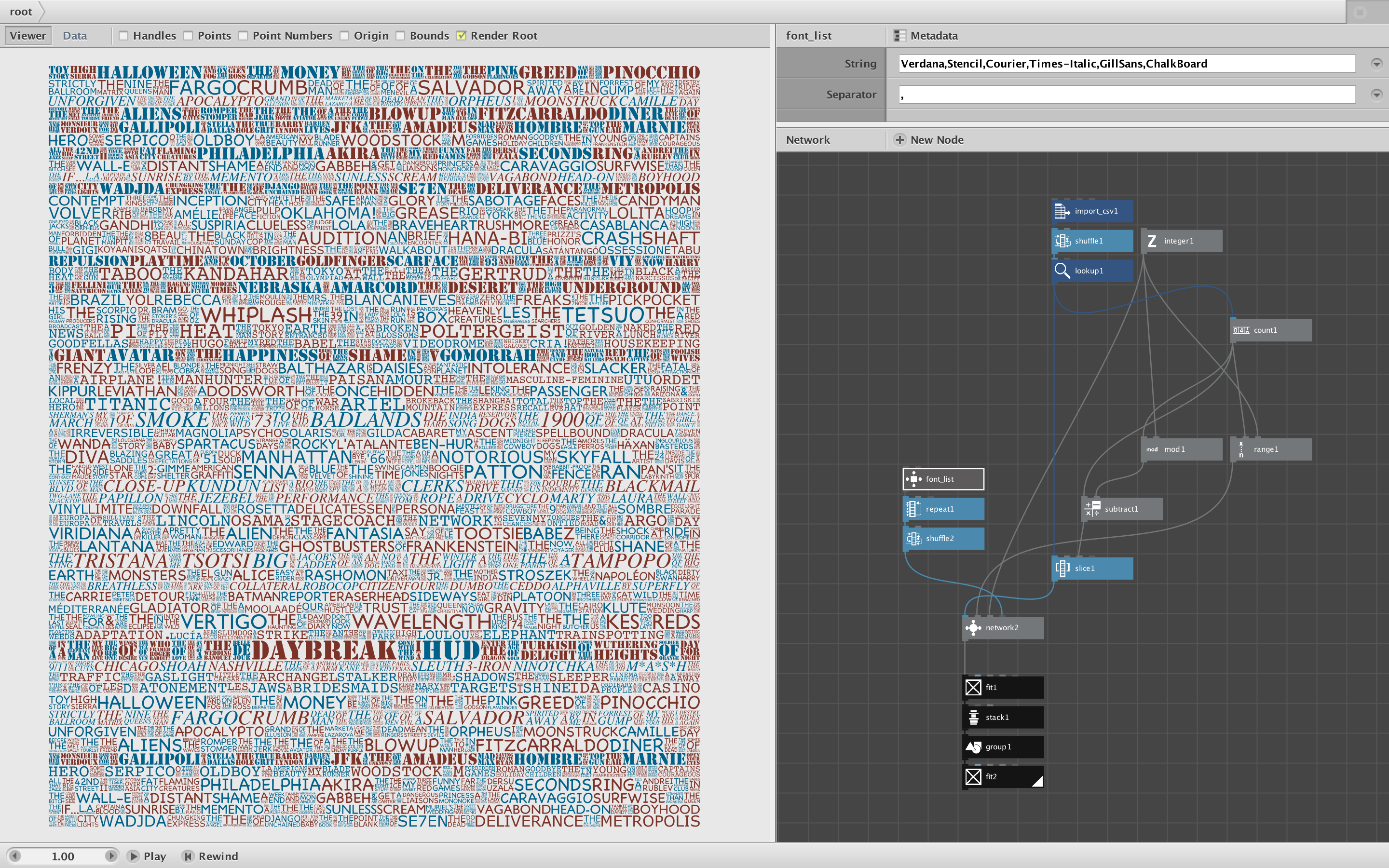
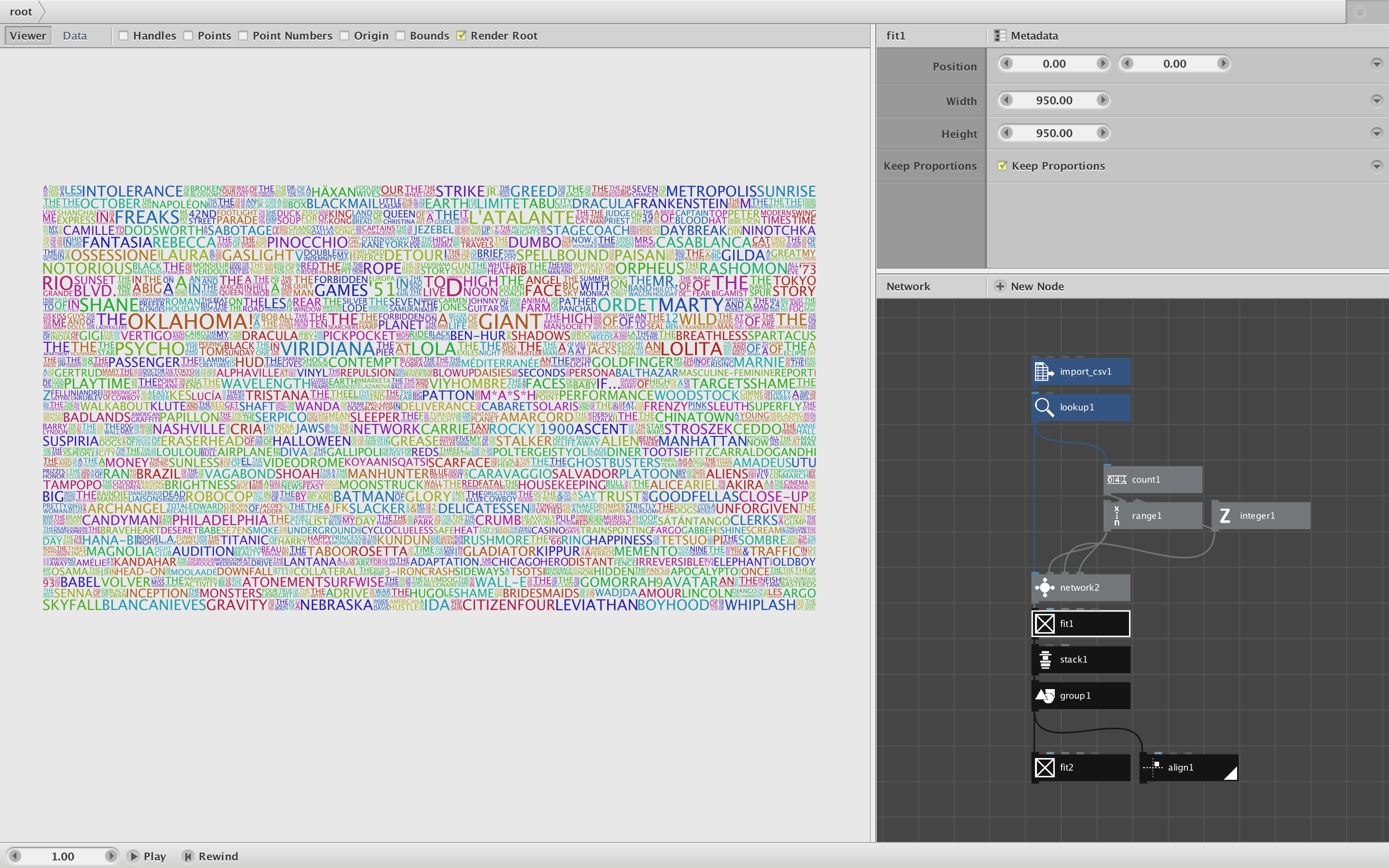
The network2 node upstream of your coloring nodes produces one row of the poster at a time (in this case 34 rows). When this is ungrouped is become a list of 3358 separate words. That's what you've been coloring.
In order to color by title instead of by word, you'll need to do your coloring earlier in the process, at the point where each title is formed. This happens INSIDE the network2 node.
If you look inside network2 you see that each title is formed by network1. Those titles are stacked horizontally to form each row. All you need to do is add a colorize node just below Network1. Feed your random_numbers and hsb_color node into the fill port of colorize.
Now network2 produces titles already colored at random. You can remove the coloring nodes you placed below it; the coloring has already been done.
There is a problem, however. Since network2 stacks titles into rows, the random colors get repeated across rows and the reset and repeated in the same order across every successive row. The result is sort of random, but not really random enough.
To fix this, you need to change the random seed for each row. So in that random_numbers node you added inside network2, control click on the seed port and choose Publish. Go back up to the top. Network2 now has a new port called "seed".
The range node just above network2 already has a nice list of seed values, one for each row. Just feed the output of that into your new seed port and Voila! Randomly-colored titles.
Q3. What does that slice node do?
Network2 receives a list of 1177 movie titles. It wants to produce one poster row each time it fires. So it needs to take those 1177 titles and break them into slices. The first slice will start at title 0 and include 34 titles; the next slice will start at title 34 and include the next 34 titles, the next will start at 68 and another 34 titles - and so on.
The range and integer nodes feeding into network 2 provide these start and size values. Each time network2 fires it reads in one start value, one size value, and the entire list of all 1177 titles.
The reason for this is one of the most subtle and confusing parts of Nodebox. If you select network2 and click the MetaData button atop the parameter pane, then click on each port in the port list, you will see that the first port, "list", has a range of List (as opposed to Value). This means that each time the node fires it reads in the entire list. The other ports all have a range set to Value, so they are read in one a time.
So now, inside of network2, each time it fires it has to slice up that list of 1177 of titles into one row, based on the start and size values it receives each time. This is how network2 is able to work on one row at a time.
Q4. How come changing that slice node has no effect?
When you select the slice node it shows you all the port values and allows you to change them. Normally changing those values would have a dramatic effect. But in this case each value is already being set by an incoming connection from above. Those incoming connections are what actually determines the slice.
You can think of those values in the slice node as its default values. By changing them you are changing the defaults, but in this case those defaults are overridden.
Q5. What is the purpose of Alpha;Beta;Gamma in make_strings1?
See previous answer. Alpha;Beta;Gamma is the default value included whenever you place a strings node. But since the actual value is connected from above, those default values are not used.
One subtlety: the Separator port in that strings node looks empty, but it's not. It has a space in it. Network1 is receiving titles one a time. Each title consists of a set of words separated by spaces. What this strings node is doing is turning each title string into a list of separate words.
Q6. What does the fit node do?
Network1 constructs title blocks by placing the words of that title in a vertical stack. In order to make them fill the block in needs to make short words bigger than long words such that they all wind up with the same width. In then needs to make all the blocks the same height in order to form tidy rows.
The fit node takes an arbitrary shape (path) and resizes it to fit a given width and height. It also has Keep Proportions option which, if checked, makes sure the shape extends to which ever boundary (width or height) it hits first and then leaves the other boundary alone so that the shape retains its original proportions.
So the first thing network1 does is use fit to expand each word to maximum of either 300 pixels wide or 1200 pixels tall. For these text paths it will always hit that width boundary first. So each word will come out 300 pixels wide with a proportional height in each case. Now all the words have an equal width, so stacking them south produces a clean top-to-bottom stack.
But because each title has a different number of words, these neat stacks will vary in height - which would disrupt the even rows we want. So before concluding, network1 groups the stack into a single shape and applies the fit node again, this time with a big width of 1200 and a small height of 100. In this case the stacks will hit that height boundary first, guaranteeing that they all wind up the same height while retaining the proportions obtained in the previous step.
On the top level, once all the rows are assembled, they are put through another fit node to make sure all the rows have the same width.
There is one more fit node at the very bottom, but it doesn't change the shape of the poster; all it does is center it. I would have used an align node instead to make the intent clearer.
Whew. Quite a long lesson but very useful, I hope. If you absorb all this you will be well on your way to mastering NodeBox.
Modified stack attached.
John