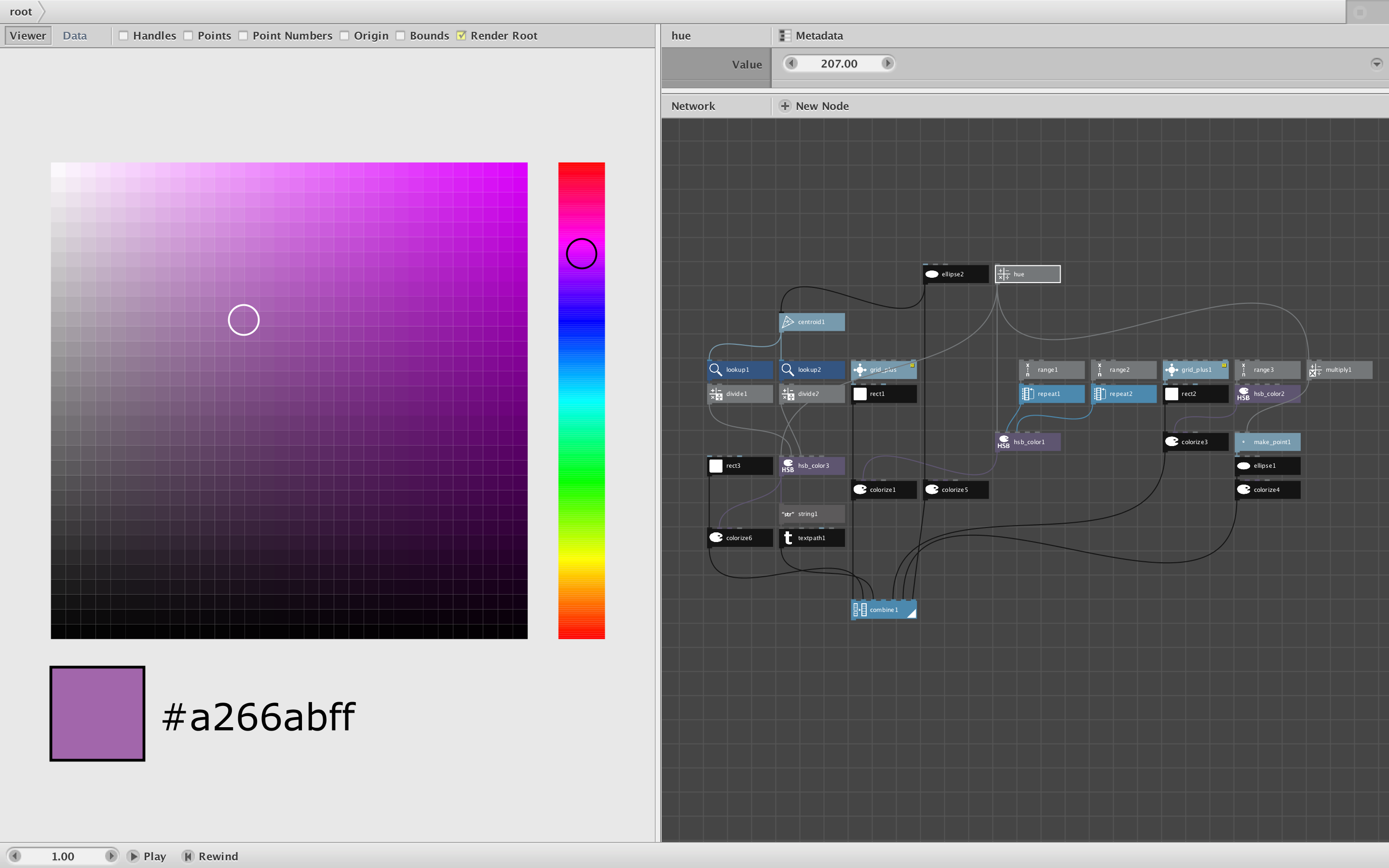
Here, for no apparent reason, is a color picker, executed in NodeBox.
To change the hue, select the Hue node at the top and scrub the value. The black circle will rise and fall within the vertical hue spectrum and the display will update accordingly.
To change the saturation and brightness, select the ellipse node to the left of the hue node and then click in the center of the white circle in the display pane and drag it around the large gradient square; the color patch and hex code will update below it.
This is not particularly useful, since we already have a color picker, but it's a nice tutorial on how to make a simple control and how to draw gradients.
Enjoy!
John