Hi Remi,
Welcome to the NodeBox community! And thanks for such an utterly fascinating challenge.
If you push hard enough, NodeBox can do just about anything. But it's really not a drawing program, so you may or may not find that it meets your needs for this task.
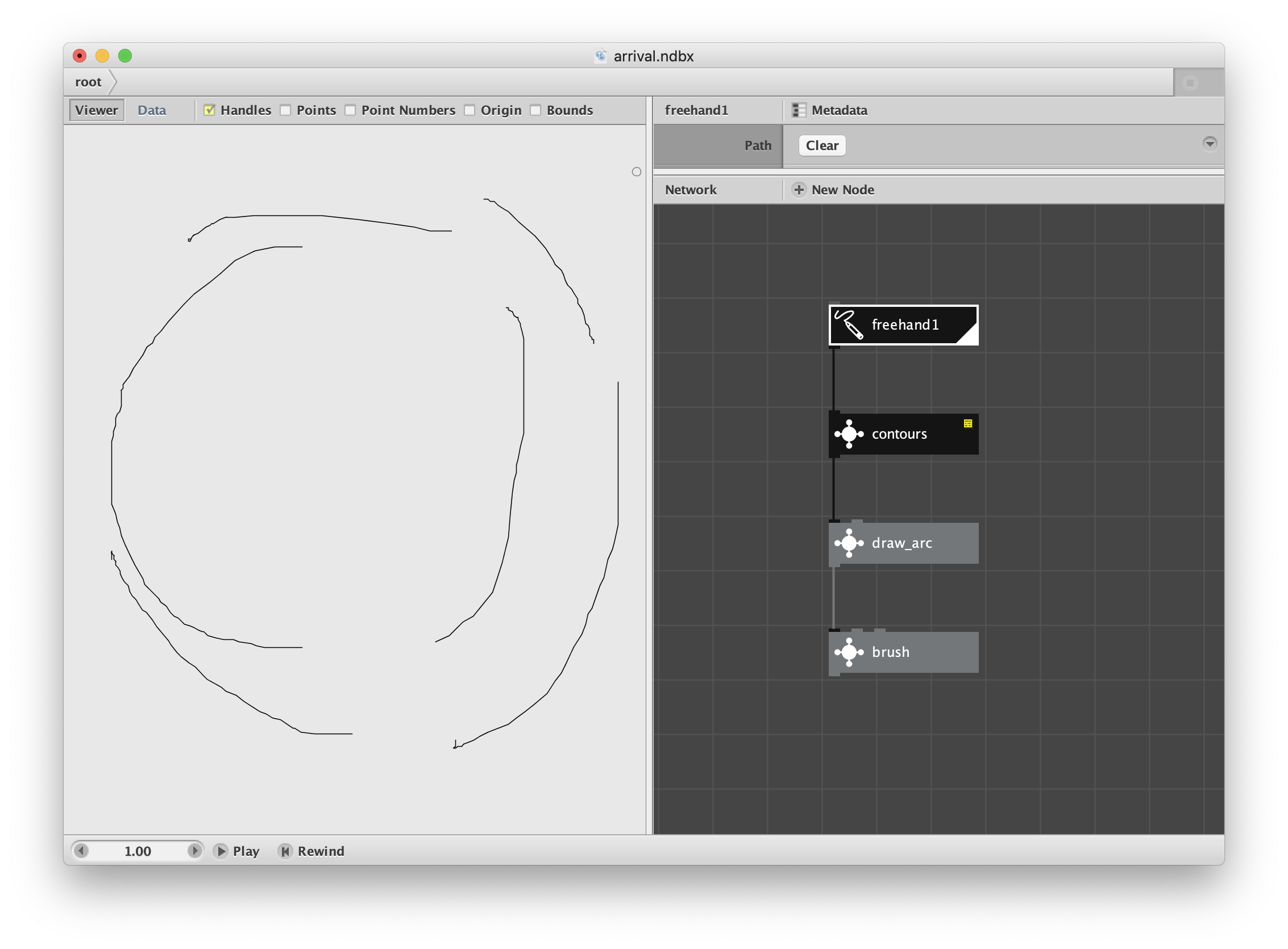
The freehand node (your only way to draw directly in NodeBox) is, as you have discovered by now, fairly primitive. It outputs rough curves composed of many short line segments - not very pretty. But once you've created a path you can analyze it and change it into something more suitable.
The first thing to be aware of is that, if you draw three separate curves, you will still get just one combined path. Technically, it's a path composed of three contours. NodeBox doesn't provide a way of separating these contours, but I have made a node to do that.
(Aside: each of the nodes in this demo is actually a "subnetwork". Control or right click and choose "Edit Children" to see the nodes inside it.)
In order to get a first cut at your "circular plotter" style, I made a node called draw_arc. It takes each contour and simply draws a smooth arc between the first and last points of each contour. It only uses the central angles in relation to the origin to do this, so all arcs will form along the same circle regardless of where they are actually drawn. You can set the diameter of this circle in the draw_arc node (and change it after you've finished all your strokes if you want).
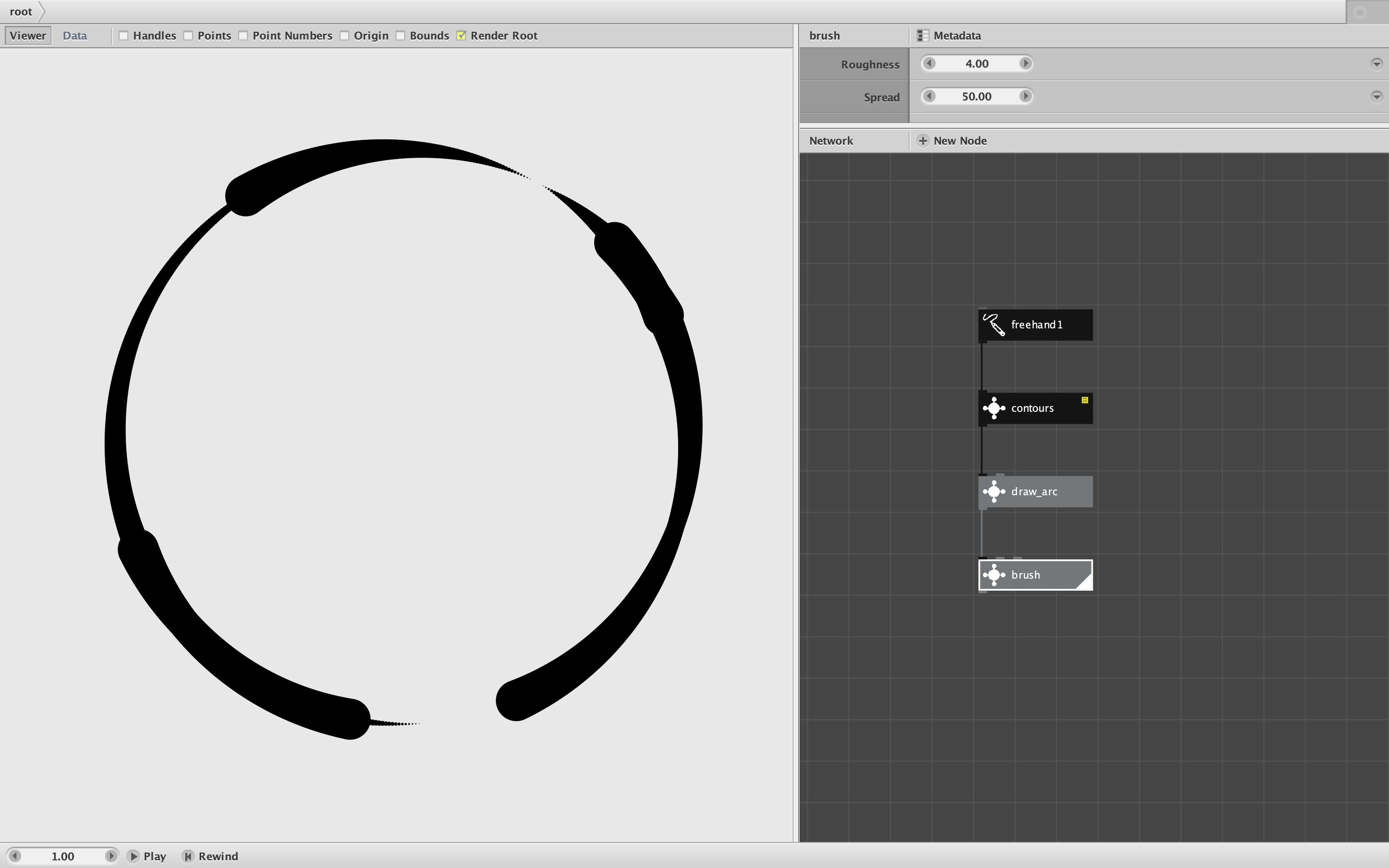
In order to get these boring arcs to look more like brush strokes, I then feed them into another node called "brush". This simply samples points along each arc and draws increasing large circles at each point. The effect is to create a comma-like brush stroke that starts thin and gets thicker. You can adjust the roughness and final size of the brush stroke at any time.
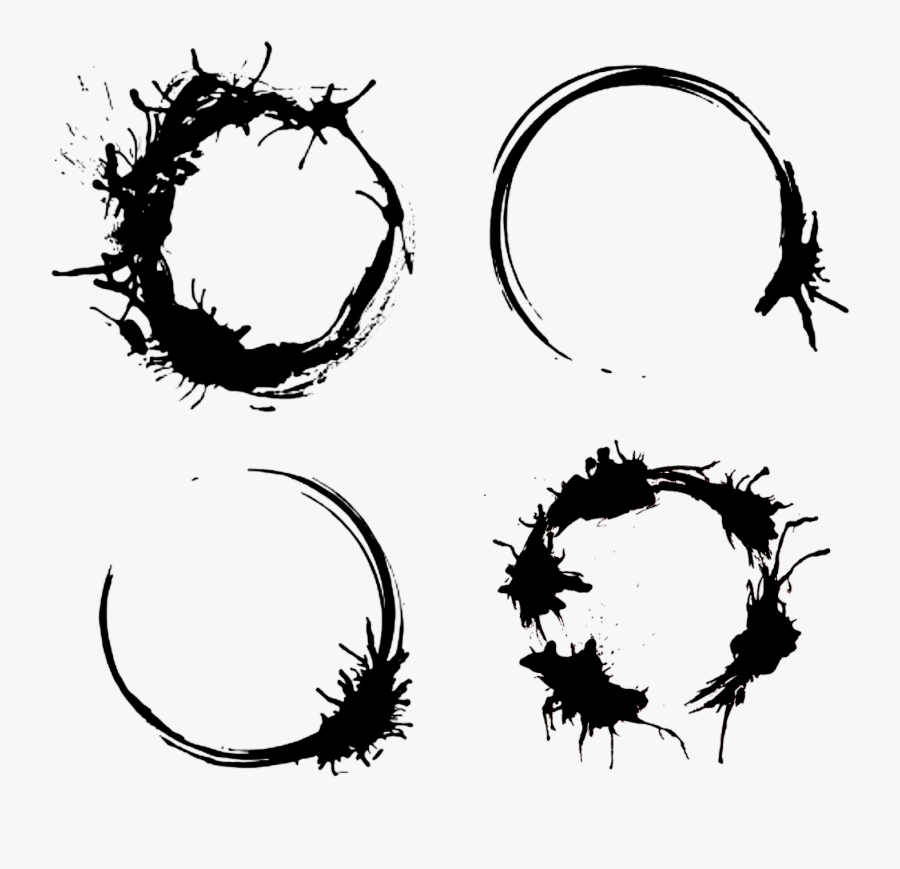
By making multiple strokes, clockwise and counterclockwise, you can create very simple Arrival-style logograms. To use this network, render (double-click on) the brush node, then select the freehand node, click the clear button, and start making strokes. It doesn't matter how close to the center you make each stroke; all that matters is what angle you start with and what angle you end on.
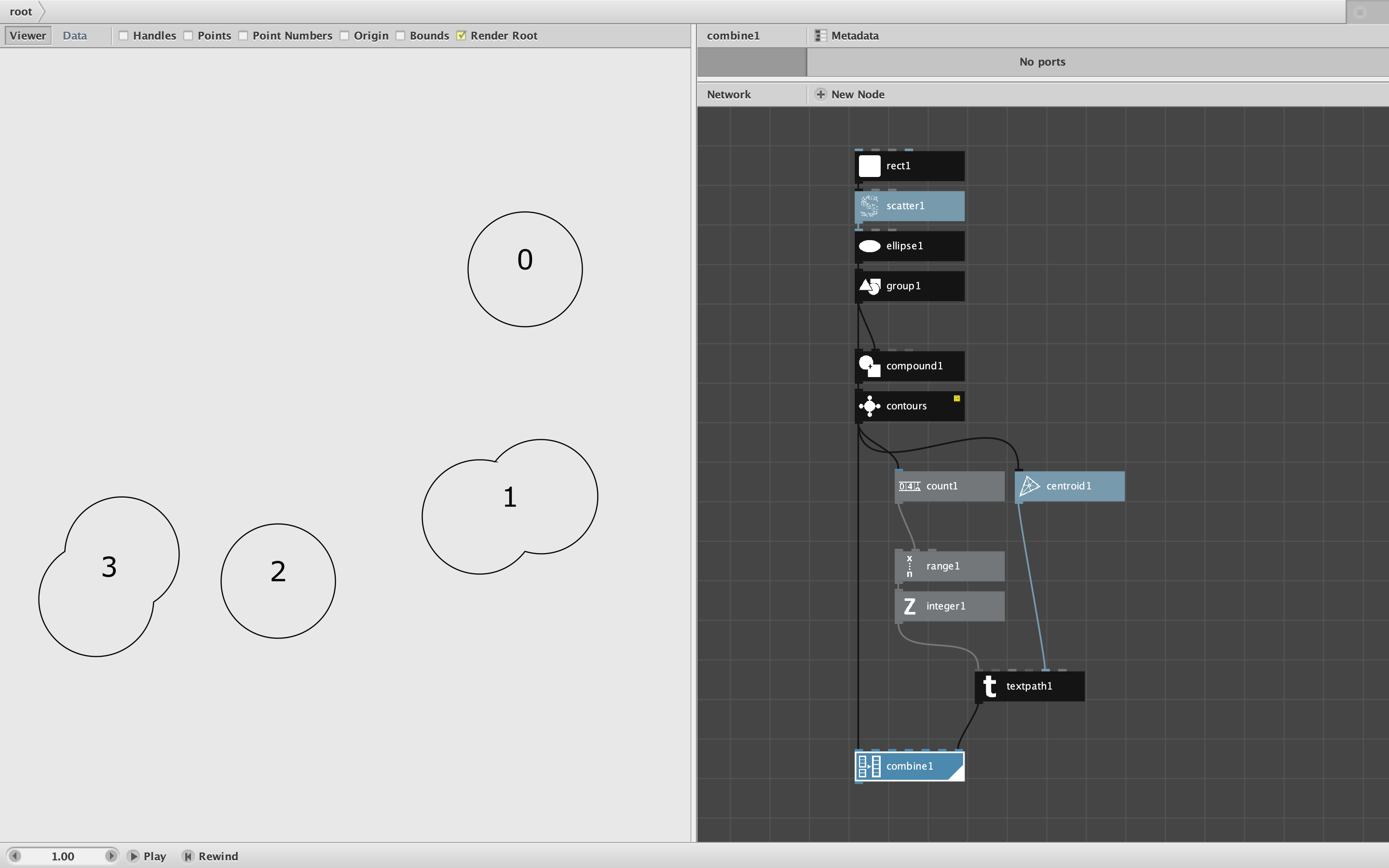
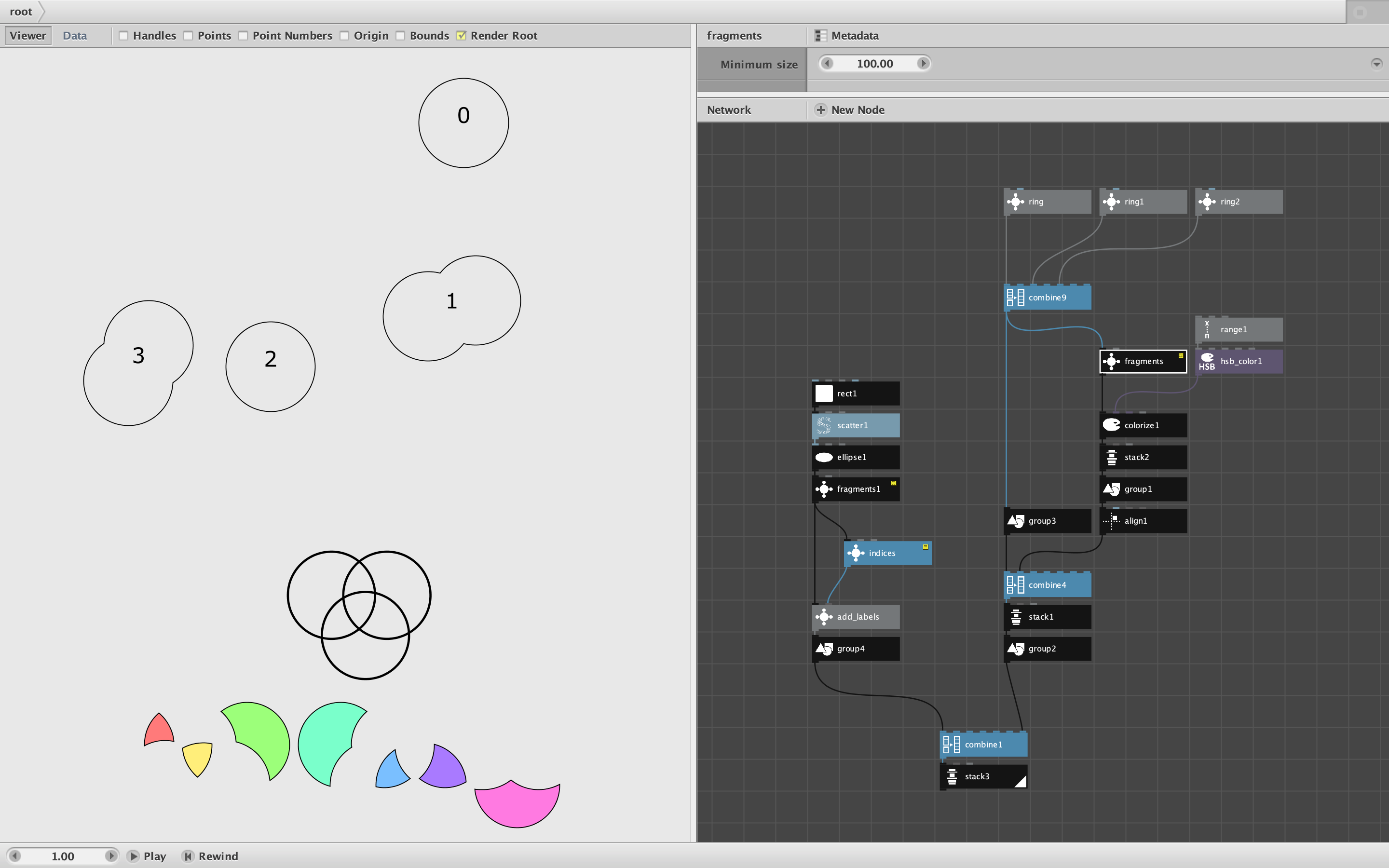
I have attached two screenshots along with the (zipped) NodeBox demo network. As you can see, the initial freehand strokes are crude, but the final output is quite tidy (a little too tidy, but it's a start).
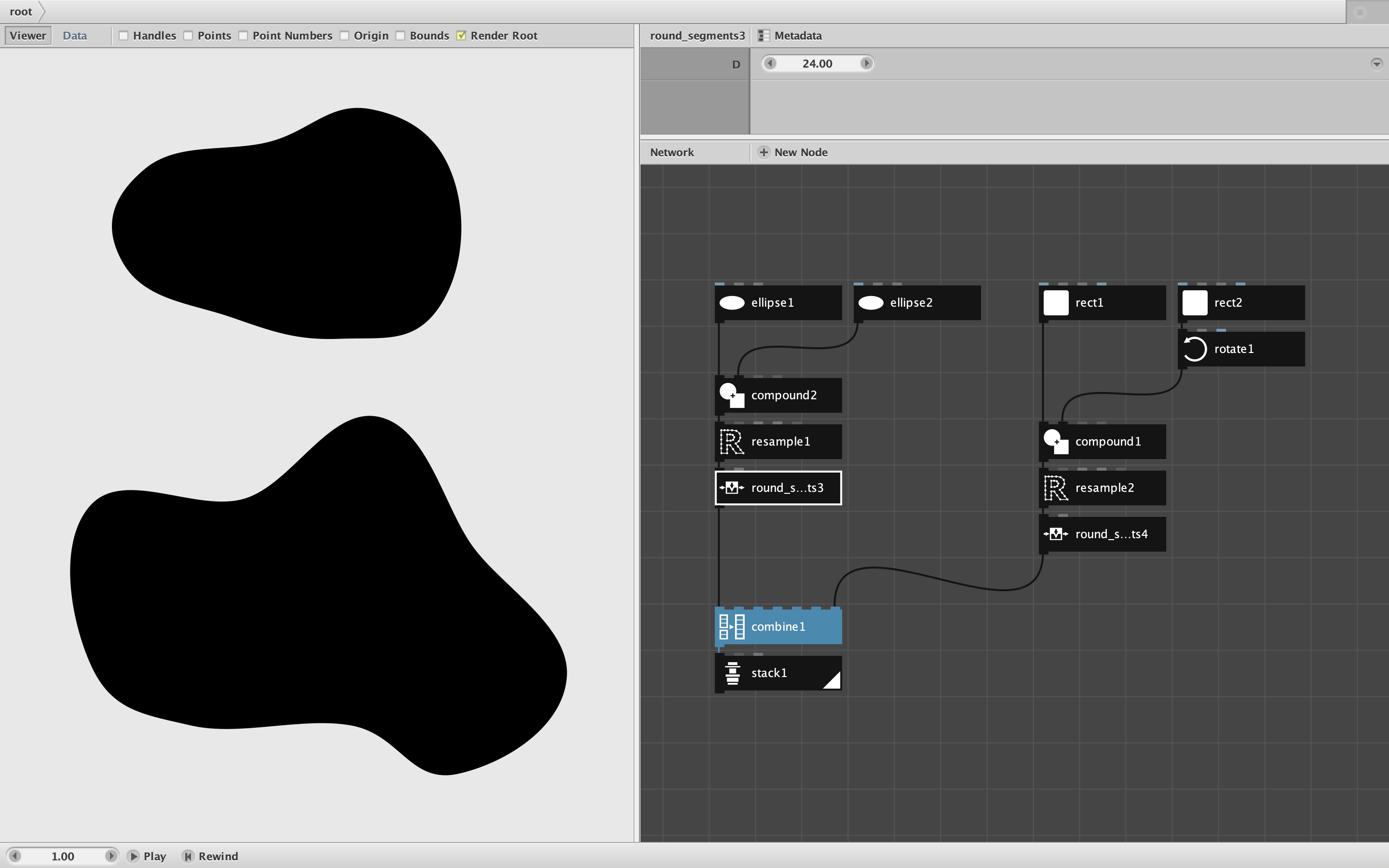
This should be enough to get you started. Because NodeBox is vector only, it takes more work to make organic-looking paint drips and messy blobs. You could use additional information in each contour (like the change in distance from the center) to add more variation. You could use some shape other than a circle to form the brush strokes. Instead of using a single stack of nodes, all with the same diameter, roughness, and spread, you could combine multiple stacks with slightly different parameters. Or you could take the simple logogram as an input to another set of nodes to mess it up.
Please feel free to share your progress and ask more questions. I really enjoyed the links you shared. In fact, I may watch Arrival again this weekend. A VERY cool project!
John