Behold! An easing node for all your animation and gradient needs.
Easing functions are used to specify varying rates of change over time for animations like a bouncing ball, an object that gets off to a slow start, a magnet that pulls in objects quickly as they approach, etc. It can also be used to provide fine control over gradients or camera motions like panning and zooming.
Easing provides ten different commonly used methods based on this guide: https://easings.net
Settings are as follows:
- The T port controls the change. Feed in a frame node for an animation, or a range node to produce a gradient.
- Duration is the total number of frames in the animation or the width of the gradient.
- Start and End define the range of values you wish to produce. To drop a ball from 300 pixels above the X axis onto a floor along the X axis, set Start to -300 and End to 0. To spin an object 360 degrees, set Start to 0 and End to 360.
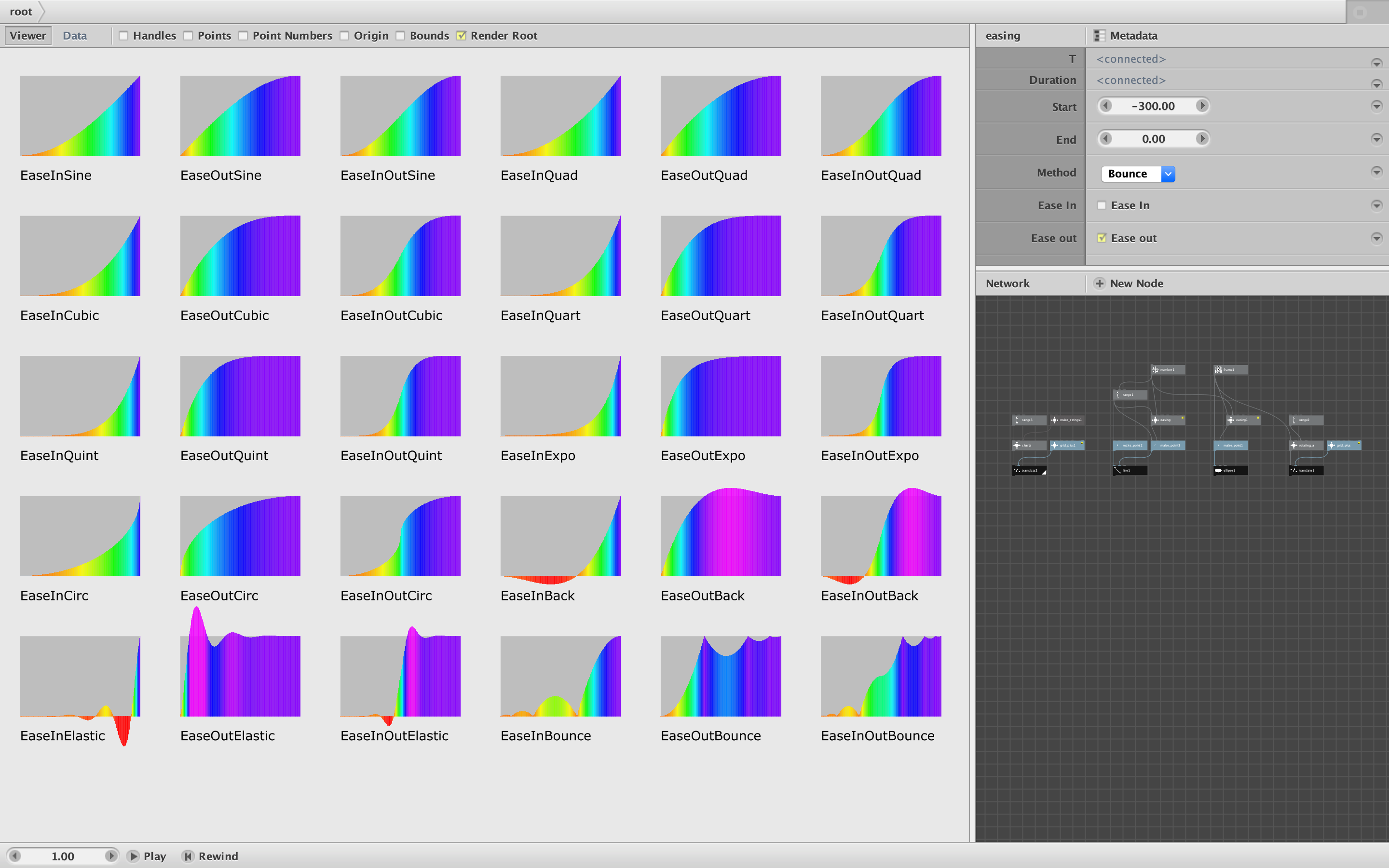
- Method controls the shape of the easing curve. Sine, Quad, Cubic, Quart, Quint, and Expo produce increasingly steep curves. Circ provides a more circular curve. Back is useful for objects that pull back slightly before launching, slightly overshoot before settling, or both. Elastic and Bounce mimic physical movements like the twang of a plucked string or the bounce of a ball.
- Use the checkboxes to apply the effect at the beginning (Ease In), at the end (Ease Out), or both. Leaving both boxes unchecked produces a simple linear change.
The back and elastic methods will produce some values outside your start and end values, but otherwise all output will be within the defined range. Feeding a T value less than 0 will output the start value; feed a T greater than the duration will output the end value.
The Easing node is created entirely using standard NodeBox nodes, so no external code is needed.
Power user tip: Because of the way NodeBox works, the node actually calculates all ten methods regardless of the one you choose. The calculation time should still be fast enough for normal usage, but if the node causes long overall render times for your animation, you can speed it up significantly by reaching inside the node and setting the output to the one method you are using, thus bypassing the switches. Some of the methods use constants to define the exact shape of the curve (e.g. the depth of each bounce); if you wish to fine tune the shape of a given curve you can adjust these constants.
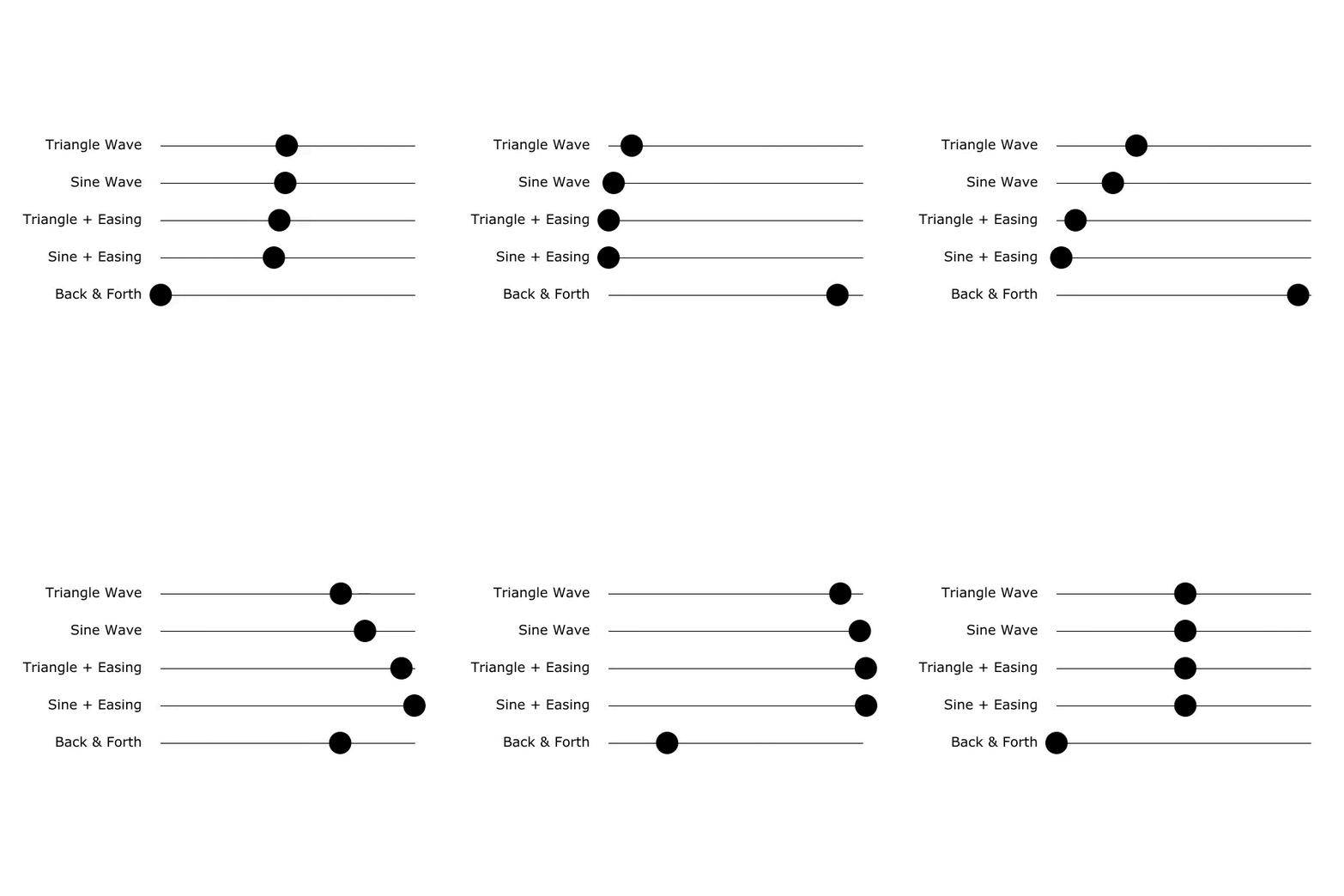
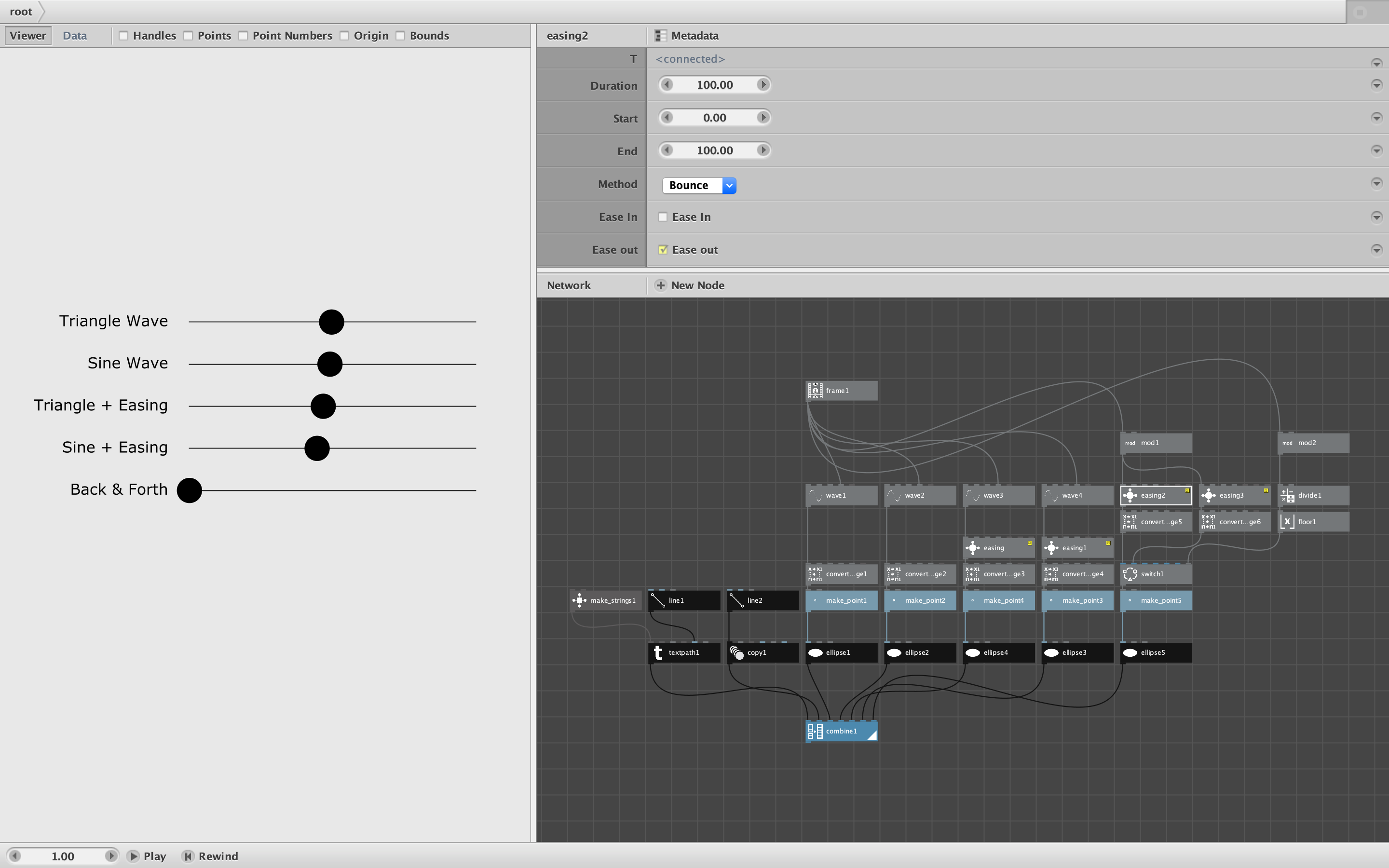
Demo network and screenshot attached. Render the four bottom nodes to produce a chart of all the method curves, a curve for just one method and in/out setting, an animation of a ball drop, or a grid of 30 spinning letters, one for each method.
Easing will be included in the next release of my node library. All of my nodes are free to use with no restrictions.
Enjoy!
John