Jen,
Part of what you are trying to do is easy and part is surprisingly hard.
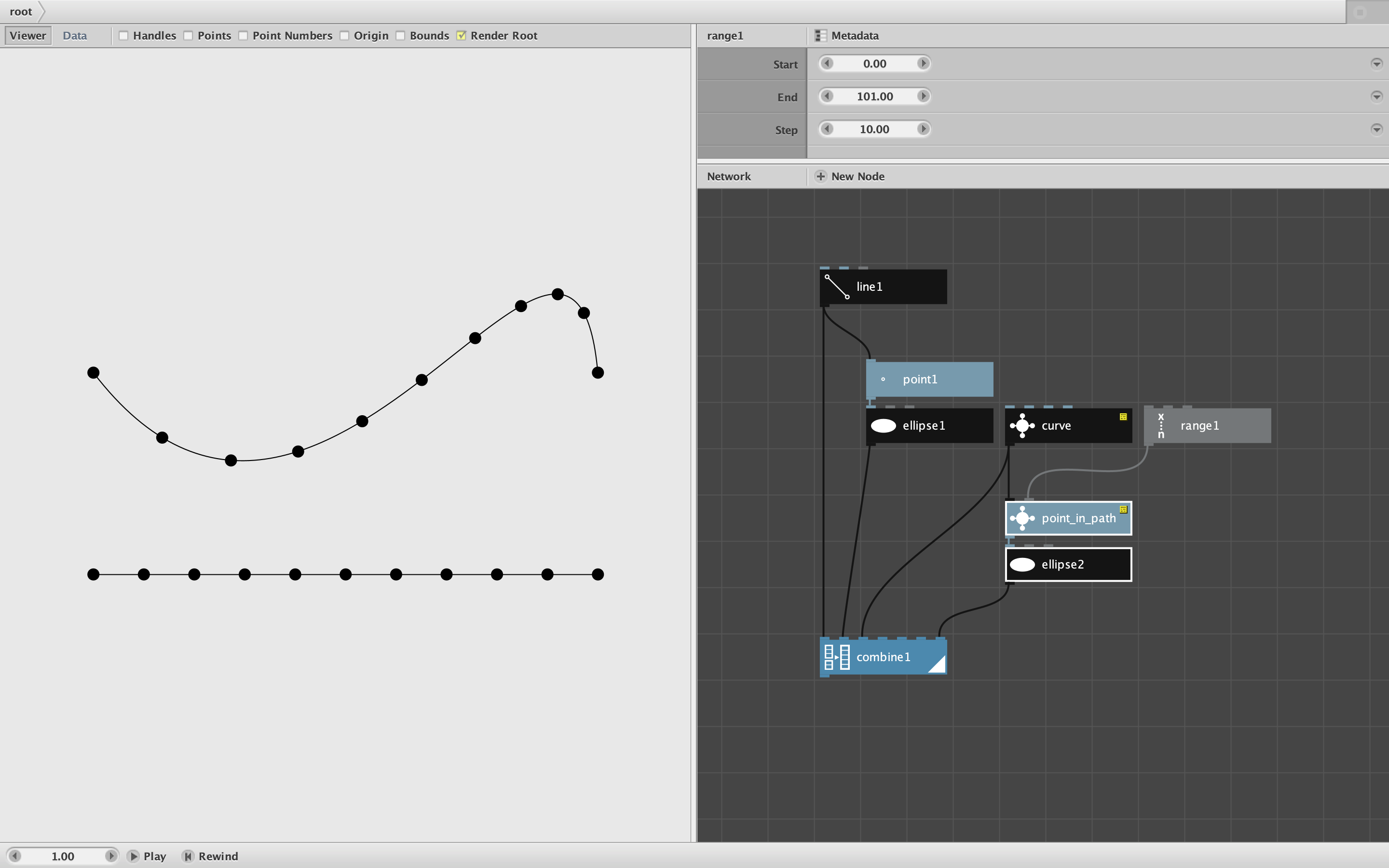
Finding the point at the end of a line segment is easy. Given a starting point, direction, and distance you can find the end point by using the coordinates node.
Joining all the lines together is surprisingly hard in Nodebox. The reason for this is that Nodebox has no loops, no recursion, and - worst of all - no "state". State is the ability to create and refer to values stored outside a function. Most languages allow this using, for example, global variables. Nodebox does not allow this.
Aside: global variables are obviously quite powerful and make tasks like this much easier. But they come with a hidden cost. Global variables - and state in general - often have unintended consequences that get harder and harder to predict as your code becomes more complex. State is at the root of the most gnarly bugs in most languages. Because of its purity, Nodebox avoids these issues, making Nodebox code much easier to debug. That's one reason I love it so. But it does make otherwise simple problems like this harder to solve.
The reason we would want to use state in this case is that, for each new segment we need to know the endpoint of the previous segment. But a segment-drawing function only knows about the present; it has no way of knowing about past outputs. So how do we figure out the "previous point"?
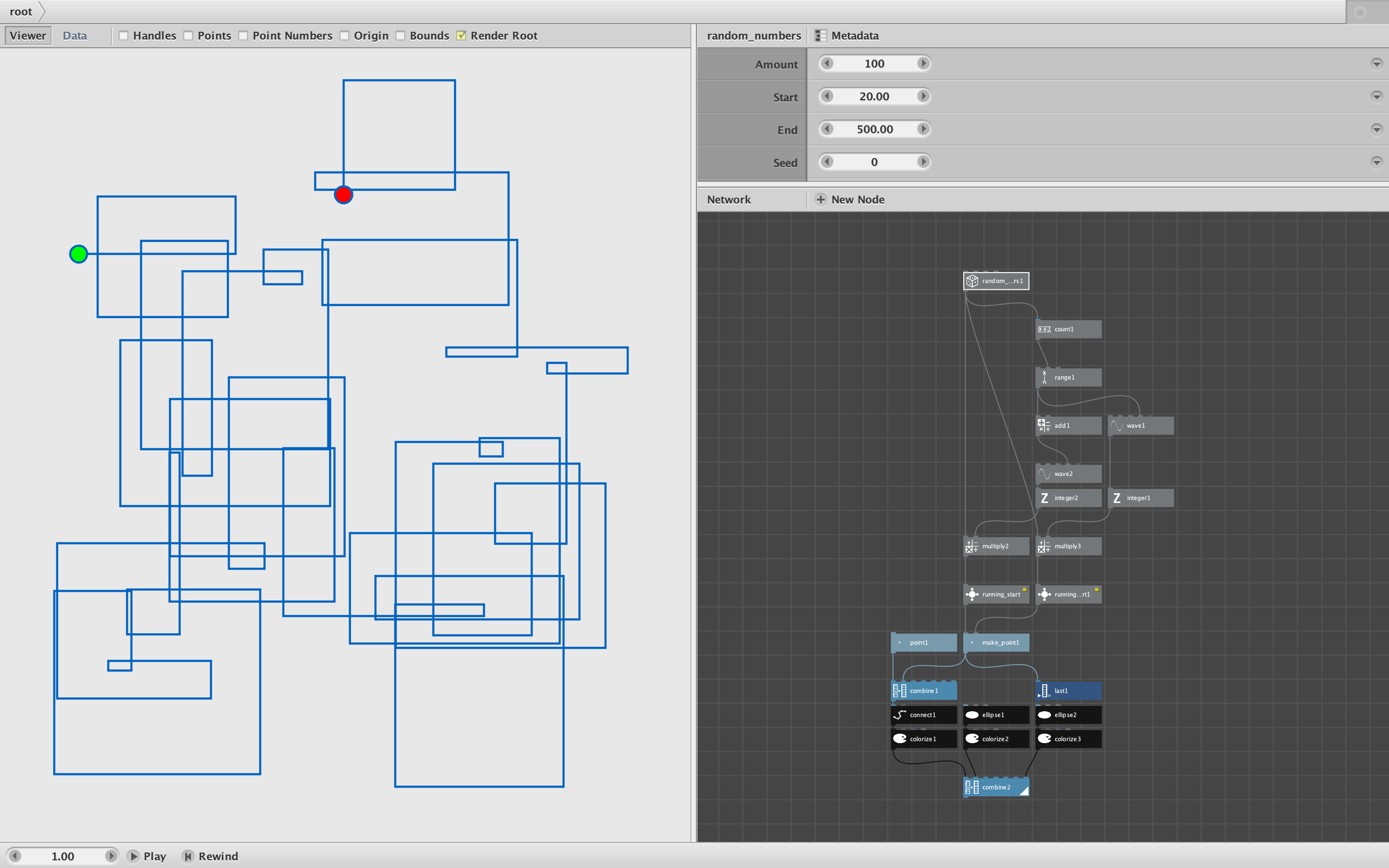
There are several kludgy ways of doing this, which I can go into if you're curious. But in this case we can solve the problem using a little cleverness and the running_total node. See attached demo and screenshot.
I assume from your pdf that you are taking distances from your CSV file and drawing them by making a series of 90 degree turns. Is that right? I used a hundred random numbers, but you could replace that with a CSV lookup if you want.
The nice thing about 90 degree turns is that the change in x and y values follows a predictable pattern. X values go in the positive direction when the line goes east, then stay steady while the line goes north, then negative to travel west and steady again while traveling south. So you can find the change in X by simply multiplying the distances by 1, 0, -1, 0, 1, 0, -1, 0,... etc. Y values work the same way except the pattern is shifted: 0, -1, 0, 1,... etc.
The trick, then, is combining all these changes together. We can do this by simply adding them using the running_total node. This node is a way of sneaking some state into Nodebox. These running totals sum the changes and give you the X and Y coordinates of every turning point. All you have to do then is connect them with a connect node.
If you study my example, you will see that I use my own running_start node instead of the standard running_total node. The standard node, unfortunately, does not start "running" until the second value and so finishes without adding the final value. My running_start node fixes this.
(You may also notice the clever way I generated that 1, 0, -1, 0 pattern using a waveform node.)
Please let me know if this gets you unstuck. It's unfortunate that a seemingly simple problem like this should require such cleverness, but I find it part of the fun.
John