My make_curve node is probably the single most useful node I've made. But it has one catch: it requires custom Python code (make_curve.py).
This means that whenever you use it, you need to:
- exit NodeBox
- make a folder
- put your NodeBox sketch into that folder
- drag in a copy of make_curve.py from the Cartan Node Library folder
- relaunch your Nodebox file
- go to File/Code Libraries
- choose Python, locate, and add make_curve.py
- THEN copy/paste the make_curve node from the Cartan Node Library
More of a speed bump than a show stopper, but still annoying - especially if you do this for every project. It get's worse: make_curve.py is required for EIGHT other nodes as well. So this annoyance happens often if you are using my library.
SO, I am pleased announce a replacement for make_curve: curve
The curve node works exactly like make_curve except that it doesn't require make_curve.py. You can just copy/paste and go. It is slightly slower than make_curve, but the difference is negligible unless you are drawing more than a hundred thousand curves.
I have updated all the nodes in my library which use make_curve, so now NONE of them require adding Python code. In addition to curve (which replaces make_curve), these include:
- explode
- intersect
- mask
- rev_dir
- spiral
- sub_path
- trace
- waveform
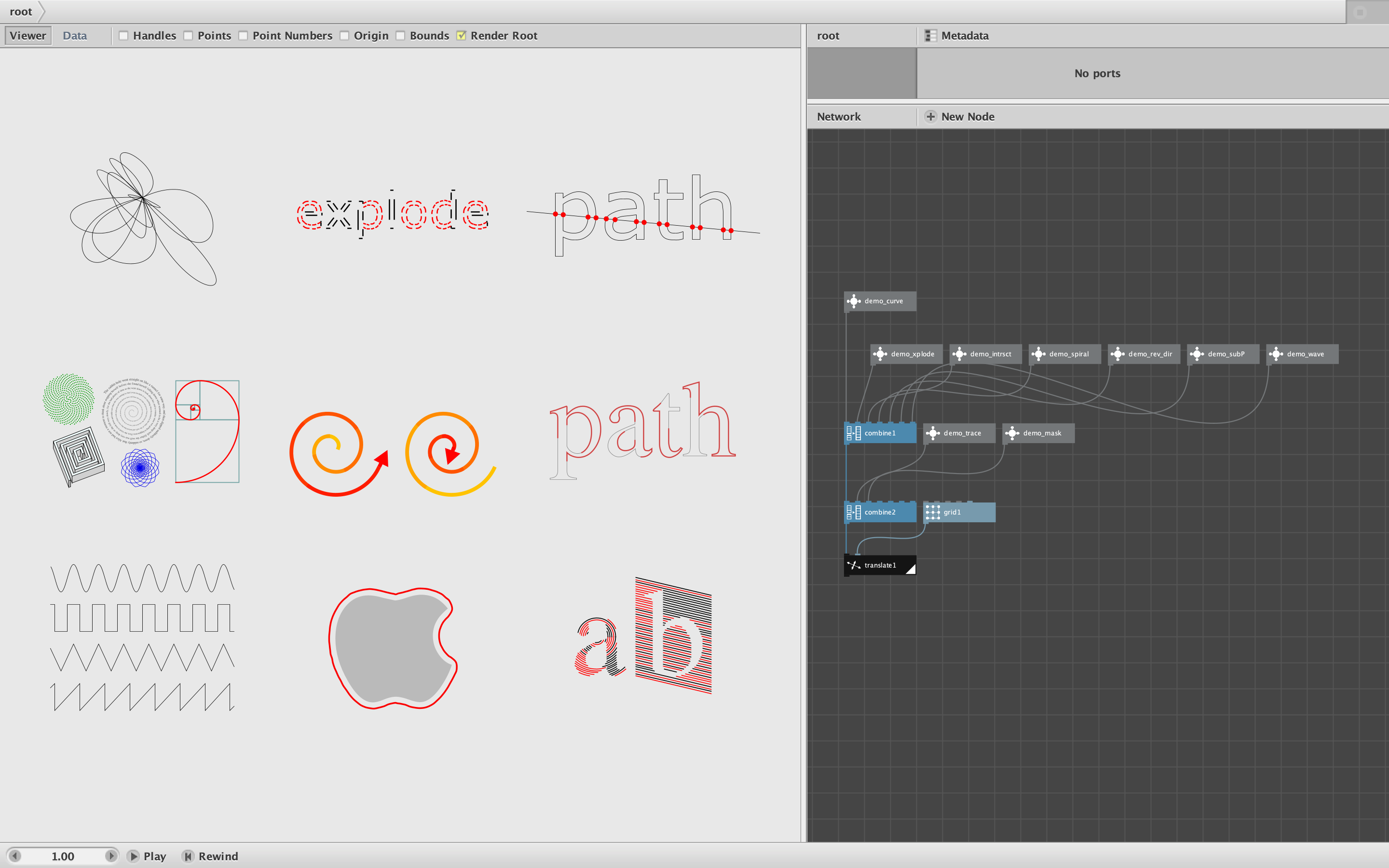
The attached NodeBox file contains demos of all the above. The modified versions will also be included in the next release of my Node Library.
Enjoy!
John