I am pleased to present the Kolam Animator, made in collaboration with Mr. Ramanraj Krishnaraju of Chennai, India.
Kolam is an ancient form of traditional decorative art often made by drawing lines made of chalk or rice flour around a series of dots. For more see: https://en.wikipedia.org/wiki/Kolam
You can easily find thousands of beautiful kolam designs on the web, but to truly appreciate the meditative experience of kolam you need to see the lines form as they would be drawn. NodeBox is ideal for this type of animation, but doing it from scratch for each design would be tiresome. What is needed is a way to make the animations data driven by means of a simple CSV. This is what Ramanraj and I set out to do.
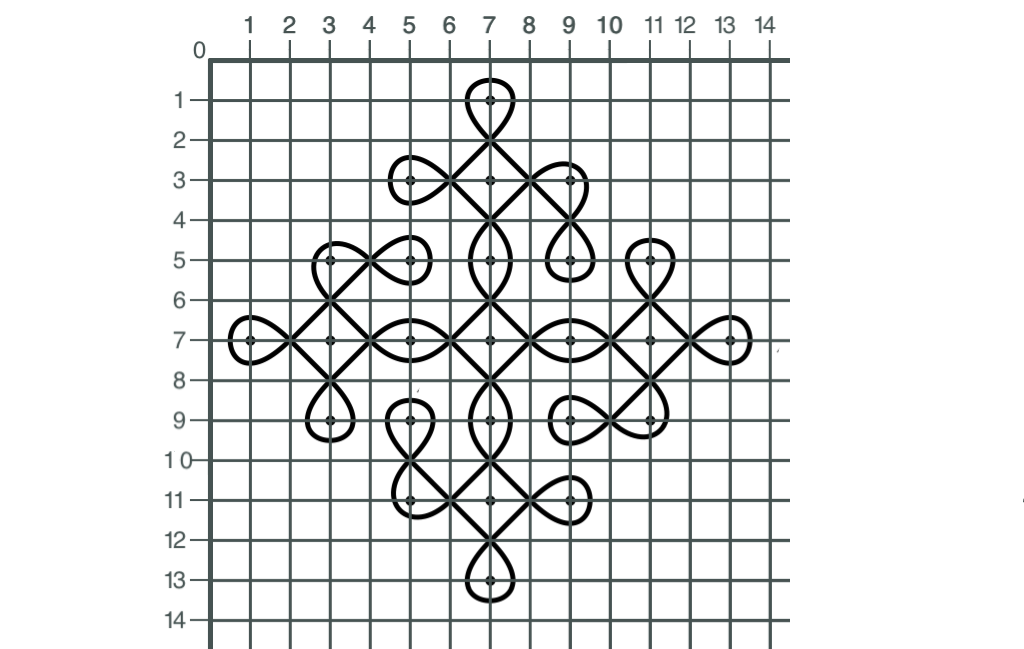
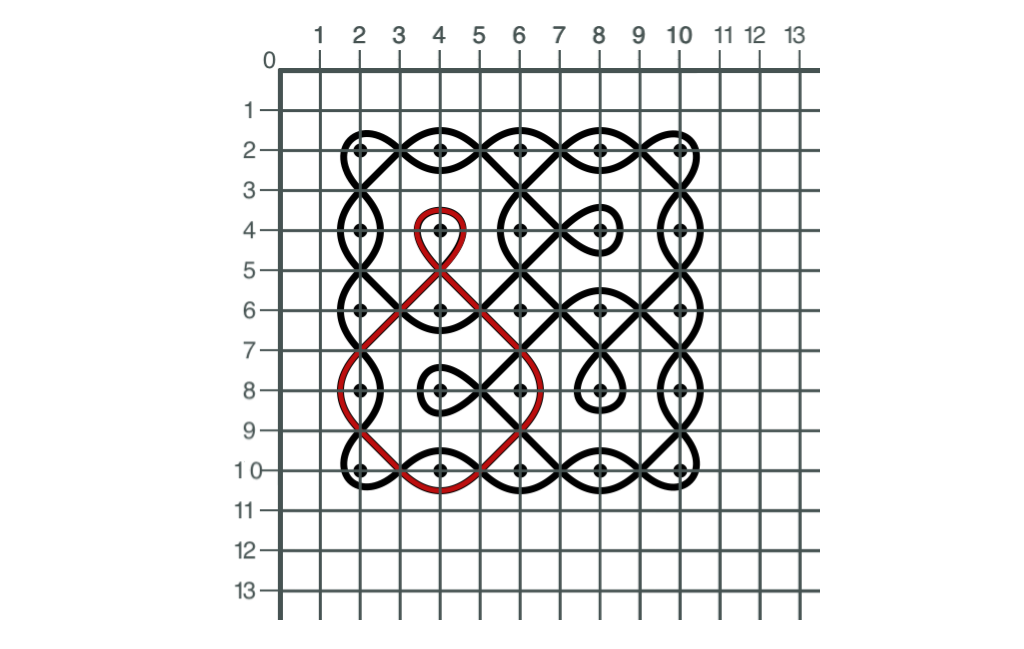
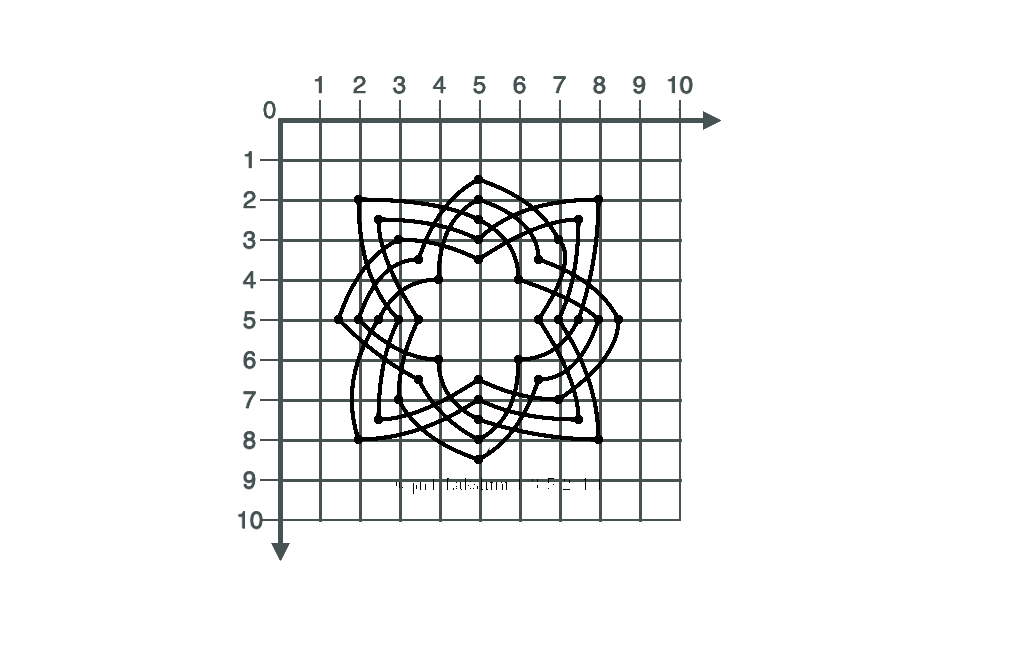
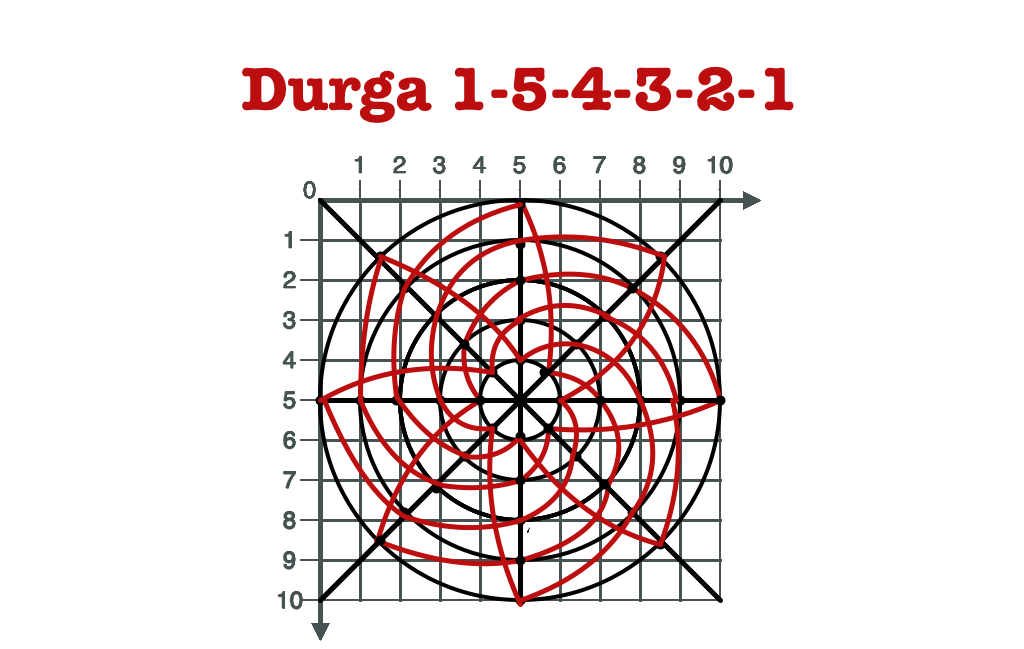
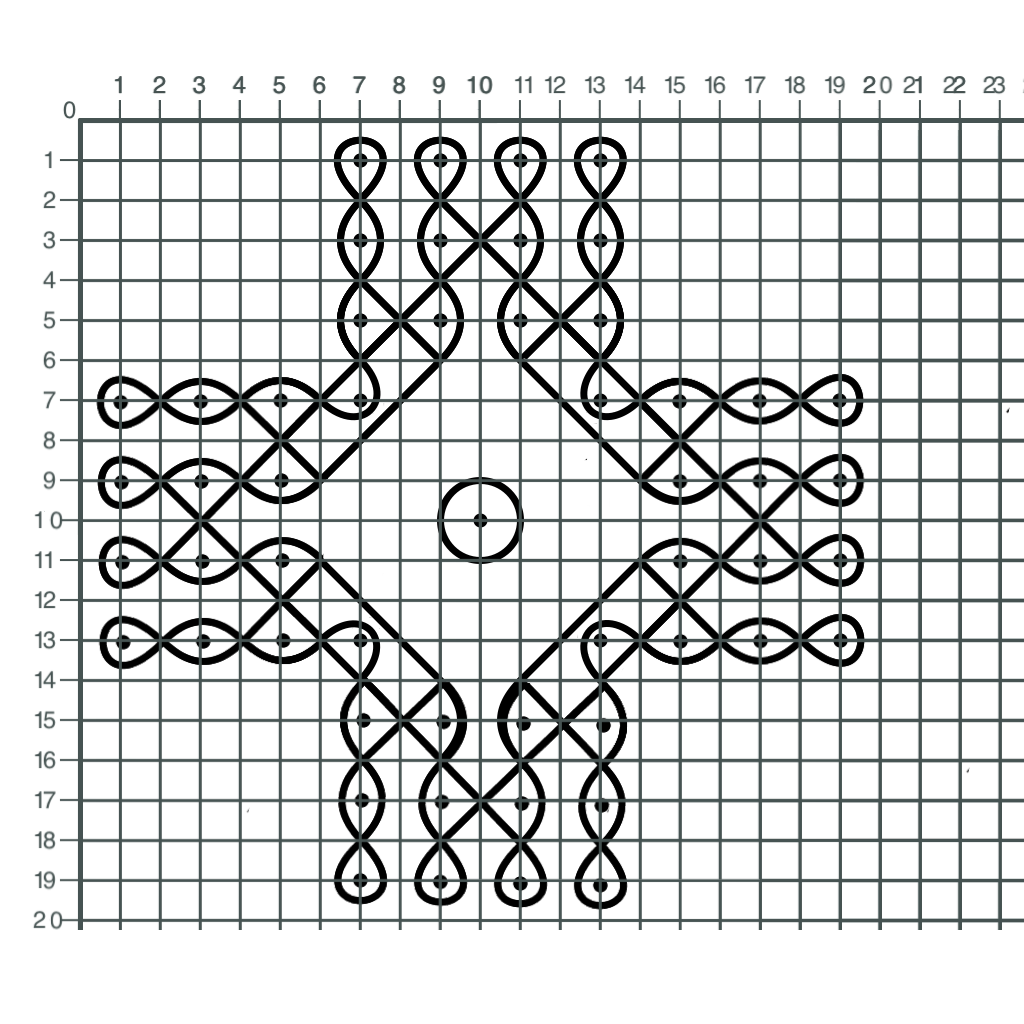
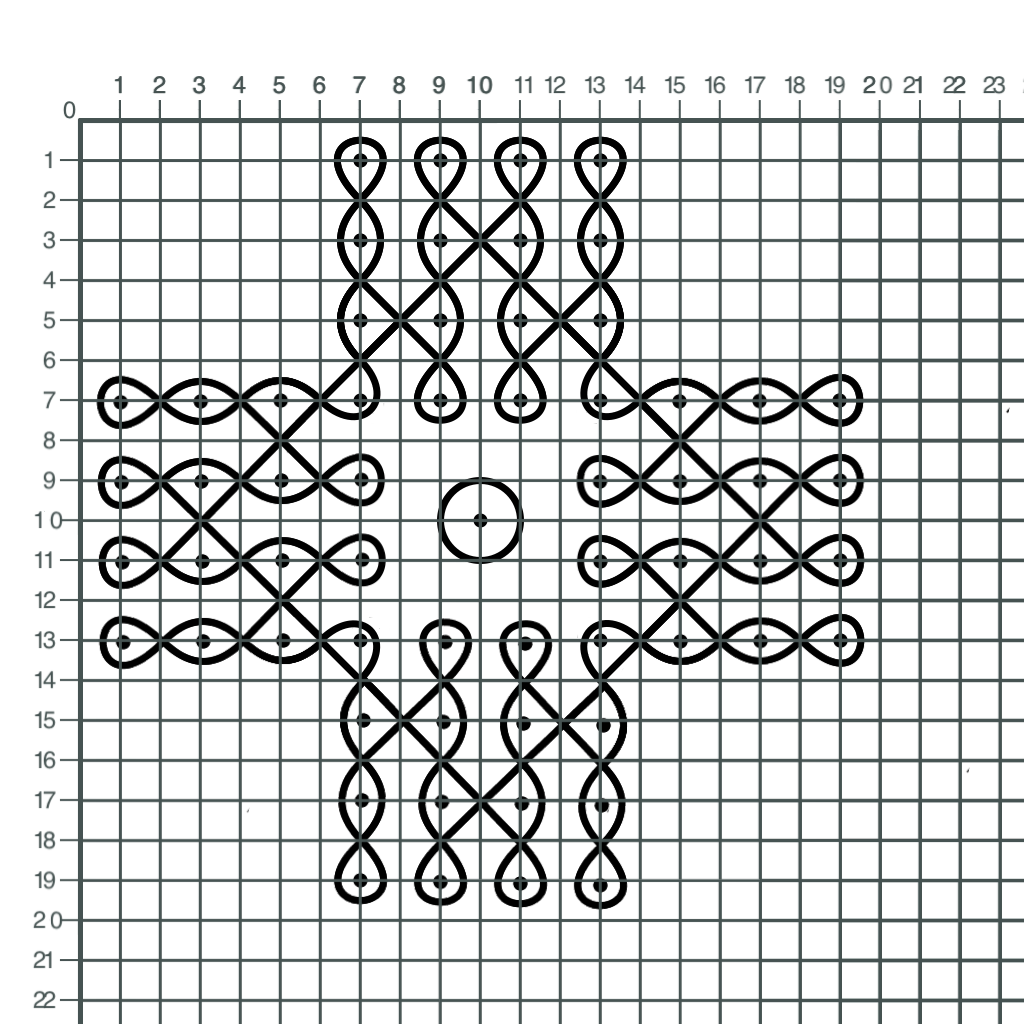
Ramanraj developed a way to create symmetrical kolam designs using an iPad app called DrawinDots. For each gesture he chooses a tool (dot, line, quadratic, bezier, or ellipse) and taps a few positions on a simplified grid. (See below for an example of a grid.). For our CSV we simply record these tool choices and coordinates in a fixed order.
The CSV has three columns: Step, Tool, and Coordinates. Step is simply a step number. You can insert fractional values if you miss a step, but the steps must be in sequential order.
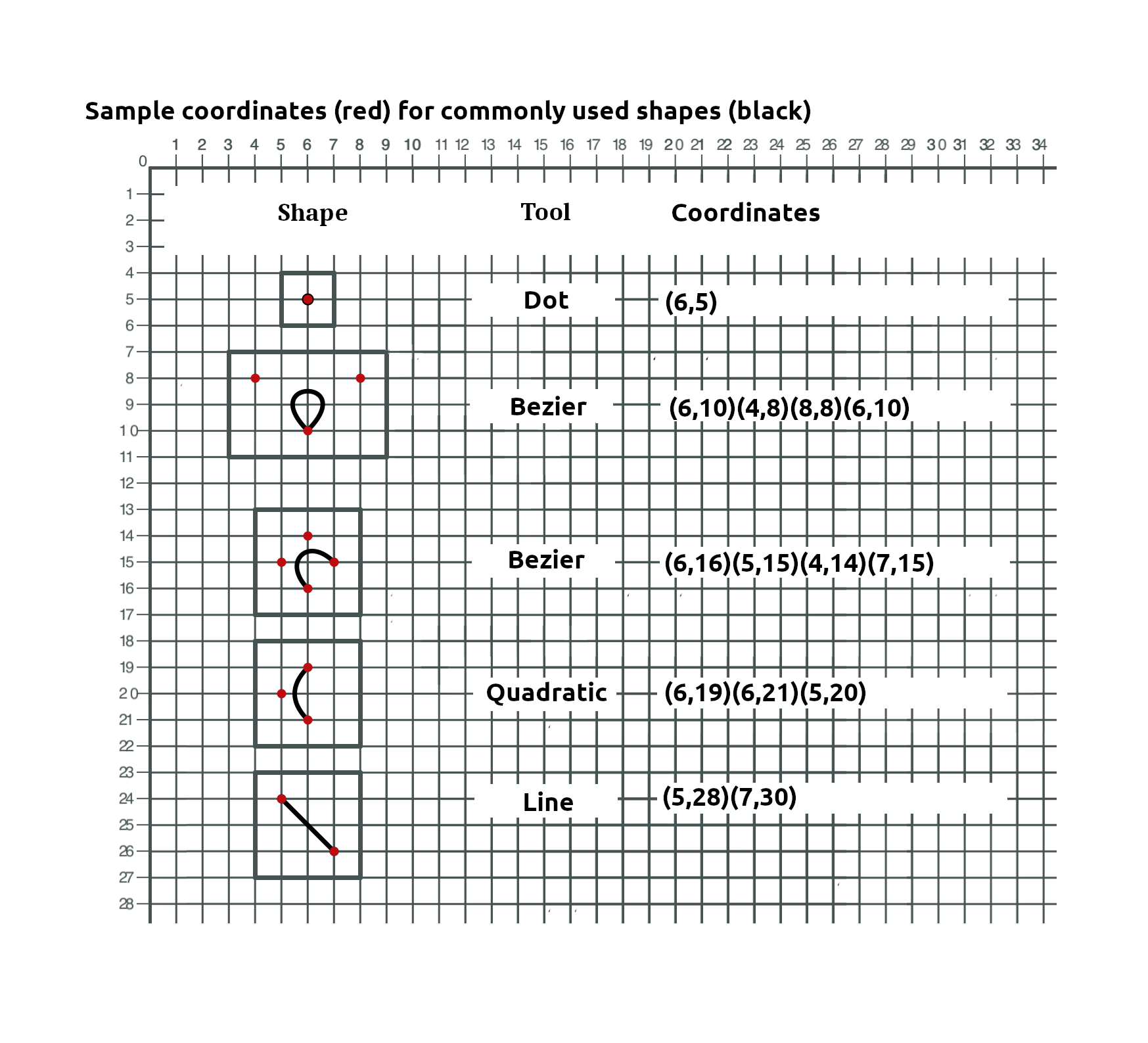
The tool and coordinates columns are one of the following:
- Dot (x,y) for location of each dot
- Line (x,y)(x,y) for start and end. Lines may be omitted if the gestures before and after are connected.
- Quadratic (x,y)(x,y)(x,y) for start, end, and control point
- Bezier (x,y)(x,y)(x,y)(x,y) for start, C1, C2, and end (drawn in counter-clockwise direction)
- BezierCW (x,y)(x,y)(x,y)(x,y) for start, C1, C2, and end (drawn in clockwise direction)
- Break (no coordinates) to break a stream of gestures into separate paths
- Circle (x,y)(d) where (x,y) is the location of the circle and (d) is the diameter in standard units. A break is implied before and after each circle
To create an animation, simply set the CSV node at the top of the NodeBox network and export movie. I have made it easy to make additional adjustments by placing five nodes on the left toward the bottom:
- movie_length. Sets animation movie length in frames at 25 frames per second. The default is 400 (16 seconds). When making a looping movie I like to add an additional fifty frames to movie length (e.g. 0 to 450) to provide a two second pause after each cycle so viewers can appreciate the final design.
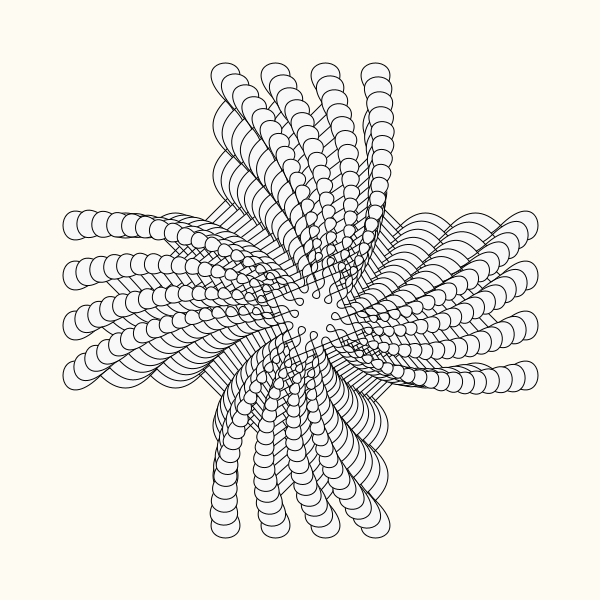
- consecutive. If checked, paths will be drawn consecutively. If unchecked, paths will be drawn simultaneously. If there is only one path, this setting is ignored. When multiple paths are drawn simultaneously, each path requires the entire animation length to complete. This means that short paths will be drawn more slowly than long paths and you may want to reduce the overall movie length.
- stroke_width. The stroke width of kolam path. The default is 6; increase to make it thicker, decrease to make it thinner.
- magnification. The final magnification of kolam. The default is 100% based on a grid of 50 pixels per unit. Increase or decrease to make the kolam fit comfortably within the canvas. Current canvas is 600 x 600, but this is easy to modify if you want larger images.
- title. An optional title that can be superimposed over the movie. Adjust font, alignment, position, and size in the usual way. Leave text blank if no title is desired.
You can of course make other adjustments anywhere in the network to change dot size, colors (including background color), or other changes.
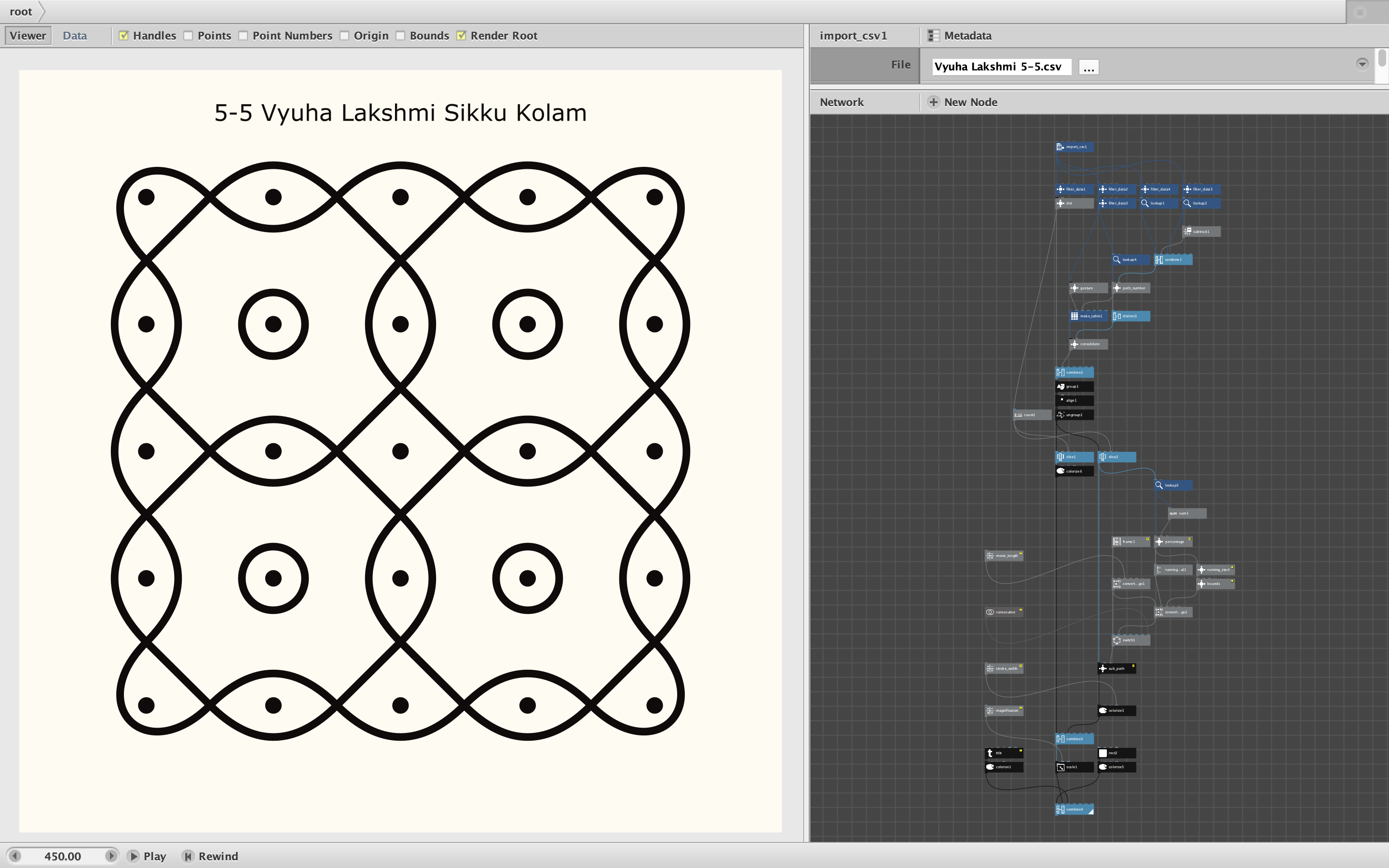
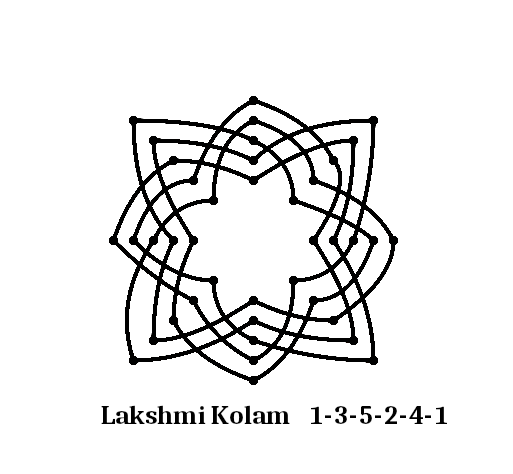
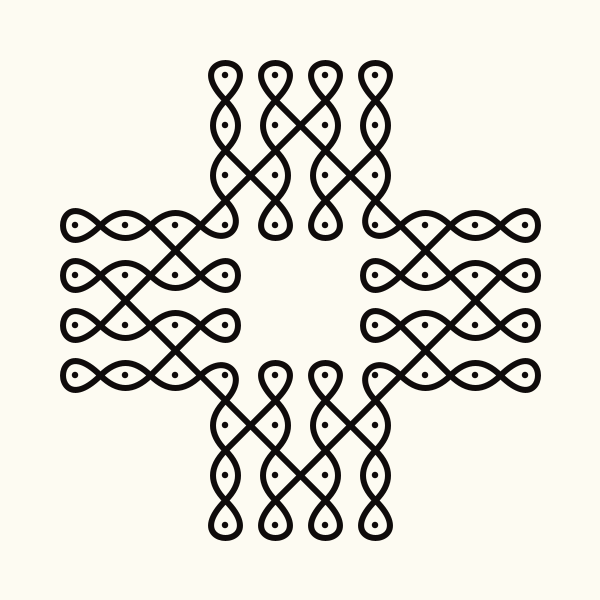
The screenshot shows a typical kolam in its final form at the end of the movie. I have also attached a movie of this kolam (which uses almost all the possible tools). The zip file includes the CSV file for this kolam as well as a second kolam CSV for comparison. For this second kolam I also include a PNG of the chart Ramanraj used to record that design. I also include a blank grid which you can use to find the necessary coordinates. Either print and draw a kolam or resize and superimpose a kolam image over the grid.
I have been interested in kolam for years. I hope this NodeBox network will make it possible to produce many new animations to introduce this art form to a wider audience and deepen the appreciation of each design.
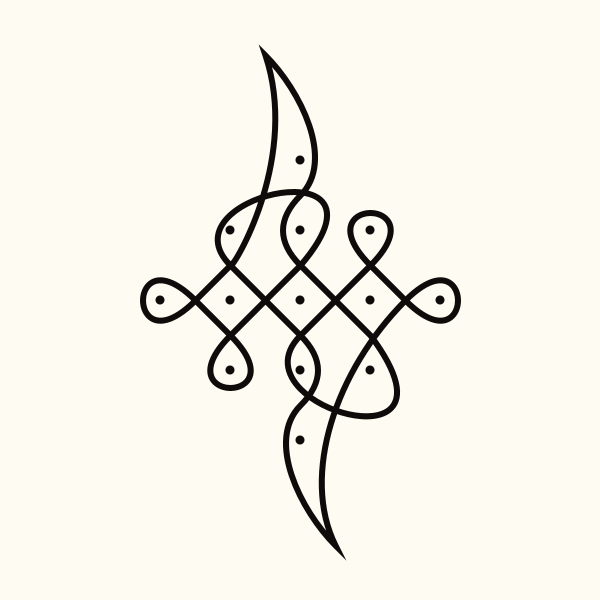
All kolam included here and produced during development are by Ramanraj Krishnaraju. You can see hundreds of his beautiful kolam (including some recent animations made with this program) on his kolam Instagram site, Mech_Kolar:
https://www.instagram.com/mech_kolar/
Comments welcome!
John