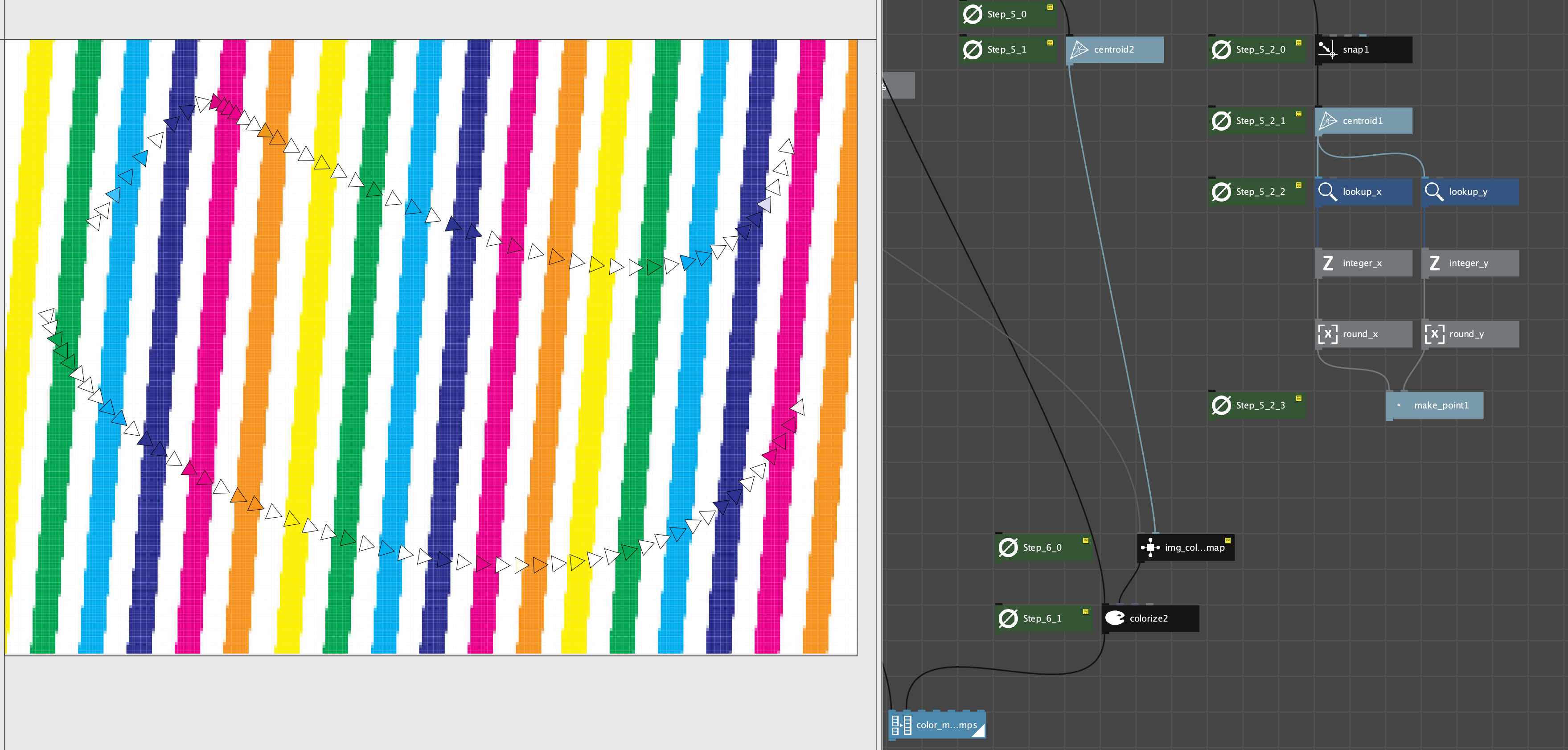
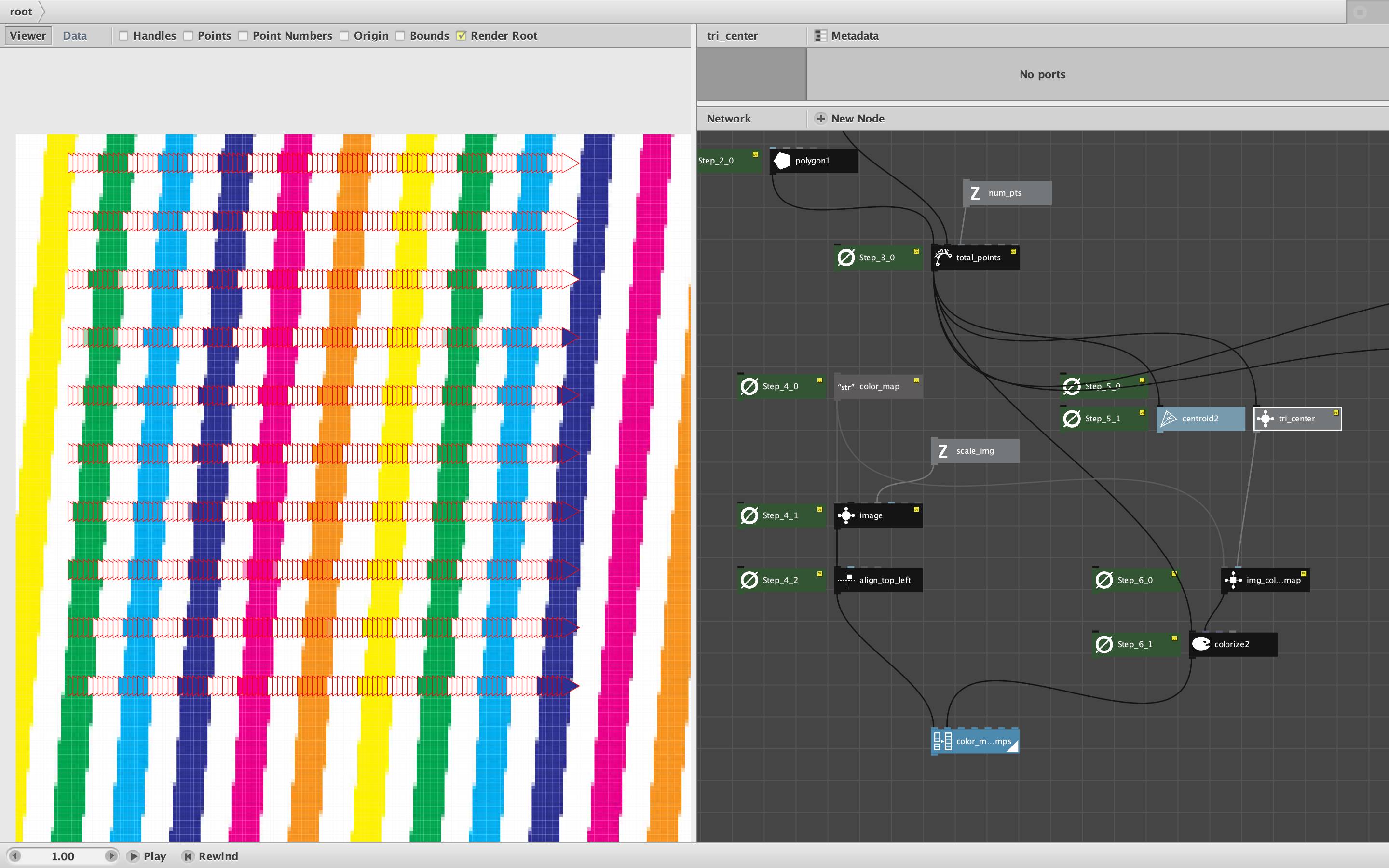
Leveraging John's wonderful Image node in Cartan Node Library 2.3, I was interested in:
- Dynamically defining points located on any type of geometry, e.g., a line or paths from an imported SVG file
- Translating shapes (e.g., triangles) to those points along the path
- Adjusting the orientation of the shapes to follow the direction of the paths. Uses the Shape On Path node to achieve this.
- Getting the pixel color values from the underlying image based the points along the path
- Using the color values from Step 4 to fill the shapes from Step 3
Version 1_1 is a cleaned up version based on very helpful tips from John. Note: There are 2 .ndbx files:
- GetPixels_FromPtsOnCurves_v1_1_1_modifedCode.ndbx, which uses the modified image.py file located in the folder "Modified_Code" and,
- GetPixels_FromPtsOnCurves_v1_1_2_originalCode.ndbx, which uses the original image.py file located in the folder "Original_Code" and an updated network (Steps 5_2_x) attempting to resolve the persistent error defined below.
File "/[your path]/Original_Code/image.py", line 101, in image_path
c = bi.raster.getPixel(x,y,[0.0,0.0,0.0])
TypeError: getPixel(): 1st arg can't be coerced to int
To convert the Numbers to Integers, I tried "extracting the x,y values, rounding them, and recombining them with make_point" in the file GetPixels_FromPtsOnCurves_v1_1_2_originalCode.ndbx in Steps 5_2_x. However, I believe the method for the Make Point node, makePoint(double x, double y) method within CoreVectorFunctions.java automatically converts the datatype back to a double.
Even when this error is resolved, the accuracy of the relationship between the Centroid points for each triangle and the background colors is off due to the node based conversion to Integers in Step 5_2_x.
When forcing the Numbers to Integers in the modified code, this challenge is resolved as can be seen in "GetPixels_FromPtsOnCurves_v1_1_1_modifedCode.ndbx". Conundrum!