Phillip,
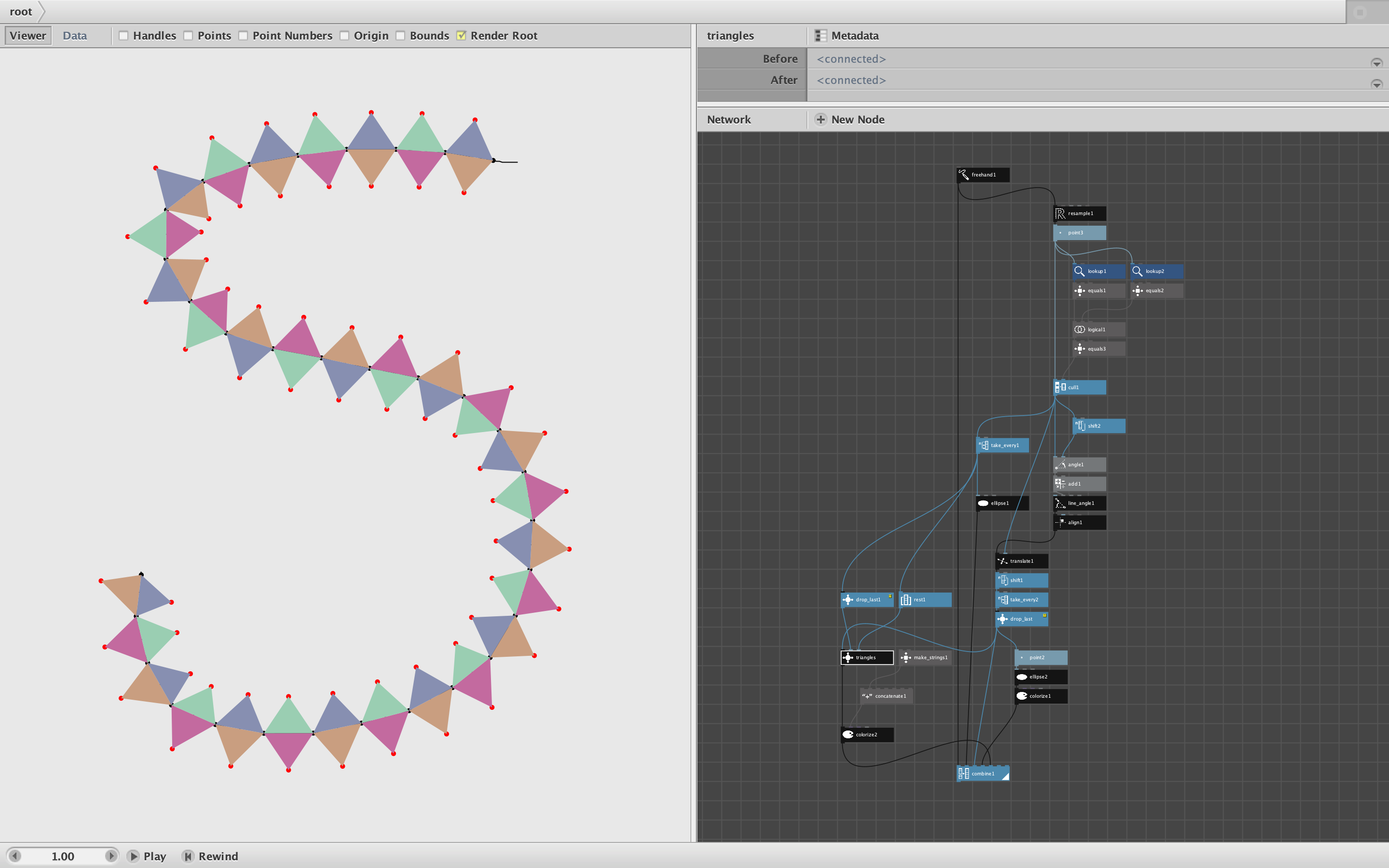
The main function of subnetworks is to let you control whether items are input one at a time or all at once. But the method of choosing one or the other is not obvious.
When you make a subnetwork and publish one or more ports, select that subnetwork and click Metadata (above the settings pane). This will summon the metadata dialog. Select a port on the left to see its settings on the right.
For the Range setting you have two choices: Value will force the port to accept items one at a time; List will force the port to accept items all at once (each time the subnetwork fires).
This is a subtle distinction that took me quite awhile to get used to. But once I understood it whole new worlds opened up.
By the way, you can also inspect the Range setting for ports on standard nodes. If you do this you will see that some are set to value and others to list. You can't change this behavior (changing the value will only cause errors), but you can wrap the node inside a subnetwork, publish the ports you need, and THEN change the port behaviors.
An example of this is the humble combine node. If you inspect it you will see that all seven ports are set to list. This means that if you feed two lists into a combine node it will give you all the elements of list A and then all the elements of list B.
But what if you want to interweave the lists to produce A1, B1, A2, B2, A3... etc.? Just select the custom node, say "Group into Network", open the subnetwork, and publish the first two ports (list1 and list2). Then close the subnetwork, open the Metadata dialog, and change the Range values of both list1 and list2 from List to Value. Voila! You now have an interweave subnetwork.
Try playing around with this the next time you run into this issue. If you still have questions send me another misbehaving network and I will try to straighten it out for you.
Happy Nodeboxing!
John