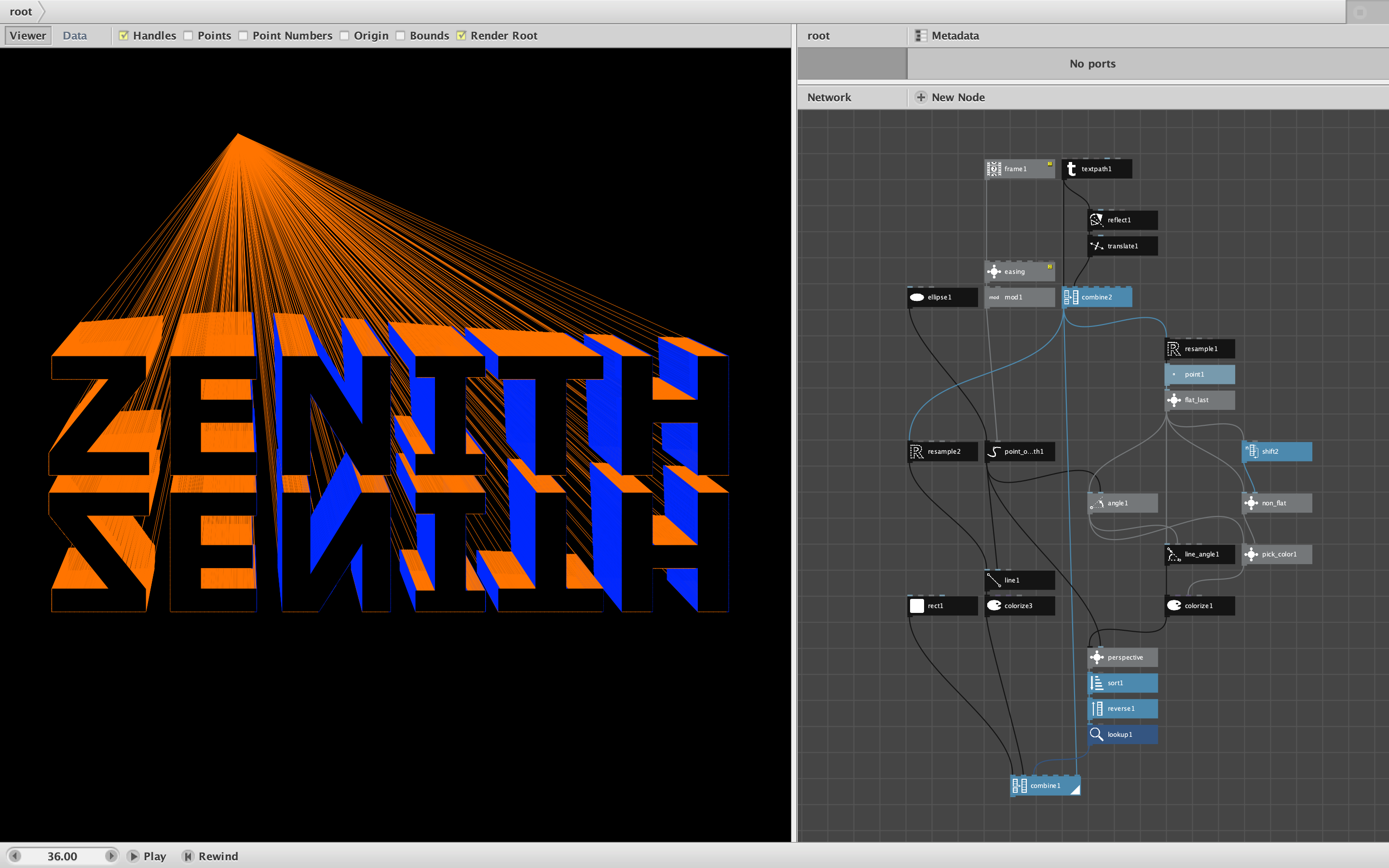
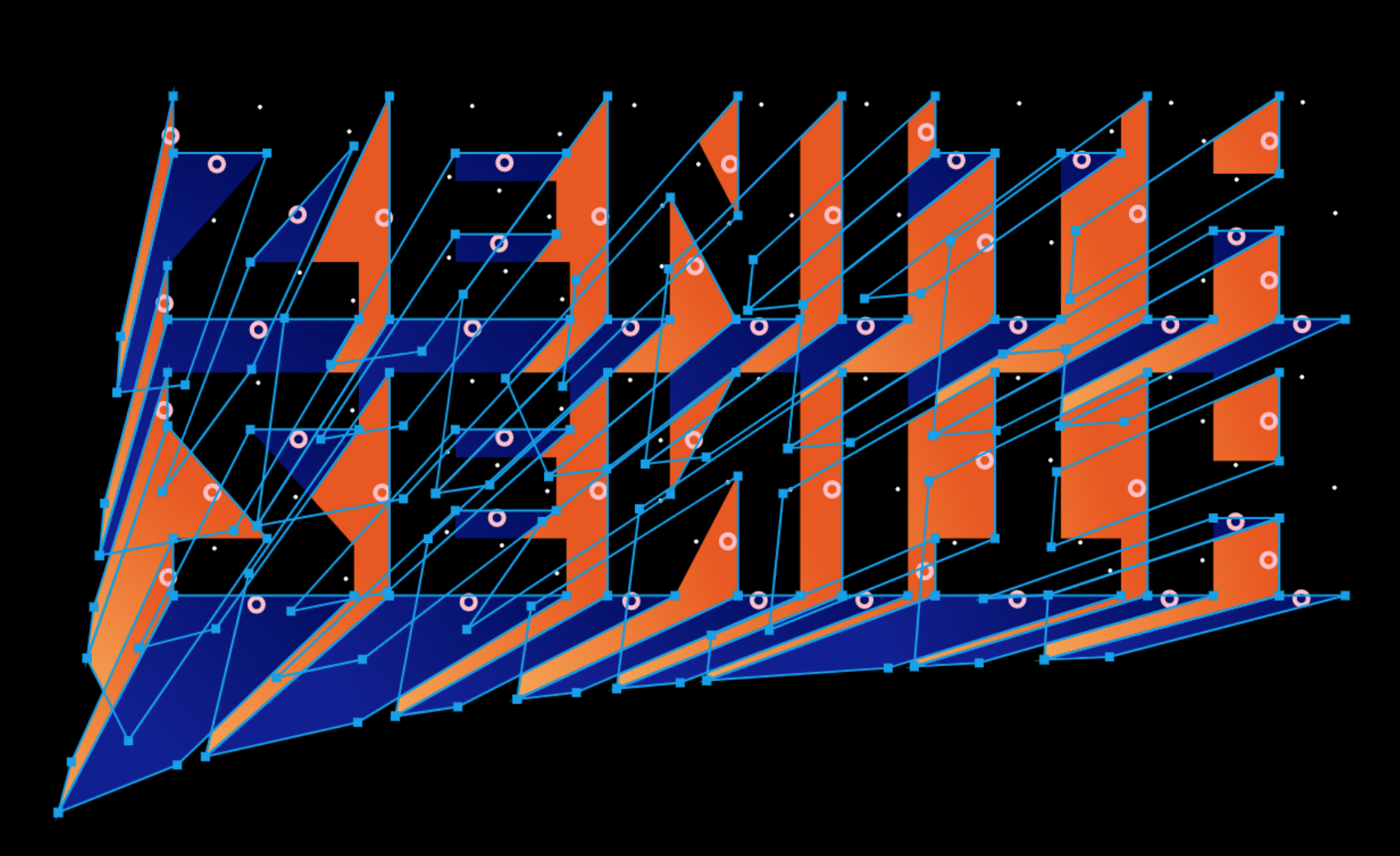
Yesterday Nodebox user and generative artist Jussi Jokinen posted an animation of 3D text on Instagram which he made in 2D using PaperJS. When I suggested it would be a fun project for Nodebox, he challenged me to replicate his piece so he could see how it might be done.
Challenge accepted!
The "right" way to do this would be to build actual 3D forms with x,y,z coordinates and simulate a lighting source and viewing perspective. This is quite possible to do in Nodebox. X,Y,Z coordinates are just strings of 3 numbers concatenated with commas, and 3D shapes are just lists of those strings. I made some progress building just such a system last year, and may yet take it up again, but it does require a bit of overhead.
Fortunately, for cases like this, there is an easier way. Screenshot and demo Nodebox network attached.
Jussi's design featured orange letters with blue shadows (but with orange retained on the flat parts of the letters. The word ZENITH is reflected and additional orange rays lead to a vanishing point which revolves around the words.
Both the painting of the letters and the rays are done by sampling the textpath and drawing line segments from each point. Non-flat portions of the letters are colored blue whenever they fall to the right of the vanishing point (whenever the angle is between 90 and 270 degrees). "Flatness" is determined by comparing the Y values of neighboring points, and the flat lines are drawn after the non-flat lines to give the letters a solid look.
When drawing 3D figures in perspective, the order of drawing is vitally important. Lines farther away from the shifting perspective center point should be drawn first to be behind. I build a perspective table with this measurement, then sort the lines accordingly.
Because I'm not actually modeling the true shape of the letters with this approach, you can see them "stretch" as the vanishing point revolves. The stretching is proportional to the sine of the angle to the point, so could be corrected. But I liked the stretching effect so left it in.
All the details are in the NDBX file. Thanks to Jussi for an interesting challenge.
John