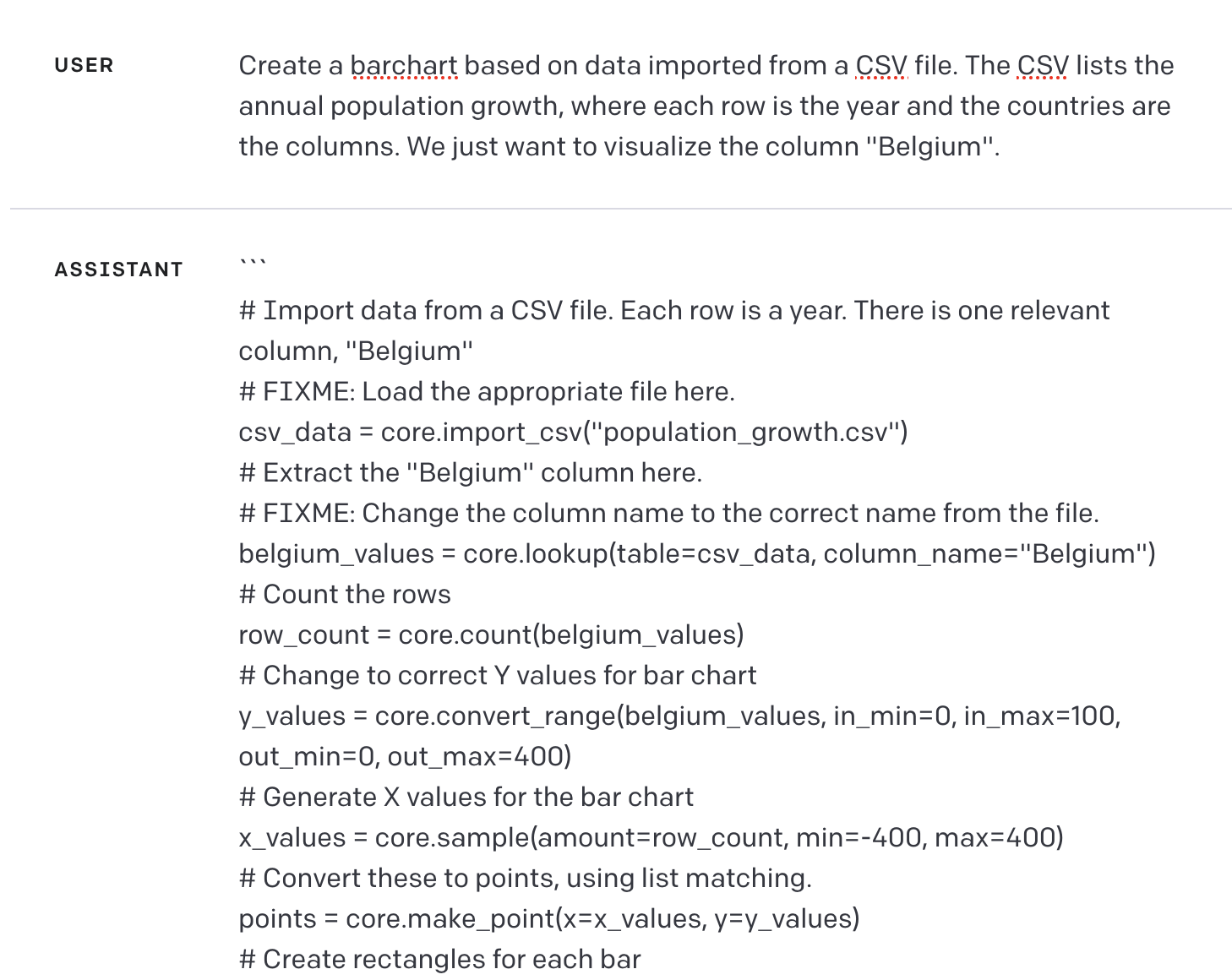
In a recent discussion, kurtzwrk made an intriguing suggestion: use ChatGPT to write documentation for Nodebox. Edgeofinnerspace agreed, saying "this guy's got the right idea. ChatGPT could do that actually."
I also thought this was a pretty clever idea. I've only dabbled a bit with ChatGPT, but I've been quite impressed by its capabilities.
So I gave it a try. Here is a transcript of my first attempt:
John: what do you know about nodebox 3?
ChatGPT: NodeBox 3 is a free, open-source application for creating visualizations and generative designs using programming code. It was created by the experimental media lab LAb[au] and is built on top of the Python programming language and the Qt framework for the user interface.
NodeBox 3 allows users to create designs by connecting a series of nodes that represent different operations, such as generating shapes, colors, and patterns, manipulating data, or applying filters. Users can write Python code to create their own custom nodes or modify the existing ones.
NodeBox 3 offers a wide range of features for creating complex designs, including support for 2D and 3D graphics, animations, typography, and data visualization. It also provides various export options for exporting designs in different formats such as PDF, SVG, PNG, and GIF.
NodeBox 3 has a thriving community of users and developers who share their creations, tutorials, and extensions on the NodeBox website and GitHub repository.
John: In nodebox 3, how do you find the width and height of a shape?
ChatGPT:. In NodeBox 3, you can find the width and height of a shape by accessing its bounding box. The bounding box is the smallest rectangle that completely encloses the shape.
To get the bounding box of a shape, you can use the bounds() method. This method returns a tuple containing the x-coordinate, y-coordinate, width, and height of the bounding box. Here's an example:
python
Copy code
create a rectangle shape
rect(50, 50, 100, 50)
get the bounding box of the rectangle
x, y, w, h = bounds()
print the width and height
print("Width:", w)
print("Height:", h)
In this example, a rectangle shape is created with the rect() function. The bounds() method is then used to get the bounding box, and the width and height are printed to the console.
Note that the bounds() method returns the bounding box in the coordinate system of the current context, so make sure to set the context appropriately before calling the method if necessary.
John: In nodebox 3, which node would you use to find the width of a shape and what would you enter into that node?
ChatGPT:. In NodeBox 3, you can use the "Geometry" node to find the width of a shape. Here are the steps to find the width of a shape using the "Geometry" node:
- Create a new composition and add the shape to the canvas.
- In the node library, expand the "Shape" category and drag a "Geometry" node onto the canvas.
- Connect the output of the shape node to the input of the geometry node.
- Double-click on the "Geometry" node to open its properties panel.
- In the properties panel, you should see various options for calculating the geometry of the input shape, such as "bounds", "centroid", "area", and "perimeter".
- Select the "bounds" option to get the width and height of the shape's bounding box.
- To get the width specifically, connect the "width" output of the "Geometry" node to a "Number" or "Text" node, which will display the width value.
So in short, you would use the "Geometry" node and select the "bounds" option in its properties panel to find the width of a shape, and then connect the "width" output of the "Geometry" node to a node that displays the value.
John: There is no geometry node in Nodebox 3
ChatGPT: I apologize for the confusion. You are correct that there is no "Geometry" node in NodeBox 3.
To find the width of a shape in NodeBox 3, you can use the bounds() method as described in my previous answer. Here is an example code that demonstrates how to do this:
scss
Copy code
create a rectangle shape
rect(50, 50, 100, 50)
get the bounding box of the rectangle
x, y, w, h = bounds()
display the width of the rectangle
text
John: How would I find the width of a shape in Nodebox 3 without writing any Python code?
ChatGPT: In NodeBox 3, you can find the width of a shape without writing any Python code by using a combination of nodes. Here's how:
- Create a new composition and add the shape to the canvas.
- In the node library, expand the "Shape" category and drag a "Shape Properties" node onto the canvas.
- Connect the output of the shape node to the input of the "Shape Properties" node.
- Double-click on the "Shape Properties" node to open its properties panel.
- In the properties panel, you should see various options for getting information about the input shape, such as "Width", "Height", "Area", and "Perimeter".
- Select the "Width" option to get the width of the shape.
- To display the width value, connect the "Width" output of the "Shape Properties" node to a node that displays the value, such as a "Text" node.
So in short, you would use the "Shape Properties" node and select the "Width" option in its properties panel to find the width of a shape, and then connect the "Width" output of the "Shape Properties" node to a node that displays the value.
I think you can see the problem. ChatGPT always aims to please. If it doesn't know the answer to a question, it makes something up.
A more experienced prompt engineer might be able to get better answers out of ChatGPT, but you'd have to take everything it said with a huge grain of salt. It might be more work to prompt, repompt, read, validate, and edit its output than it would be to write it yourself.
But that's the current ChatGPT. I think the idea might eventually have some merit. The deeper problem is that there is much more to creating an effective documentation site than simply saying "write some documentation". ChatGPT might someday (maybe someday soon!) be able to do a lot of the heavy lifting, both the writing and the coding, but it would need an experienced editor, UX designer, information architect, prompt engineer, Nodebox expert reviewer, testers, and a LOT of guidance.
But what do you guys think? What other ways might we harness the power of AI to make Nodebox easier to use?