Hi (John),
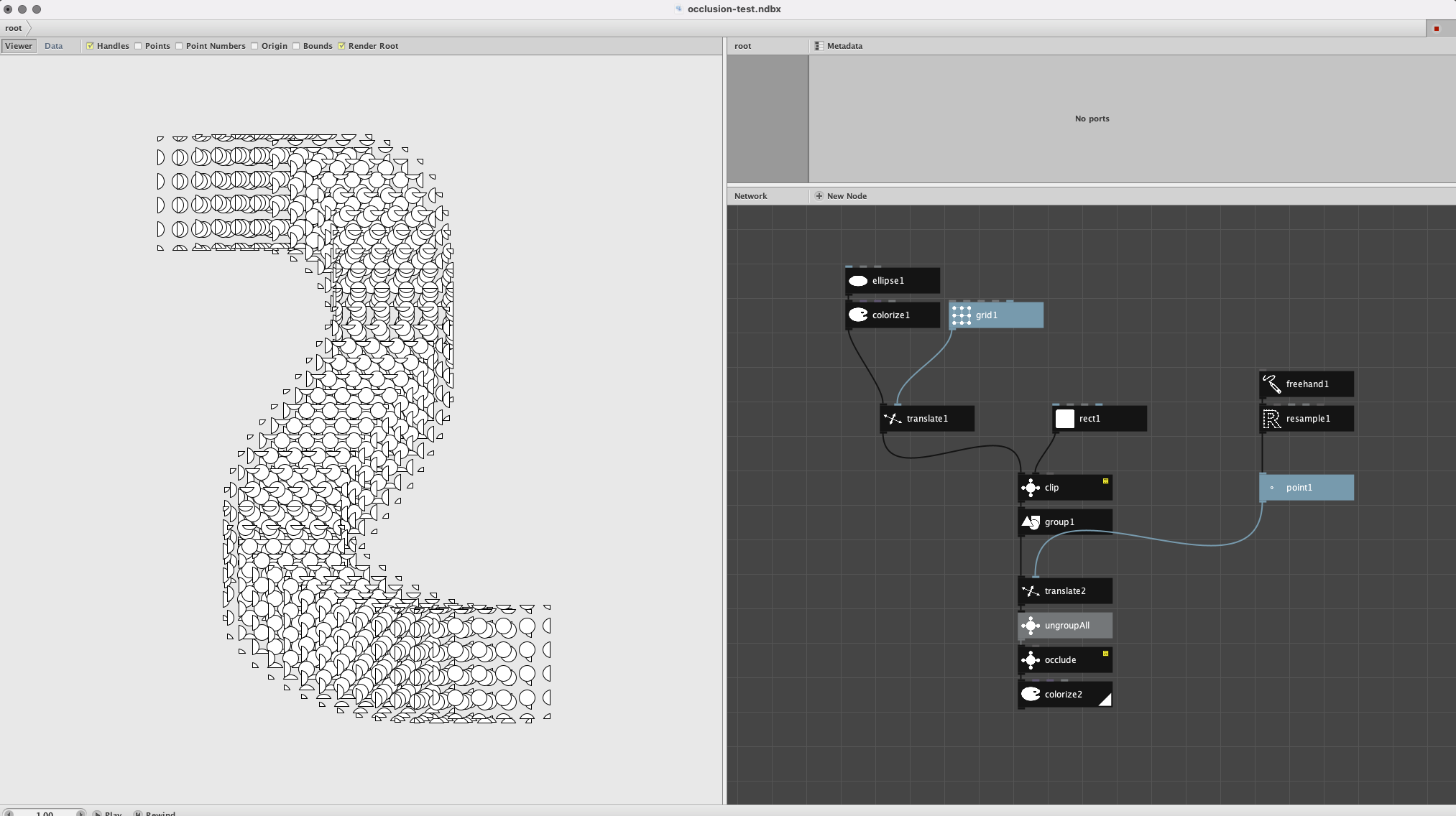
I was wondering if Occlusion node should or shouldn't work in this attached case?
There's only paths as input into Occlusion node, but it doesn't seem to work. Maybe I'm missing smth.
Or is it because occlusion takes time and should be waited?
The new NodeBox forum is live! Everything from support.nodebox.net moved here: sign in with the same email to pick up your old posts. Something not working? Write to forum-support@nodebox.net.
NodeBox 3From the old forum
Occlusion
-
-
Hi Jussi,
If I am not mistaken the shapes ought to be sorted by either x- or y-axis to work. It only works one way unfortunately (or I might have missed an update).
btw: this plot looks awesome!
Floris
-
Jussi,
Sorry for the delay; I only just now saw your note.
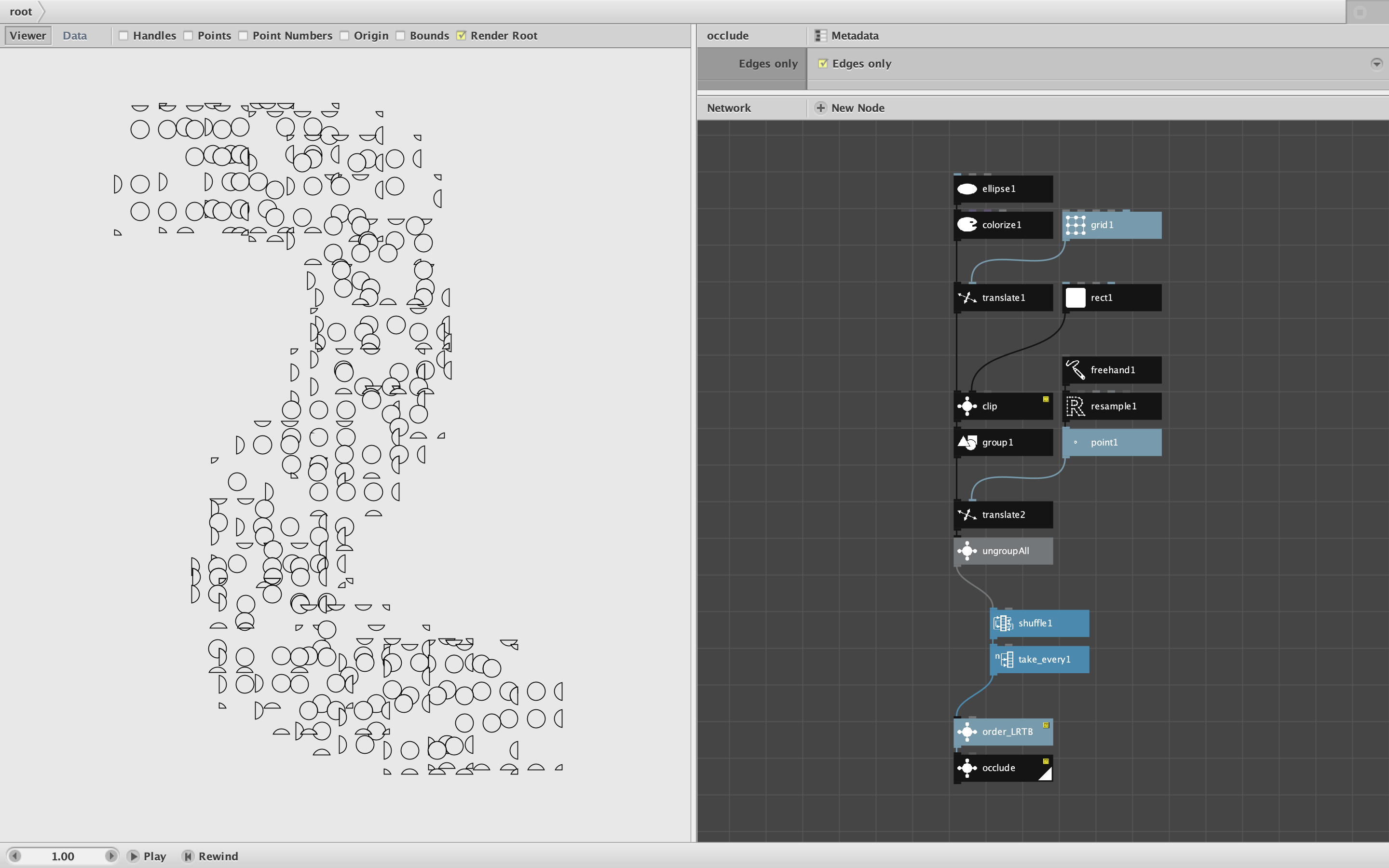
Floris is correct that you have to sort your list of shapes into your desired Z order (sorted from bottommost shape to topmost shape). Because you generate these in blocks this may not produce the results you intended. I would suggest feeding the ungrouped shape into my order_LRTB node to order them left to right, top to bottom before applying the occlude node.
But that is not your problem. Occlude does work with this list, I think, but it just takes too long. You have a total of 42 x 36 = 1512 shapes. Occlude bogs down after a few hundred shapes (depending on how many overlaps there are) and gets exponentially slower as the number of shapes increase.
To test this I first sliced your list to take only the first 180 shapes - that took about 20 seconds on my machine. I then tried the first 360 shapes (see attached PNG) - that took over five minutes! I'm afraid even if you let it run overnight it still couldn't handle 1512 shapes.
As a comprise I created a modified version of your design with only a quarter of your shapes. First I sampled half as many points from your freehand curve (21 instead of 42). Then I shuffled the shapes and took every other one to reduce it again by half, for a total of only 378 shapes. Occlude managed that in about three and half minutes (see screenshot).
So I think occlude works, but it's too slow to handle thousands of shapes.
John
-