Attached is a new node: scatter_bias.
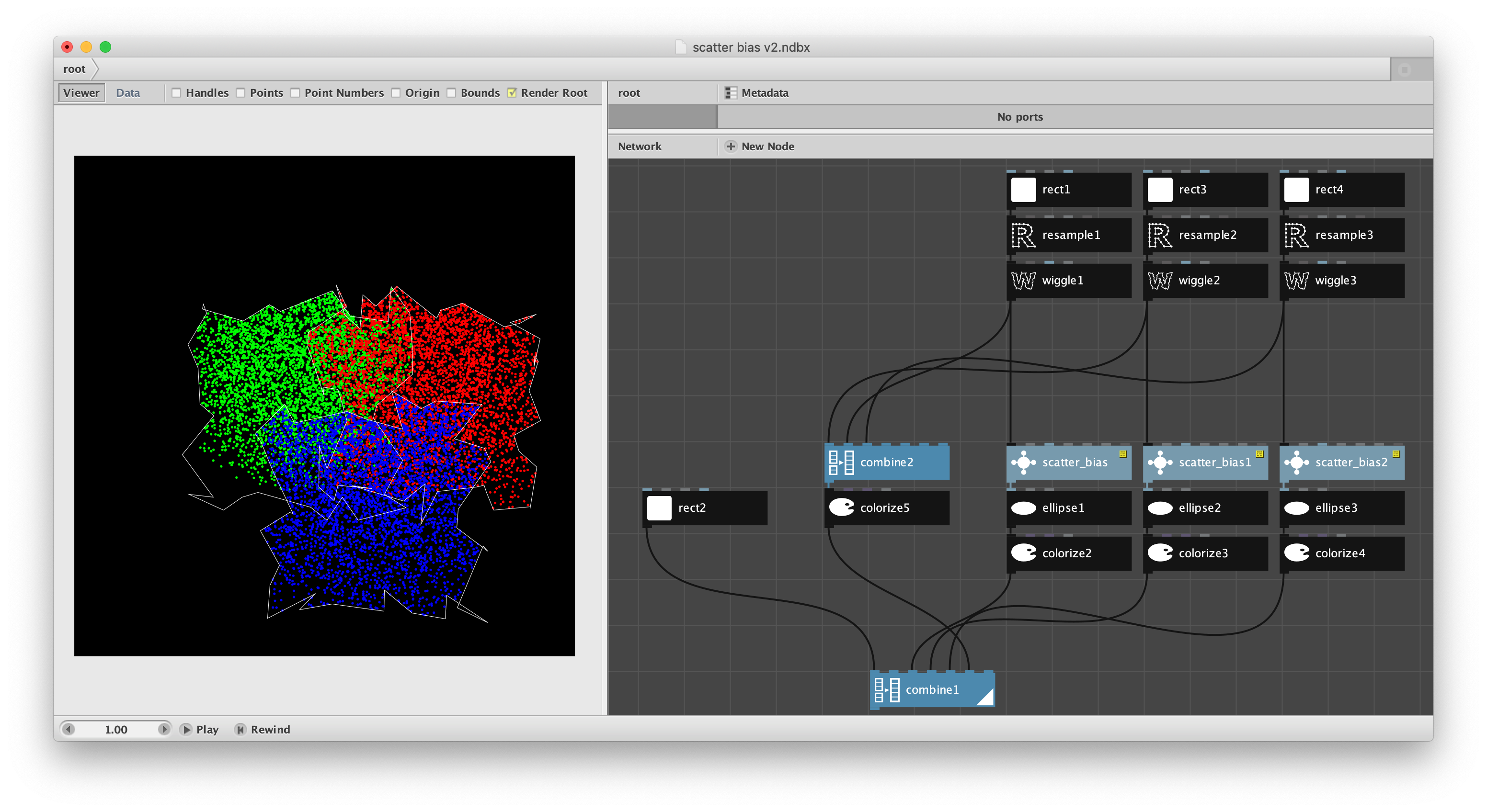
UPDATE - improved version attached in subsequent note.
The standard scatter node is the simplest way of introducing randomness into patterns. It scatters a given number of points within a supplied boundary shape. It is simple, but gives you little control over the distribution of those points.
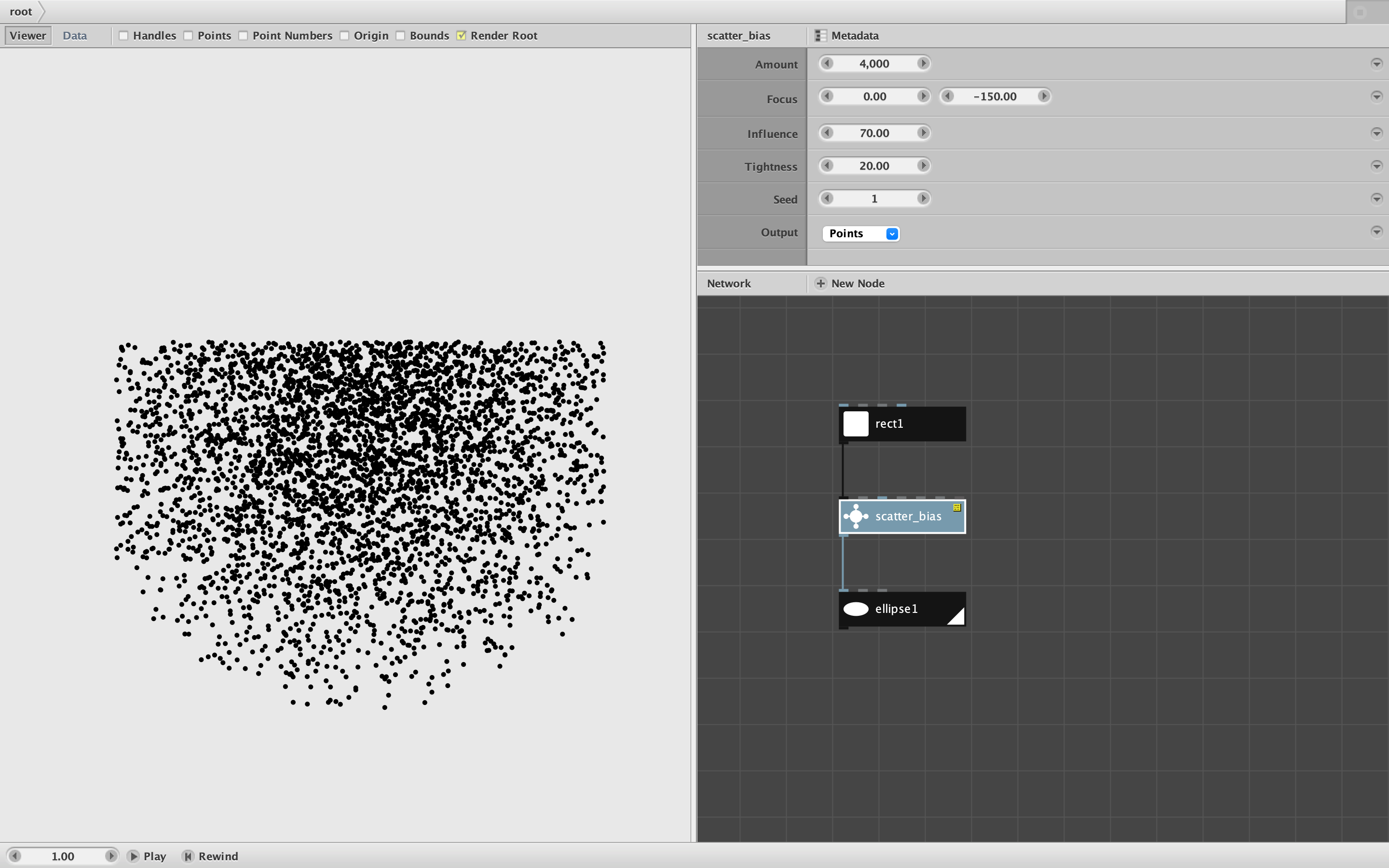
Scatter_bias does the same thing, but provides a way of creating a biased distribution centered on a focus point. The node takes the following arguments:
- Shape. All points will be generated inside this shape.
- Amount. The number of points to be generated.
- Focus. A point inside or outside the boundary shape, relative to the center of that shape. Points will be more likely to fall closer to the focus point.
- Influence. A value from 0 to 100. At 100, the focus will exert maximum influence and all points will fall within a sharply defined circle around the focus (as permitted by the boundary). At 0, the points will land as they would with a normal scatter node.
- Tightness. A value from 0 to 100. Tightness affects the radius of the circle around the focus at maximum influence, from 0 for a wide circle to 100 for a tight circle. Tighter circles will slightly degrade performance with a large number of points.
- Seed. The random seed. Change to see different distributions.
- Output. Either "Points" or "Preview". Points outputs the specified number of points. Preview generates some reference shapes useful when positioning the focus and tuning the other parameters:
- It renders the points as small blue circles
- It shows the outline of the boundary shape
- It shows a red focus dot with white outline at the position of the focus
- It shows a translucent pink circle showing the current tightness of the focus circle at maximum influence
TIP: Don't forget to reset the output to "Points" after tuning the parameters. If fed into other nodes when in Preview mode, all the extra ellipses for the points, outline, focus, and circle of maximum influence will themselves be converted to points, resulting in about 13 times as many total points as specified.
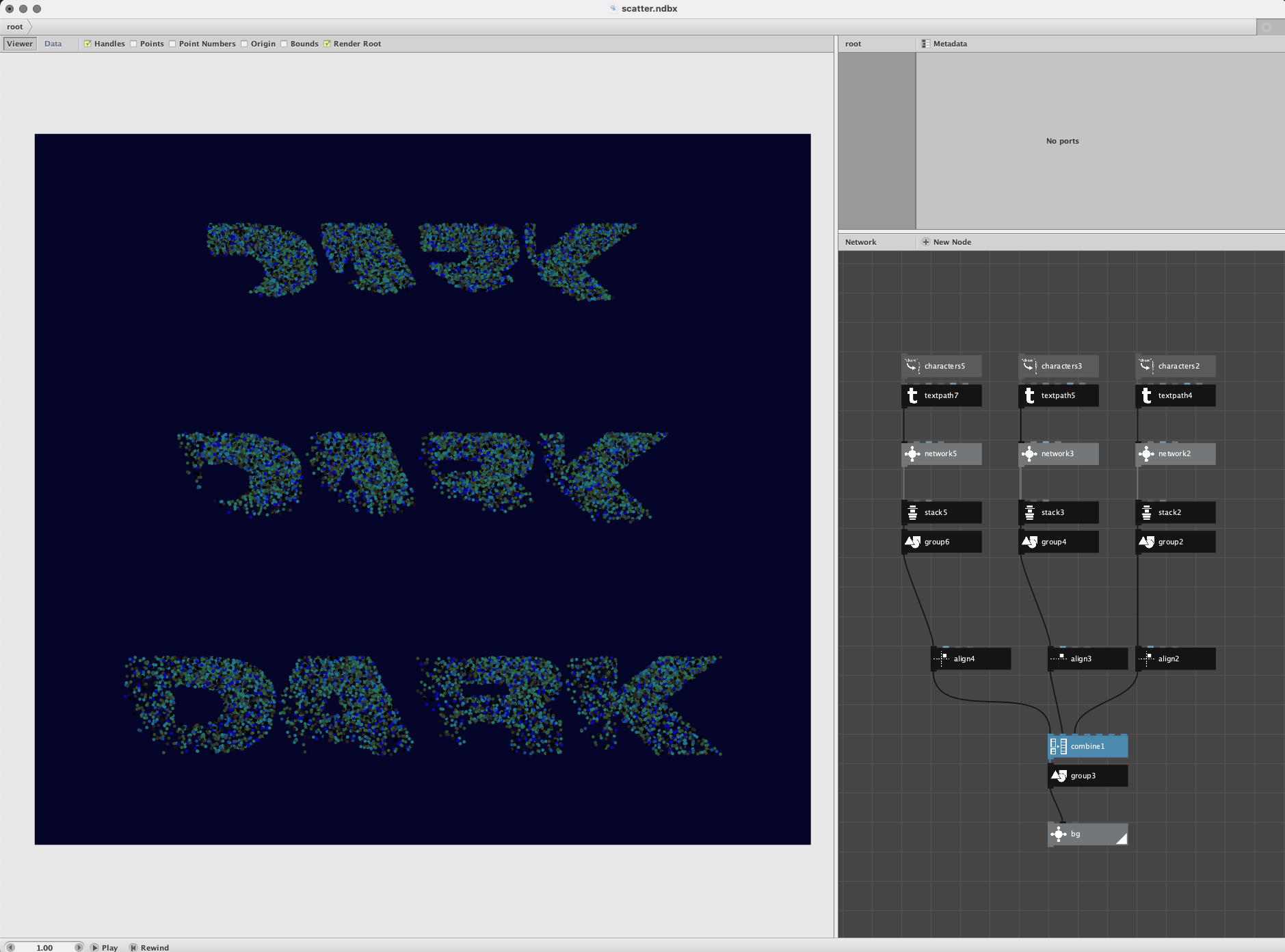
Scatter_bias is reasonably fast and can generate 10,000 points almost instantly. By playing with the parameters you can generate a wide variety of interesting distributions. The biased distributions can then be used to drive an unlimited number of effects. In animations you can move the focus and cause the influence and/or tightness to rise and fall to cause even more interesting effects.
I strongly encourage you all to play with this node and share some the things you make using it. Suggestions for improvement or for other ways of introducing randomness into designs are always welcome. Scatter_bias will be included in the next rev of the Cartan Node Library and is free for use with no restrictions.
Go forth and create!
John