Floris,
Thank you very much for these excellent answers! Very helpful.
I'm still not 100% clear, though, on what exactly you would want my new node(s) to do...
First, let me see if I understand how you've used Nodebox in the past to do color mixing.
- Using my image node, you get a matrix of pixels (say 1 cm x 1 cm each) with RGB colors for each pixel.
- You convert each RGB color to CMYK values of 0% to 100%
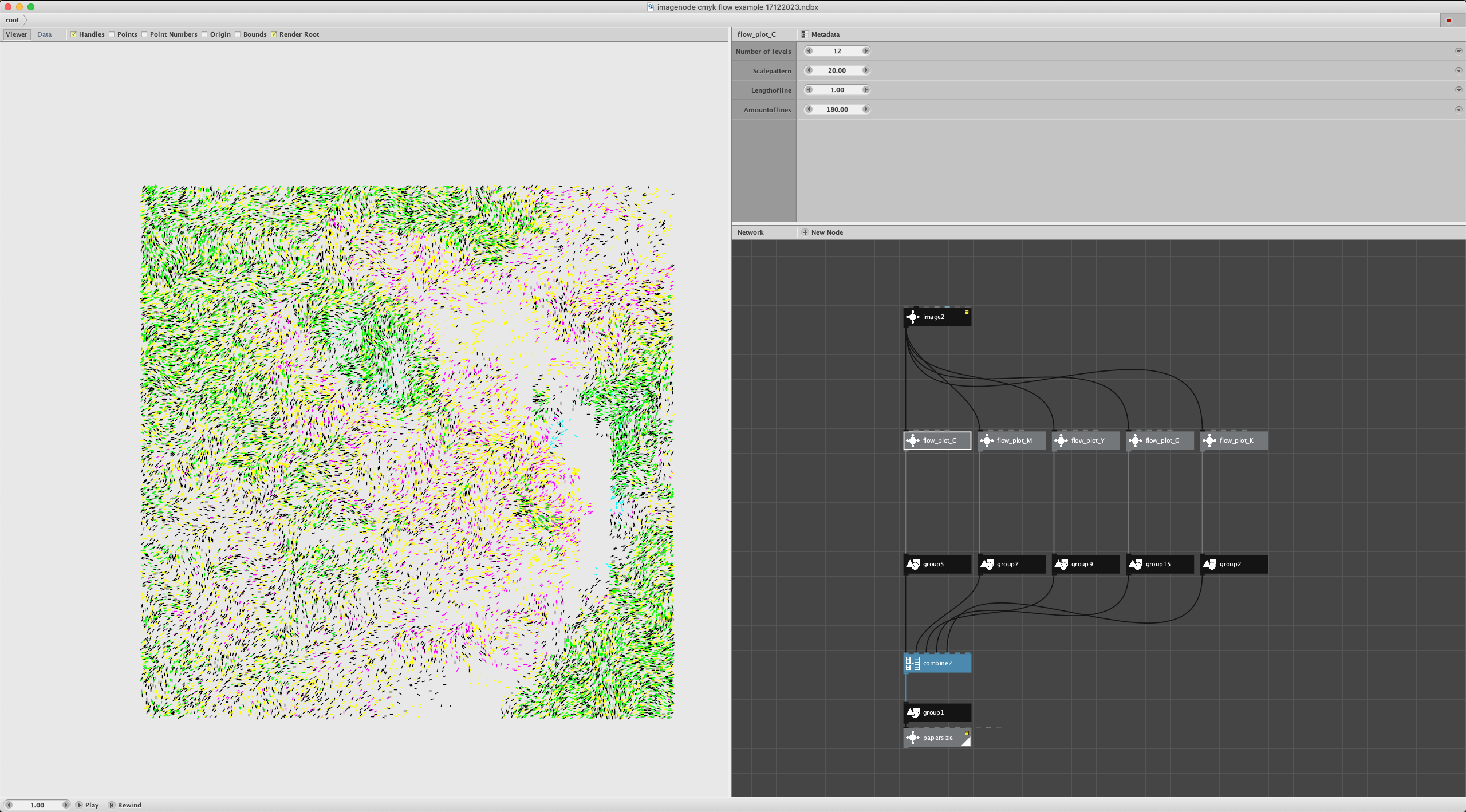
- For your Cyan pen you use the C values to determine how many lines to draw across each square pixel. You string all those line segments together to form one Cyan path
- You plot the Cyan path, switch pens, plot the Magenta path, etc.
Is that about it? So in Nodebox what you need is a table that, for each pixel, has pixel position, C amount, M amount, Y amount, maybe more. Is that right?
If so, the CMYK node might be more convenient if it took in a list of colors and positions, then spit out just such a table. That way you could have a single node and just use lookups on the same table to construct each path, with no need to have different nodes for each color, or slice a 4-tupple output into individual streams and have different subtrees for each one. Would such a table output be better for you?
Do you make a separate pass with a black pen, or do pixels filled with lines from the other three colors suffice? If you do use a separate black pass, do you treat it any differently (e.g. skip the other colors for totally black pixels and use only black to fill those)?
The above scenario could be used with either a proximity or an overlay method. For proximity you would use mostly vertical lines to cover pixels in your Cyan path, mostly horizontal lines for you Magenta path, southeast diagonal lines for Yellow and southwest diagonal lines for Black. For the overlay you would use the exact line crossings for every color and rely on the inks to blend appropriately. True? And either way you would use the same CYMK table to construct your paths. Correct?
If you use an extended gamut breakdown of CYMKOGV (adding Orange, Green, Violet) would you then need an option to do a 7-way RGB breakdown instead of a 4-way breakdown? (I haven't yet found the formulas for Orange, Green, Violet, but I assume they are out there somewhere.)
OR, would you ever want the ability to construct an arbitrary breakdown based on whatever pens you want to use? If so, would you define those pen colors by plotting a square with each pen on whatever paper you intend to use, then photograph it and use a color scanning app to get the hex values for each pen color?
Would that be a more general purpose approach that might also result in a more predictable output? I'm guessing the pens you use are not exactly Cyan, Magenta, and Yellow - true?
I'm not yet sure exactly how to calculate values for arbitrary base colors, but I'm guessing I could figure it out. One issue would be that if your arbitrary pen colors are not well balanced, fewer RGB colors could be accurately represented. But this is already true for CMYK (55% of Pantone colors) or even CMYKOGV (90% of Pantone colors). Would you still agree that using actual pen colors would be better than assuming CMYK (if I can do it)?
So far we've been talking about the use case of calculating values to construct each pen path. But perhaps another use case would be trying to predict in advance what the final plot would look like. This could be even more useful if you want to try out different pen color combinations without having to do any test plots. Would you agree?
Doing predictions would be more challenging with the overlay method. I would have to find all the subpaths containing overlaps of two or more colors, then try to predict the resulting blend colors using negative or subtractive mixing formulas. Might be doable (if there are not TOO many pixels).
USING OVERLAPPING CIRCLES INSTEAD OF PIXELS
Speaking of overlays, I was struck by the four ink pen plot you shared with overlapping circles. Were those circles all made using spiral paths? Did you use a compound node to calculate circles with bites missing for each of your four colors?
Did you even need to calculate CMYK values for your overlapping circles? Or did you just do a separate random scatter for each of your four colors with no need for any color calculations?
Even if you didn't need a new color node to do your circles, you might still benefit from some way of predicting what different outputs would look like with a given set of pen colors. In theory, I could use my overlaps node to find all the overlaps and fill each of those regions with the calculated blended color to make a prediction. The problem is that this would quickly bog down for large numbers of general purpose shapes. I would probably need to make some assumptions about the shapes used in order to constrain the computations required. May or may not be feasible.
To sum up...
Do agree that mixing calculations would only be needed for pixel-based frameworks where you need to find how many lines to cross each pixel with for a given color?
Do you agree that a table output would be the best way to make such a node?
Do you treat black differently than other colors?
Would you prefer to input arbitrary pen colors instead of always using CMYK?
Can you think of ways of mixing colors other than pixels or overlapping circles?
Thanks in advance for your patience in answering my endless questions.