The new NodeBox forum is live! Everything from support.nodebox.net moved here: sign in with the same email to pick up your old posts. Something not working? Write to forum-support@nodebox.net.
Nodebox can export designs as SVG or PDF vector graphics, which allows
for very flexible further processing. I present a few options here in a short series
and show what can already be achieved with a fairly simple Nodebox Design.
In this first Part i like to show "Flamepainter" from Escape Motion.
"Flame Painter" is a kind of particle paint program that can import SVGs.
It offers some chaos factor parameters in its brushes which could lead
to unpredictable results. But the results can still be beautiful.
The program only allows one vector object/stroke per layer.
Importing an SVG file with 20 objects will create 20 vector layers,
each layer containing one object.
.
.
Here are the steps to use an SVG from Nodebox in Flamepainter.
Select a brush in FlamePainter that you like. Import an SVG file
you created with Nodenbox. FlamePainter now applies the brush
you selected to all 20 objects during import.
If you later want to change your brush in any way. Then adjust
your brush to your liking. Now delete your previously created
vector layers with “File > New”. Select your brush and re-import
the SVG to apply this brush.
Thats all, have fun Nodeboxing :)
gottfried
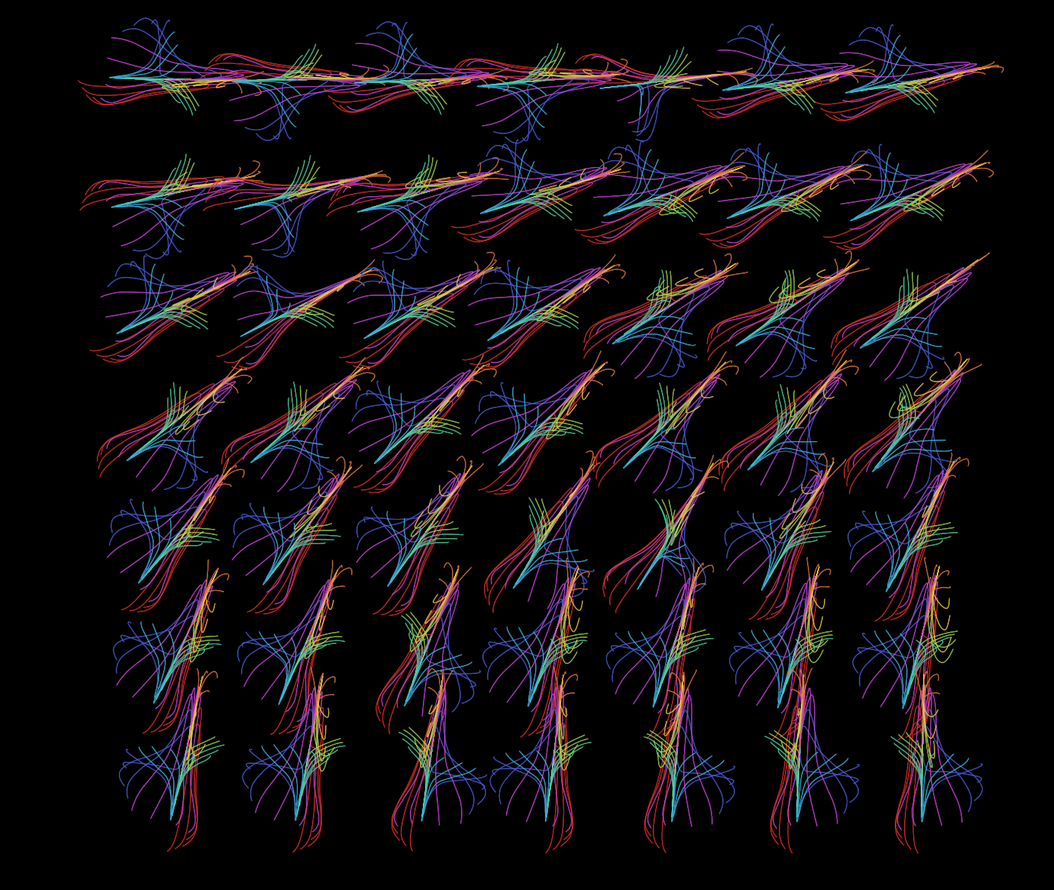
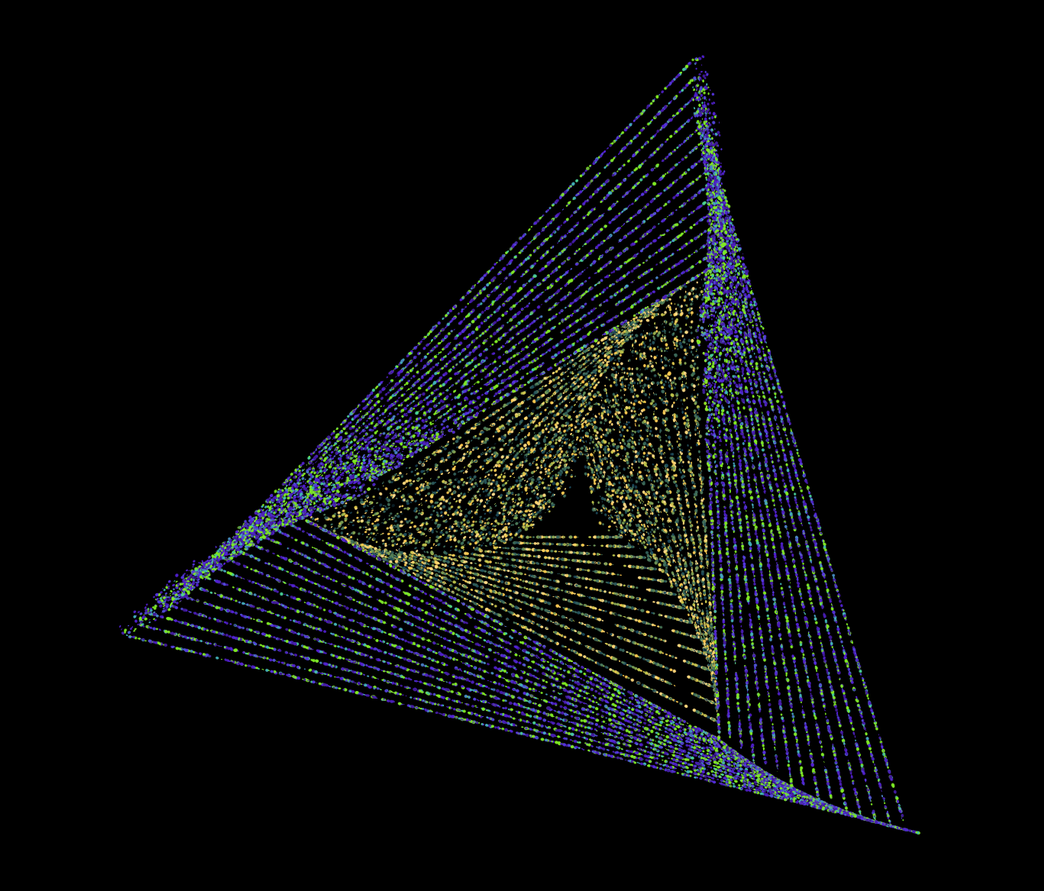
Here the Flamepainter Results
LA
LAlastvector
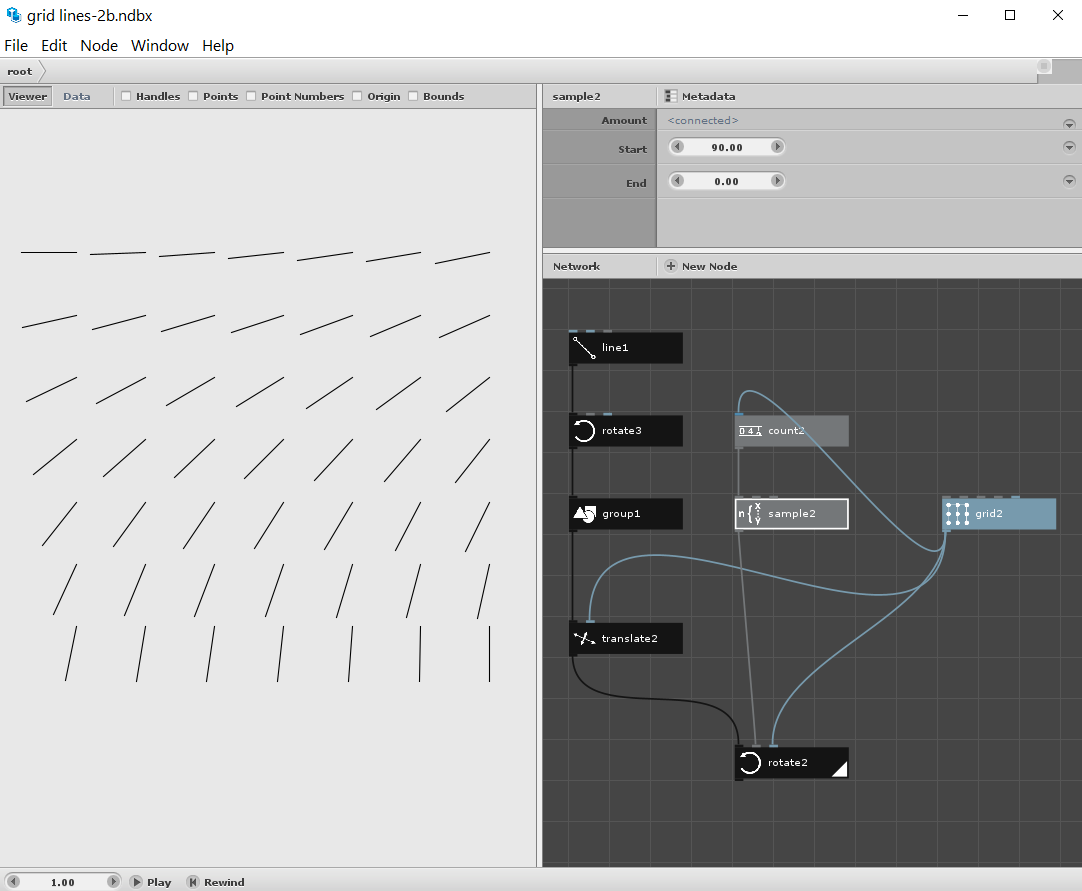
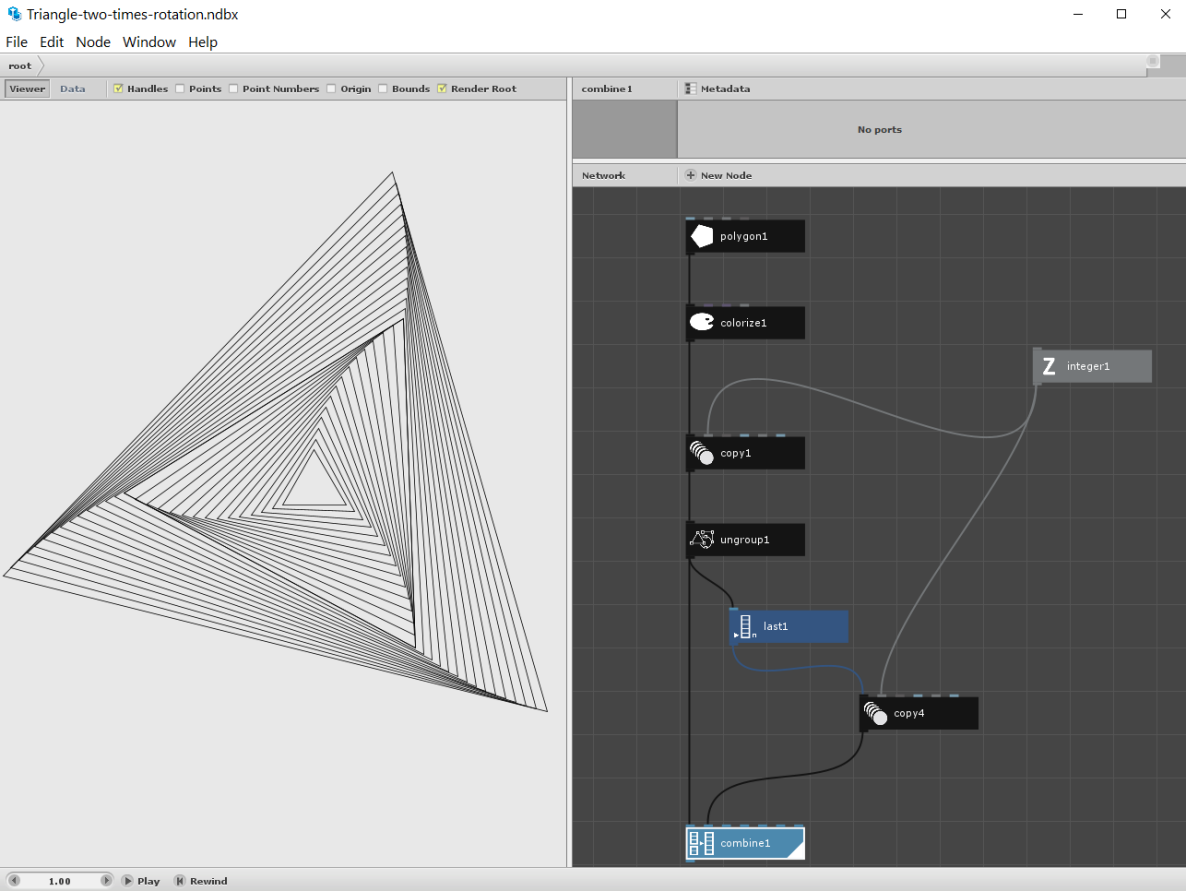
and here the Nodebox Design
with the Nodebox Tree
JO
JOjohn
Gottfried,
This is way cool! I played with Flame Painter for a few minutes; quite an interesting little program. I can see how using Nodebox SVGs for brush paths could produce some spectacular results.
I think the idea of doing a regular tutorial on ways of using NodeBox with other apps is a fantastic idea. I look forward to Part 2!
John
LA
LAlastvector
Hi John
I'm glad you like it. I've known Flame Painter for a while
and play around with it from time to time.
I've also used SVGs from other vector graphics programs with it.
But Nodebox offers a world of completely different possibilities.
Some Notes to FlamePainter it will not close a Path
even by importing a closed Path, the Path will have
a Start and a End. I take this at it is.
Also editing a Path in it is no fun, but there is a Feature
where you can reduce points on a Path and add them
later again. As long as you editing on a vector layer.
Remembering Brushes is one of the worst thing of it
so i recomment rename your vector layer with the Name
of the Brush you using.
Of course I will present a few other programs that you can use
with Nodebox Designs.
Until then, have a nice day
gottfried
Know something that helps?
Sign in with your email address to reply. No password needed.