A while ago I came across this beautiful video from yukikawae
https://www.youtube.com/watch?v=yj2L07KwL-c
I found this so interesting that I thought about
how to recreate the first Pattern in Nodebox.
Here is my result
The new NodeBox forum is live! Everything from support.nodebox.net moved here: sign in with the same email to pick up your old posts. Something not working? Write to forum-support@nodebox.net.
General DiscussionFrom the old forum
A while ago I came across this beautiful video from yukikawae
https://www.youtube.com/watch?v=yj2L07KwL-c
I found this so interesting that I thought about
how to recreate the first Pattern in Nodebox.
Here is my result
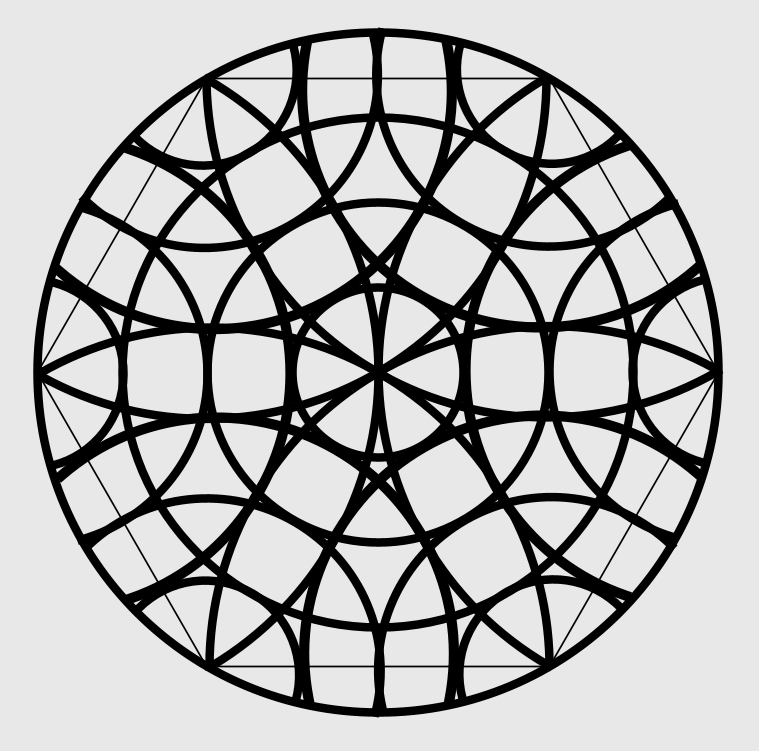
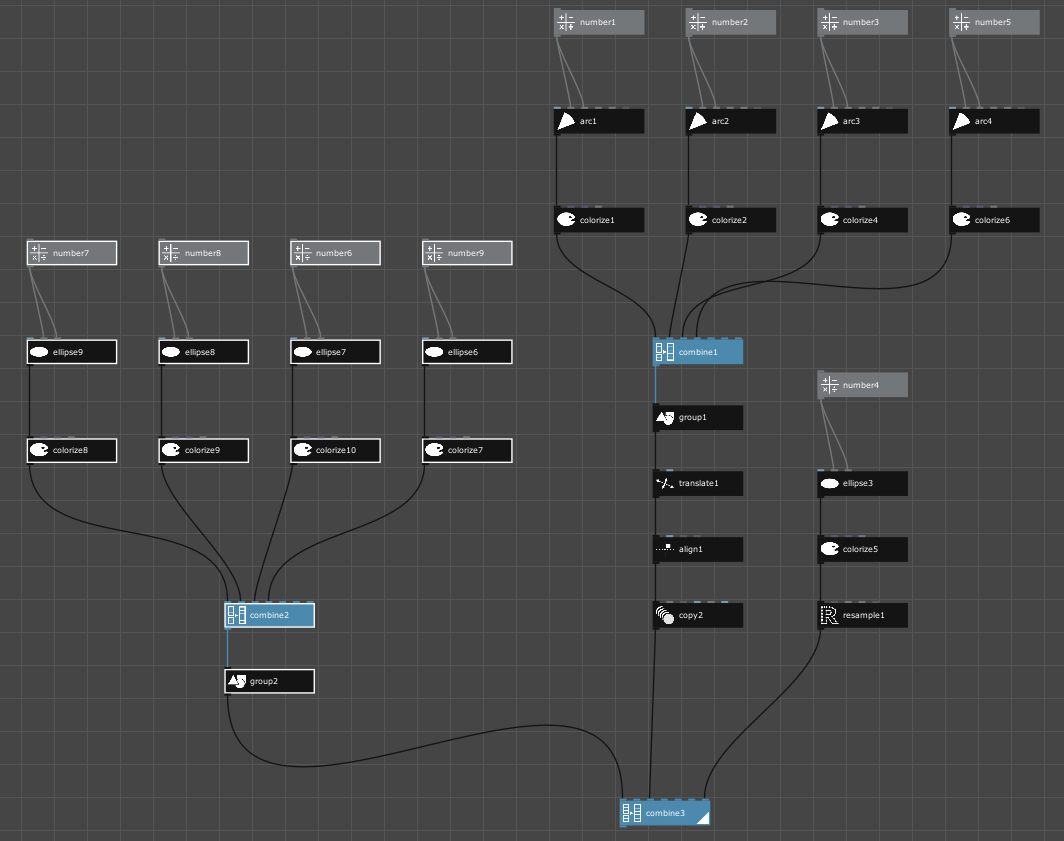
Here the Nodebox Tree.
The Tree is certainly more extensive than it needs to be,
but my main focus was creating the pattern.
I also decided to try out the SVG in FlamePainter
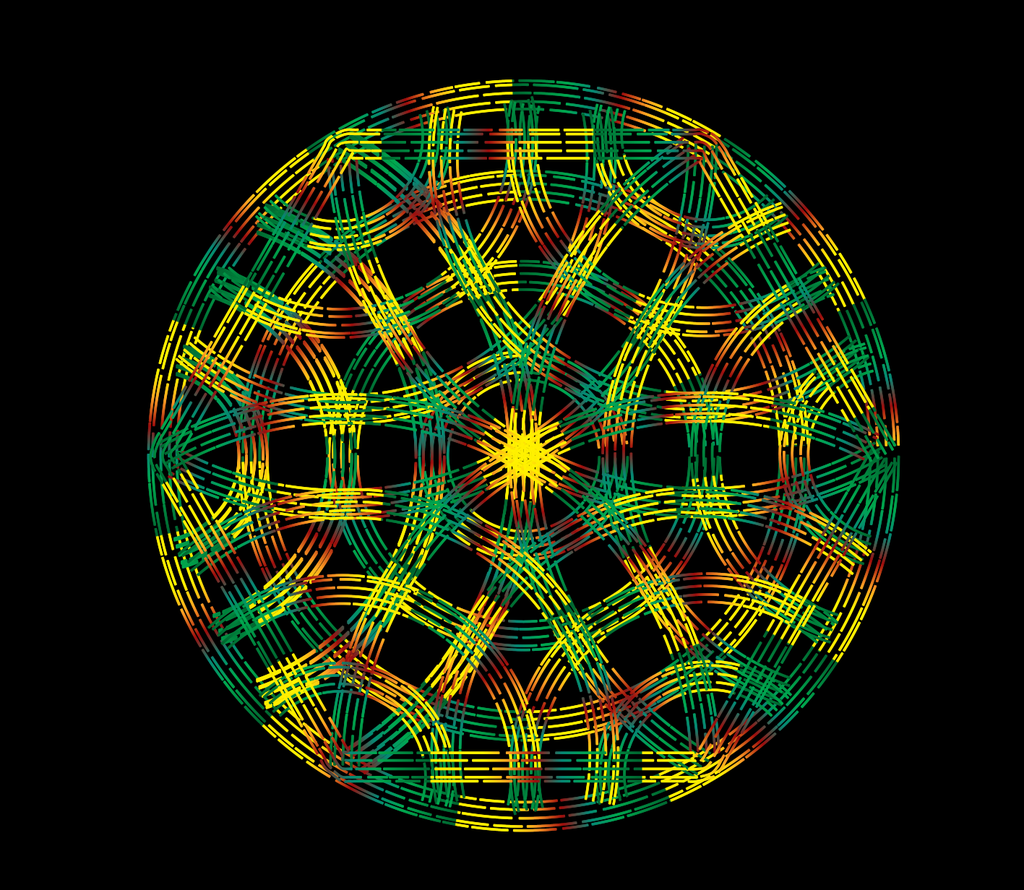
Nice!
I am a big fan of these sand mandalas, which are often posted on Instagram.
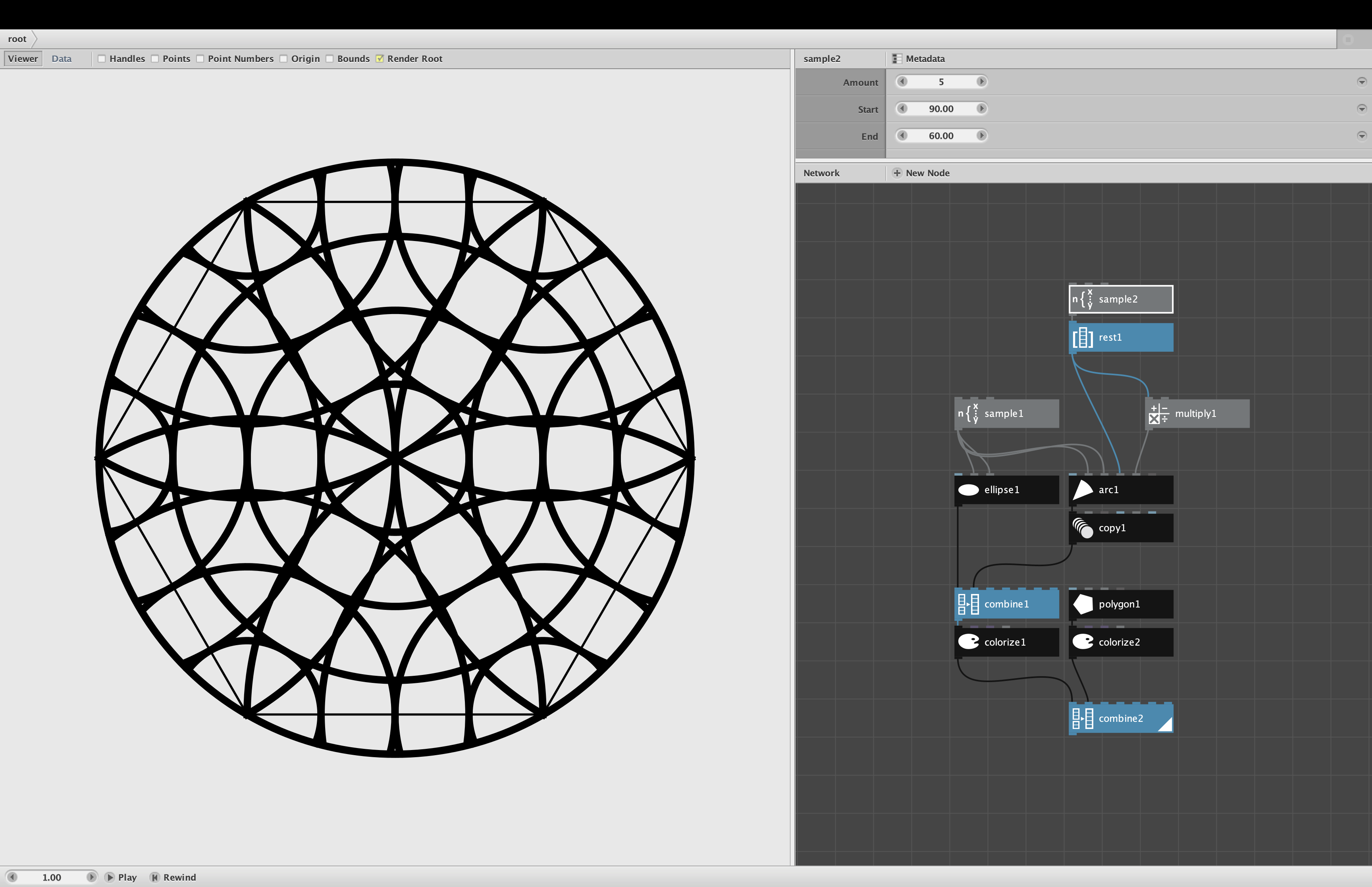
Attached is a simpler network that draws the same thing.
What would be REALLY cool would be to use FlamePainter or some other app to simulate the sand and the furrows made in that sand!
Keep 'em coming!
John
John
Thank you very much for your optimized version.
Now I have something to study, your version shows
definite ways that I would not have thought of so easily.
What I find so admirable about the handmade sand version
is the hand-eye coordination and the calmness with which
it is carried out.
Regarding the digital version, I thought of particle simulations for
the sand. I believe Procressing offers such a particle simulation
for 2D vector graphics and the 3D program Blender does particle
simulation in 3D.
Thanks again, have a nice day
gottfried
John
I've studied your version of the sand mandala a bit
and I think your approach of using the Sample Node
as a kind of loop replacement is smart.
Although I have to say that my version was pretty simple.
Not to excuse myself, but to encourage other beginners.
When I try something out or recreate something, my main goal
is to get as close to the result as possible and to do so
in the simplest, most understandable steps possible. After
that, i can always optimize it.
The nice thing about NB is that you can easily copy node trees
or parts of them by holding down the Alt key and moving the
desired part with the mouse.
When I studied this and other examples from you,
this nice comparison came to mind.
"So, that's the difference between someone just looking at the moon
and someone who knows rocket science and flies to the moon :)
So, have a nice flight.
gottfried
Here some Variations i made this pieces were
refined in VectorStyler
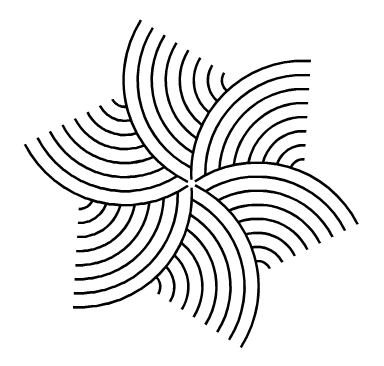
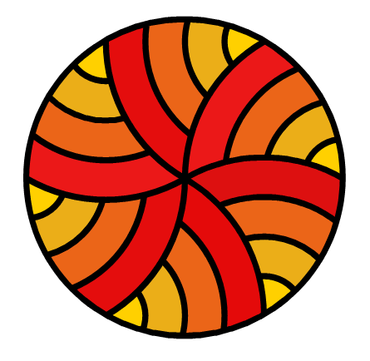
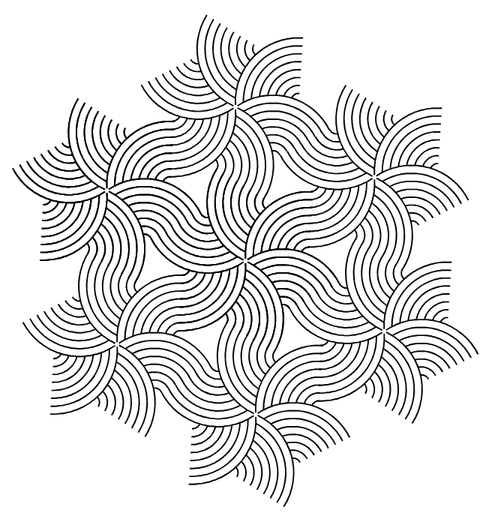
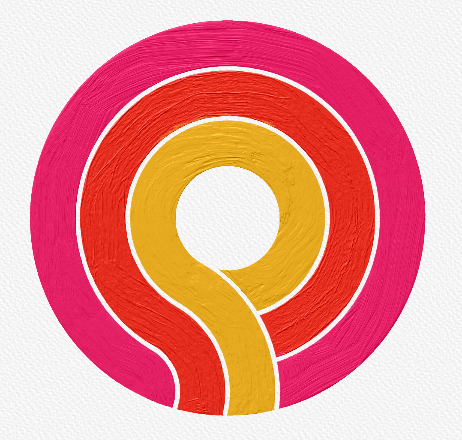
And this variation were made as
a digital oil painting
Gottfried,
Re your comment about your process in making your original "unoptimized" version...
I am so glad you brought this up. There's nothing wrong with the way you did it. I often do the same thing, using Nodebox to feel my way through a design, trying individual curves and coloring them one at a time. I constantly copy-paste subtrees and temporarily combine them to test different effects.
But over the years, I have learned to optimize as I go. The main reason for this is to make it easier to play.
If you have four separate curves, each with its own colorize node, it is cumbersome to play with different color palettes. You have to change all four colorize nodes one at a time, study the result, try to remember it, then try four different colors, etc.
But once you optimize by feeding a list into one node to produce the curves, then color them all at once with a single colorize node, it becomes much easier to try different colors. You can color them all the same color with a single click. Or, if you want to give each a different color from a coordinated palette, you can just use any one of my color nodes (like my palette node), set the amount to 4, feed that into the single colorize node, then start trying different color palettes to your heart's content by changing color parameters upstream.
The same thing goes for all sorts of different coordinated effects. Thicken the stroke lines for everything all at once, change the number of curves from 4 to 24, resize them in a graduated way, randomize base attributes to quickly step through dozens or hundreds of different variations, etc.
All of this becomes way, way easier (and more fun) once you eliminate any unnecessary duplications and boil things down to single unified system. I've learned and relearned this lesson so many times that now I tend to almost automatically optimize as I go.
John
Gottfried,
I really like all three of the variations you shared in post 6. You said you refined them in VectorStyler, which is fine and a nice example of exporting NodeBox SVGs to other tools. I note, though, that all three of these designs would be fairly easy to make directly in Nodebox as well.
This is not true, though, of the "oil painting" you made in your post 7: that is hard or almost impossible to do in NodeBox. Was that also done in VectorStyler?
Your original design also inspired me to make an animation. I kept playing with it and adding more elements until I ended up with animation I called "Dreamcatchers". You can see it in my Instagram portfolio:
https://www.instagram.com/reel/C7ttN9vRfbz
Thanks again for a very interesting and productive conversation!
John
John
This dreamcatcher animation is beautiful.
I have already discovered some possibilities of Animation
in Nodebox. It's a cool way to change parameters.
The digital oil painting was created in "Rebelle" (from
Escape Motion, like Flamepainter). Since version 7 it
offers the import of SVGs as Paths. Paths behave like
rulers, brushes follow such a path.
I will show yet some of the possibilities I see using Nodebox
together with vector graphics programs or Rebelle in the
following parts of the little series I started with Flamepainter.