The new NodeBox forum is live! Everything from support.nodebox.net moved here: sign in with the same email to pick up your old posts. Something not working? Write to forum-support@nodebox.net.
A while ago I found a little circle packing program.
It lets you convert a bitmap into a vector graphic based
on a circle packing algorithm and save the result as an SVG file.
I was able to create me a Nodebox Tree which load this SVG File
and replace the circles with a vector object i like.
That works fine so far.
A little later I expanded the whole thing to be able to
change the distance between the circle positions.
Which also works.
.
.
But there is one problem that I couldn't solve.
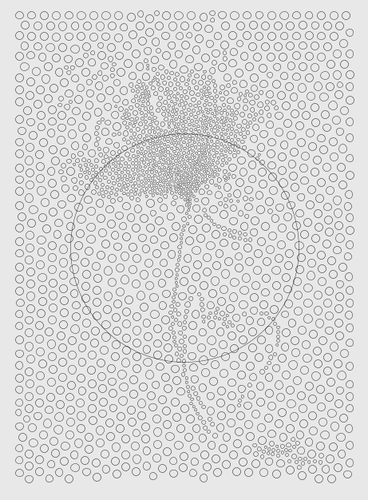
As you can see from the screenshot, there is a large circle
in this conversion. This seems to be somehow related to
the "Fit To" Node. But I couldn't figure out how. Or how
to delete or suppress this circle.
You find the Nodebox Tree and the SVG in the Zip File
in the file attachment
There are 1972 shapes in your SVG, all circles EXCEPT the first one. The first shape is the rectangular white background.
So when you make 7x7 ellipses from all those shapes, you turn that first rectangle into a 7x7 ellipse at the origin. Then when you fit it back to its original size, you get a big ellipse as wide as the original rectangle.
The solution is simply to add a rest node after your initial ungroup of the SVG to discard that rectangle.
I spotted this by hooking a slice node right after the ungroup to step through the shapes looking for anomalies; since the rectangle was right at the front I spotted it immediately. Using a slice node like this as a kind of microscope is a very useful trick that often pays off when debugging things like this.
Incidentally, there is an easier way to expand all the circles: just ungroup them, get their centroids, and then simply feed the ungroup node and the centroid node into a translate node. This instantly doubles the space between circles!
This works because when you translate each circle at X,Y by X,Y it moves the circle to 2X,2Y (without increasing the size of the circle). If you want to adjust this, just feed the centroid node into a scale node before feeding that into the translate node.
Nice pattern by the way!
LA
LAlastvector
Hi John
Thanks for the Tips.
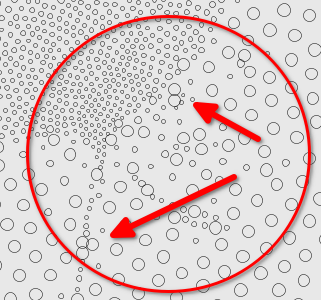
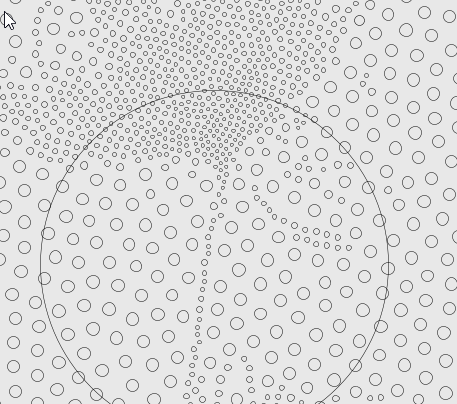
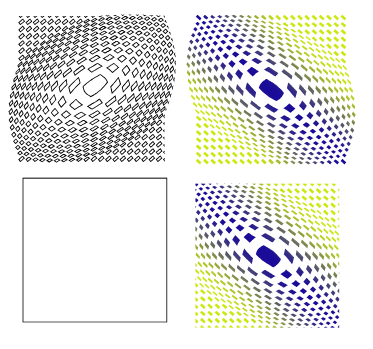
Placing the "Rest" Node after the "Ungroup" Node
caused other Problems (some misplacing circles)
see the picture below.
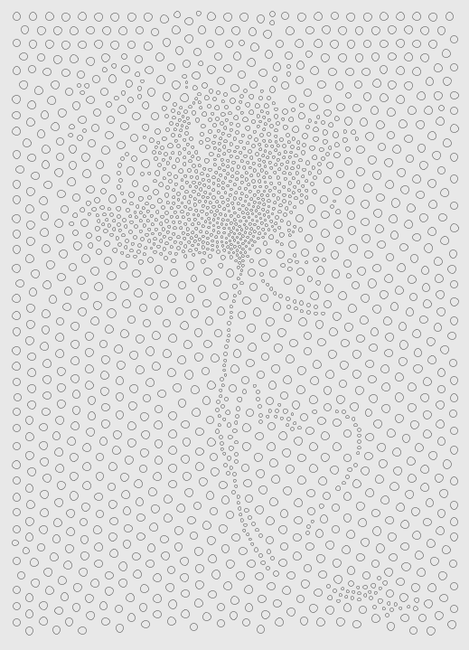
But i found the Solution by placing the "Rest" Node
at the very End of the Node Tree. After that, everthing
works as exspected.
So everything is fine now.
Thank you, for your help
have a nice day
gottfried
LA
LAlastvector
John
I've been working on this node tree idea for quite a while.
Sometimes it takes a while to get the idea of how to
approach something because ideas sparks step by step :)
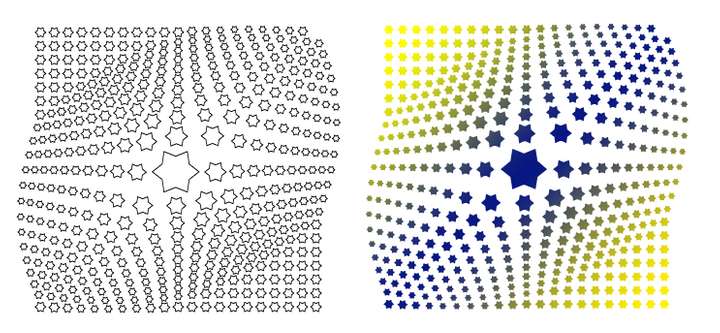
Here are two of my attempts.
Created with the help of VectorStyler which have a
Feature call Repeater, is a bit like Grids in Nodebox
but with a few extra options. The Pattern where also
deformed with a Shape Effect.
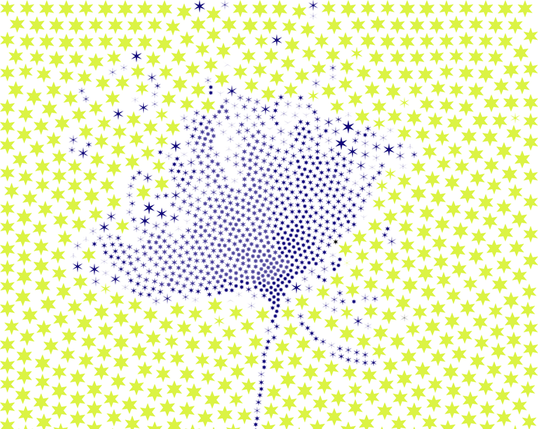
And a Version of the Circle Flower, where i replaced
the Circles with a Star shape and colored it.
gottfried
JO
JOjohn
Gottfried,
I should have been more clear or provided code. When I said add a rest node after ungrouping, I meant everywhere you ungroup (before the branch into your two subtrees). The misplaced circles happened because you removed the rectangle from the right subtree, but not from the left, so the left subtree had one more item in the list than the right.
No matter. Adding the rest node at the bottom to remove the giant circle also works, as you showed.
These designs are really cool. This is a great technique and another good example of finding a synergy between Nodebox and VectorStyler.
Thanks for sharing!
John
LA
LAlastvector
John
...When I said add a rest node after ungrouping, I meant everywhere you ungroup (before the branch into your two subtrees)....
I gave this also a try and it works too.
I didn't think of that either.
But it's good to know what caused this misplacement.
For future projects :)
gottfried
Know something that helps?
Sign in with your email address to reply. No password needed.