Floris,
Thanks for raising this. It should have occurred to me that rectangular dashes would not be plotter-friendly.
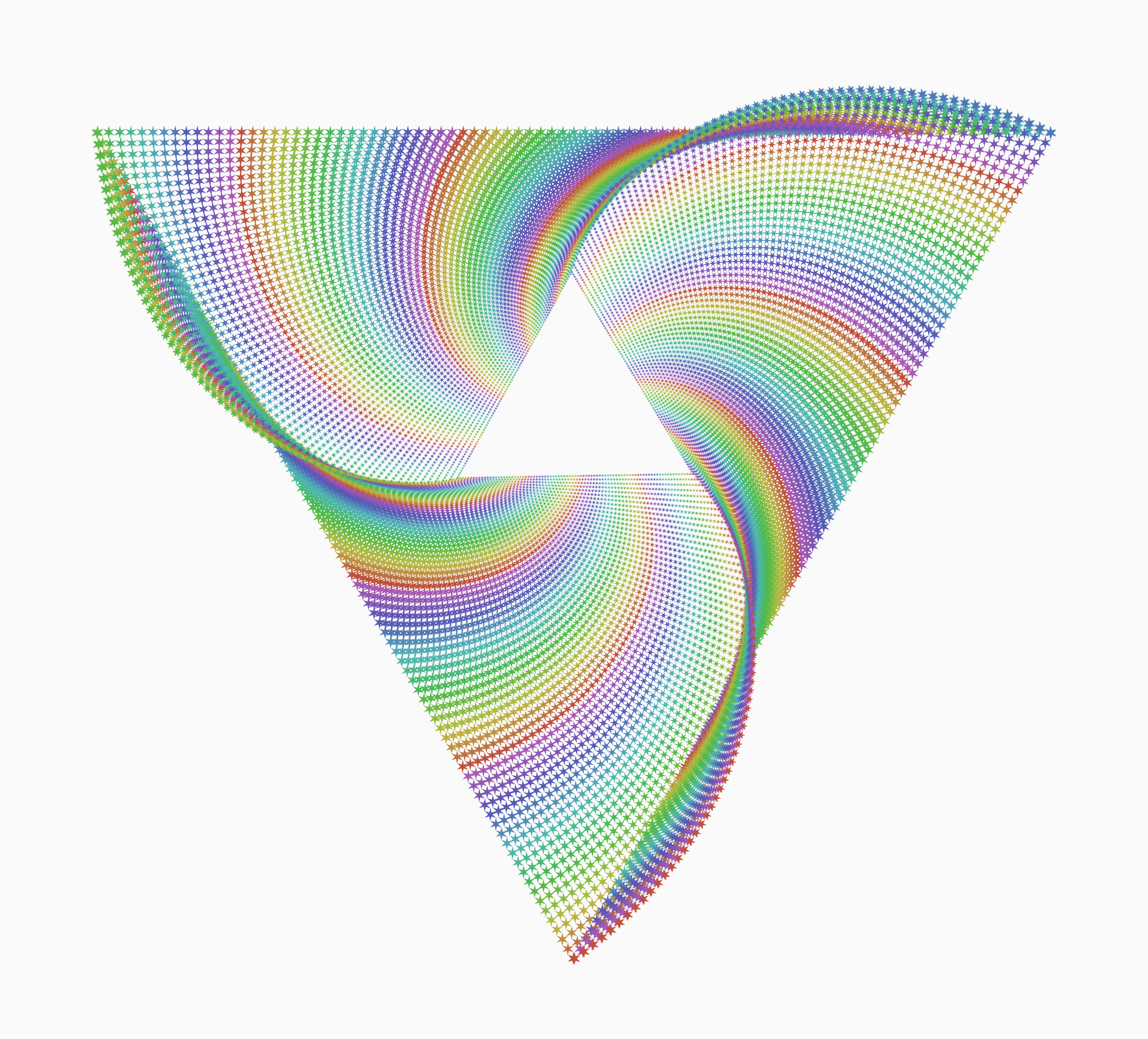
The reason I used rectangles instead of lines is that rectangles (filled but with no stroke) can be precisely positioned, whereas lines will vary slightly in apparent size and position depending on strokeWidth.
The real problem with lines is the endpoints, sometimes called the caps. When you increase stroke width to thicken line-based dashes, the strokeWidth also extends on either end (at half the rate as the strokeWidth). At least that's how it works in Nodebox. Other vector drawing tools provide options for rounded caps. I'm not sure what plotters do.
It is possible to perfectly simulate a rectangle with a line by setting the strokeWidth to the shorter side of the rectangle and shortening the line so that the area extending from either endpoints makes up the difference. But when you use this technique with squares, you end up shortening the line to length zero! This produces something that looks like a square, but behaves strangely, and no longer follows the angle of the original dash. I'm also not sure what a plotter would do with a zero length line.
So anyway, that's why I made my dashes out of rectangles.
But it is possible to convert rectangles into line segments and compensate for the issues with square dashes.
Behold! A new node (attached): rect_to_line.
Rect_to_line takes any rectangle (or any other shape) and turns it into a line segment which follows the longer axis of the rectangle. By default, the line has a strokeWidth of 1 (with a stokeColor matching the fill of the rectangle, or black if the shape has no fill).
But if you check the "Fill with stroke" option, the line will be shortened and the strokeWidth increased to create something that looks exactly like the original rectangle. In order to handle the problem with square or near-square dashes, I enforce a minimum line length of 2% of the shorter side. This causes the thickened lines to extend just barely past the correct endpoints, but this effect is not noticeable in most cases. In some cases the thickened lines will be ever so slightly off the correct slope when converted to PNGs, but will be fine when converted to SVGs or PDFs.
If you pass a shape other than a rectangle, rect_to_line will use the shape's bounding box instead. And if you pass it a group of shapes, it will ungroup, convert the shapes, then regroup.
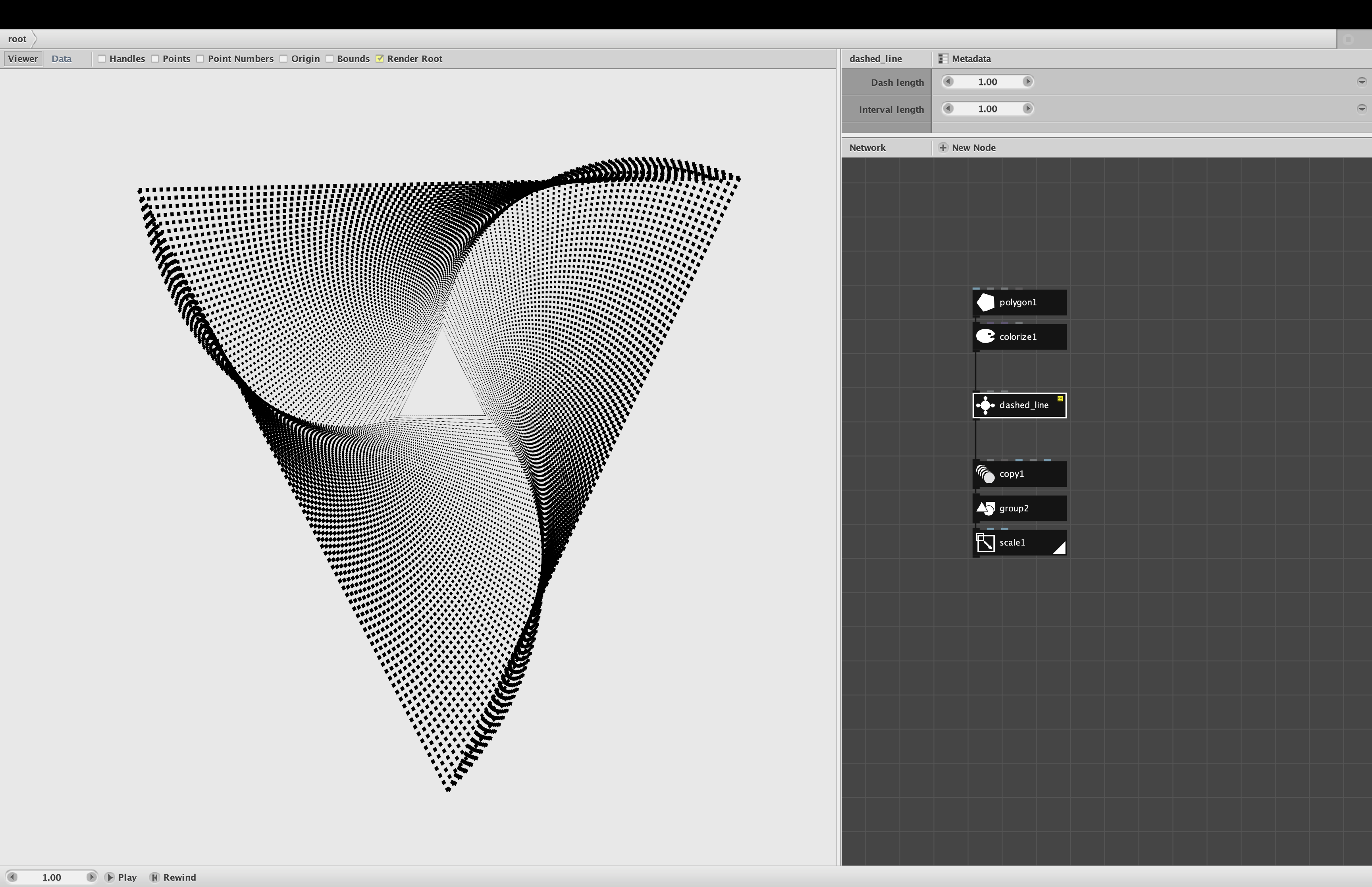
To turn the output of my dashed_line node into something more plotter-friendly, just feed it into my rect_to_line node. If you check the "Fill with stroke" option, all the rectangular dashes will be converted to line-based dashes which look the same. If that doesn't work well, you can uncheck the option and get plain line segments which follow the long axis of the shape; you can then use a colorize node to change the thickness of these lines.
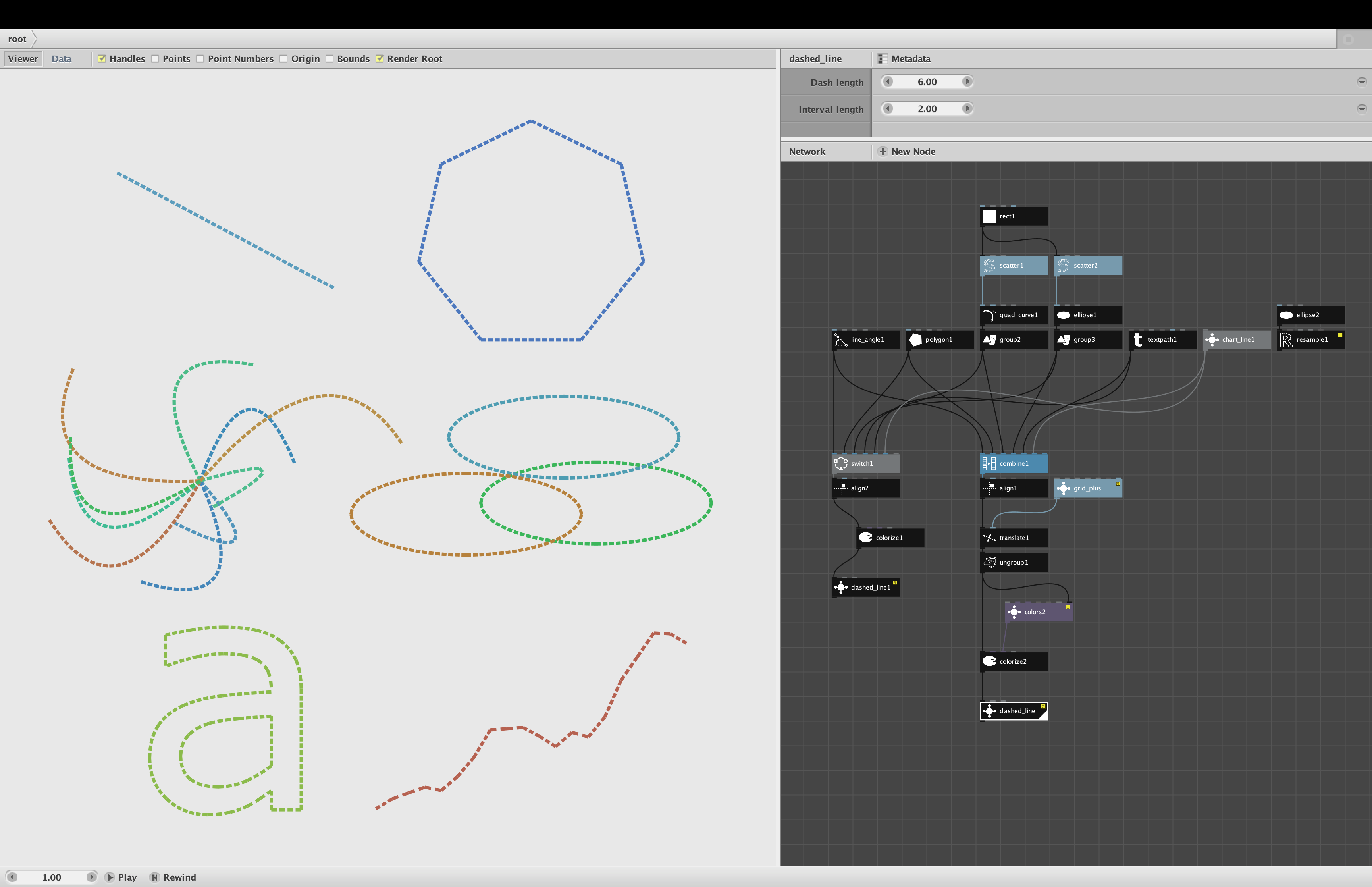
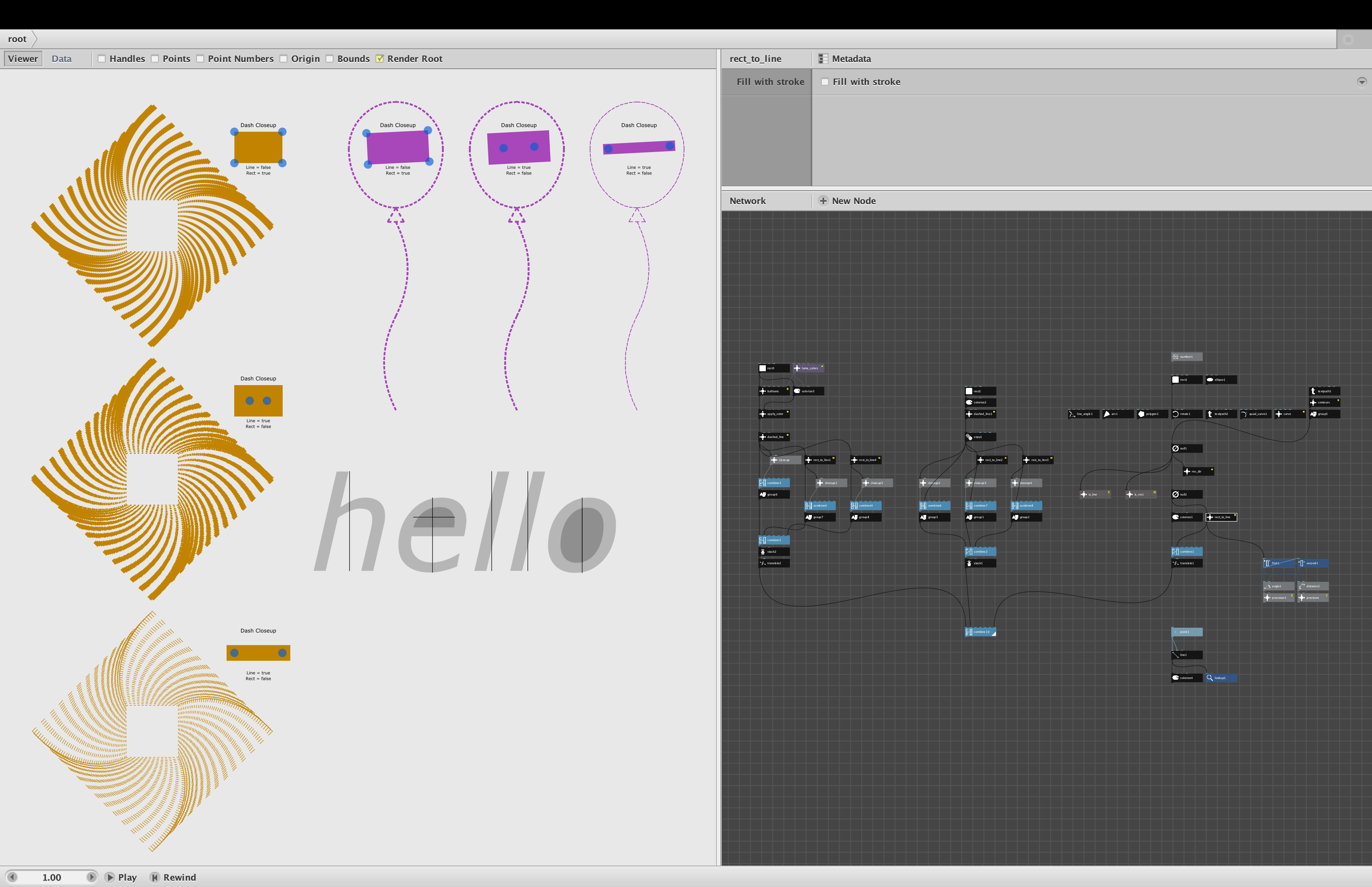
The demo shows three tests combined into one output.
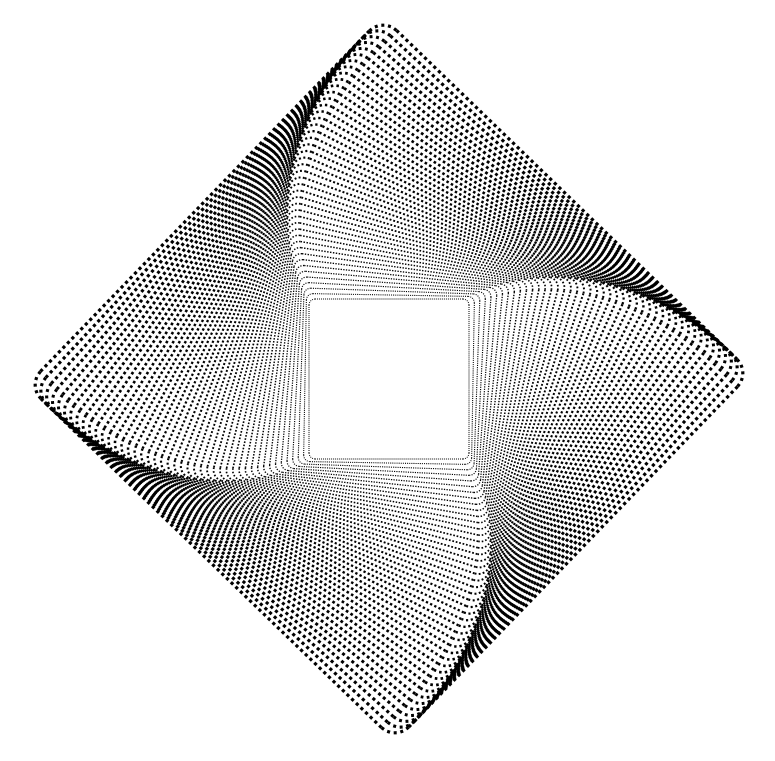
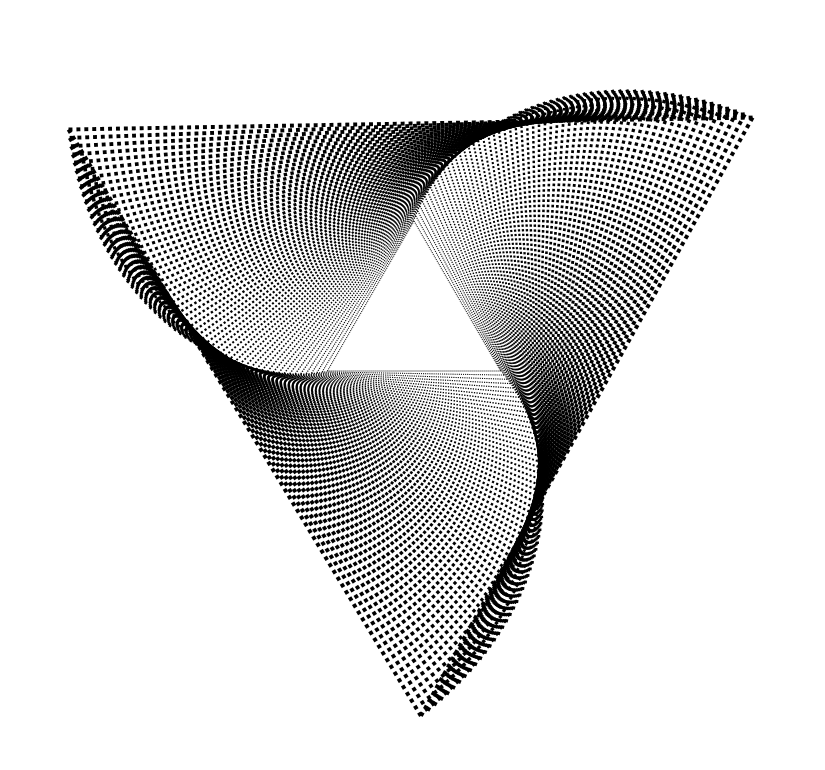
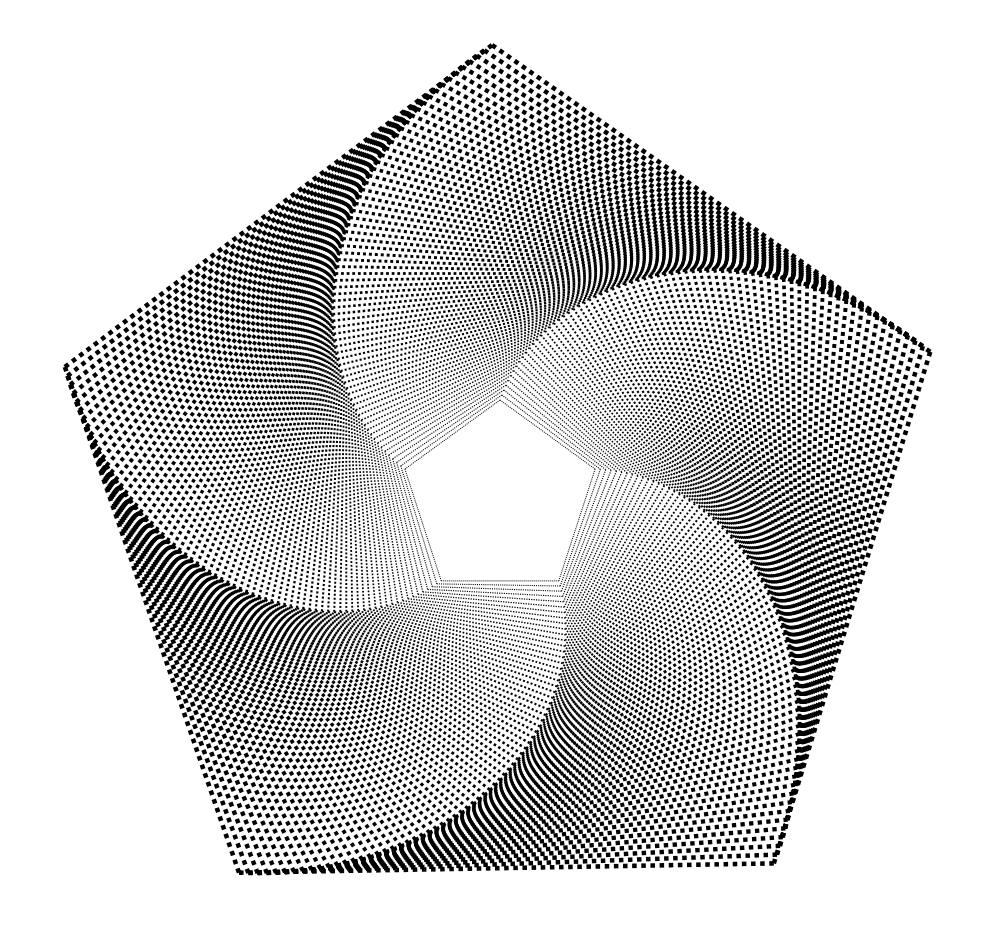
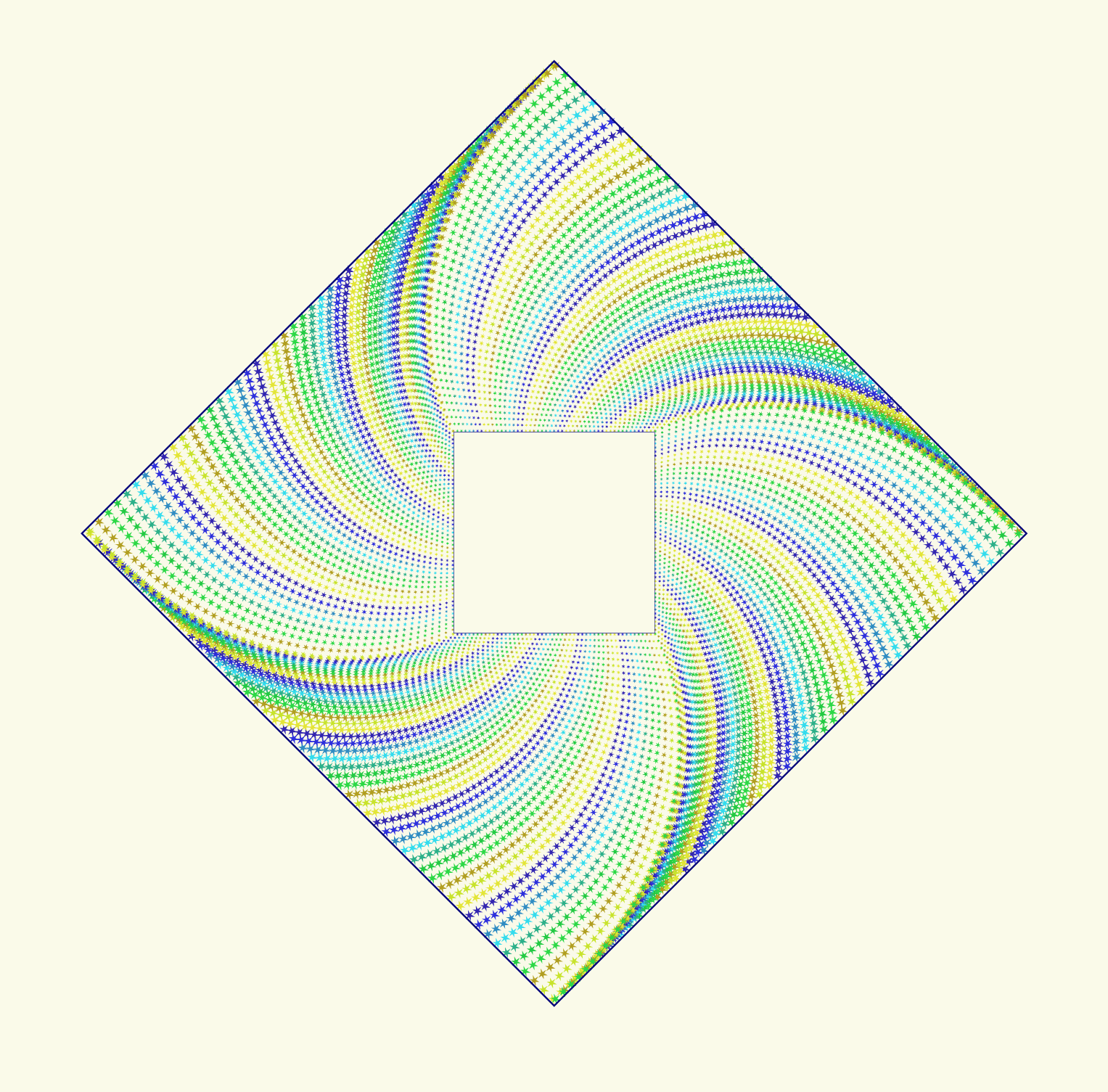
On the left I show the same rotated square pattern that was giving Floris trouble. I stack three versions vertically. The first is the original pattern produced by dashed_line with a thickness of 2. Below that is that pattern fed into the rect_to_line node with the Fill with stroke option engaged. As you can see this looks exactly the same but should be plottable. Below that is the slightly thinner line-based dashed produced when Fill with stroke is unchecked.
To prove that the dashes really have been converted to lines, I show a closeup of the first dash in each pattern with the path points shown as blue dots. The rectangles have four dots, the lines only two. I also show the output of two nodes I made for this demo: is_line (which returns true if the path is a straight line), and is_rect (which returns true if the path is a rectangle with four 90 degree angles).
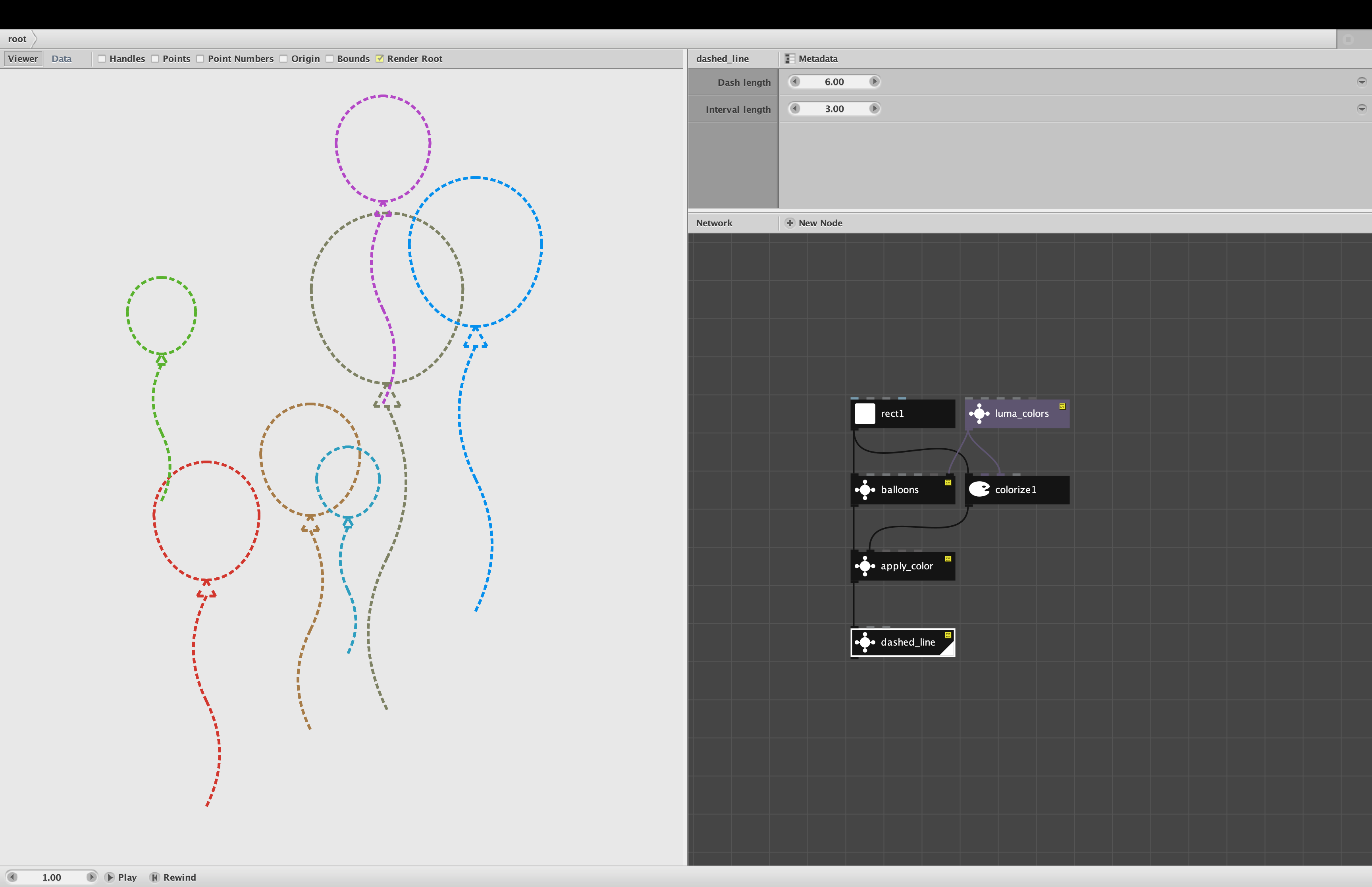
For my second example I create a dashed balloon, then again show the original and the two rect_to_line conversions with and without the Fill with stroke option. I only generated one balloon, but if I had generated a bunch of balloons each a different color, as I did earlier in this thread, dashed_line would return each dashed balloon as a separate group, and rect_to_line would do the conversion and then regroup each balloon.
The third example shows one output of a torture test of different shapes fed into the rect_to_line node. If you are curious you can play with this subtree and try different shapes. You can also try reversing the direction of any shape, rotating them, etc.
Floris, could you please try feeding some dashed patterns into the rect_to_line node and then plot the results? Let me know if this solves your problem. I'm also curious to know how thick you can make your strokeWidths - is this limited by the pens you use? And does increasing strokeWidth cause the ink to extend out from either end in the same way it does in Nodebox? How do square dashes turn out?
I think this node is pretty cool, and may have uses beyond dashes, so I will probably add it to the next rev of my library. Do you think you would have any general uses for the is_line and is_rect nodes? They were surprisingly hard to make. ALSO, do you see any uses for an opposite node which would turn line segments into rectangles?
Finally, one more question. Do you think I should add an "Output lines" option to dashed_line so that you wouldn't have to manually add the rect_to_line node when plotting? It might cause a slight slowdown even when you don't choose this option, but perhaps that would be acceptable.
Thanks again for bring this to my attention and spurring these improvements. I look forward to your feedback!
John