Gottfried,
Choosing a resolution can be surprisingly complex. I am still learning the best rules of thumb.
The first thing to consider is whether you are making your image for screen or for print.
In general print images will require higher resolutions, depending on where the printout will appear - e.g. in a magazine or on a billboard. For a magazine or a framed photograph you will usually want at least 300 dots per inch, so an 8 x 10 image would require 2400 x 3000. If it's going to hang on the walls of a museum - where people can look at it closely - at, say, 30 x 40, you would need at least 9000 x 12000, maybe more if you are printing at 2400 dpi. (Using American units, but you get the idea.)
For a billboard, oddly enough, you can get away with lower resolution because people won't be able to get very close to it. In most case just 3 or 4 thousand pixels on a side will look fine even for images measured in meters.
For screen images something like 72 or 96 dpi will usually be fine. Again, it depends on how big you expect the screen to be and how close people's eyeballs will be to that screen. Even a fairly big laptop screen will only be around 1000 pixels tall. So, like you, I find that dimensions of around 600 pixels will work find for images which are just going to appear on a web page or something and will not be zoomed into or scrolled.
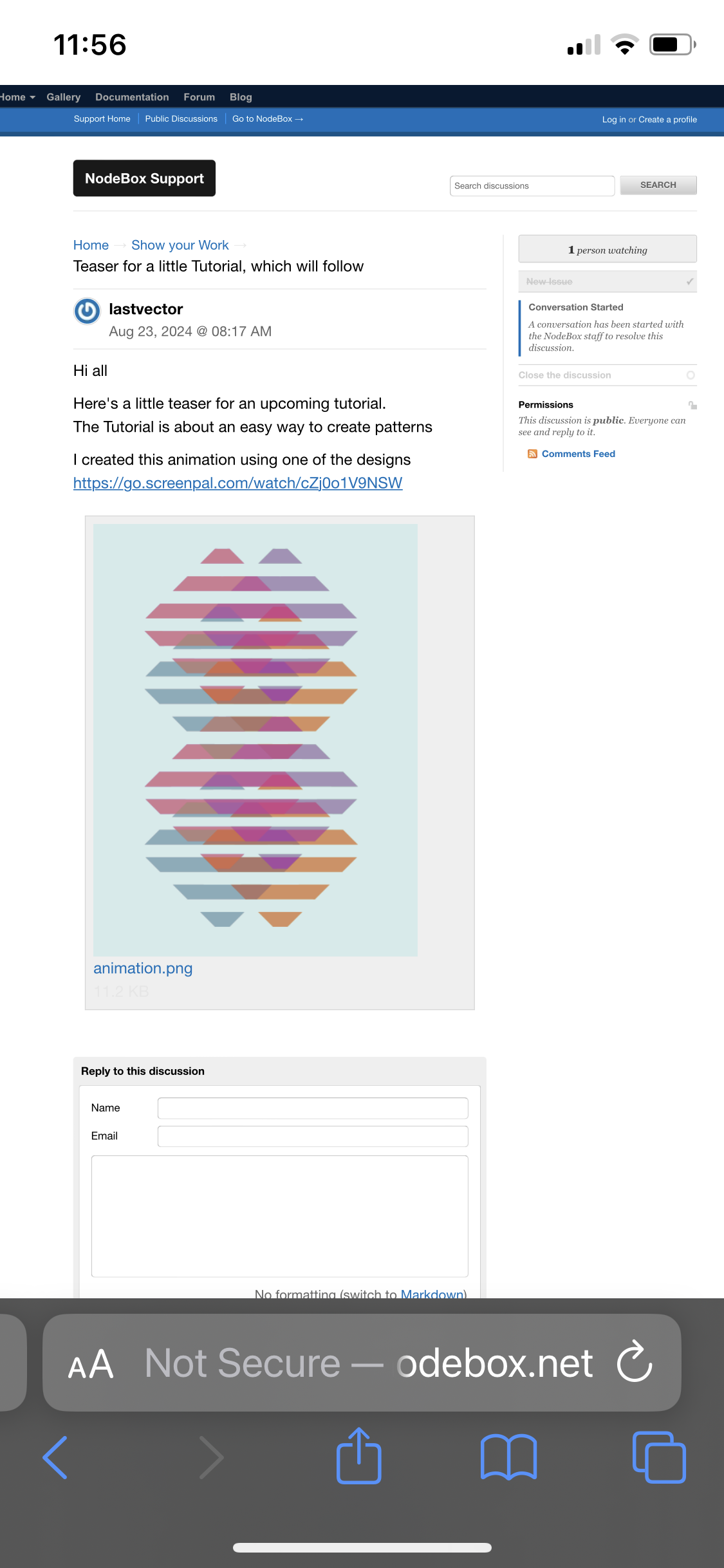
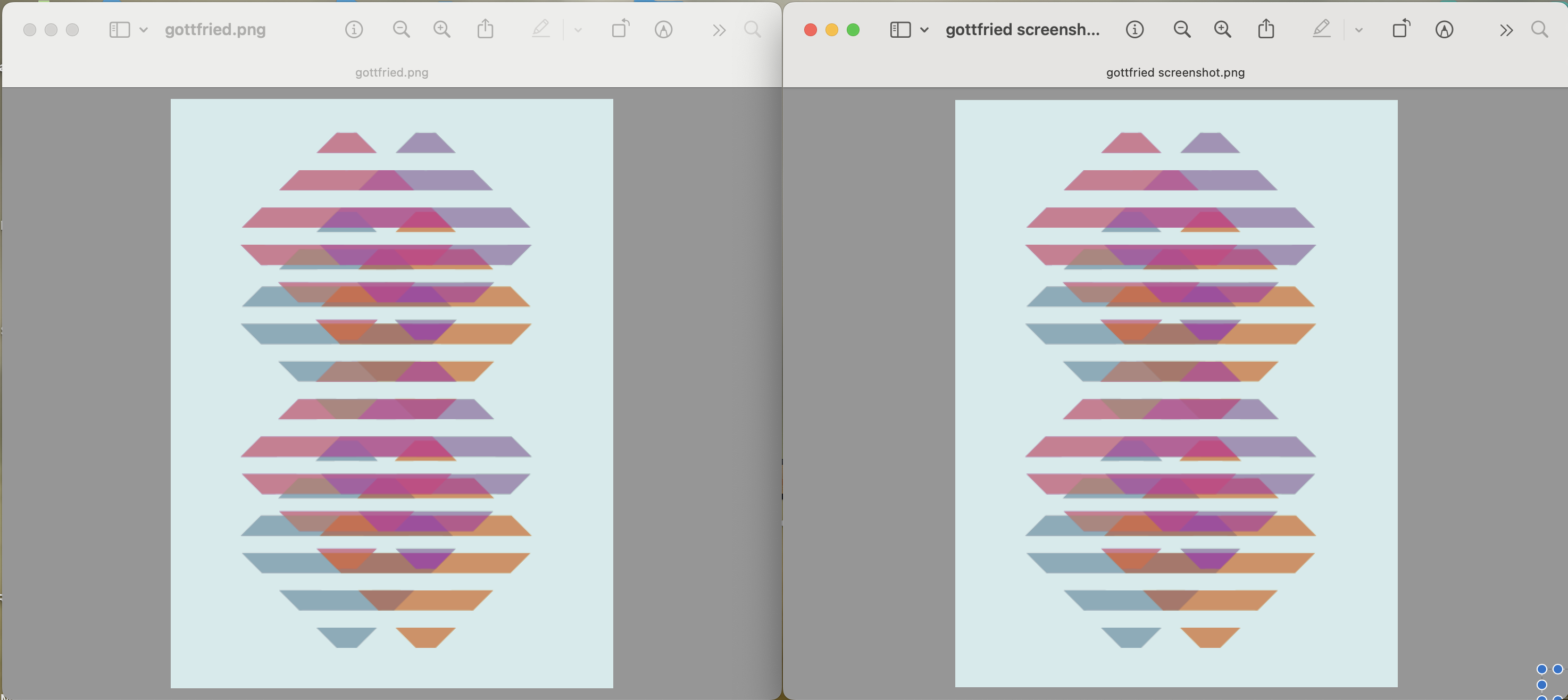
BUT, if your image has a lot of fine detail (e.g. text) you may want to at least double the expected display size to reduce visible antialiasing. Your image was simple geometic shapes without text or much in the way of curves, so keeping it under 600 on a side was fine.
For animations you can get by with fewer pixels because they are zipping by too fast to be seen in detail. I used to make my animations at 600 x 600, and they looked pretty good at that size when viewed on an iPad or even when projected on a wall. But Instagram and many current display screens are optimized for at least 1080 by 1920, so that's what I use now. They look great even on large screen TVs.
Yet another factor for screen display is the layout: landscape or portrait, for both the image and the screen. Especially on web pages, the display code will size the image differently depending on device proportions. For a phone, which is normally held in a portrait orientation, or a web page, where there is a fixed width but a potentially infinite height (with scrolling) the code will first stretch the width to fill the available space and then size the height to match the image's proportion. In situations where both height and width are fixed and height may be in shorter supply, like dialog boxes, the code will stretch height first and then set width based on the image.
In your case, this particular image happened to be taller than it was wide and the width, 416 pixels, happened to be just under the maximum width for display in the forum web page, so no shrinking was required. It left the width as it was and so also left the height as it was, which, at 554 pixels is just a little taller than many images on the forum - almost the entire available height without scrolling on my iPad. If your image had been landscape instead of portrait, it would have reduced the width a bit and the height, already less, would have been reduced by the same amount, resulting in a image which would appear noticeably smaller on the page.
SO, bottom line: it's complicated. For display on a Nodebox forum web page, on a phone, tablet, or laptop screen, for an image that does not require zooming to see fine detail, the image will need to end up under about 450 pixels wide. If you don't want people to have to scroll to see the whole height, you'll want to keep that under about 600 pixels (or 4/3 your width).
So your image was just under the maximum size for that particular viewing situation given its proportions. If your image had been twice as tall as it was wide, you would have probably needed to shrink it down to about 300 pixels wide to keep the height under 600. But at its current proportions you could have doubled the resolution to 832 x 1108 and the display would have probably looked about the same (since the web page would divide both dimensions in half).
Sorry for such a long answer.