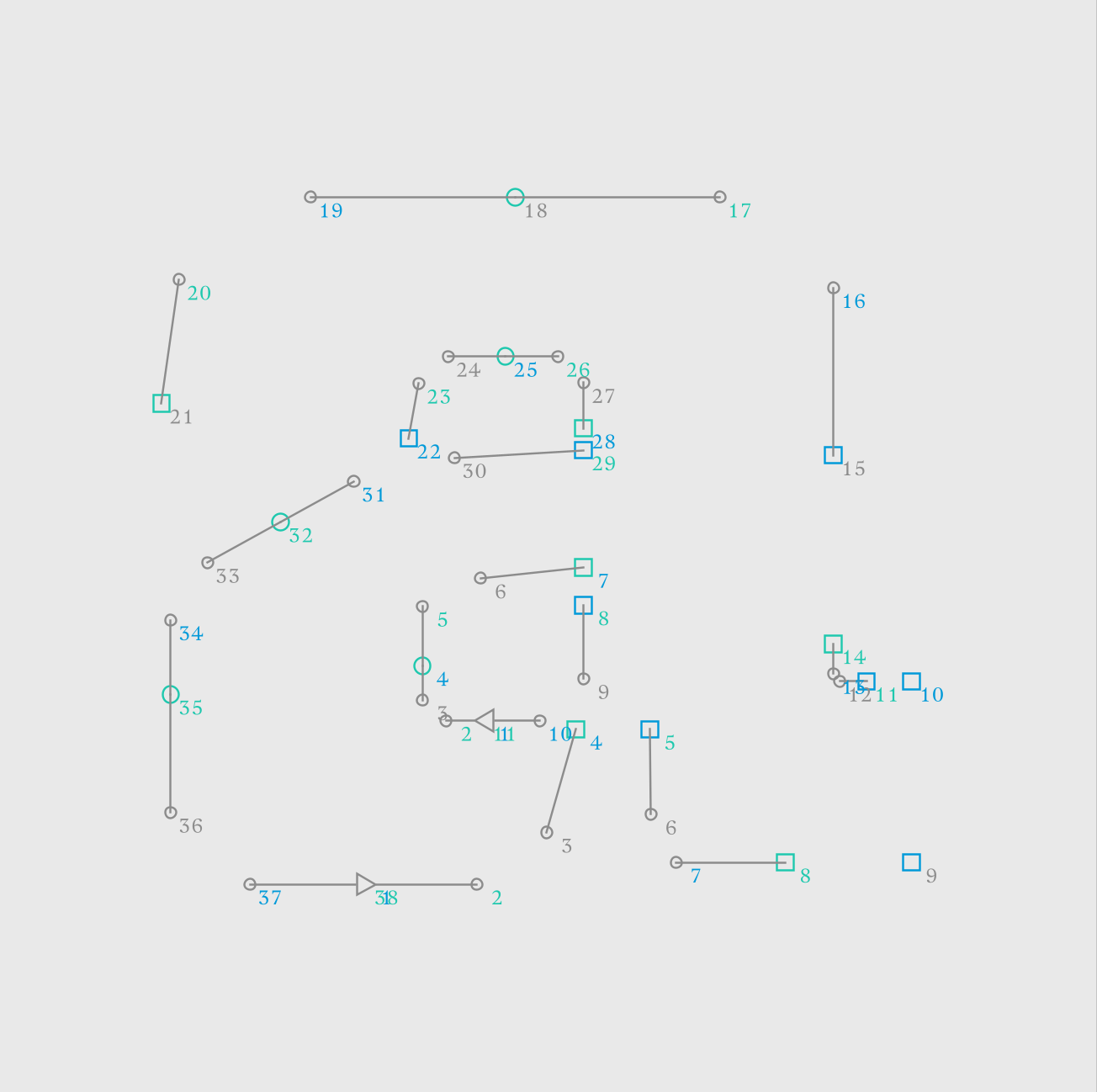
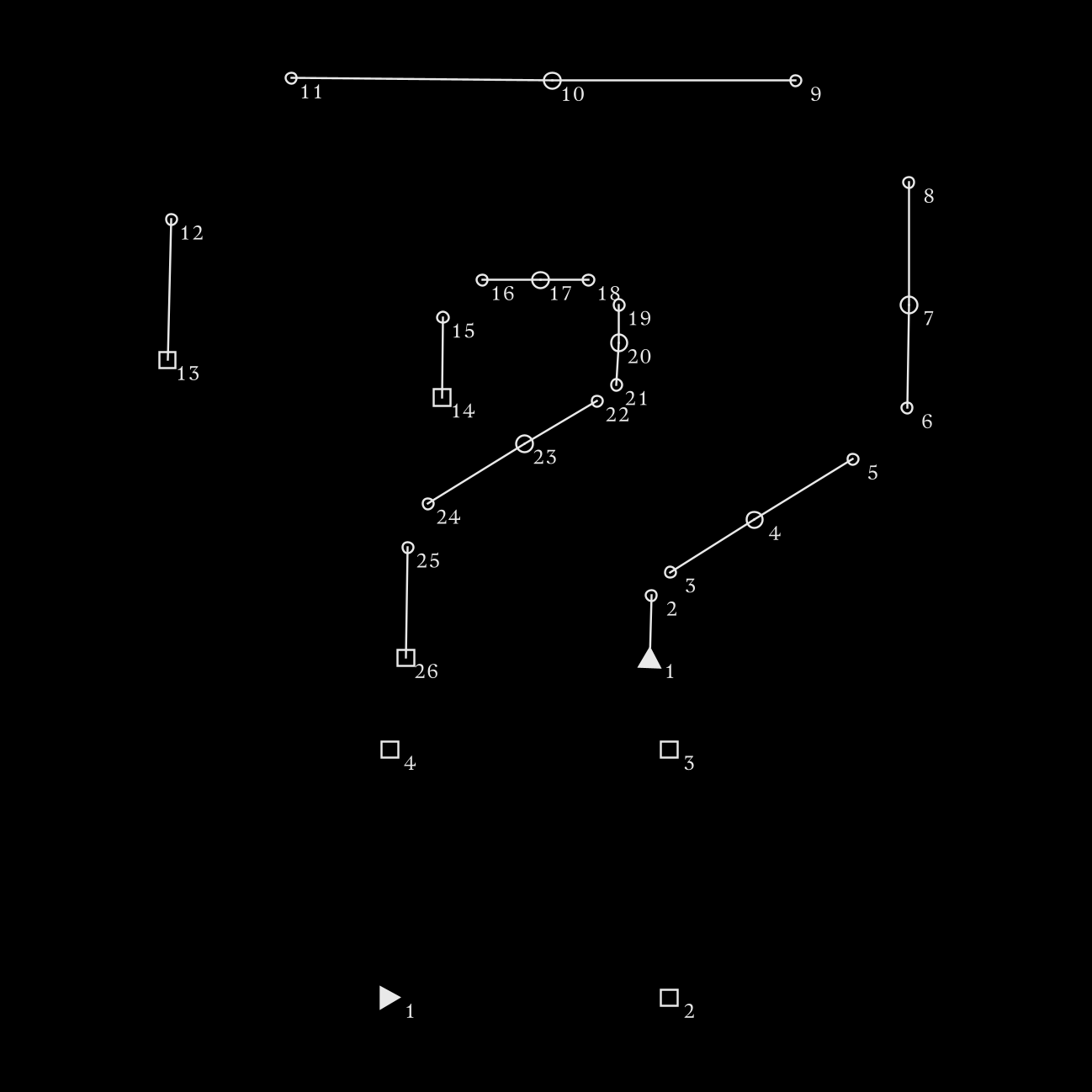
Attached is a new node for my library: draw_points. UPDATE - I made an update to this update; see below for the latest version.
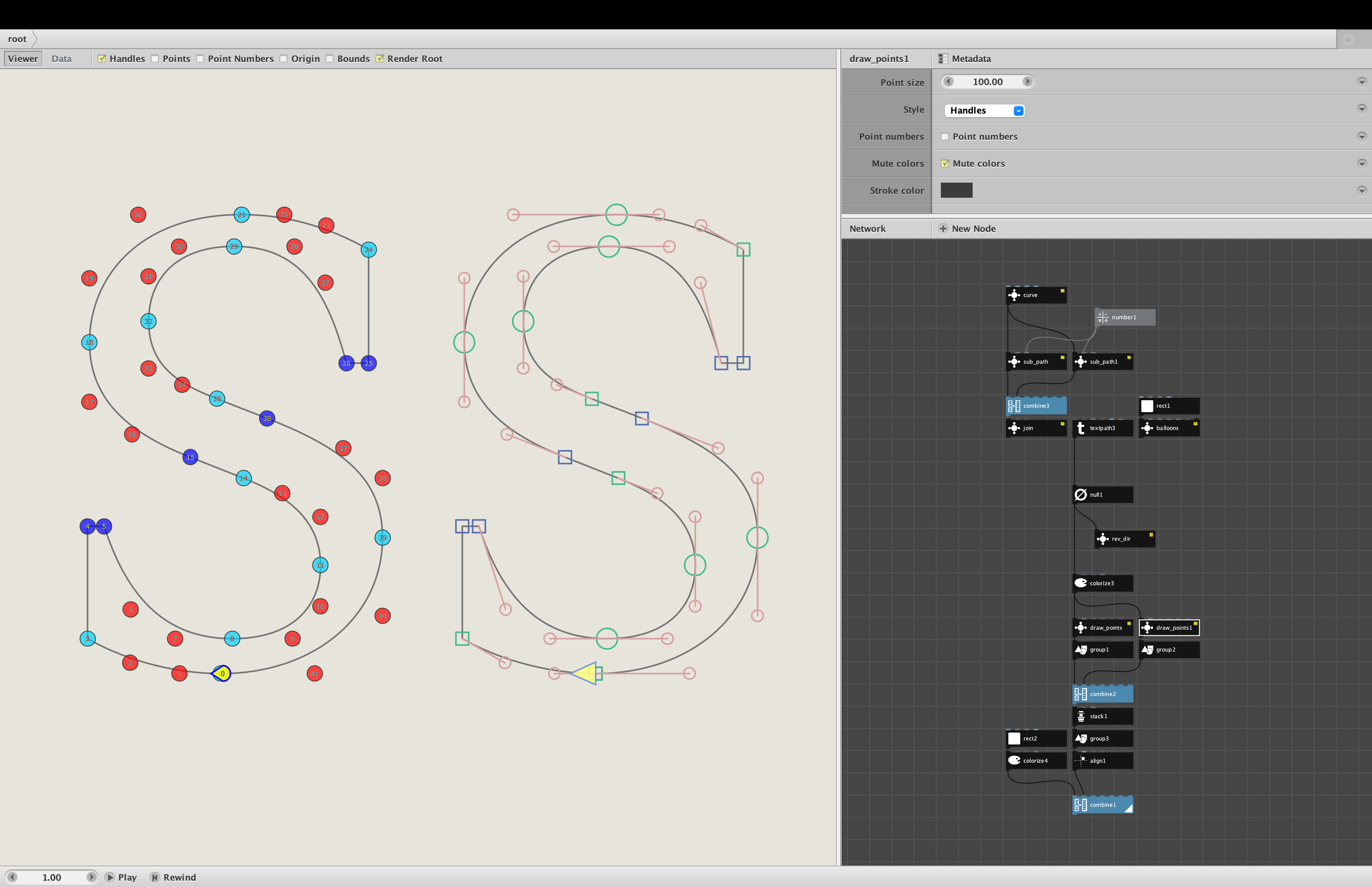
When you start mucking with paths in Nodebox, the Points and Point Numbers checkboxes above the render pane become very useful. The blue and red dots for each point allow you to distinguish between end points and control points. The numbers allow you to see where a path begins and which direction it goes.
But for complex paths, like text paths, the dots can completely overwhelm the drawing, even when zooming in. Adding numbers makes it even worse - many designs turn into a blue-red sludge when you turn on these features.
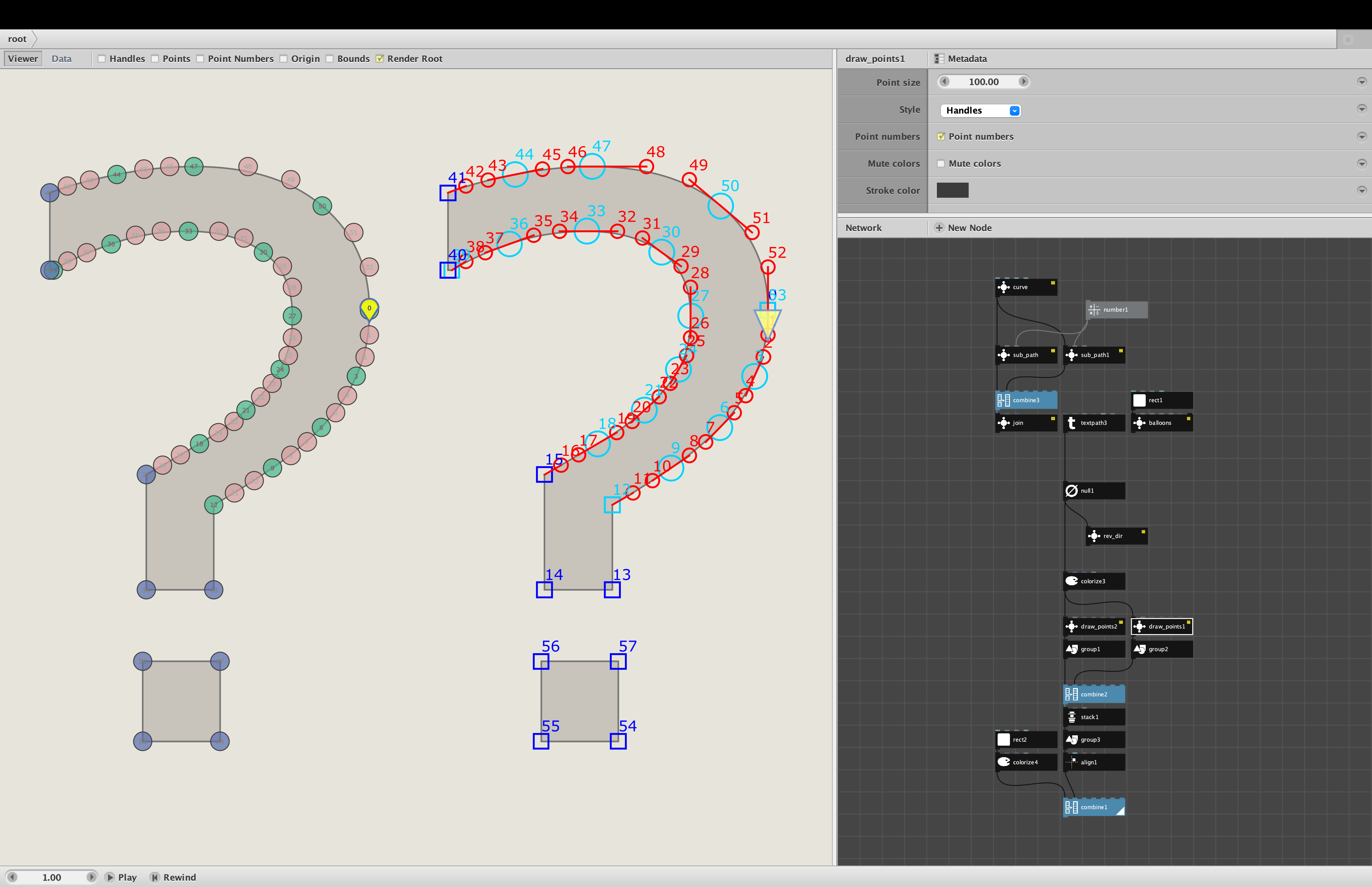
Draw_points provides a much cleaner and more powerful alternative. Just feed a path into it, and it will show the points as slightly translucent dots that can be independently resized to provide the clearest view at any magnification. It can show numbers inside the dots instead of to one side, which greatly improves readability. And it can distinguish between the two types of end points: type 1 for line segments, and type 2 for the beginning and end of curves.
Draw_points take four parameters:
- Point size. The diameter of the dots. Readable down to .25 for 9-point text paths.
- Discern blues. If checked, will show end points as dark blue (type 1) or light blue (type 2).
- Include path. If checked, outputs the path with the dots on top; otherwise only shows the dots.
- Point numbers. If checked, shows sequential point numbers inside each dot. Zoom in to see them.
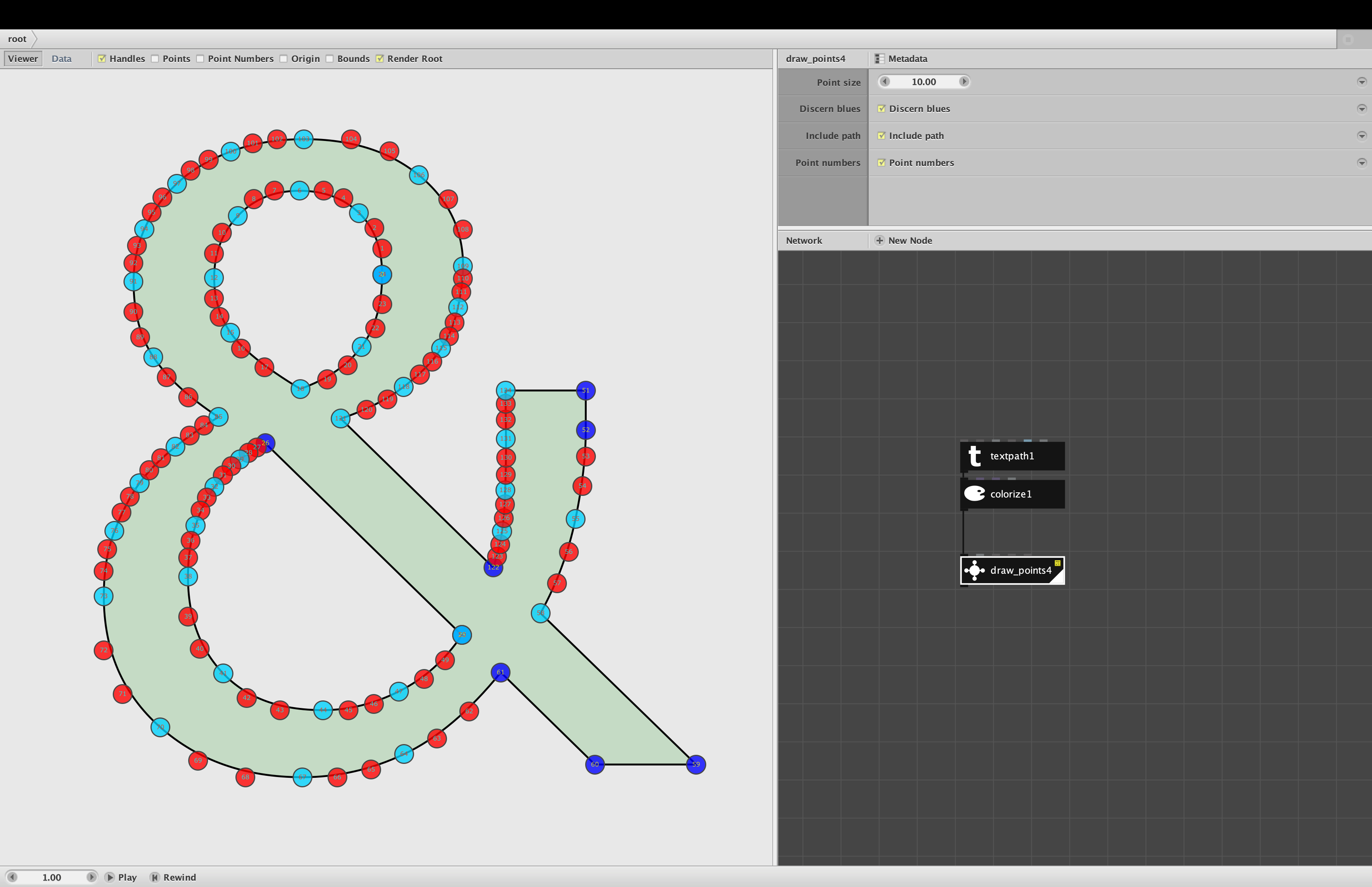
Screenshot 1 shows an ampersand with draw_dots added. Even from a distance you can easily discern the three types of points and see where curves begin and end.
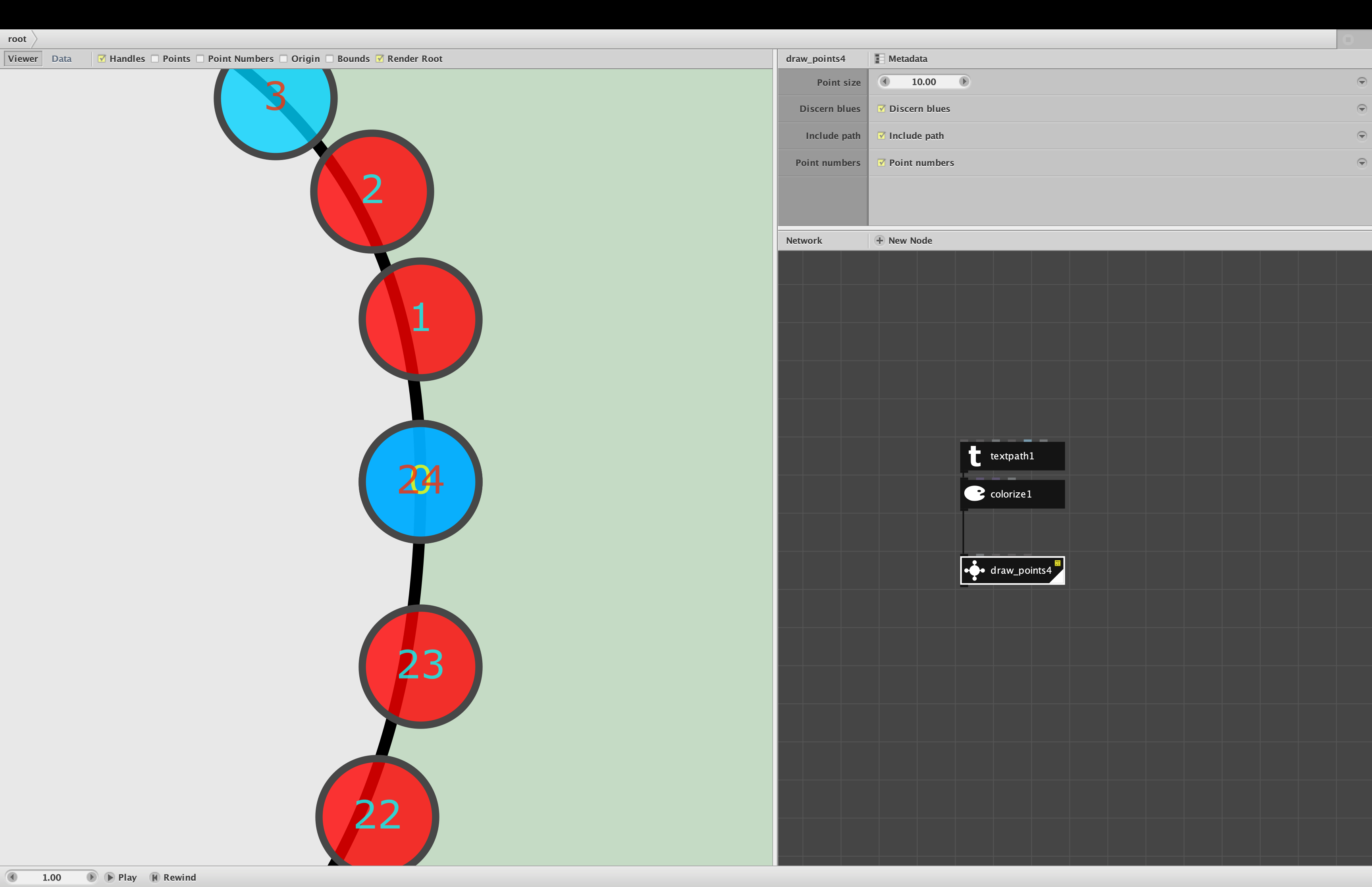
Screenshot 2 shows a zoomed in view of the first and last points in the inner contour at the top of the ampersand. Notice that the number labels are drawn in colors complementary to the dot color. This allows you to understand the path structure even when points overlap, as they do here with point 0 (in yellow) and point 24 (in red). The yellow color (complementary to dark blue) tells us that point 0 is type 1 and point 24 is type 2. The stroke around each dot makes overlaps easier to see and helps you see the dots even against blue or red backgrounds.
Draw_points is primarily intended as a debugging tool. You can attach it when working on a design, then remove it when you no longer need to understand the path structures. It is, however, also useful in diagrams used to show people details about a design or font.
Enjoy!