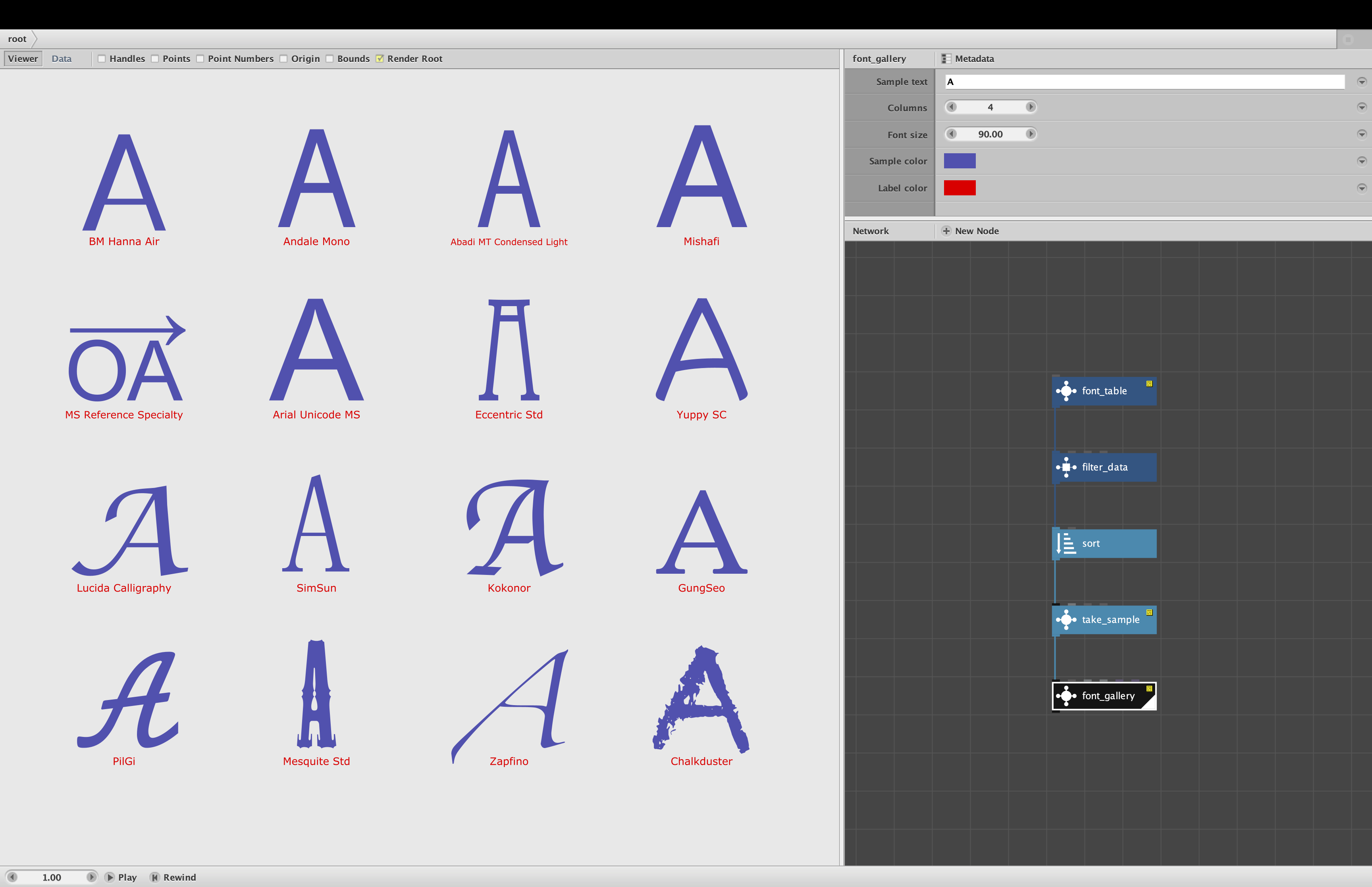
MORE updates and a font_gallery node further down in this thread!
I have made several improvements to my font_table node, which lists all the fonts and font families in your operating system:
- A new "One per family" checkbox lets you filter the table to only show one representative font for each family
- A new "complexity" column in the table allows you sort fonts on a gradient from plain vanilla san serifs to fancy serifs
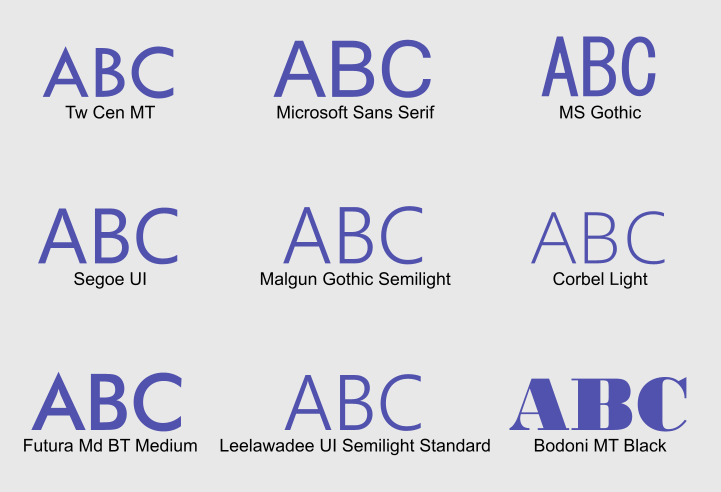
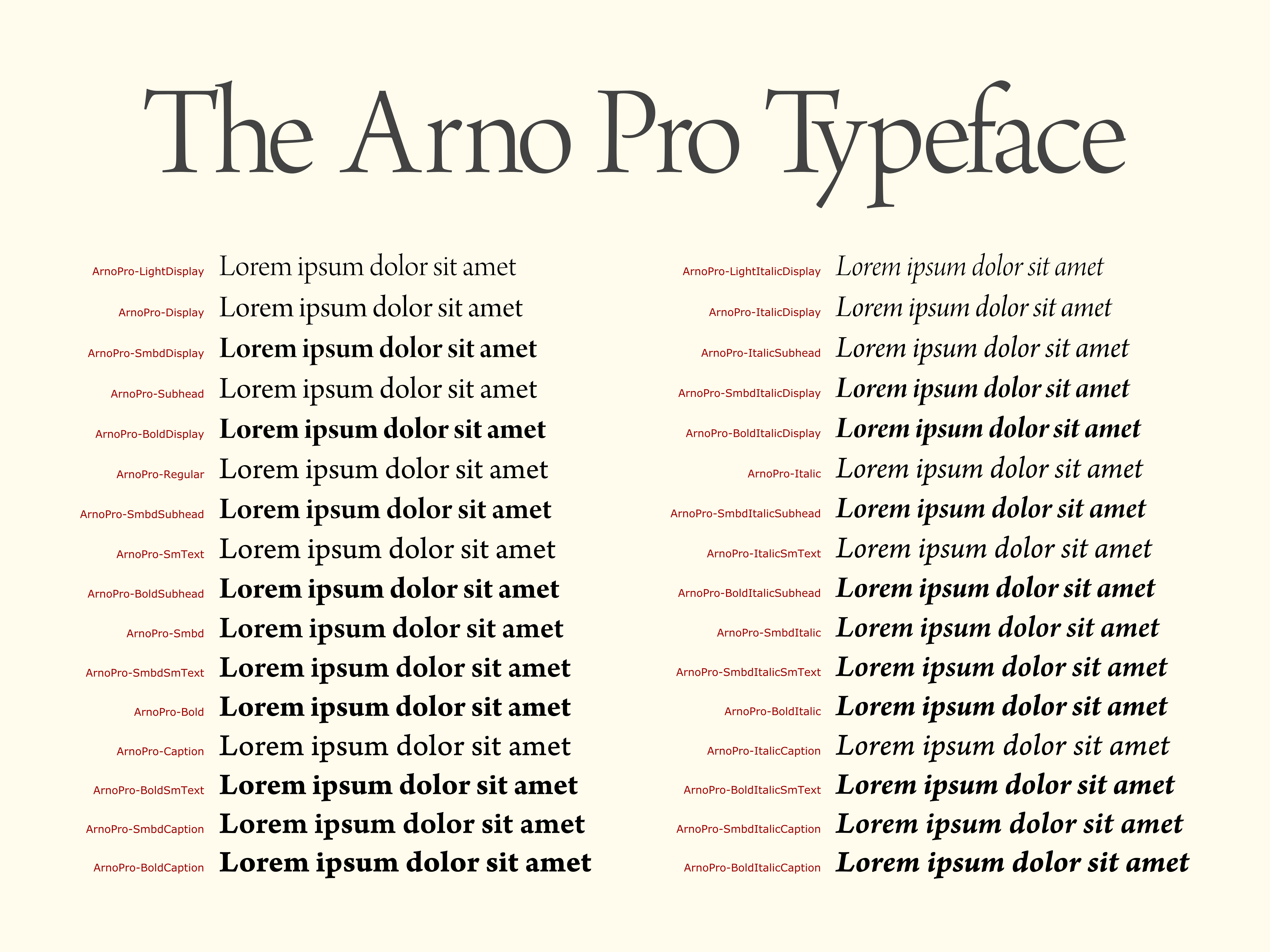
Showing one representative font for each family is great for making galleries that allow you to compare a character or phrase rendered in all the font families in your system. It was a tad tricky to pull off because the font variations (bold, thin, italics, etc.) are not listed in any particular order and are named differently for each font. I developed a method that tries to pick the most regular, middle-of-the-road font for each family.
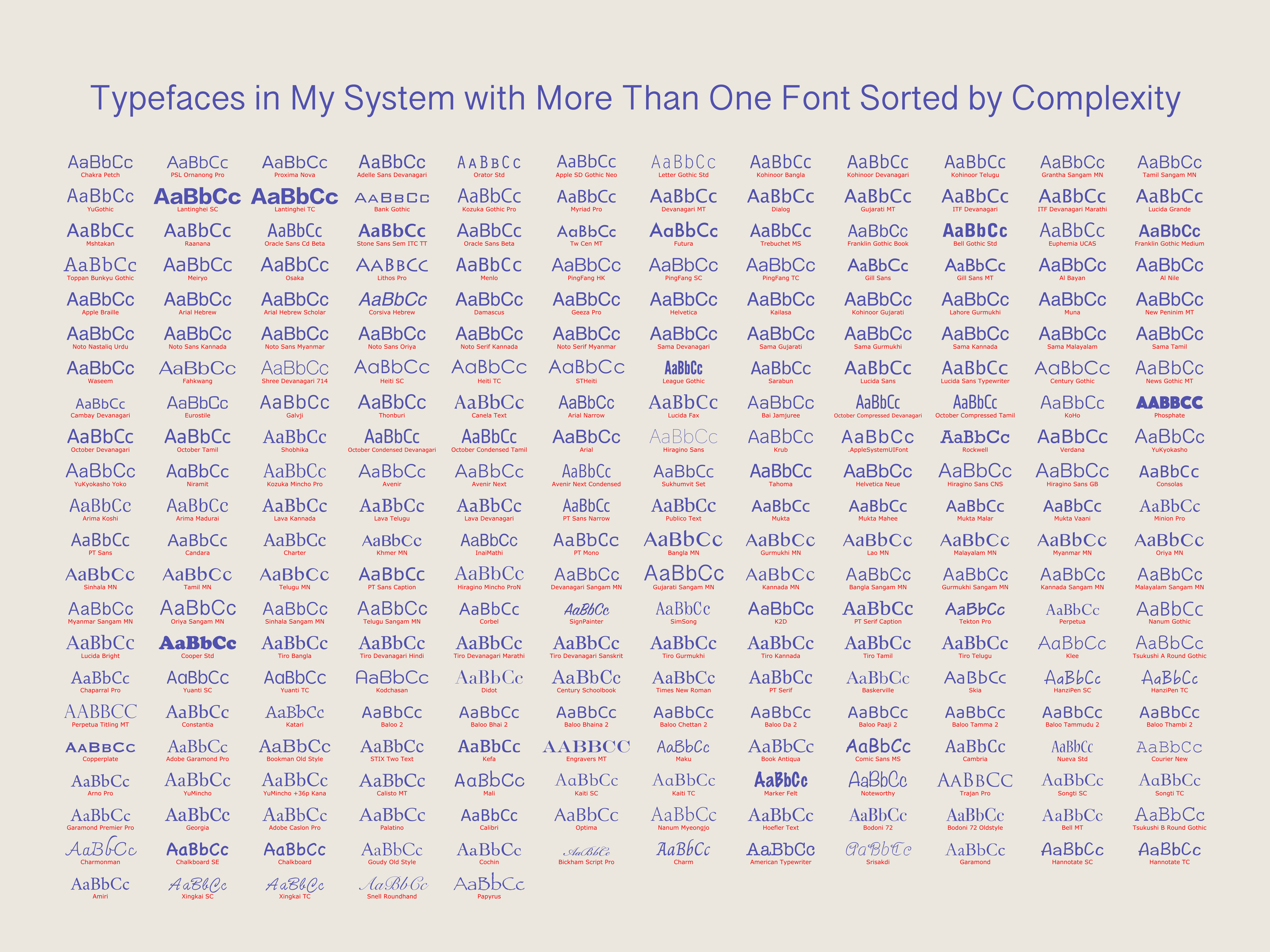
My own system has over 1300 fonts in 456 families piled in an overwhelming, haphazard heap. It is painful searching through these fonts, so I wanted some way to filter or organize them better. At first I thought I could try to distinguish between serif, sans serif, and wacky fonts, but fonts refuse to fit into such tidy buckets - there are dozens of overlapping categories - and it would take some AI power to sort them in any event.
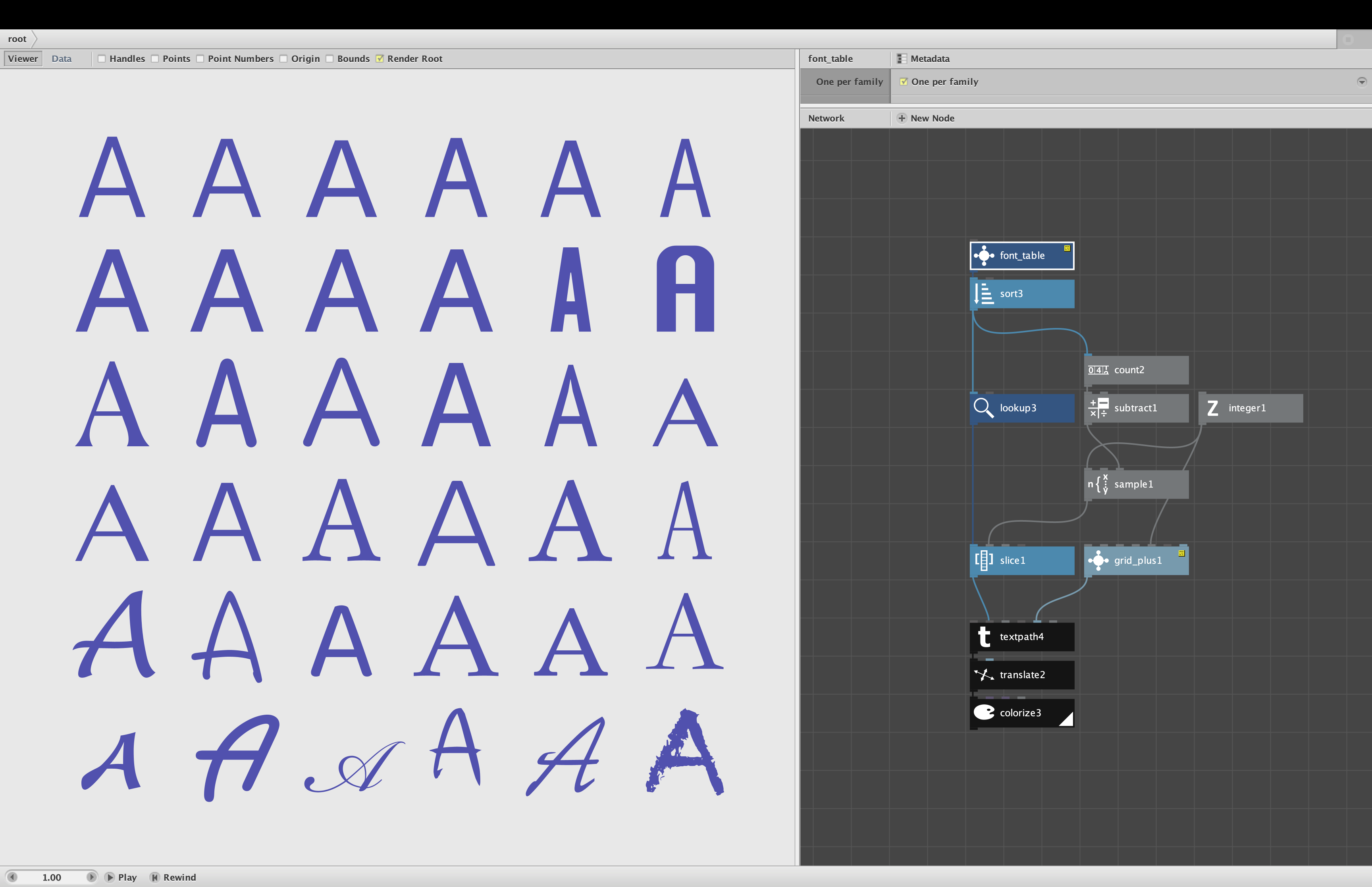
So I came up with a simpler measure that at least provides a kind of gradient you can use to arrange fonts in some kind of order: complexity. "Complexity" is simply the number of points used in the bezier paths of all the capital letters from A to Z. The more points used, the more complex the paths: the more expressive curves, subtle flaring, serifs, flourishes, etc. It's a crude measure but it does at least partly separate the plain vanilla sans serif from the more elaborate fonts. It's better than nothing.
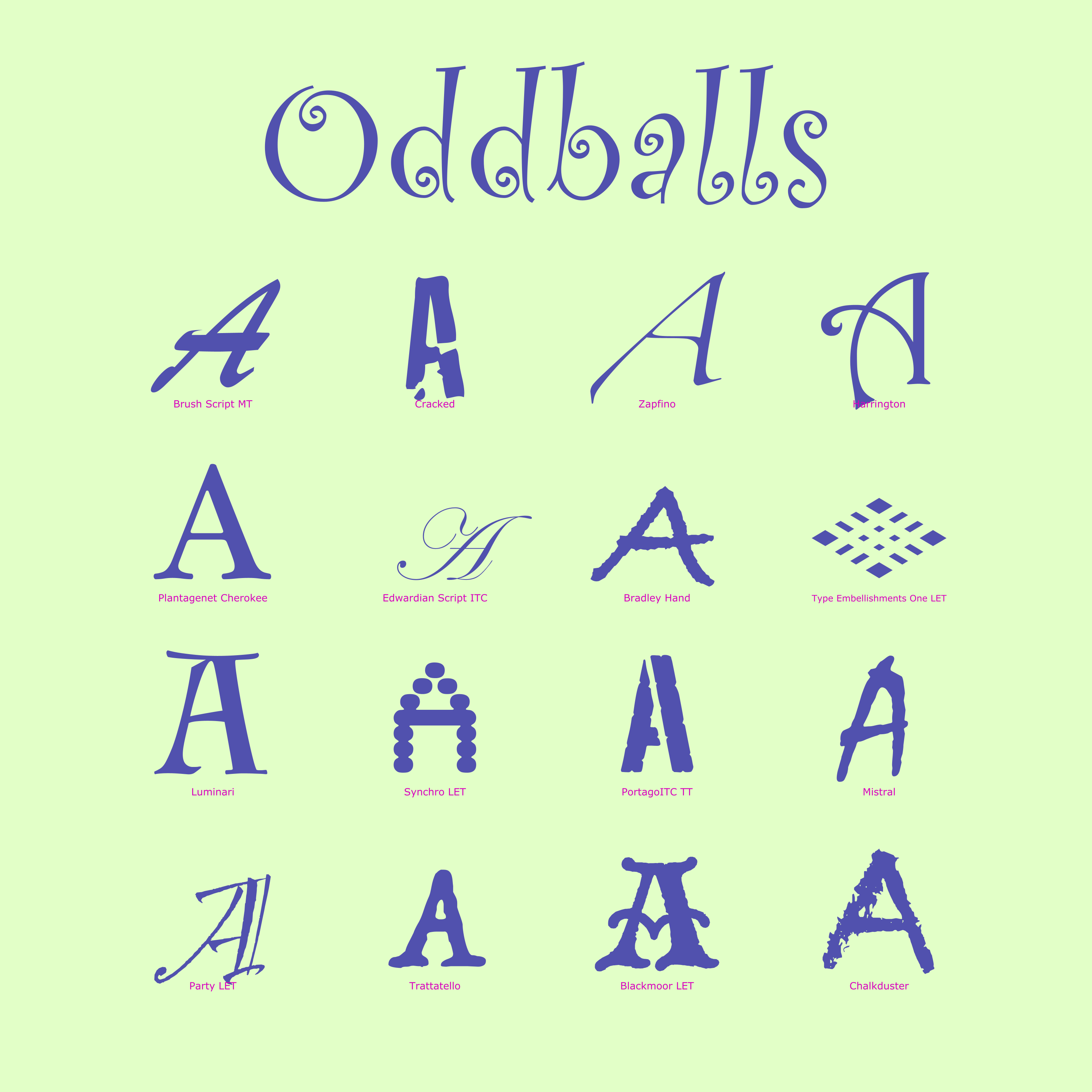
The demo shows the letter A in 36 different fonts, ranging from very simple in the upper left to extra fancy in the lower right. Using this technique you can make a chart of all your fonts, sorted so that similar looking fonts tend to land near each other. I find it makes scanning much easier.
As before, font_table does require an external module, font_table.py. I am curious to hear how people use this node and if they have any other feature requests.