Just an FYI...
Nodebox has a feature under the file menu called Examples. This allows you to open a dialog, navigate to one of dozens of different Nodebox demos, and open any one of them. You can then play with the example code and copy nodes from it into your current project.
Today I discovered that it is possible, on the Mac at least, to add your own Nodebox files to the list of examples. This requires that you make a copy of the Nodebox app and modify it - which is probably a bad idea. But if you are willing to engage in such foolishness, it's fairly easy to do on the Mac. It's probably also possible on the PC.
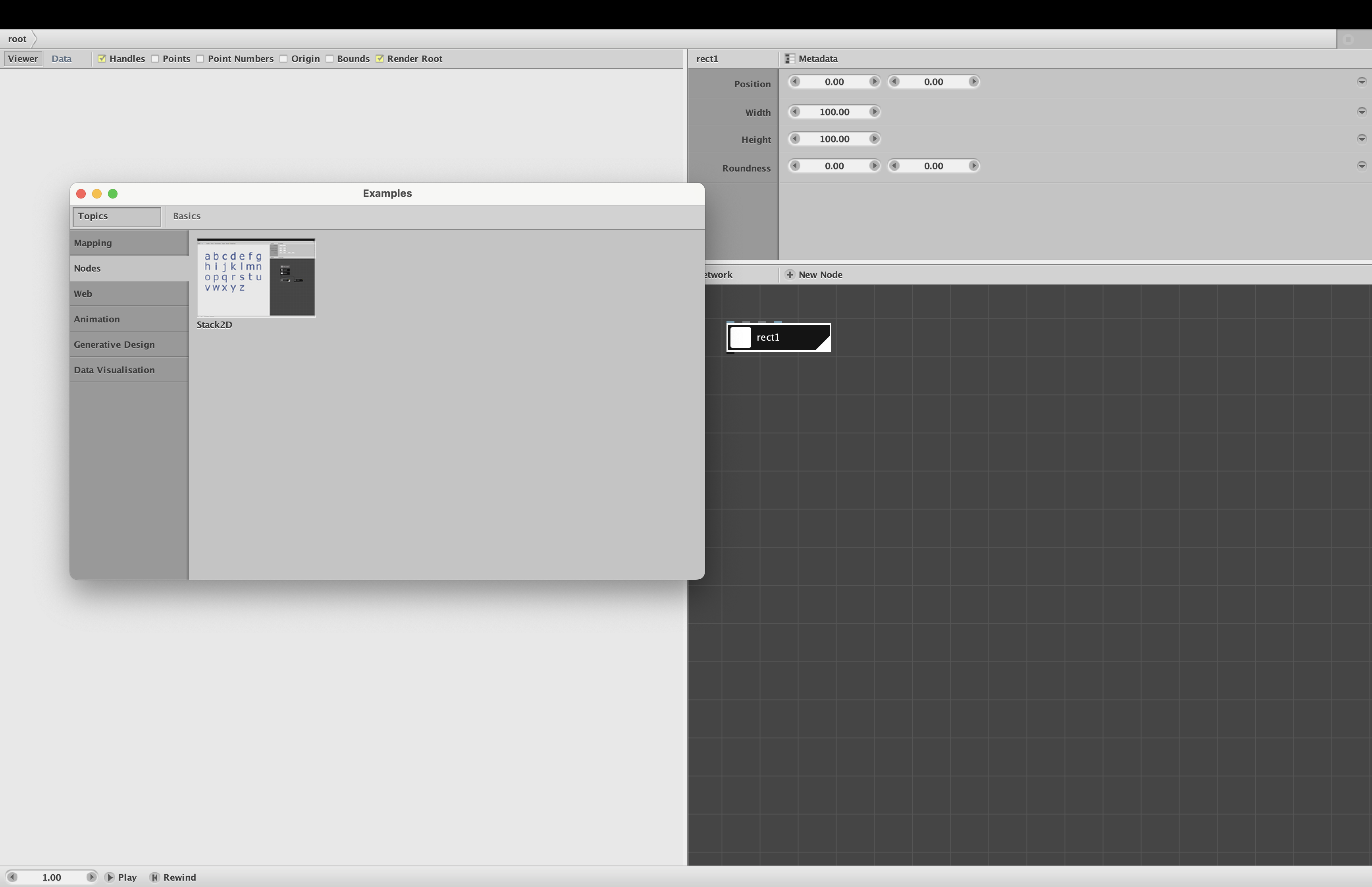
As a proof of concept, I added a demo of the stack2D node I posted yesterday. When I launched my modified copy of the NodeBox app and opened the Examples dialog, my demo was available under Topics/Nodes (see screenshot). I then clicked the thumbnail and my demo launched successfully in a new window. I could then copy the stack2D node and paste it into my current project file.
In theory, I could use this technique to add my entire Cartan Node Library into a modified version of the Nodebox app. People could then access my nodes without having to open my library file. But even if I were to do all that work, I don't think it would be worth it. It's faster and easier to just open my library (using Open Recent) and copy nodes from there.
So this is a foolhardy idea that is probably also useless. But if anyone has a compelling use case, let me know, and I'll share the procedure.