Floris,
It is a pleasure collaborating with you. Not only do you come up with great ideas for new nodes, you also help me make them better. In the process of following your latest suggestion I've come up with several other good nodes as well (see demo).
IMPROVED SUBSETS NODE
I have added a new input to the subsets node: random numbers.
Random numbers is a list of numbers which can be used to shuffle the subsets in a more controlled way. It is optional. If you don't supply it, subsets will just shuffle the items as before using the seed.
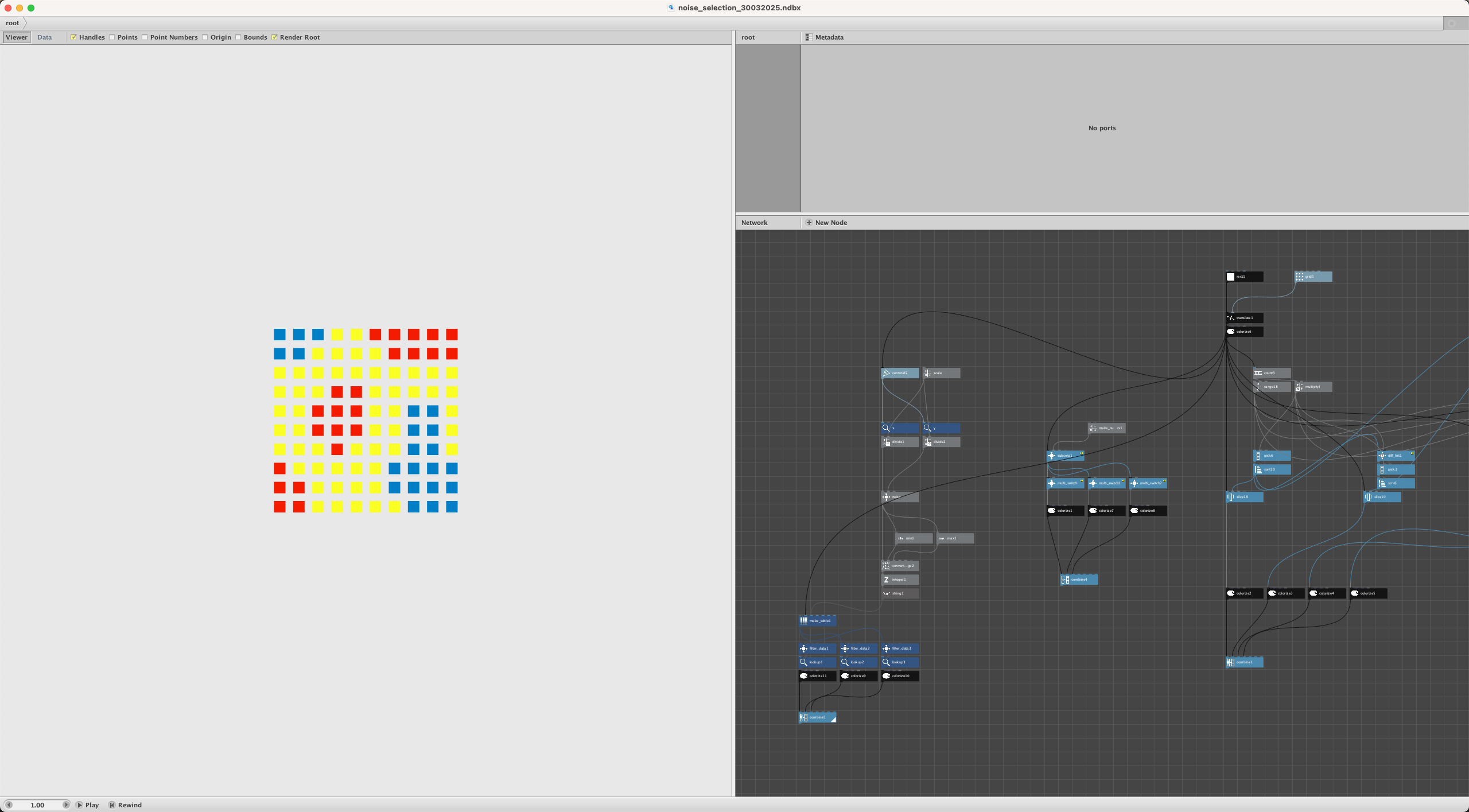
But if you DO supply such a list, it will sort the items using that list. For example, you can use my noise node to generate Perlin noise values and feed that into the random numbers port. Subsets will make a table matching each item to a random number, sort by those numbers, then retrieve the items in this new order.
The supplied proportion list will then be applied to this sorted list as before. I find this works well with Perlin noise, but the system is very flexible; you can use any wacky system you want to shuffle the deck before dividing it into proportional subsets.
The node that does this controlled shuffling is so useful I will probably release it as a separate node...
SHUFFLE_FIXED NODE
Shuffle_fixed takes any list and reorders it using a fixed set of numbers. These numbers could be random, or something as simple as 1,2,3. See below for an example.
The supplied numbers do not have to contain the same number of items as the list you are shuffling. If you supply fewer or more numbers than items, the node will adapt using yet another new node...
MATCH_LIST NODE
Match_list takes a list (of any kind) and a reference list used only to determine the desired number of items. If your list has fewer items than the reference, the list will be repeated until there are enough. If your list has more items than the reference, the list will be trimmed to match the exact length.
Some may object that Nodebox already does this automatically. If you feed 10 rectangles and 3 colors into a colorize node, it will repeat those 3 colors until all 10 rectangles are colored. But in practice, especially when you are working inside subnetworks with sub-subnetworks with a mix of feed by value and feed by list, sometimes Nodebox's automatic repeating behavior doesn't do what you want. To keep things safe you sometimes need to be sure that all lists feeding into a network node have exactly the same number of items.
I have come across this issue MANY times over the years. It can make for some confusing behavior if you're not careful. I've become paranoid about this and constantly check the counts of things being fed into any new subnetwork I make. So I think this match_list node might be a keeper!
I have already used it inside yet ANOTHER new node...
MULTI_COLOR NODE
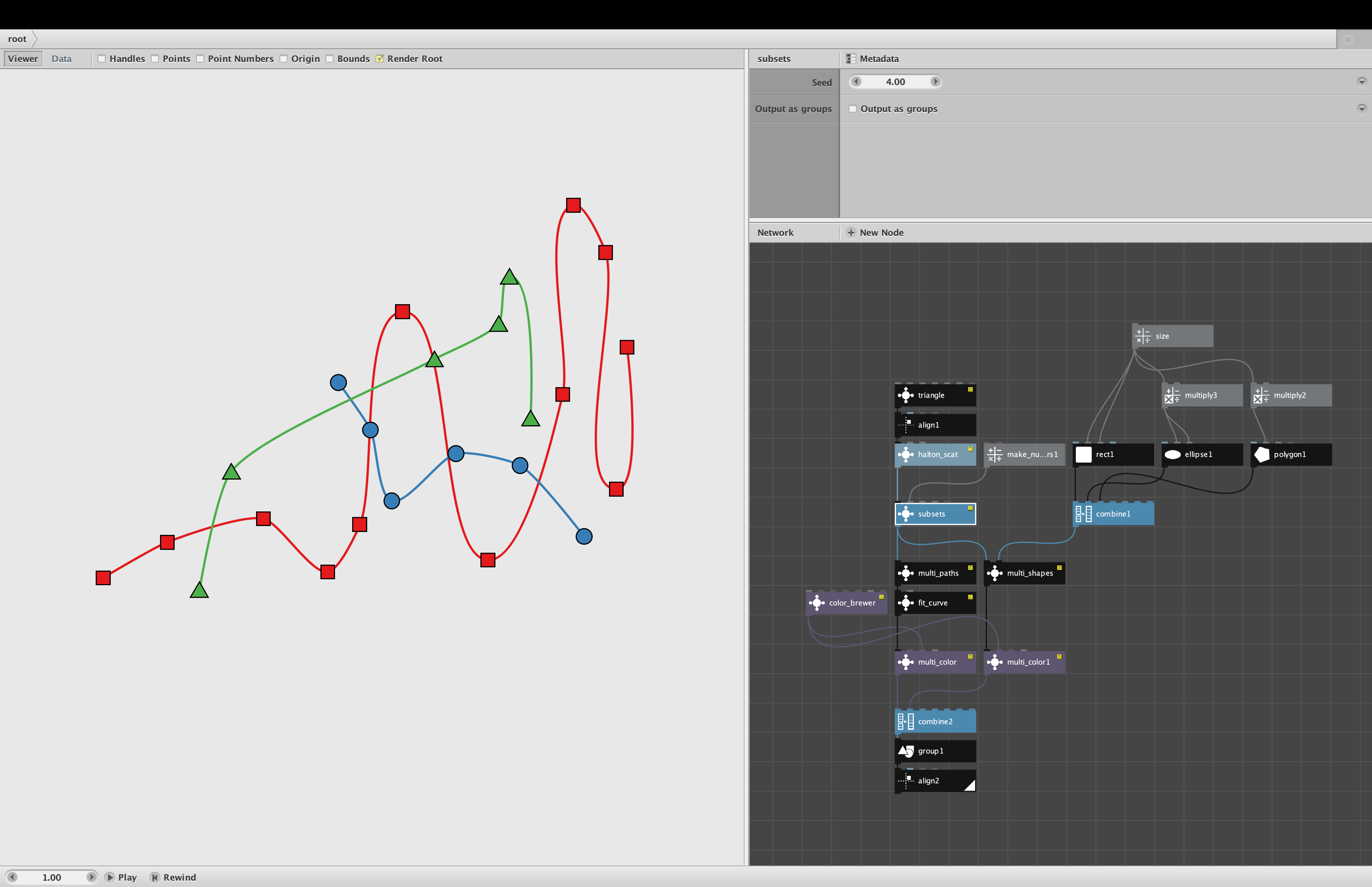
Multi-color applies a list of colors to a list of groups OR a multi-list. This saves you from having to break subsets into different subtrees and apply colors separately to each. It takes the following parameters:
- Shape List. A multi-list OR a list of paths or groups containing things that can be colored. If you supply a multi-list it will extract each list and combine every colorable item in that list into a group. So a multi-list with 3 lists will turn into 3 groups. If you instead supply a list of groups (or a list of paths) it will apply colors directly to those groups.
- Fills. A list of fill colors. If you leave this empty, all fill colors will default to black. If you supply fewer (or more) colors than needed, the colors will repeat as needed to match the shape list.
- Stroke Colors. A list of stroke colors. If you leave this empty, all stroke colors (if storkeWidth > 0) will default to black. If you supply fewer (or more) colors than needed, the colors will repeat as needed to match the shape list.
- Stroke Widths. A list of stroke widths. If you leave this empty, all stroke widths will default to 0 (no strokes). If you supply a single value, that value will be used for all shapes.
Unlike colorize, match_color will not apply fills to open paths. It will always output a list of groups, even if you supplied a multi-list. But if you supply a list of ungrouped paths, it will not put each each path into its own group, but will leave them as they were.
DEMO
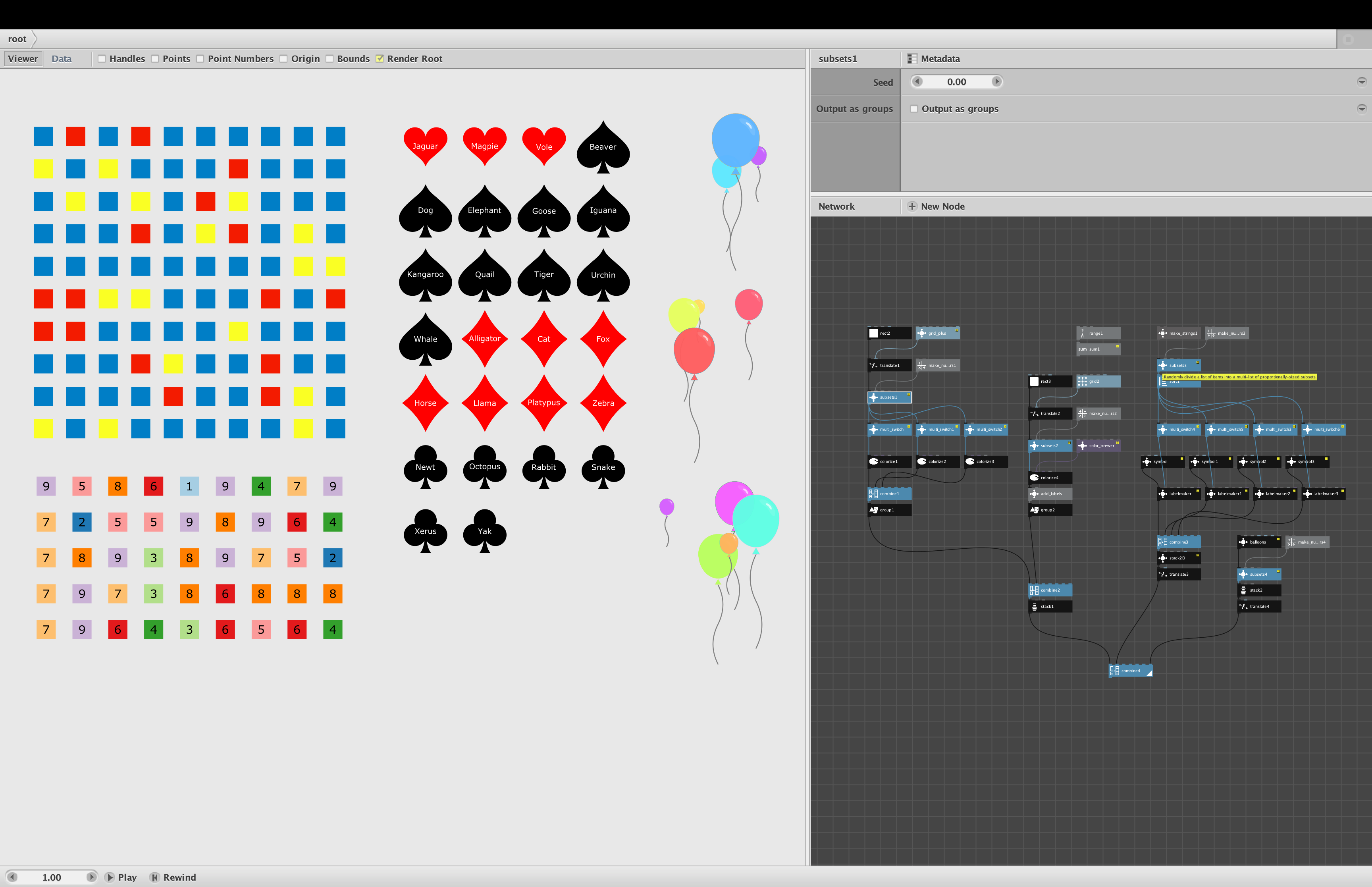
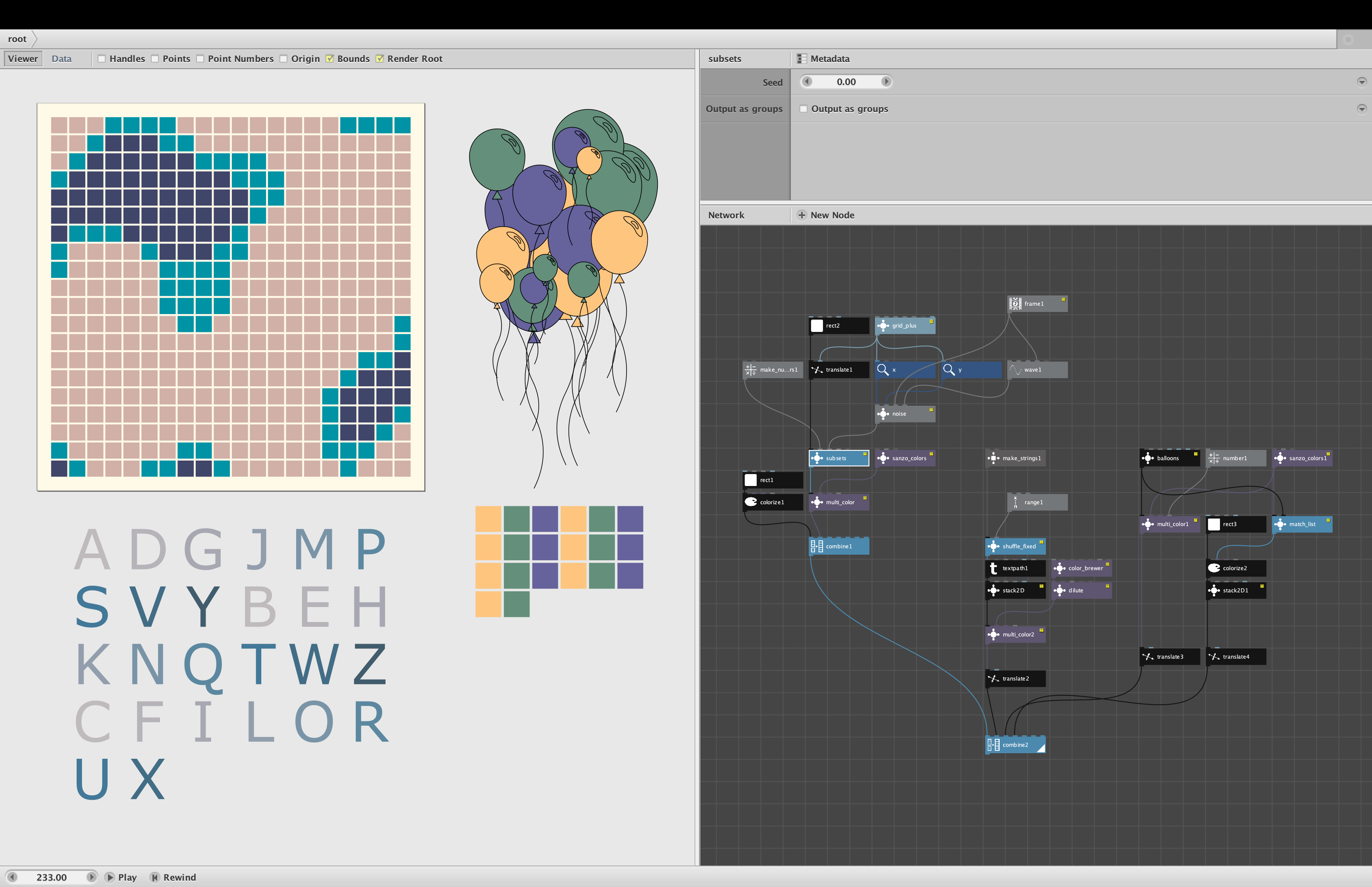
All four of these nodes are demonstrated in the attached Nodebox file (see screenshot):
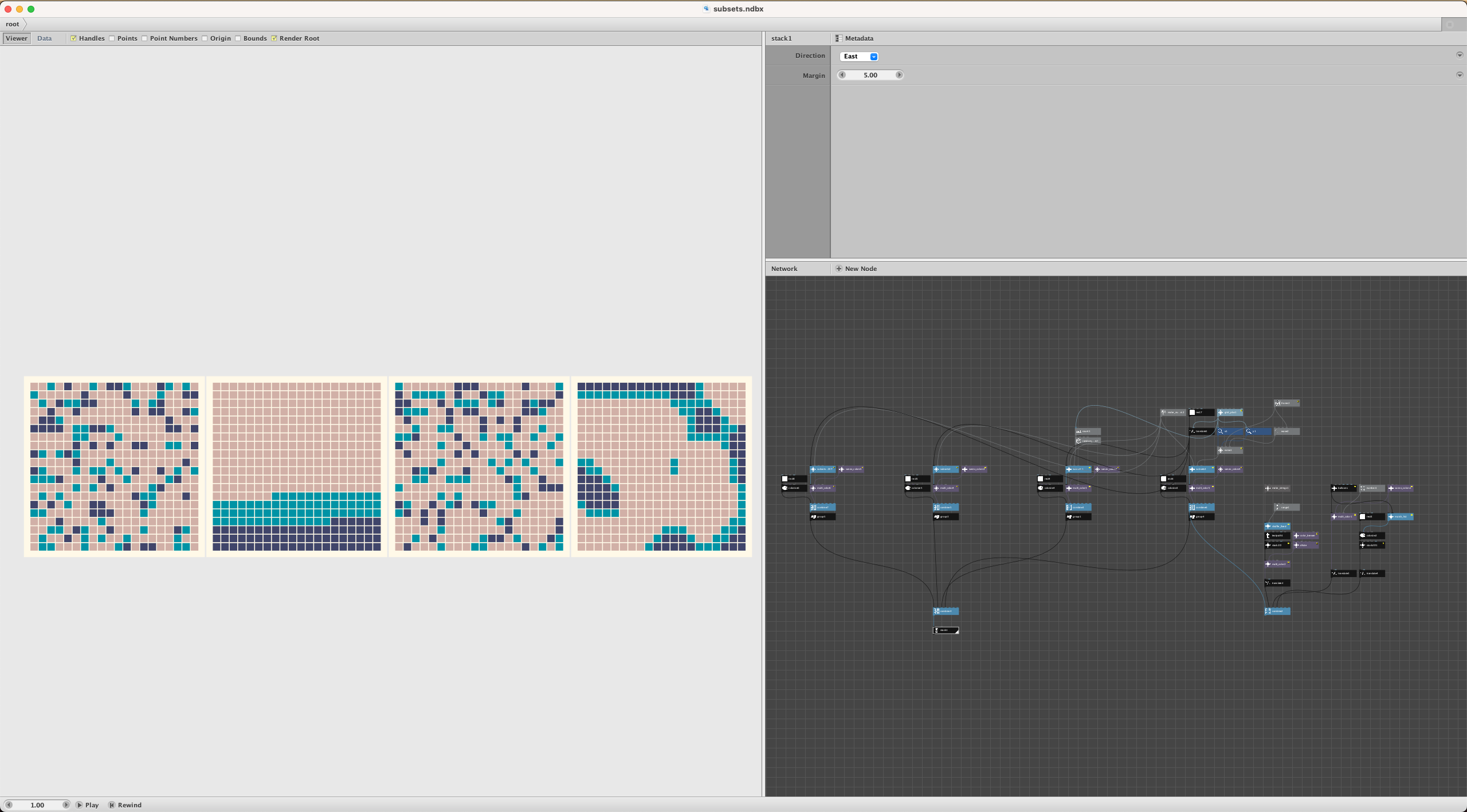
- At top left I use the improved subsets node to apply Perlin noise to divide 400 squares into 3 subsets using 2,1,1 proportions. I then use multi-color to color the three sets with Sanzo colors. Notice that you can set subsets to output groups or not - multi-color doesn't care. The 2,1,1 proportions create something that looks like an archipelago with half the pixels colored tan to represent water and the remaining pixels divided to create islands with turquoise shores and dark blue mountains. See MOVIE below.
- At bottom left I show the 26 letters of the alphabet shuffled using shuffle_fixed. Instead of supplying a truly random set of numbers for sorting, I use a range node to supply 1, 2, 3. This has the same effect as counting off by 3s as they do in the army. Everyone in the group counts off 1, 2, 3, 1, 2, 3, etc., then all the 1s go first, the 2s go next, and the 3s go last. When applied to the letters of the alphabet its like using a take_every node with N set to 3: first you get A, then D, then G, etc., then B, E, H, etc., then C, F, I, etc. I applied some coloring to make this pattern stand out a little more.
- At top right I feed 20 balloons into a multi-color node with 3 fill colors and a stroke width of 1. Since I didn't supply a stroke color, all strokes default to black. Notice that the strings do not have fill colors (as it should be).
- At bottom right I show how the match_list node (inside multi-color), builds a list of 20 fill colors to match the number of balloons. Without this extra step, Nodebox would have repeated the 20 groups 3 times to create 60 balloons.
MOVIE
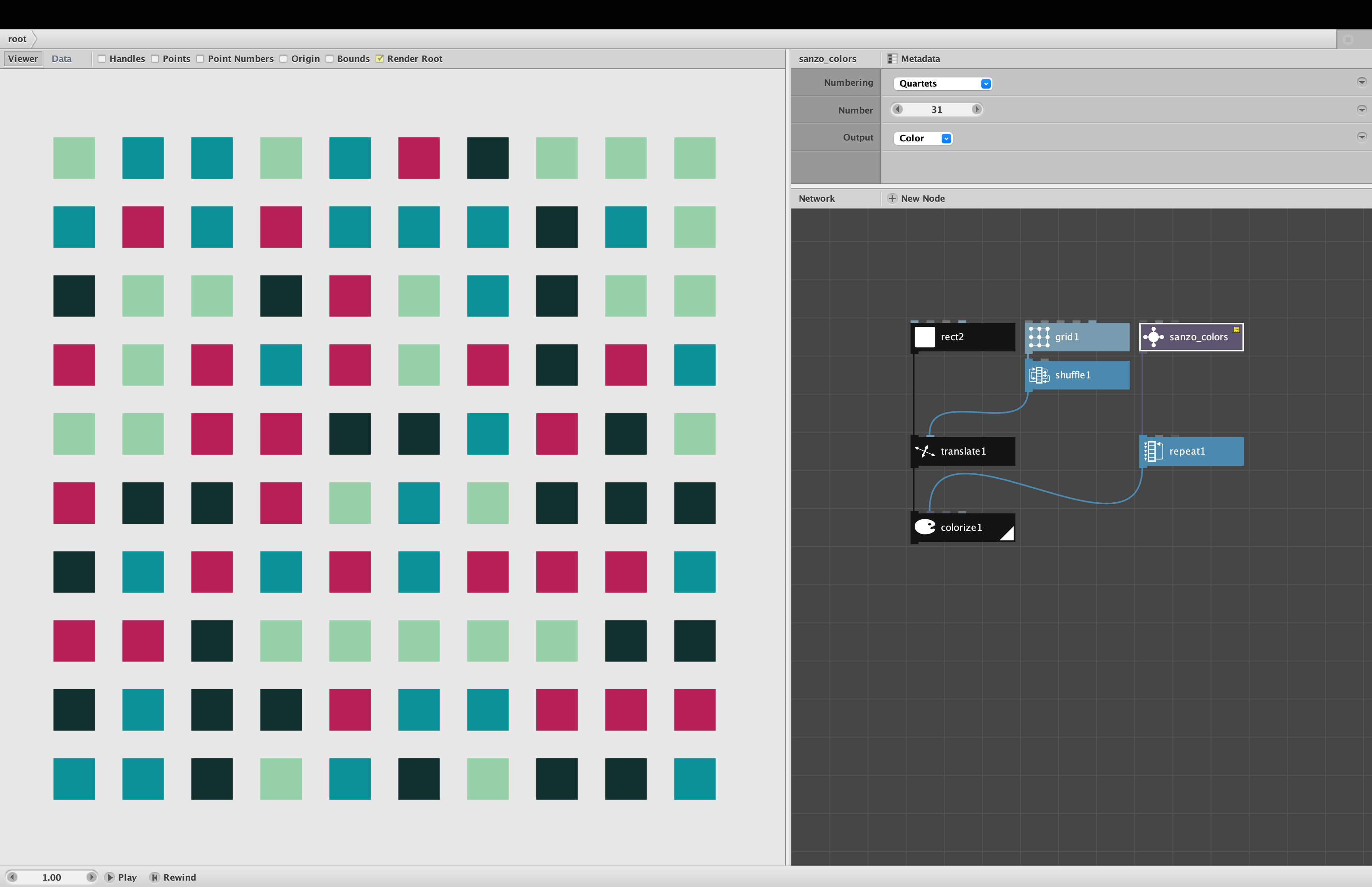
As an added bonus I made a quick 10-second looping movie of the shifting colors in the subsets example. Perlin noise is wonderful for animations. I simply pass the frame node into the z port of noise to create a gradually shifting pattern. I then use a wave node to add a rising and falling scale, with create a zoom in and zoom out effect. If you don't like these colors, just change number setting on the sanzo_colors node.
Floris, please try this improved subsets node and verify that it does everything you hoped for. You might also use my noise node instead of the old one you were using; mine does the same thing but saves you the bother of adding extra nodes to handle the scaling.
Note that although this demo includes the NOISE.CLJ code library, that is only needed to demonstrate Perlin noise. None of these nodes require any code modules.