EDIT: i split this comment in 2 parts
Hi John,
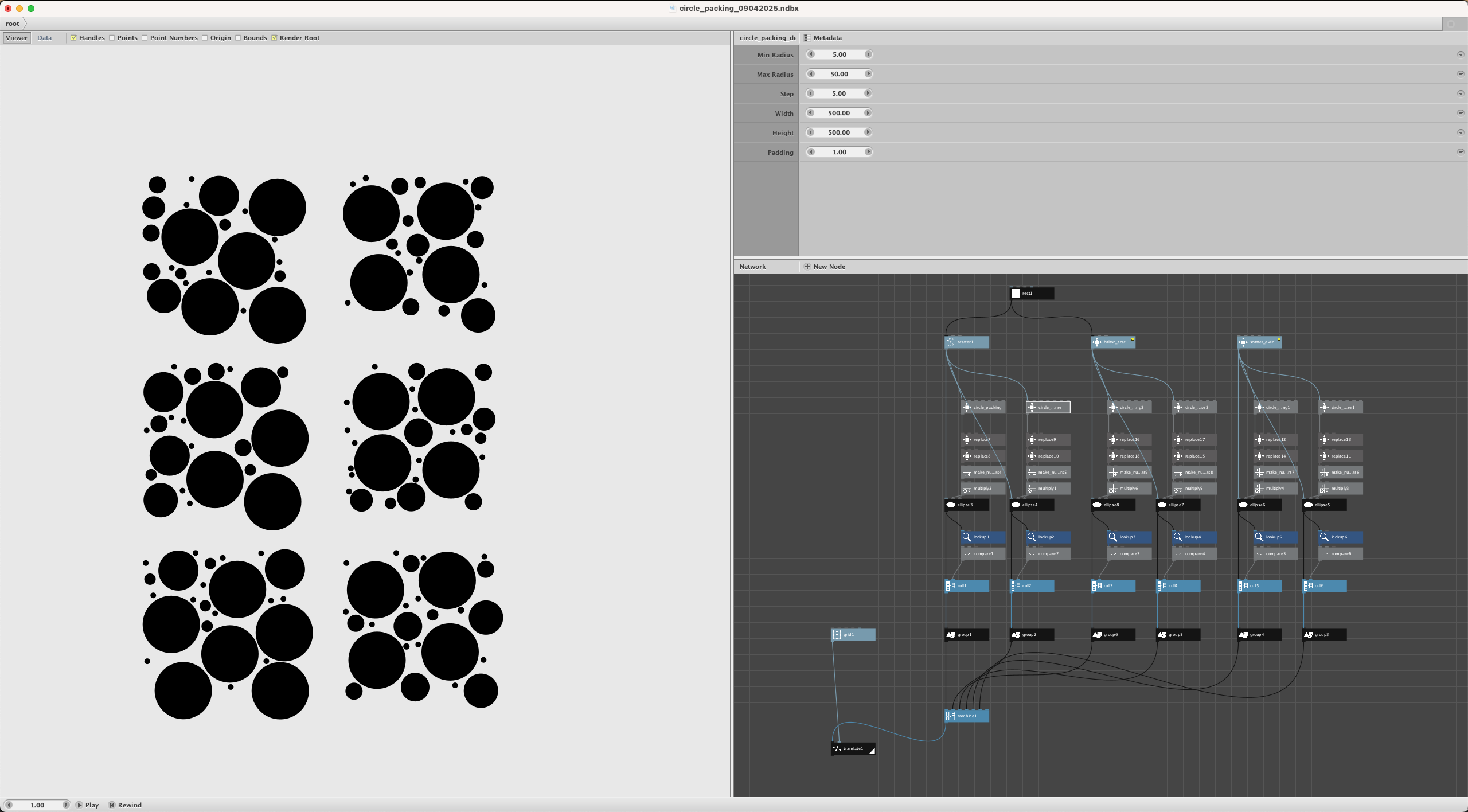
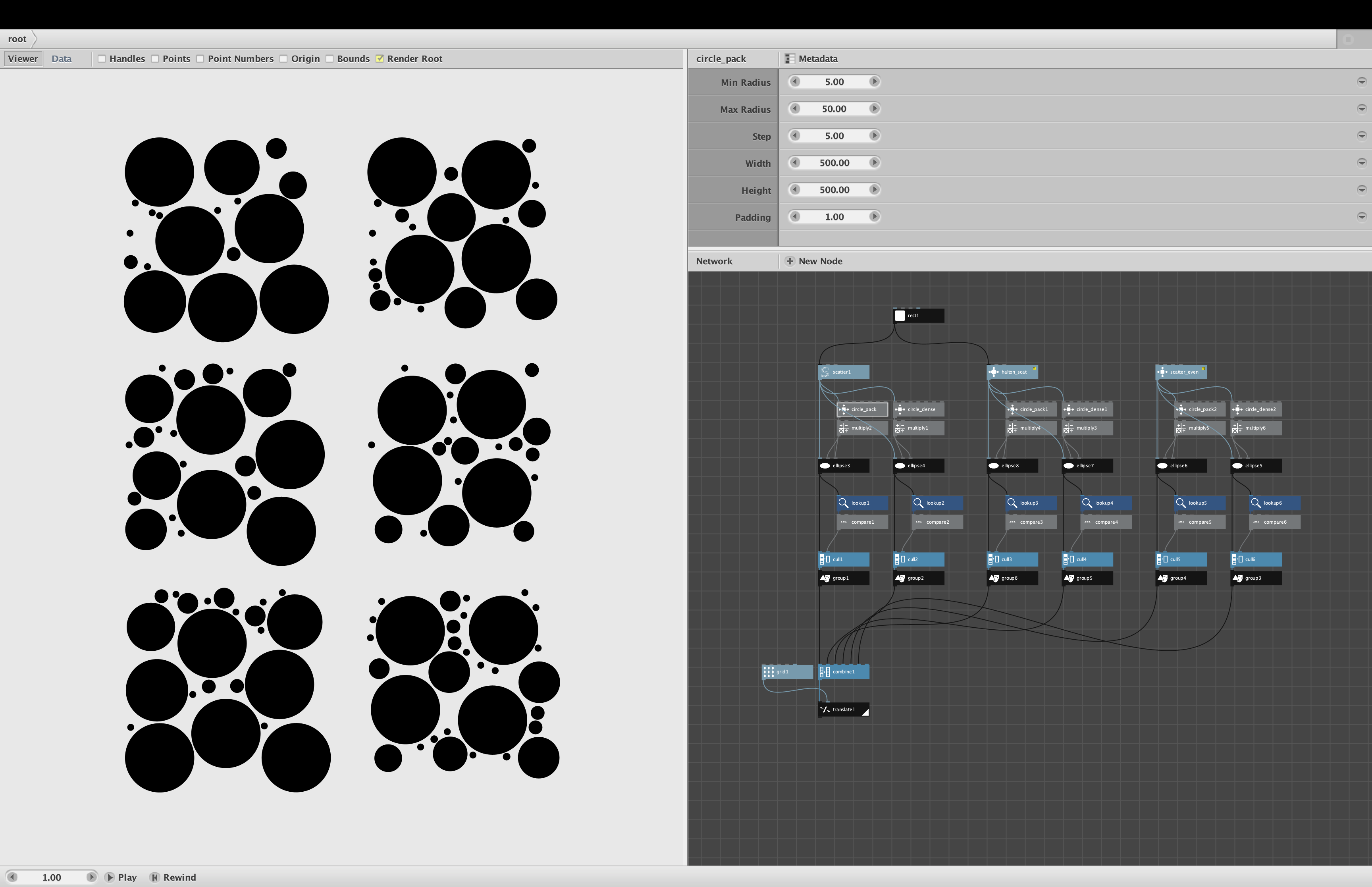
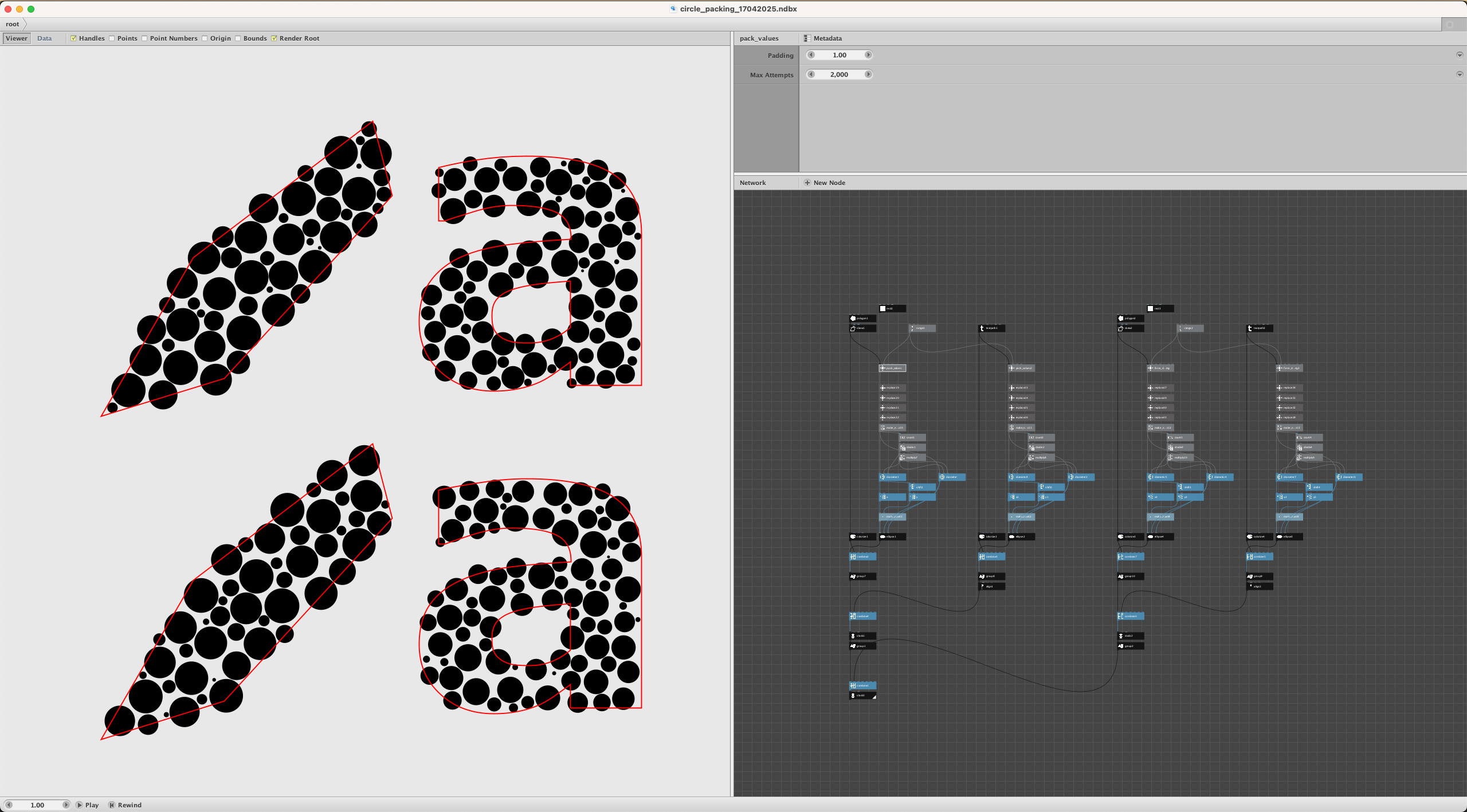
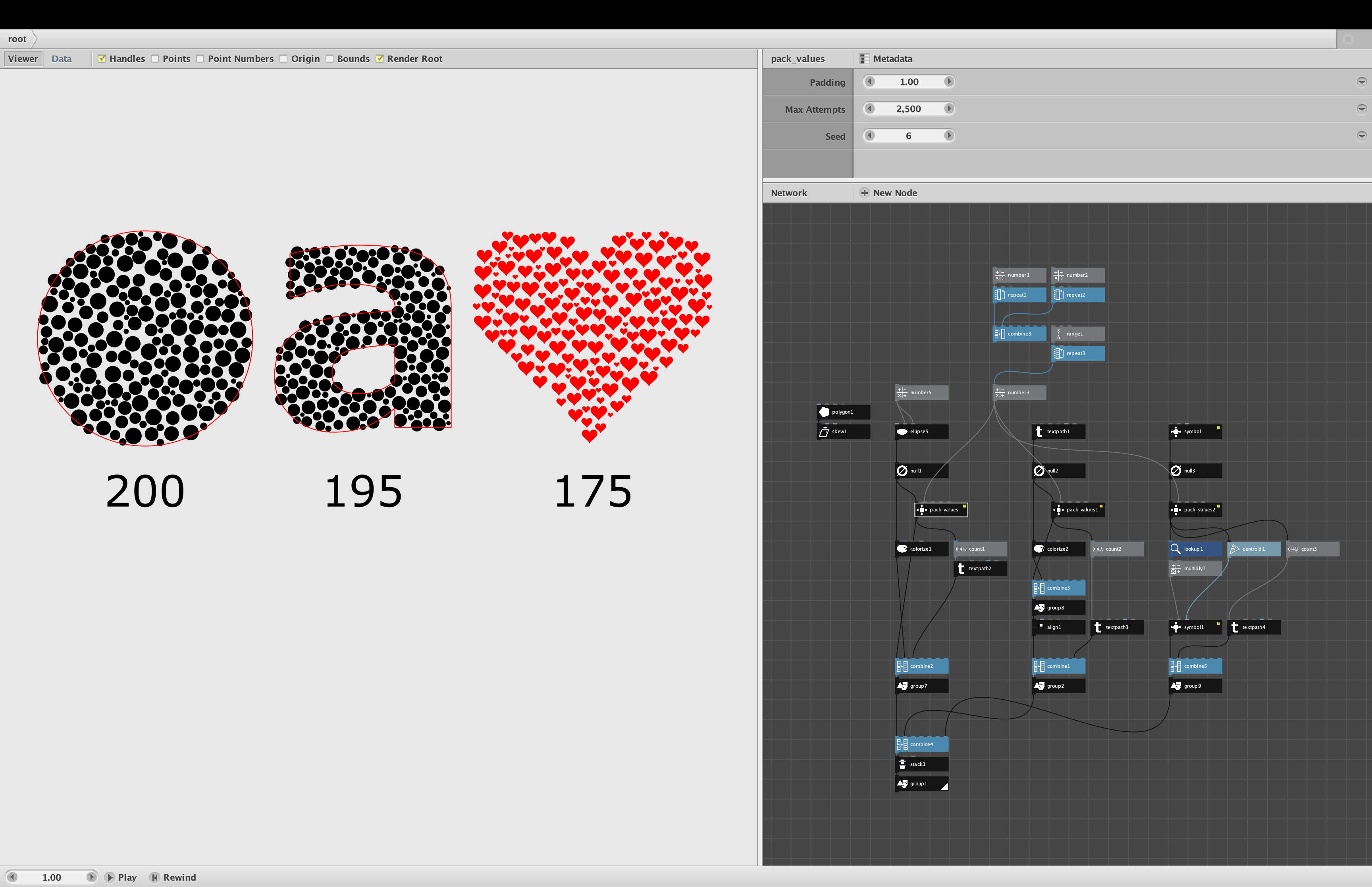
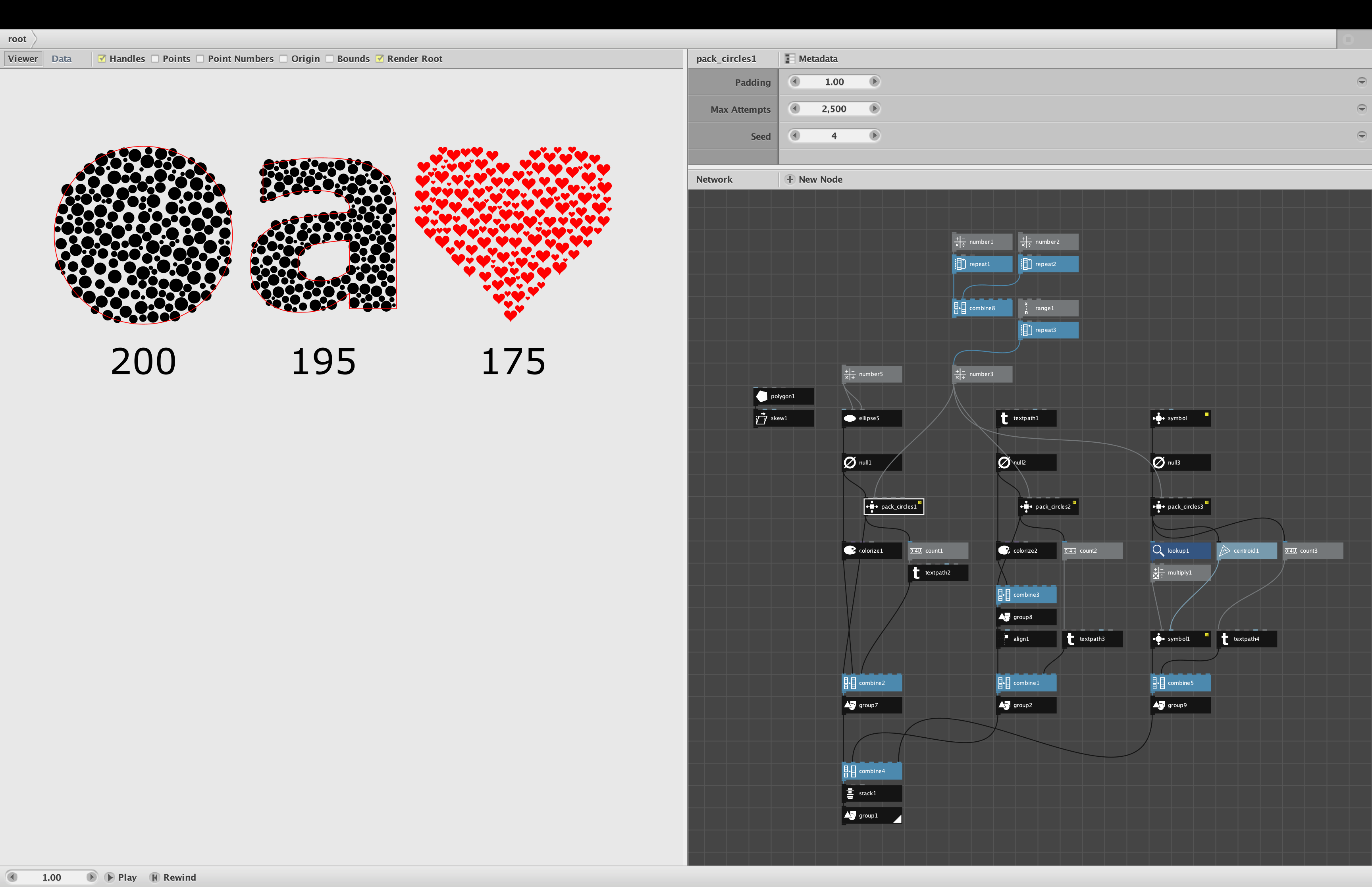
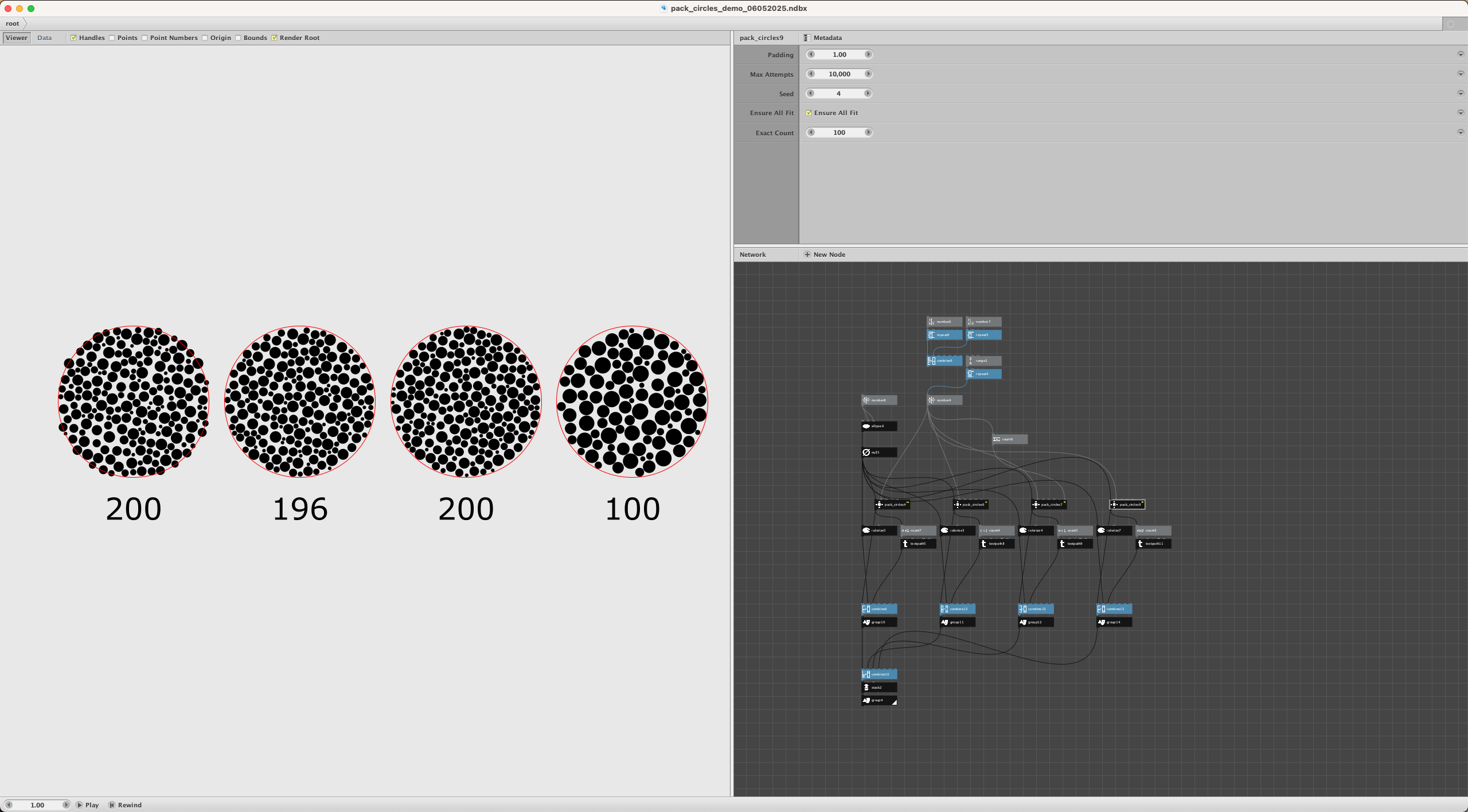
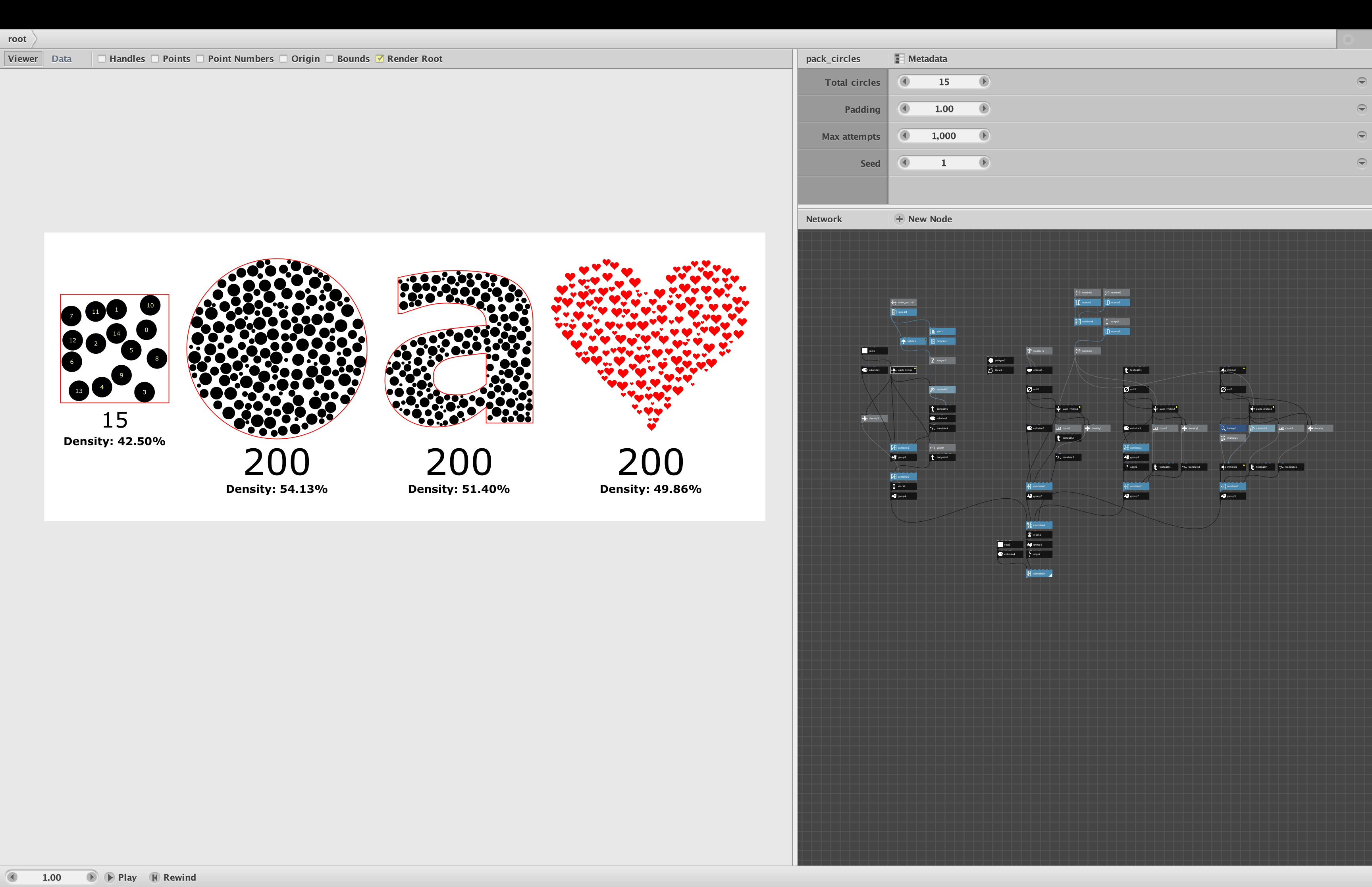
Thanks for starting this topic. I went ahead and tried to make a packing script. The results can be found in the attachments. It still has its quirks, so it probably could be improved upon, like a wrapper to make it more user-friendly, but this way it's a little more visible what is happening. I also found that the result is not static (rendering different nodes within the same branch, like before and after the groupings).
Here's the prompt I used as a starting point.
Can you generate a Python 2.7 script for circle packing for use in Nodebox 3 based on the documentation provided? It should have different sized circles packed within a certain rectangular bound. Don't use any external libraries. Please specify the type of input per argument (float, integer, etc.)
- Make arguments for X and Y, which are scattered point coordinates. The amount of points is the maximum amount of circles.
- Make an argument for padding: the space between the circles
- Make an argument for the size of the radii. This is a list of values within a range with steps of 10 between each value
- Make arguments for both the width and the height of the bounds.
Begin with the largest circles and end with the smallest circles. For each circle size, attempt to insert new circles in the spaces between until you hit the maximum amount of circles. Once the count limit is hit, move on to a smaller size.
Output a list of the necessary sizes in the same order as the points are which were used as input. This should create a properly packed arrangement of circles.
This a selection of what Claude came up with (I also did tests with Gemini and ChatGPT, but the results were less good). The first 2 fragments is the description of circle_packing.py script.
This enhanced algorithm uses a three-pass approach to maximize circle placement:
First Pass
The algorithm attempts to place circles starting with the largest sizes, working down to smaller ones. This is similar to the previous version but serves as a foundation for the next passes.
Second Pass (Key Improvement)
For each point that doesn't yet have a circle:
It calculates the maximum possible radius that would fit at that point without:
Extending beyond the rectangular bounds
Colliding with any existing circle
It then places the largest possible circle at that point (rounded to the nearest step size), even if it's smaller than what we initially tried in the first pass.
Third Pass
As a final sweep, it tries to place the minimum-sized circles at any remaining points. This ensures we make use of even the smallest gaps.
Additional Improvements
Dynamic Sizing: The second pass is the major improvement, allowing circles to be sized exactly to fit available space rather than using predetermined sizes.
No Wasted Points: By adapting circle sizes to the available space, many more points should get non-zero radii.
Boundary Awareness: The algorithm carefully checks edge conditions to prevent circles from extending beyond the width/height bounds.
Tips for Best Results
Input Point Distribution: The algorithm works best with a relatively even distribution of points. If you're using scattered points, try using a larger number with a good spread.
Parameters:
Use a smaller step value (e.g., 2-5) for smoother size transitions
Start with a smaller padding value (0-2) and adjust as needed
Make sure max_radius isn't too large relative to your bounds
The key differences in this aggressive approach:
Center-First Placement: The algorithm sorts points by distance from the center of the canvas and places circles starting from the center outward. This creates a more visually balanced result and often leads to better packing in practice.
Direct Radius Calculation: For points without circles after the first pass, the algorithm directly calculates the maximum possible radius that can fit without any collisions, rather than trying to fit into predetermined size buckets.
Exact Sizing: This version places circles with exact calculated radii rather than rounding to the nearest step size. This ensures we're making the most efficient use of space.
The enhanced algorithm from Claude has resulted in the circle_packing_dense.py script
This enhanced algorithm includes several significant improvements to maximize packing density:
Key Improvements:
Grid-Based Initial Placement: The algorithm starts by placing larger circles in a grid pattern. This creates a more even distribution of larger circles and avoids the common problem of random placement leaving awkward gaps.
Space Score Ranking: Points are ranked by how much empty space surrounds them - prioritizing points in larger open areas for each radius size.
Adaptive Radius Selection: The algorithm dynamically adjusts circle sizes based on available space, maximizing the use of every potential point.
Multiple Strategic Passes: The implementation uses multiple passes with different strategies to ensure comprehensive packing.
Debug Information: Added output to show how many circles were successfully placed.
Tips for Best Results:
Parameter Tuning:
Smaller padding: Try setting padding to 0 or a very small value (0.5-1.0) for maximum density
Smaller step size: Use a smaller step (2-3) between radius values for smoother size transitions
Appropriate min and max radius: Make sure the radius range makes sense for your canvas size
Point Distribution:
Provide plenty of input points (2-4× more than the number of circles you expect)
A uniform distribution with slight randomness works best
Use a scatter node with a high amount setting
Canvas Size:
Ensure width and height values make sense relative to your radius settings
A good rule of thumb: width and height should be at least 10× your max_radius
Floris