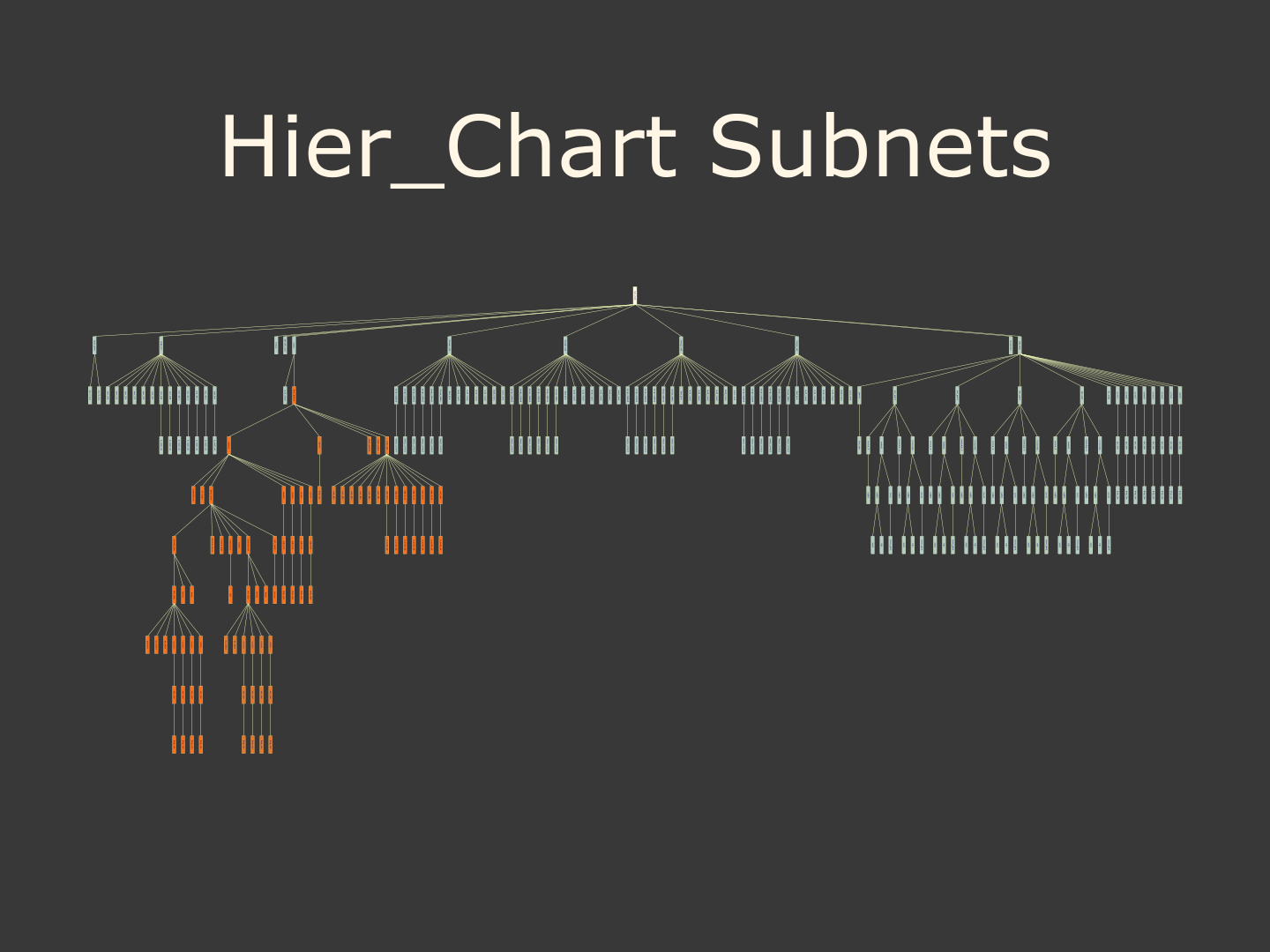
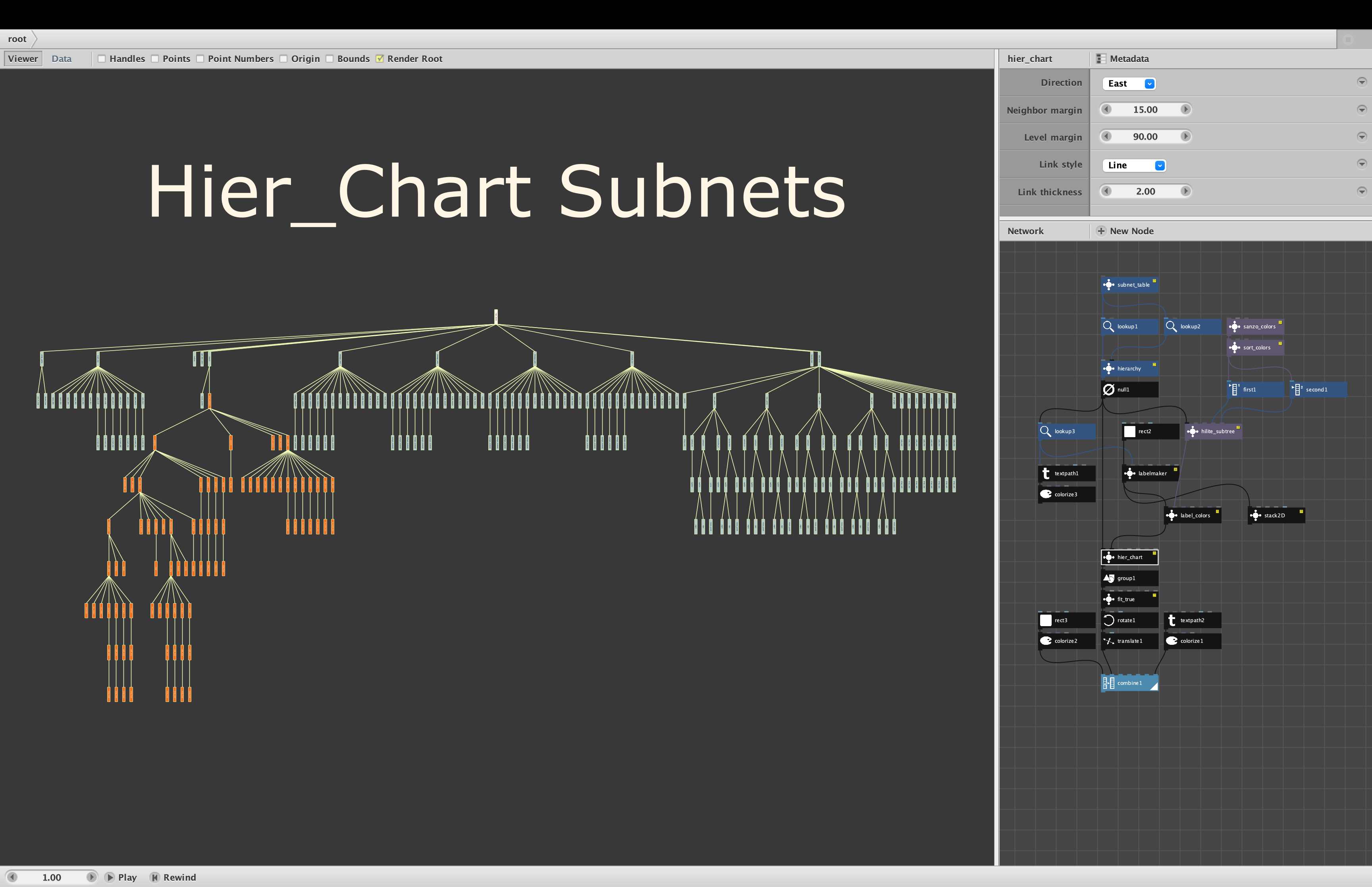
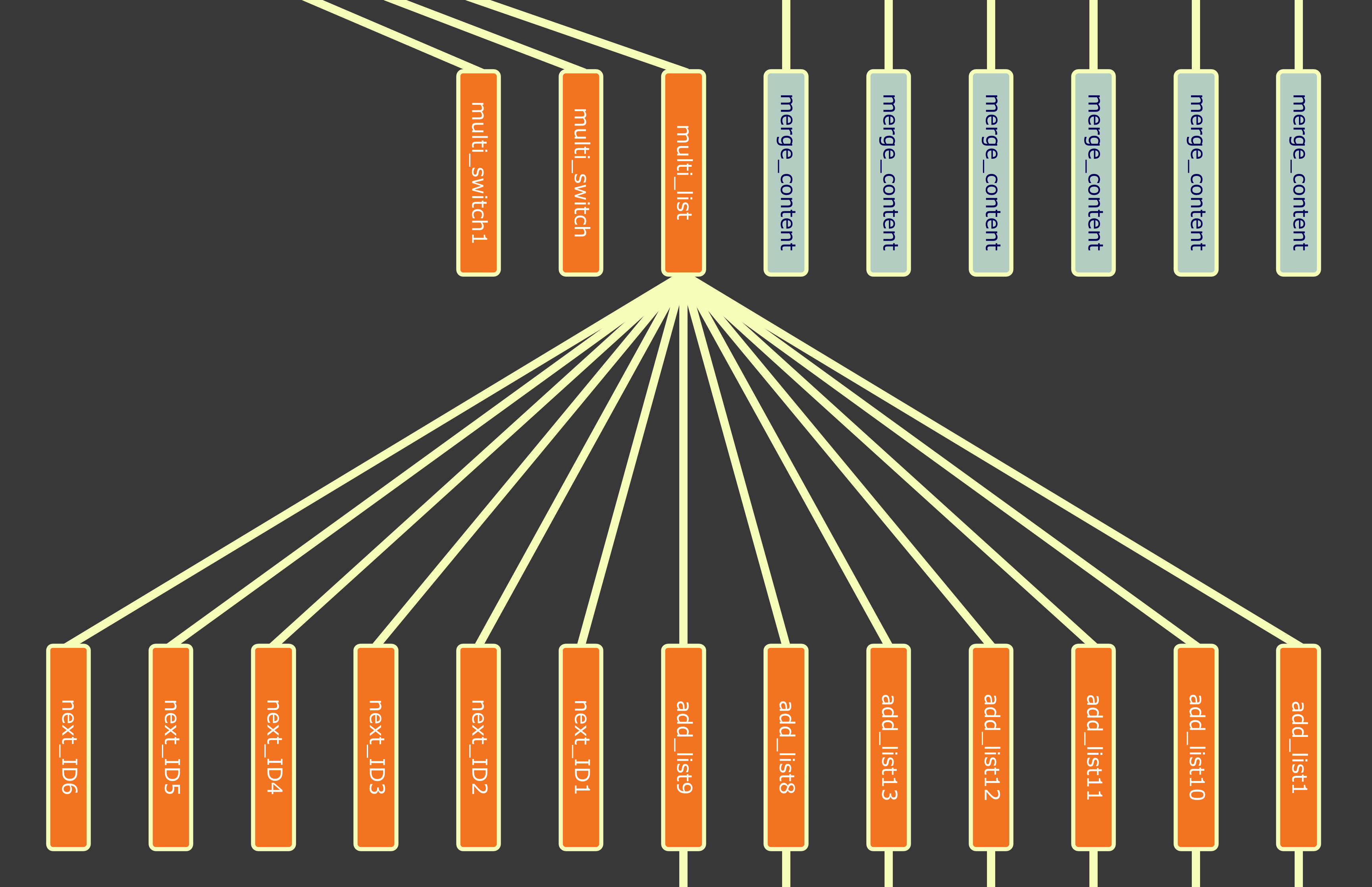
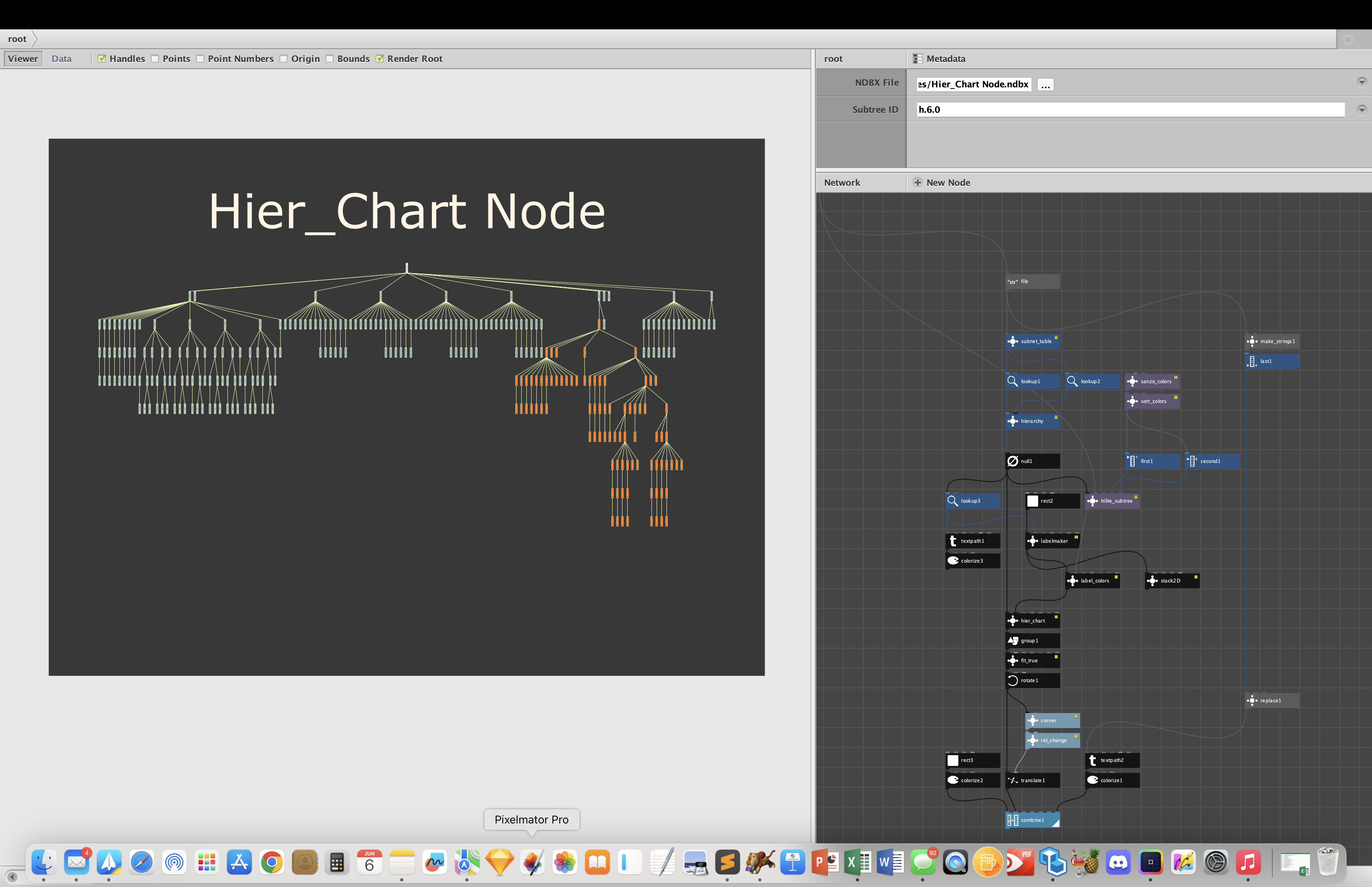
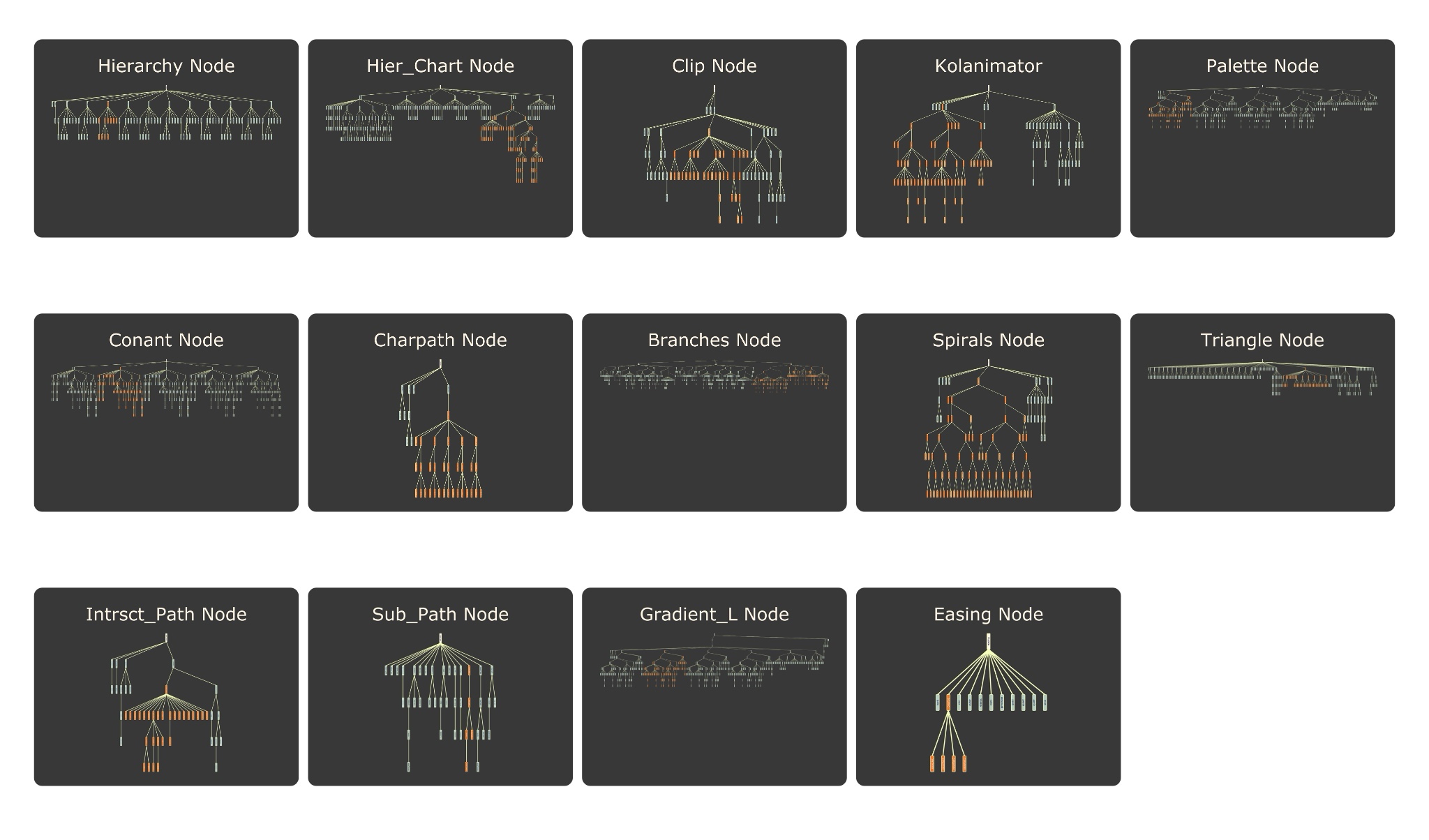
UPDATE: Latest versions of hierarchy and hier_chart can be found here: https://forum.nodebox.net/t/9134398962/updated-hierarchy-charts-and-random-hierarchy-charts
I have long enjoyed drawing hierarchies: org charts, family trees, outlines, treemaps, Sankey diagrams, sunbursts, icicle trees, sentence structures, cladograms, decision trees, taxonomies of every kind. I have made all of these using Nodebox, but each one was bespoke, sometimes hard to make, and hard to reuse.
My goal was to make a generic system for making hierarchies in Nodebox. In this note I introduce the hierarchy data structure and node. I the next note I will describe a node to draw standard org-chart hierarchies.
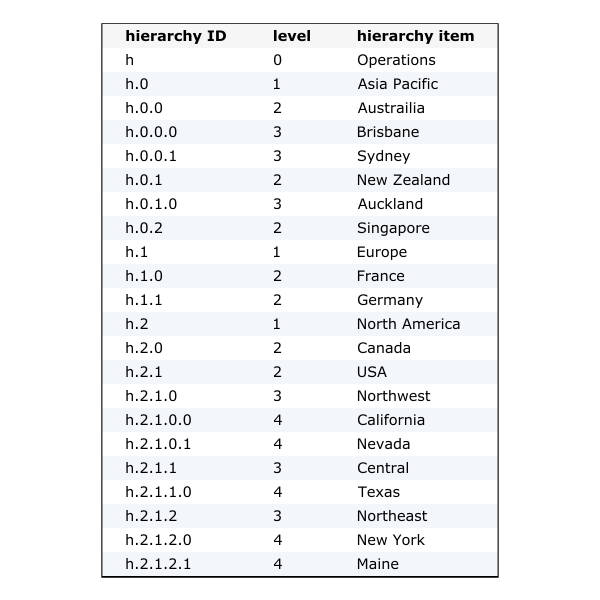
The first thing needed was a standard, flexible, generable purpose data structure (see table attached). I defined one using a Nodebox table. It has three columns:
- hierarchy ID. A string dot descriptor uniquely identifying every position in the hierarchy. IDs always start with an h to make sure Nodebox treats them as stings, not numbers. Each level is separated by a dot and siblings are numbered from 0. So h.1.0 is the first grandchild of the second child of root h.
- level. An integer representing the level of depth for each position. The root is always the sole node at level 0. Each subsequent generation occupies a level.
- hierarchy item. A string or number or path or data row associated with each position. I recommend having only one row in the hierarchy for each position, but by repeating IDs you could associate multiple rows with a single position.
These hierarchies are strict. There is only one root, you cannot skip levels, and each child can have only one parent.
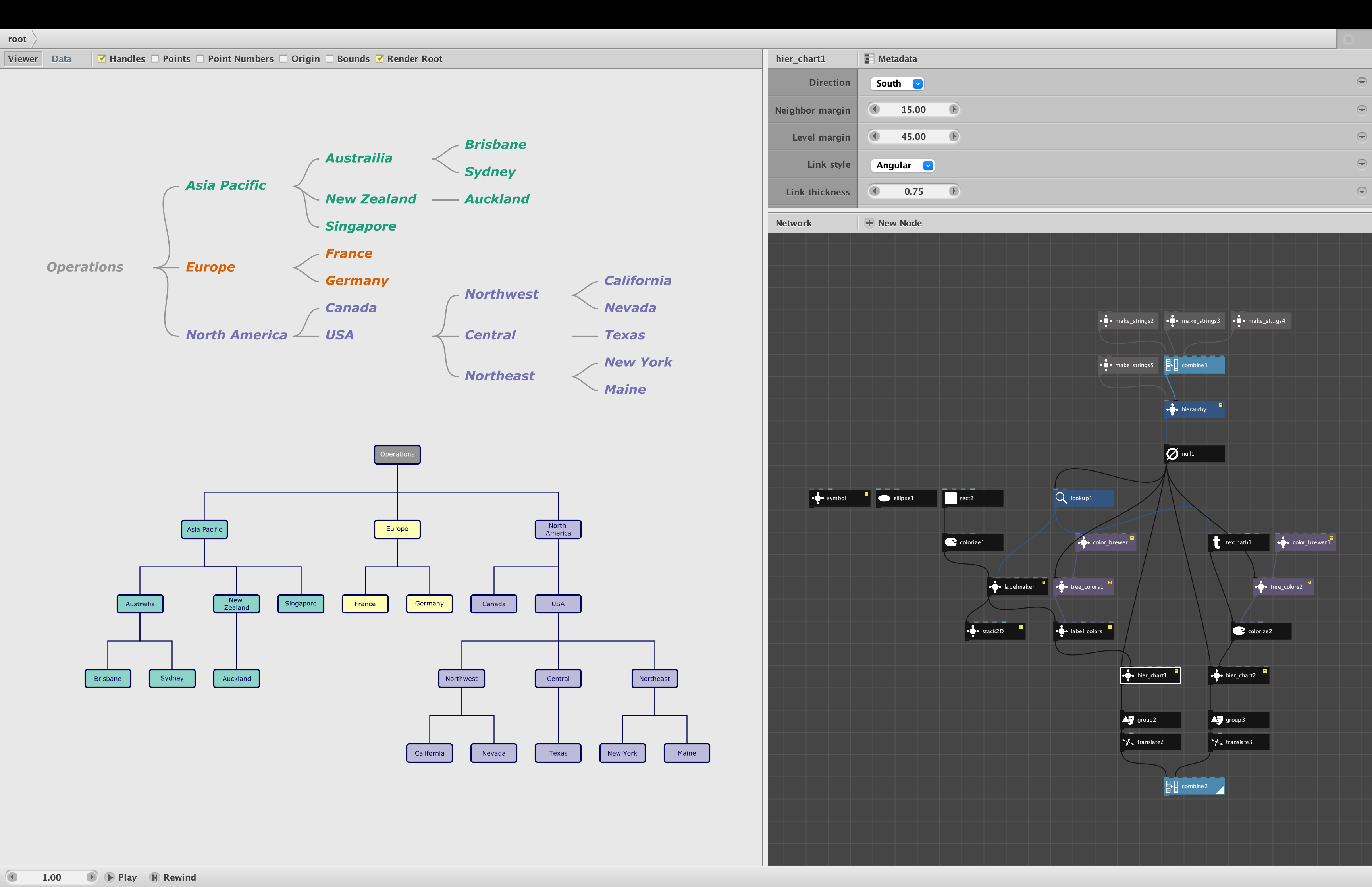
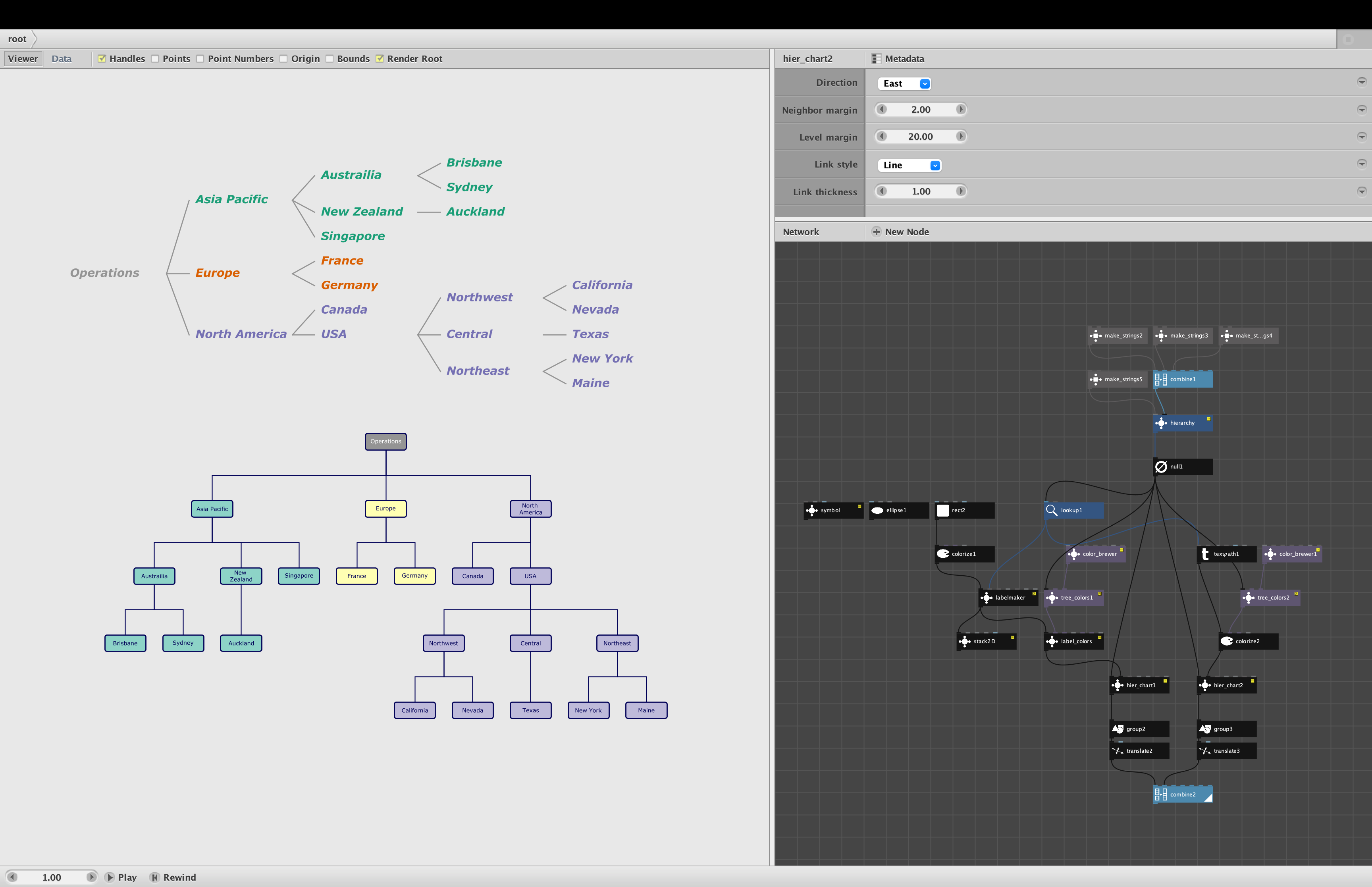
I have attached a typical hierarchy table so you can see what they look like. This table is for the org chart hierarchy described in my next note.
My intention is to create a whole family of nodes that can accept these standard hierarchy tables as input. I will be sharing some of these in the days ahead.
CREATING HIERARCHIES
The next thing needed was an easy way of creating these hierarchies. After much experimentation, I settled on the hierarchy node, described here.
It turns out you can efficiently describe the exact structure of a hierarchy by simply making a depth-first traversal and recording the level of each position. This ordered list of levels uniquely determines the structure.
By "depth-first traversal" I mean start at the root (level 0) and then visit each child in turn. If that child is a parent, next visit its first child. When you get to the end of that chain, work your way back up until you find another sibling, then repeat the process until each child has been visited once.
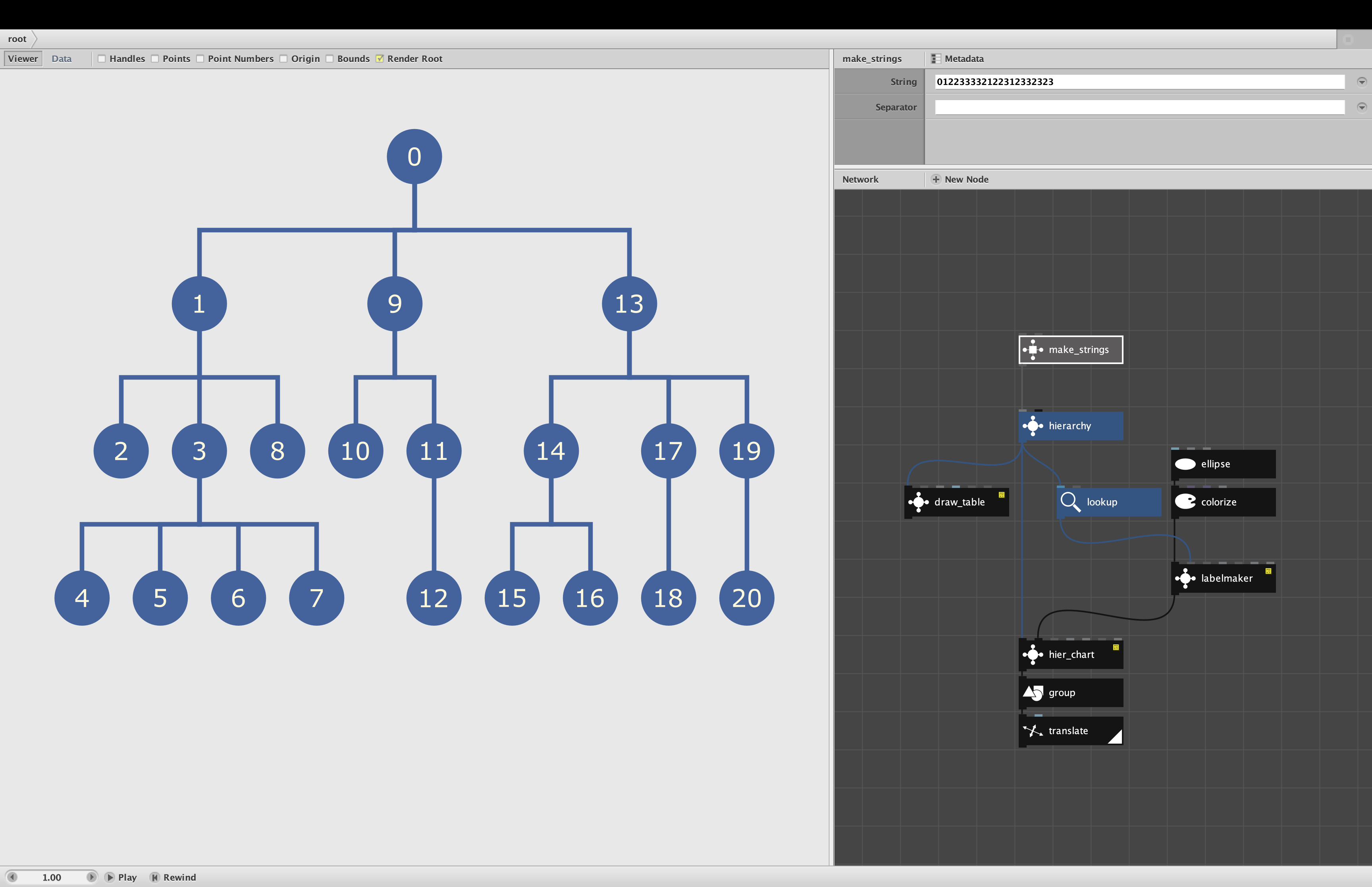
For an example, see the attached screenshot with the numbered structure. The positions are numbered from 0 to 20. The list of levels needed to describe this structure always starts with 0 (the root), then 1 (the first child is always on level 1), and then the rest in depth-first order. In this case the first child has 3 children; the second of these has 4 children. So 01 is followed by 2, another 2, then four 3s, then back up to the final sibling at level 2. Then back up to level 1 (the second child has 2 children and 1 grandchild), and then back again for the final subtree. The final list of levels is 012233332122312332323.
With practice it becomes easy to quickly enter these level lists. For large hierarchies with hundreds of positions you may want to extract these levels directly from some data source. For example XML files (like NDBX files) use indentations to represent the level of each entry; these indentations can be directly converted to a level list.
The hierarchy node is very simple; it takes only two inputs:
- levels. A list of integers representing the levels of each position in depth-first order, starting with the root at level 0. You can use a make_strings node to quickly enter such a list.
- items. A list of items for each position. This list is optional; if no items are input, the node will create a standard index list (0, 1, 2, etc.). If the items are fewer than the number of positions, indices will be added to fill the remaining slots. If the items are more than the number n of positions, only the first n items will be used.
Given these inputs, the hierarchy node produces a standard hierarchy data table with the three columns described above. The IDs are computed and assigned automatically. Currently this node will build hierarchies of up to 12 (0 to 11) levels; if more levels are needed this capability would be easy to add.
The attached demo shows a simple hierarchy created from a level list. In this case, no items were provided, so the node used the numbers from 0 to 20 instead. You can see the actual data table by rendering the draw_table node. The actual drawing of the diagram is accomplished using my labelmaker and hier_chart node. The hier_chart node is described below in the next note.
It's been a long journey to create this system, with many false starts and much left on the cutting room floor. I think I finally have a system simple and powerful enough to open up a world of new possibilities.
In addition of org charts and outlines, I would also like to see this node used for purely artistic experiments. A Calder mobile is a hierarchy. You could define hierarchies of color and filter the table to apply colors to your designs in a systematic way. Purely visual hierarchies would be easy to define and position on a canvas.
Stand by for more fun with hierarchies!