Hi Tom,
Welcome to the Nodebox community!
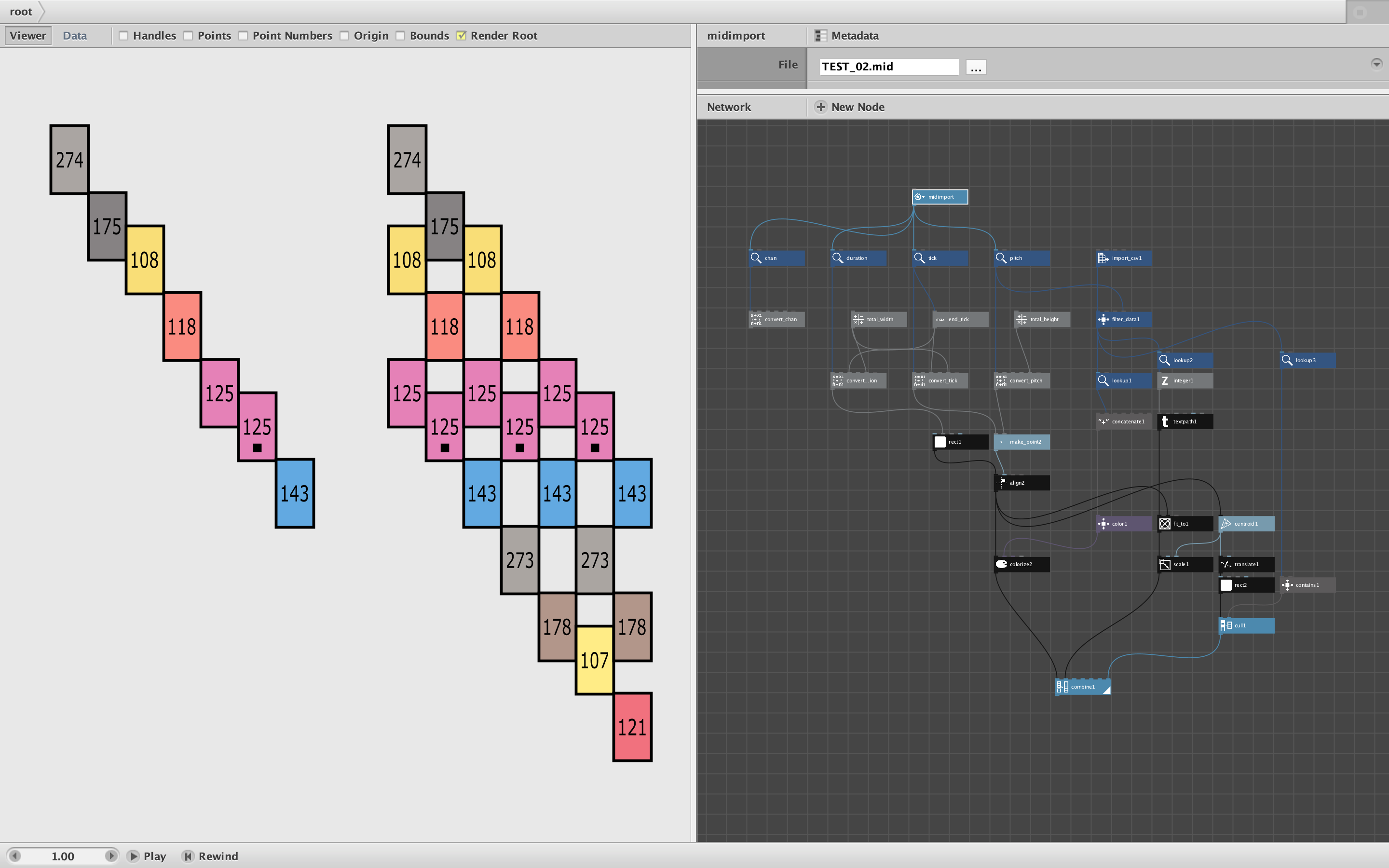
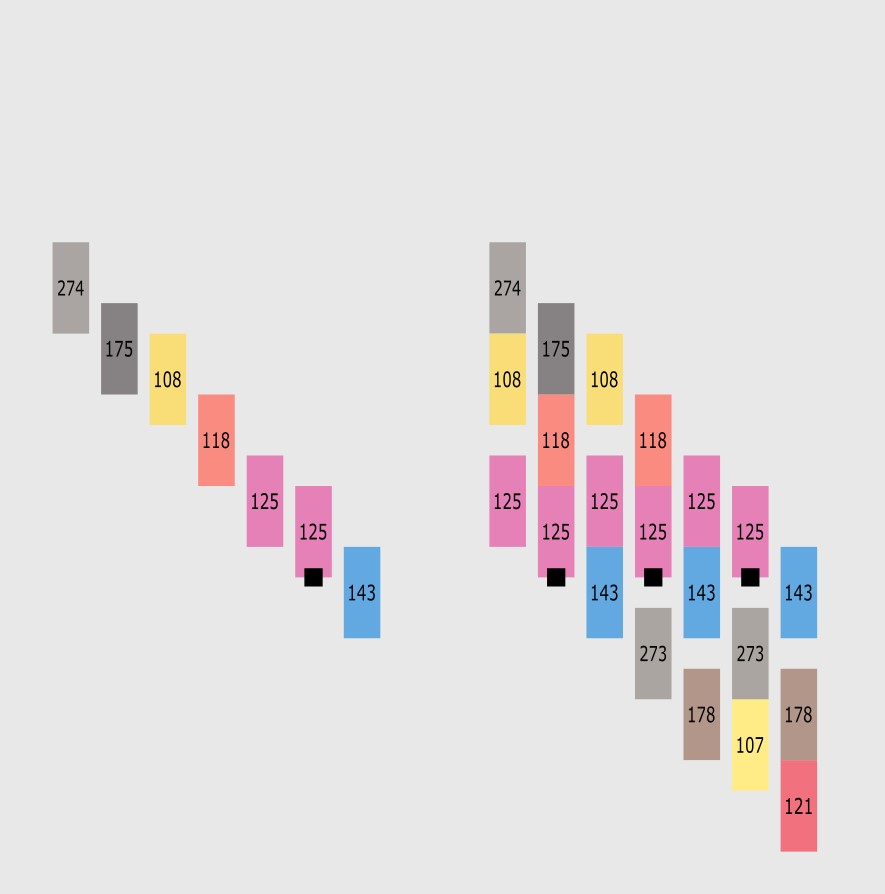
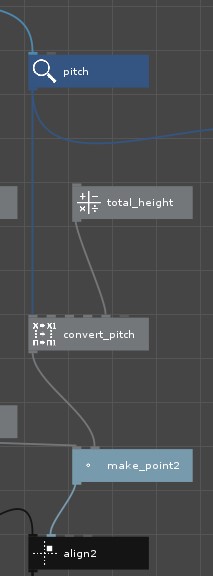
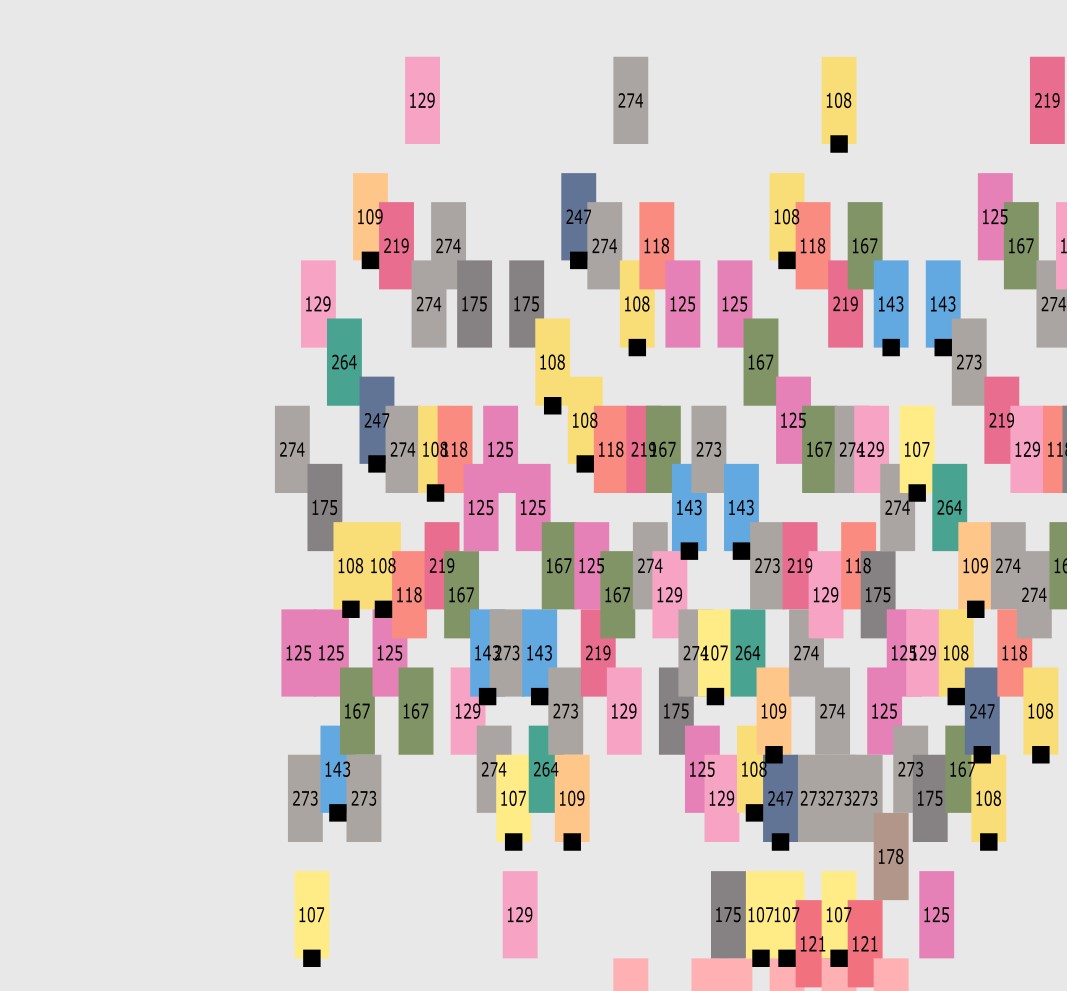
Interesting project! There is indeed a way to do everything you asked for. See screenshot and attached demo. The zip file contains your files, the midi.clj code library, and my revised Nodebox program, Coloring Demo.ndbx
You were on the right track with your CSV file. I notice you looked up all the keys in that file and reformed them into a table. There was no need to do that; you can suck the value right from the CSV node.
First, I assume by "Midi number" you mean pitch. The trick to assigning colors based on pitch is to filter your CSV file using the filter node. When you tell it to filter your lookup table where Midi = Pitch, it will fire once for each note and produce one row from your CSV matching each note in the source example file. 319 notes in, 319 rows out.
Once you have those rows you can lookup HexColor, Color, and whatever else you need.
To color the boxes, all you need is the HexColor. One small thing: in order to convert those HexColor strings into colors, you need to add a "#" to the front before feeding them into a color node. I did this using a concatenate node.
Adding the Color numbers is almost as easy. Lookup Color, feed it into an Integer node to remove the unsightly ".00" after each value, and just feed it into a textpath node. You can use a fit_to node to adjust the size to fit each box. This also automatically locates the labels inside the correct box!
Since width is the critical factor in this case, the width of each label will exactly match the width of the box, making it a bit crowded. I added a scale node to give the label some breathing room.
Your final ask was to add a small black box for only certain midi numbers. To demonstrate this technique I looked up your Note values and added that box only for notes containing a sharp (#). A placed the little boxes just below each label and then used a cull node to remove any note that did not include a sharp character. If that's not what you wanted you can just change the test feeding into the cull node.
This should be enough to get you unstuck. You will probably want to fiddle with the settings and maybe add more nodes to handle more general purpose sources with variable note durations, multiple channels, etc.
Let me know if that answers all your questions, and please come back with more. This looks like a fun project!
John