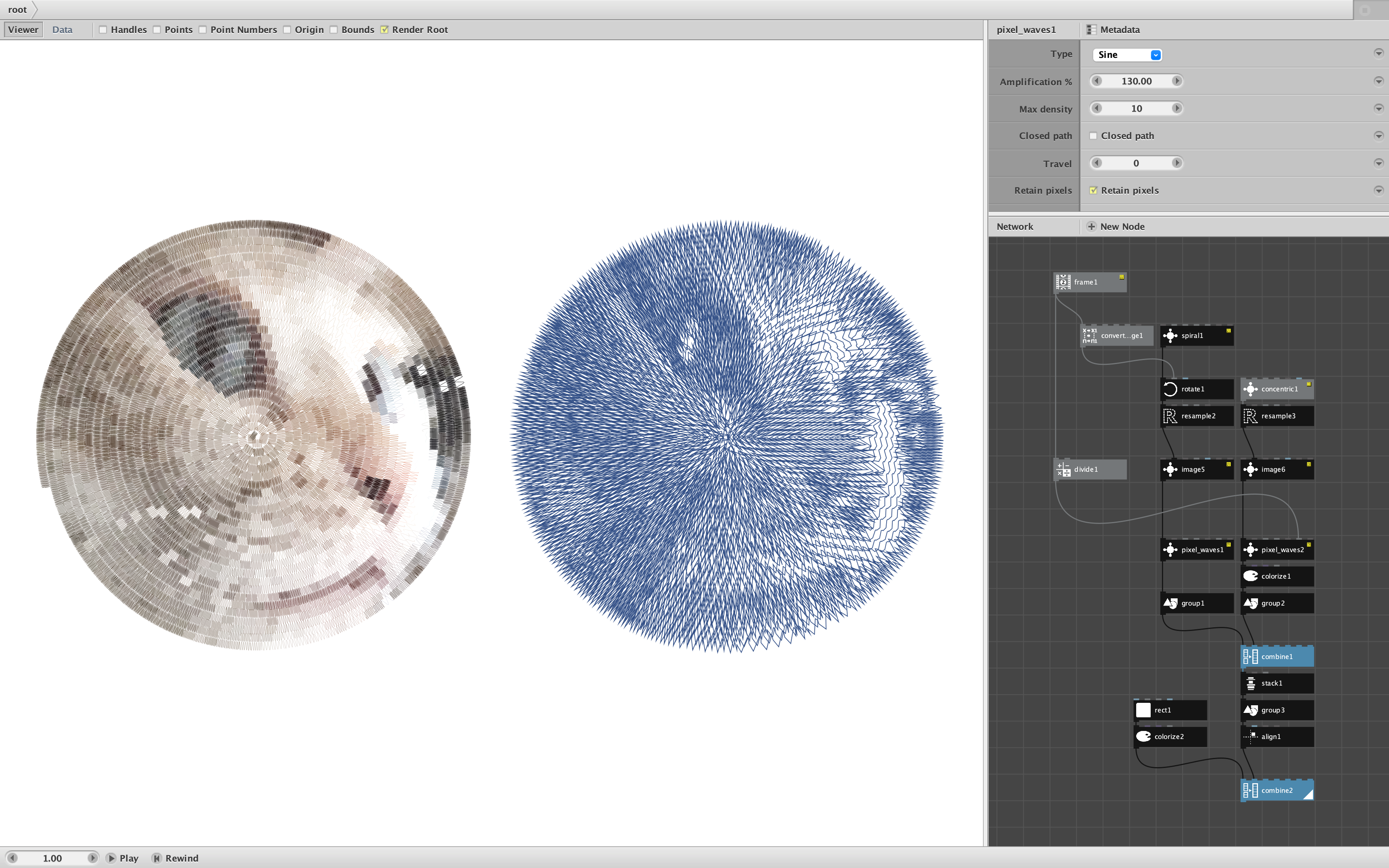
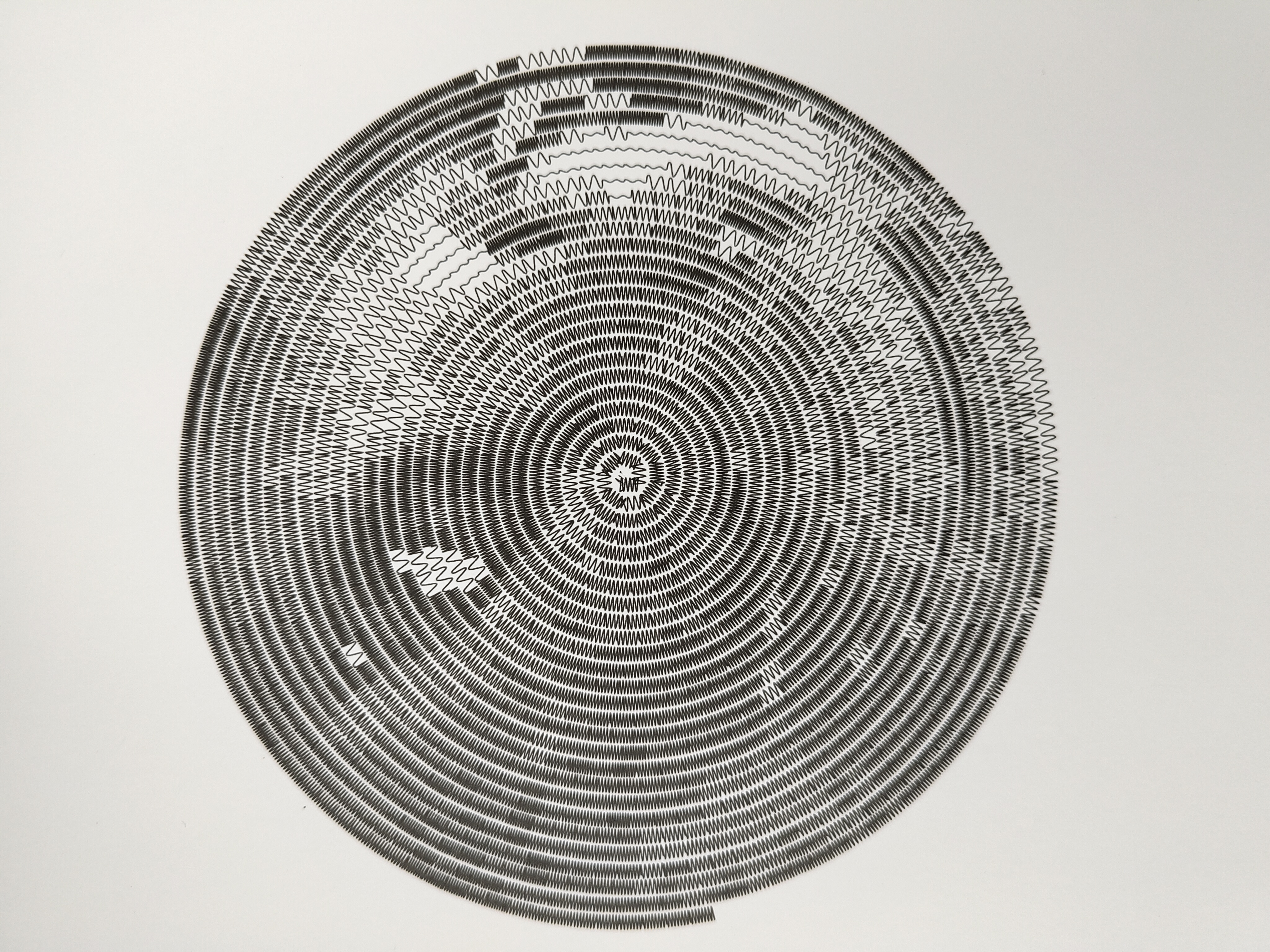
Here is the official release of my pixel_waves node. See my earlier post for the evoluition of the node.
Pixel_waves takes seven parameters:
- Pixels. A group of pixels made from a single resampled path mask. You must resample the path to produce straight line segments to place the waves on.
- Type. Wave type: Sine, Square, Triangle, or Sawtooth
- Amplication %. A magnification factor used to increase or decrease the amplitude. This allows adjusting the output to fill gaps between concentric circles, arms of a spiral, etc. By changing the spacing around the waves, it can make the overall image appear darker or lighter.
- Max Density. Controls the total number of waves per pixel for the darkest pixels, which is also the total shades of gray. The default of 10 may look good in images but will usually be too dark for plotters.
- Close Path. Check if the mask path(s) are closed (e.g. concentric circles). Leave unchecked if the mask path(s) are open (e.g. a single spiral).
- Travel. The amount to shift the wave. For plotters or still images this should be left at zero. For animations, attaching a frame node to this parameter will cause the waves to travel along their paths.
- Retain Pixels. Check if you wish to render each source pixel as a separate wave segment, colored like the pixels. Leave unchecked if you want a single continuous wave for each source path. Plotters should leave this unchecked.
For best results you will want to find the best mask path(s) and image settings, then choose a wave type and adjust the amplification factor to tighten any gaps or reduce overlapping sections and the max density to adjust overall darkness.
The attached demo shows two renderings from the same image of a cat. The left image is a continuous spiral of sine waves rendered to preserve original pixel coloring. The right image shows 37 concentric circles, each rendered as triangle waves in a continuous path.
I have also attached an animation showing a rotating spiral mask on the left and traveling waves on the right.
Feel free to substitute your own images and masks and play with all the settings. You can achieve a higher resolution by tightening the mask and decreasing the resample length, but this may increase rendering times for large images. You can change wave types and increase amplification to overlap them to create interesting effects.
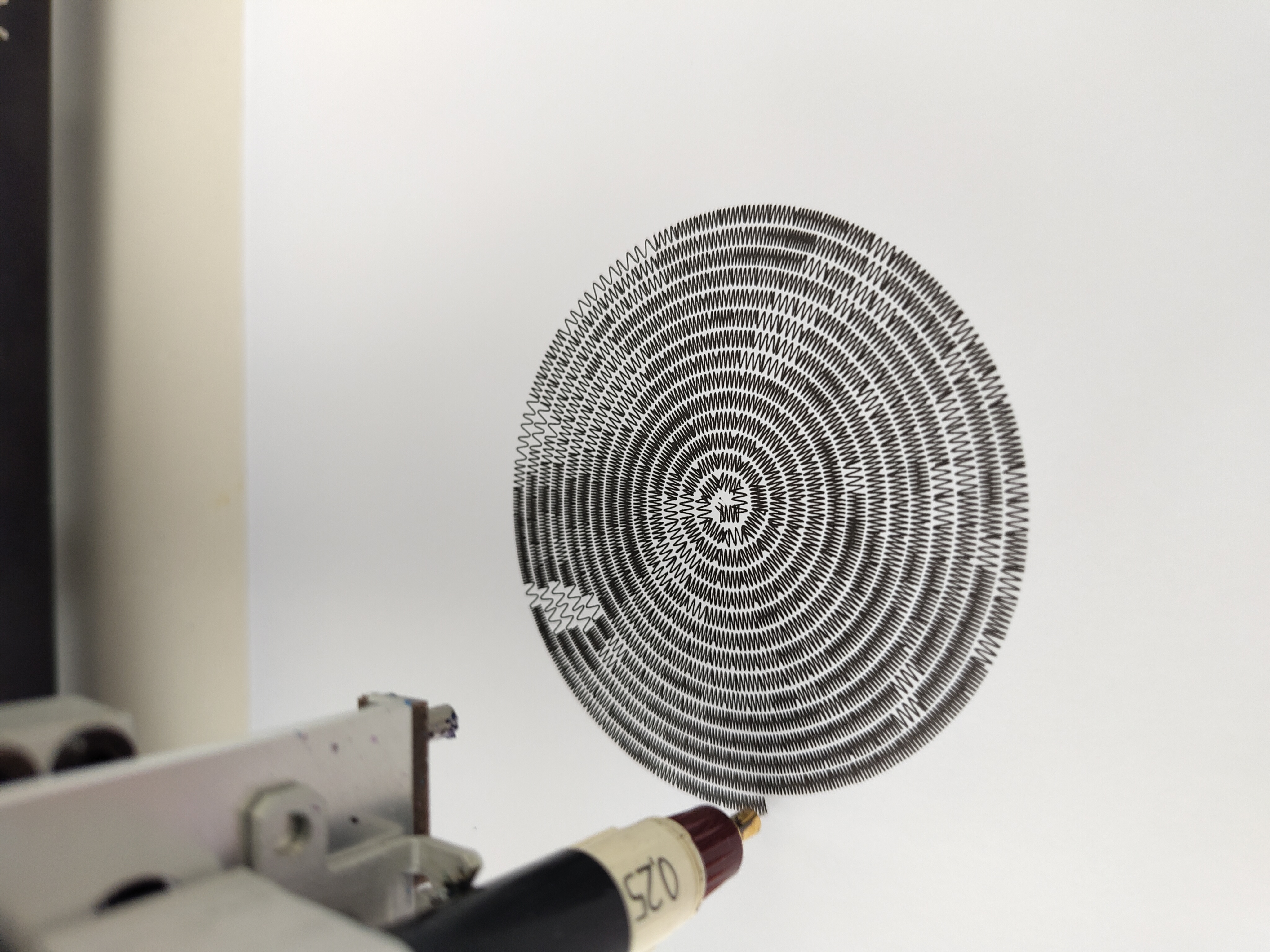
The original impetus for this node was to provide a new way to plot images using continuous paths. I hope the max density setting will allow plots that are not too dark even with fine pens, but I do not have a plotter of my own to test this. I hope Floris or someone else in the Nodebox plotter community will give this node a try and share their results in this thread.
As always, I would be delighted to see what people do with this thing!