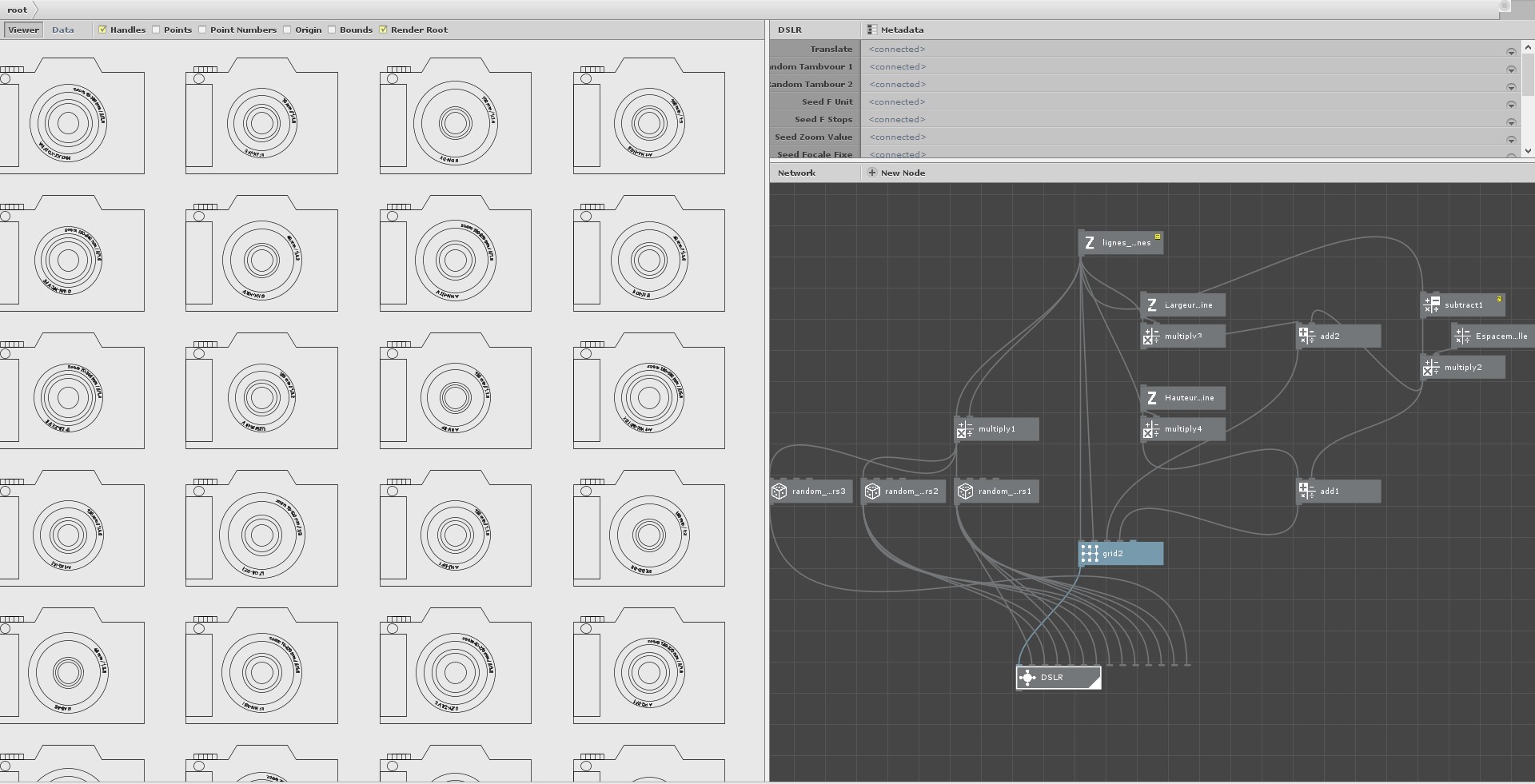
[English is not my first language]
[I don't know if each question requires a thread]
Hi, I'm Julien, designer, I discovered nodebox a few months ago after buying a plotter. I had followed tutorials to use Blender with Svertchok but it was a bit complex. I was glad to see that there was another software for dedicated generative node drawing.
I read carefully the documentation and the forum, especially John's always very complete answers (a huge thank you to him for this flawless involvement), and I tried to make some tests but I still have so many questions!
I'd like to use nodebox mostly to do parametric figurative illustrations with a bit of randomness, but I'm also interested in abstract works (even if I never have much imagination to find algorithms that make pretty things)
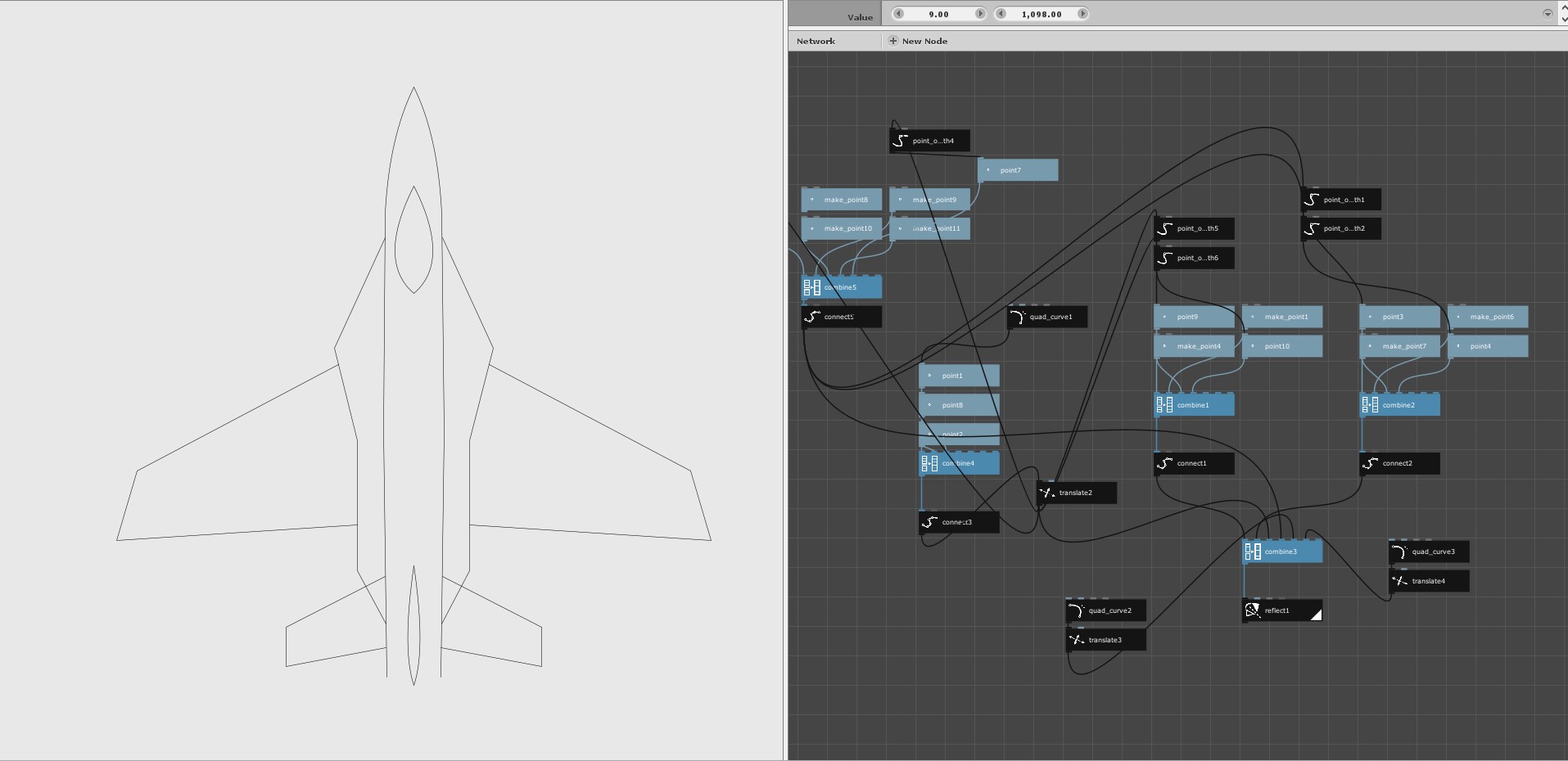
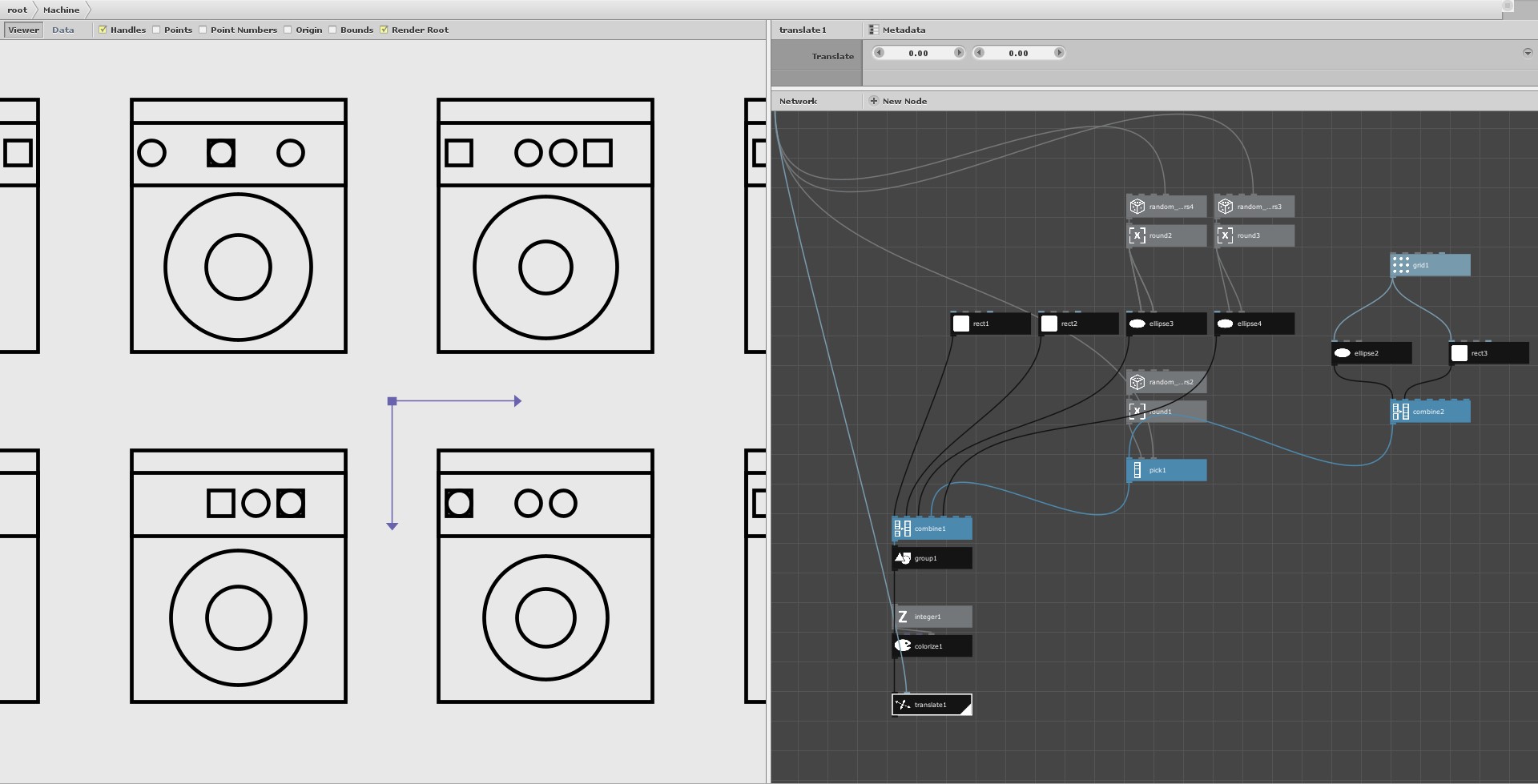
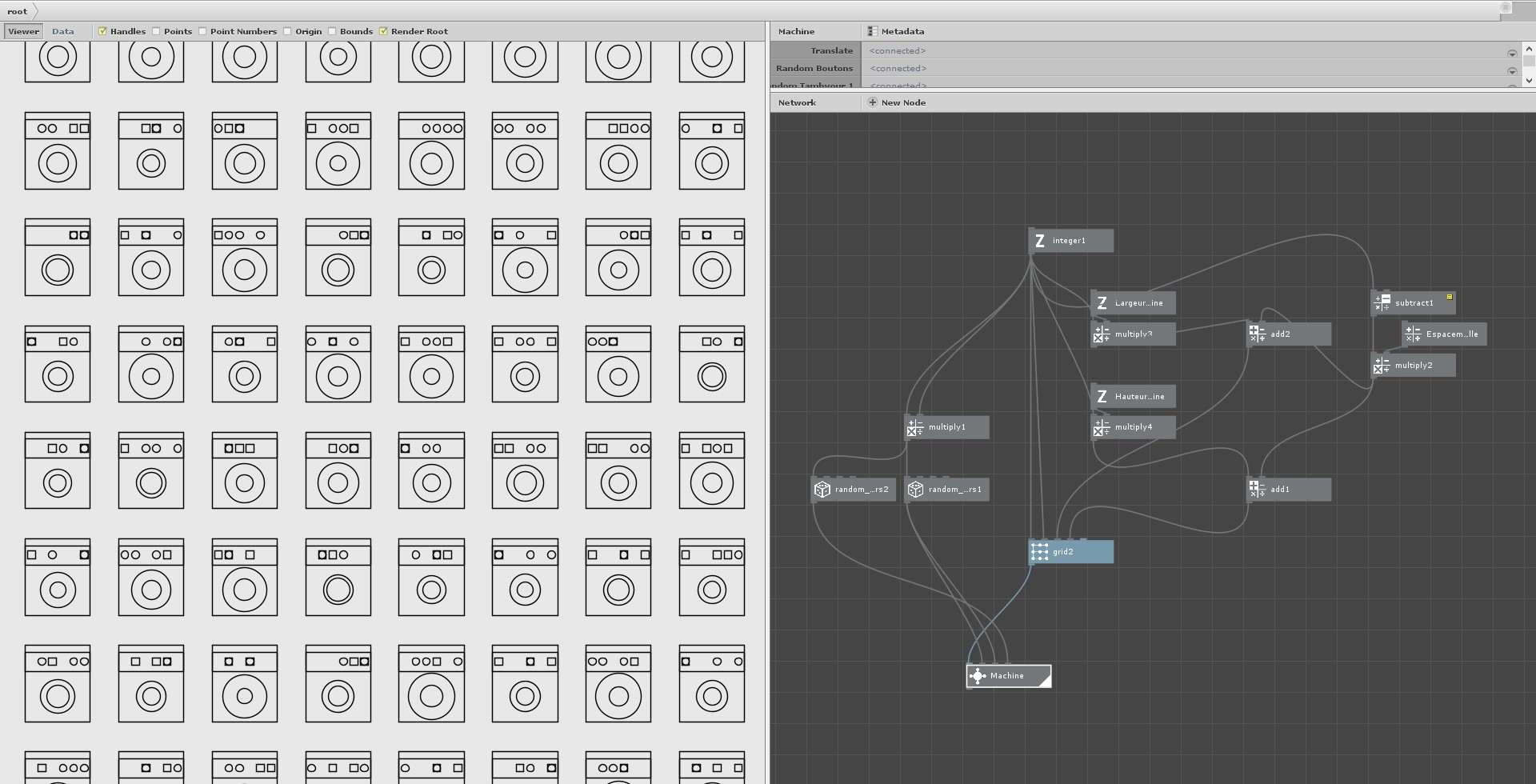
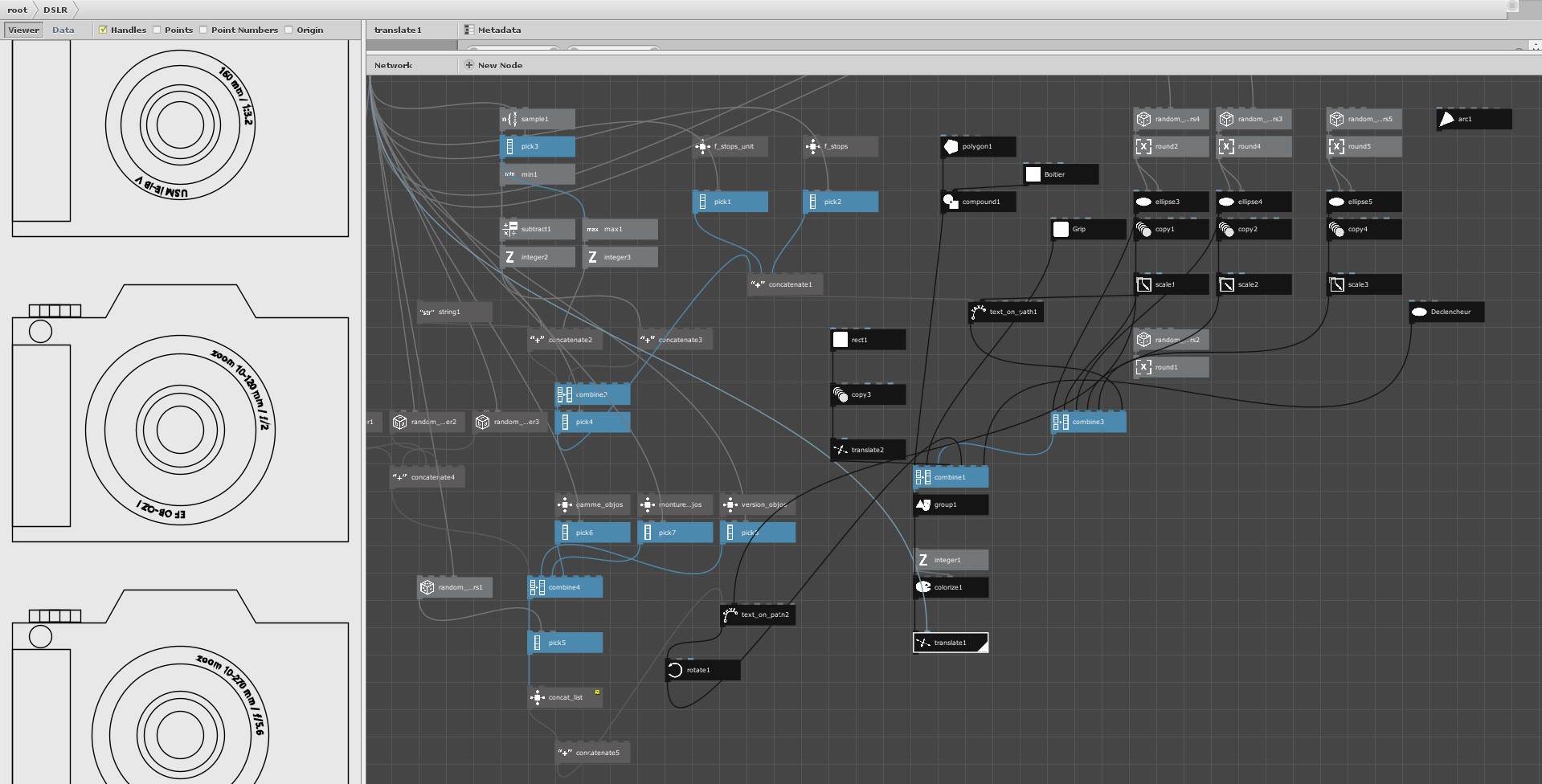
I did some experiments like trying to generate washing machines, cameras or fighter planes, and during these exercises here are the questions I could gather (I tried to search as much as possible on my own but I didn't find answers for these):
Can we extract variables from some parameters?
For example if I set a width to 200px, can I retrieve this variable with a node or do I have to make a node first which will be my variable, which I plug in where I need it? Another example = retrieve a seed in text to display a "serial number".
How do I choose among overlapping elements?
For example I have 1 grid of circles and 1 grid of squares combined, how do I make a grid of circles and squares mixed together (see the buttons of the washing machines) ?
What is the best way to choose to draw (or show) certain options
For example, if I want my camera to be generated with or without a grip, or with or without an inscription, how do I make a decision tree or an on/off switch or place a shape on the right or left?
How to manage the grid spacing when the elements they contain have random sizes?
For fixed sizes, I did a calculation with (number of columns - 1) × (fixed) width of the element but for variable elements I don't know if there are other methods (nor if this method is the right one for fixed elements).
Is there a notion of layers?
It can be useful for SVG export and to say that such shape goes on such layer, to then make color variations with the plotter for example.
Is it possible to round the corners like in illustrator with a given radius?
I have seen a node "round the corners" but it gives very weird results. The goal would be to round the wing tips or the fuselage joints, or the joint between the camera body and the viewfinder.
Is it possible to have geometric shapes in outline only without coloring them?
It's not very annoying but it would be convenient for a drawing that will go on a plotter.
The multiplication of elements
I didn't manage to understand what multiplies the elements or not, for example a grid multiplies the number of elements, the number of seeds also, the points... in short I can't understand the rule that manages all this.
Can we easily de-duplicate the overlapped vectors?
For plotter use, you don't want the pen to go back to the same place, I usually use vpype to clean up my svg's before plotting them, but maybe nodebox can also remove redundant vectors.
Aligning objects
I'm having a lot of trouble with this, they align to the base grid and I know you can add a node alignment to change that point of origin, but I haven't figured out how to align the objects to each other, so that for example the camera shutter release is always contained within the shape of the box and its positioning relative to that shape. What is the best practice to manage positioning when drawing figurative elements?
Shape copy: how to "skip" the 1st copy?
Sometimes I would like to make concentric circles for example, so I make an ellipse which I copy + scale, except that the 1st copy is always an exact copy of the initial shape, which makes 2 shapes overlap. Is there a way to tell it to ignore the 1st copy?
Centering the text path in the middle?
Is it possible to center a text path, instead of just choosing the beginning or the end for alignment? This could be handy for centering variable size text (in my case, the inscriptions on the lens).
Replacing a single element on a grid
How can I replace an element at a given position on a grid? For example I generated a grid of washing machine, how can I put a star in the middle of this grid? I guess I have to combine the list of machines with the star, but how do I choose its position in the list (and thus in the grid?)
If / then / else
Is it possible to use this kind of logic? I saw that there were booleans and value comparisons, but I am lost on the "then", how to make a conditional branch?
What is the best way to do greeble?
For example I would like to add lines on the wings of my fighter planes, to simulate joints and flaps, and these lines should be random but contained within the wings and touching the wing contours. They can go in both directions, or it could even be rectangles, circles... in short various shapes all contained in another shape. There could also be some wear and tear (for that I can maybe use little scatter lines to make hatchings). What do you think would be the best way to generate these metal plates and other elements?
Irregular polygons
To generate an irregular polygon you have to generate it point by point and then connect the lines? This also brings up the question of the order of the points, I've seen that you can reorder them with a node but I don't think it works in my case, and it takes into account all the points in the illustration.
Randomness
I understood that for each iteration to be different, you need a different seed for all the random numbers, in this case I generate as many random numbers as there are elements in the grid, and I assign them to the "seed" nodes published for the child. is this the right method?
What is the purpose of the "null" node?
I understand that it doesn't do anything, but then what is its use?
These are my questions for now, I'm aware that there are a lot of them, maybe some deserve their own thred, don't hesitate to tell me.
Thanks for reading all this, I'll keep looking on my own. Attached, some screenshots of my tests.