Hi Floris,
Glad you like it. I appreciate your references to me in your Instagram and Twitter posts.
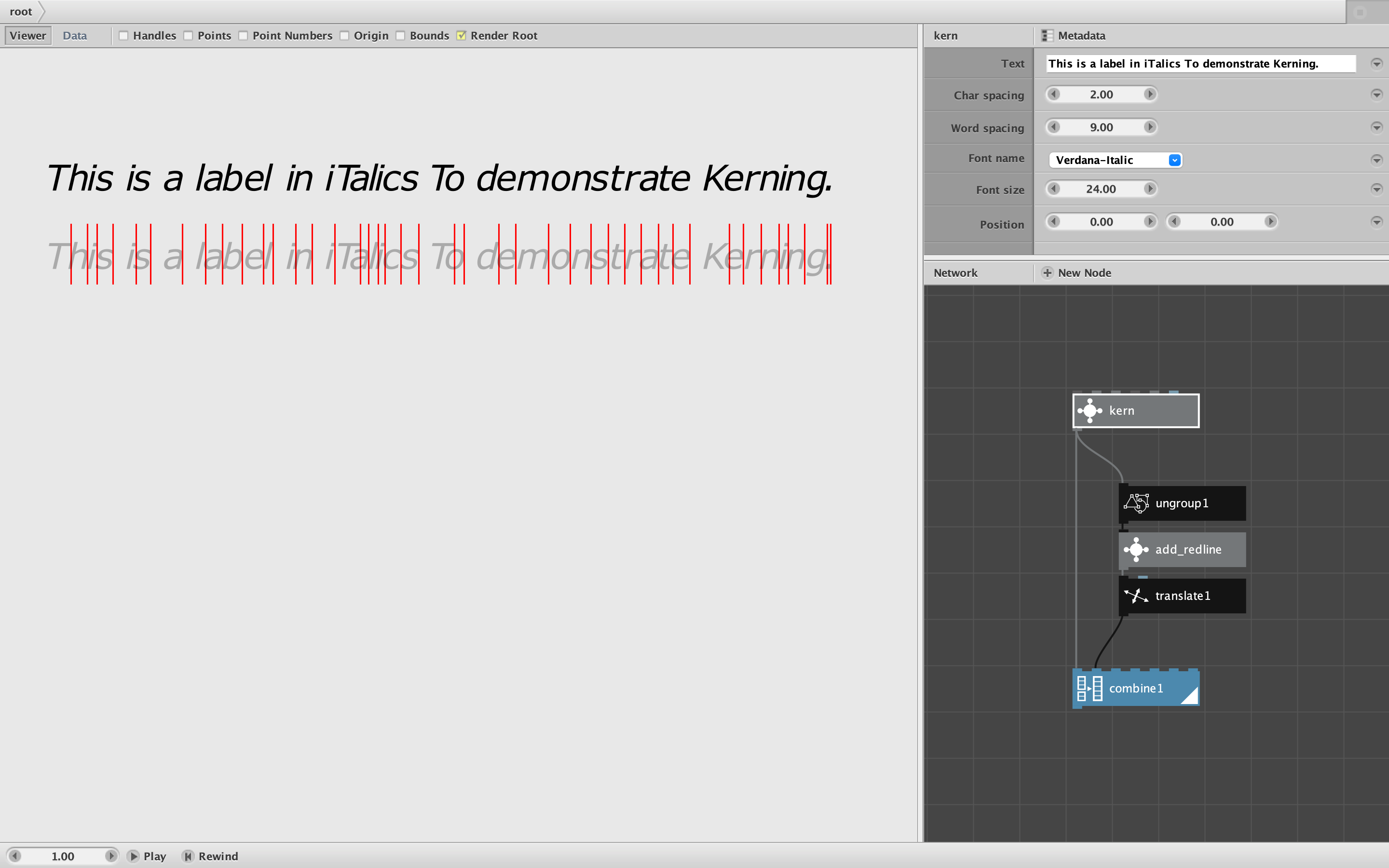
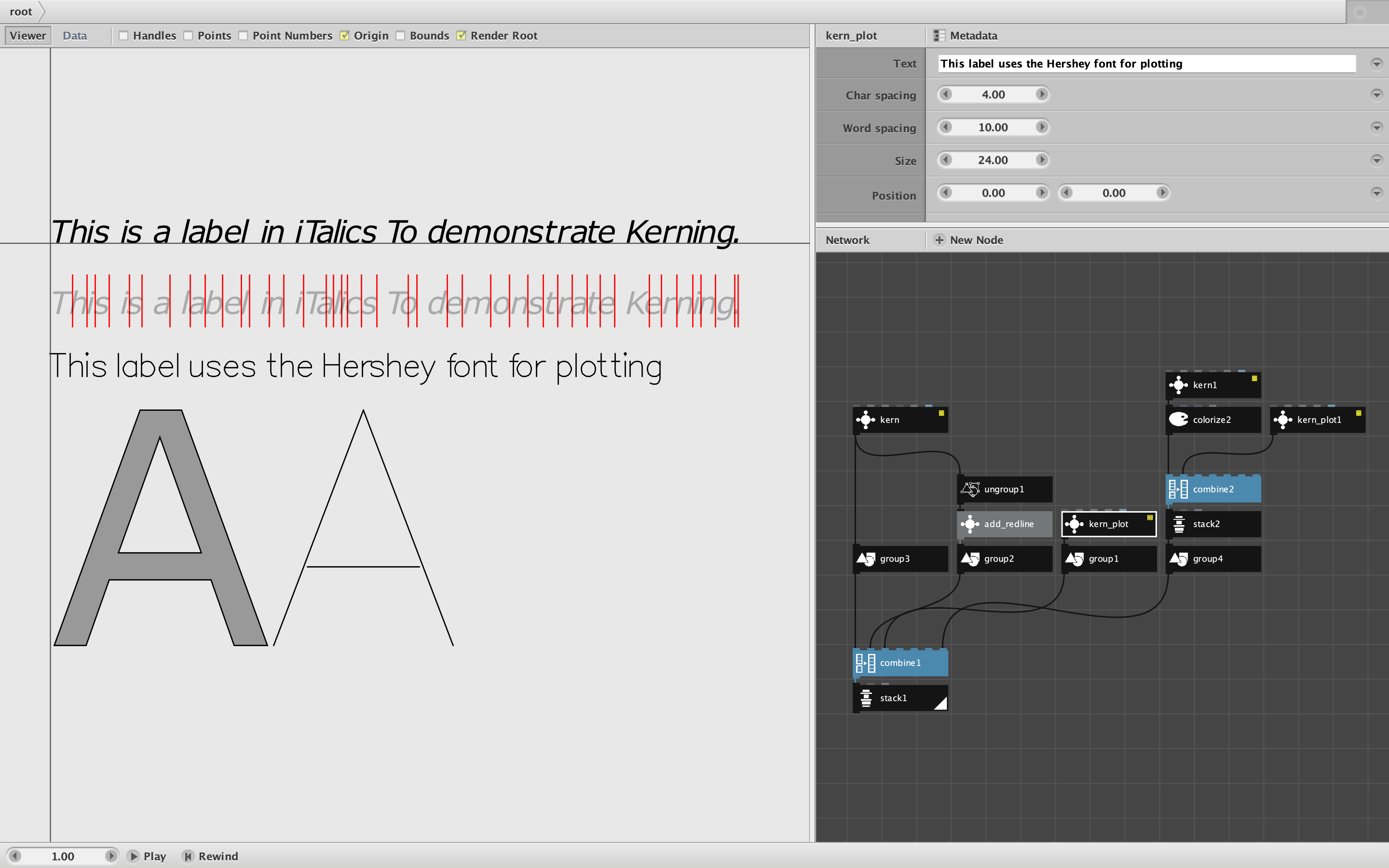
And yes, there is a reason I used a translate node instead of an align node at the top of that adjustment chain. We want the characters to sit on the baseline. Characters with descenders (not just g's and j's but also parens, commas, etc.) need to protrude below that baseline.
Even though the SVG font files were full of misalignments, their descenders were generally placed to descend relative to their non-descenders. The align node knows nothing about baselines, so aligning to either top or bottom would remove this distinction and force us to redefine each and every descender.
I suppose I could have stacked horizontally, grouped, aligned, translated down a few pixels to restore the descenders, then ungrouped, and realigned horizontally only, but I just used a single translate node instead. Not having to adjust every single descender saved a lot of manual work.
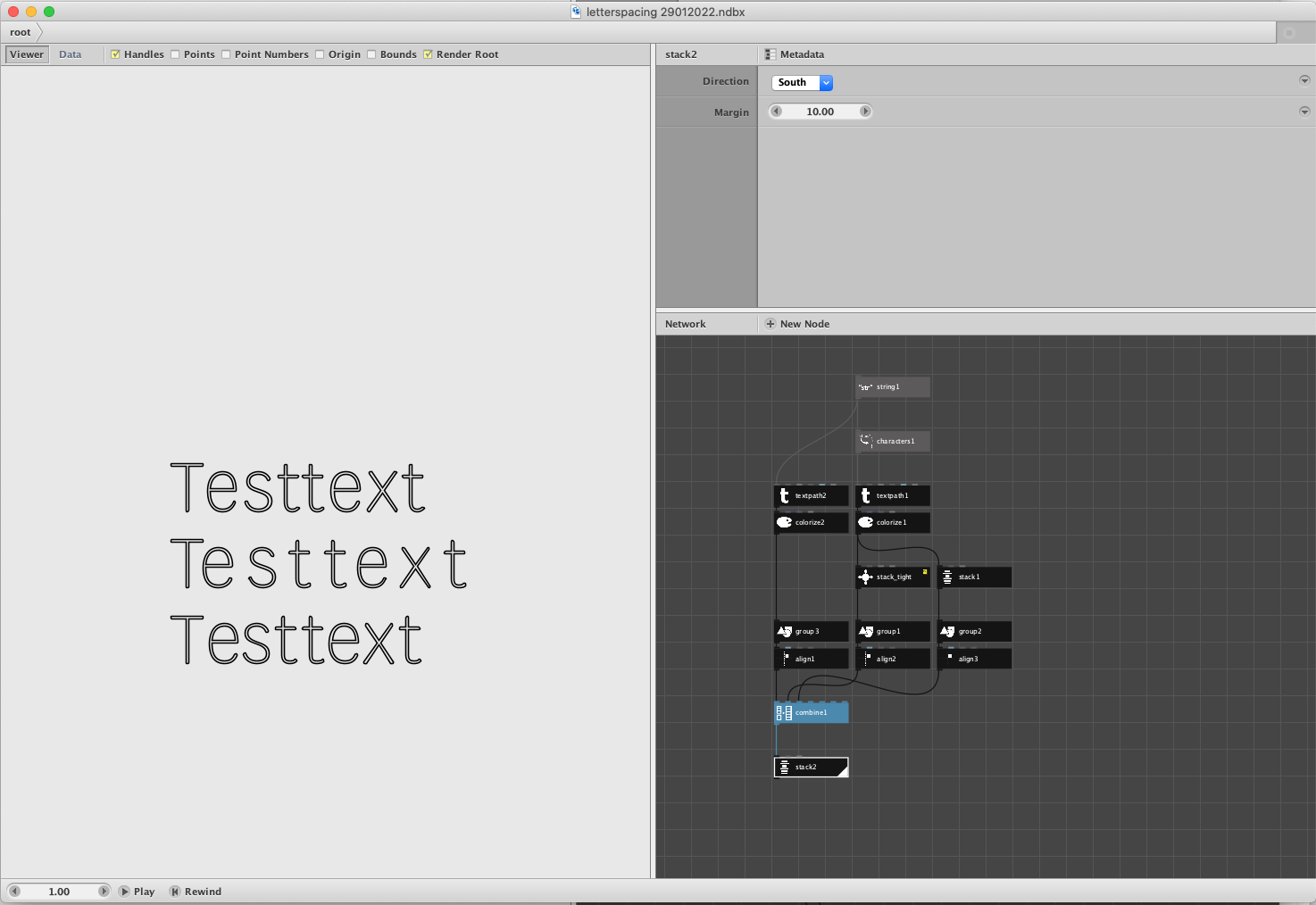
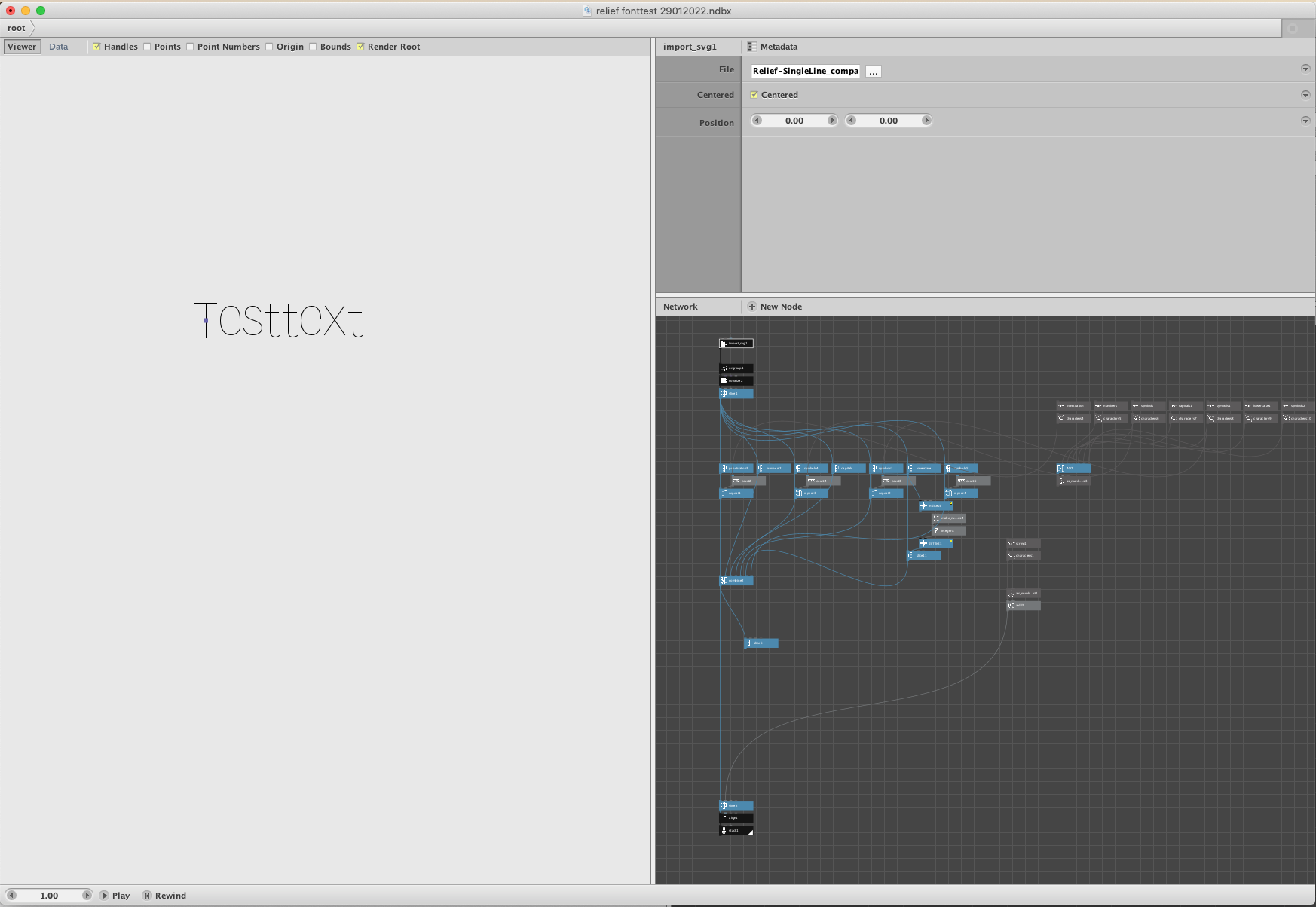
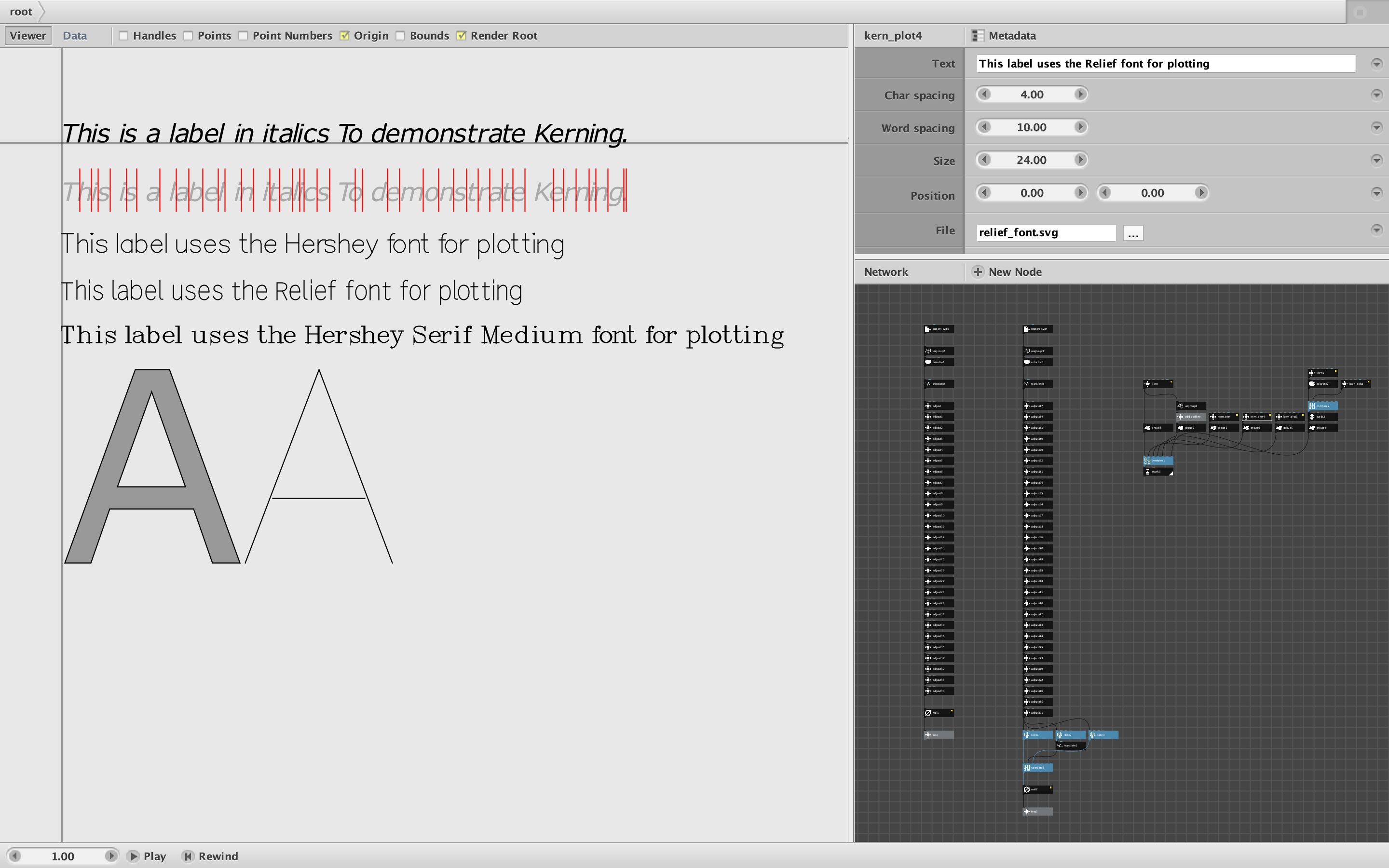
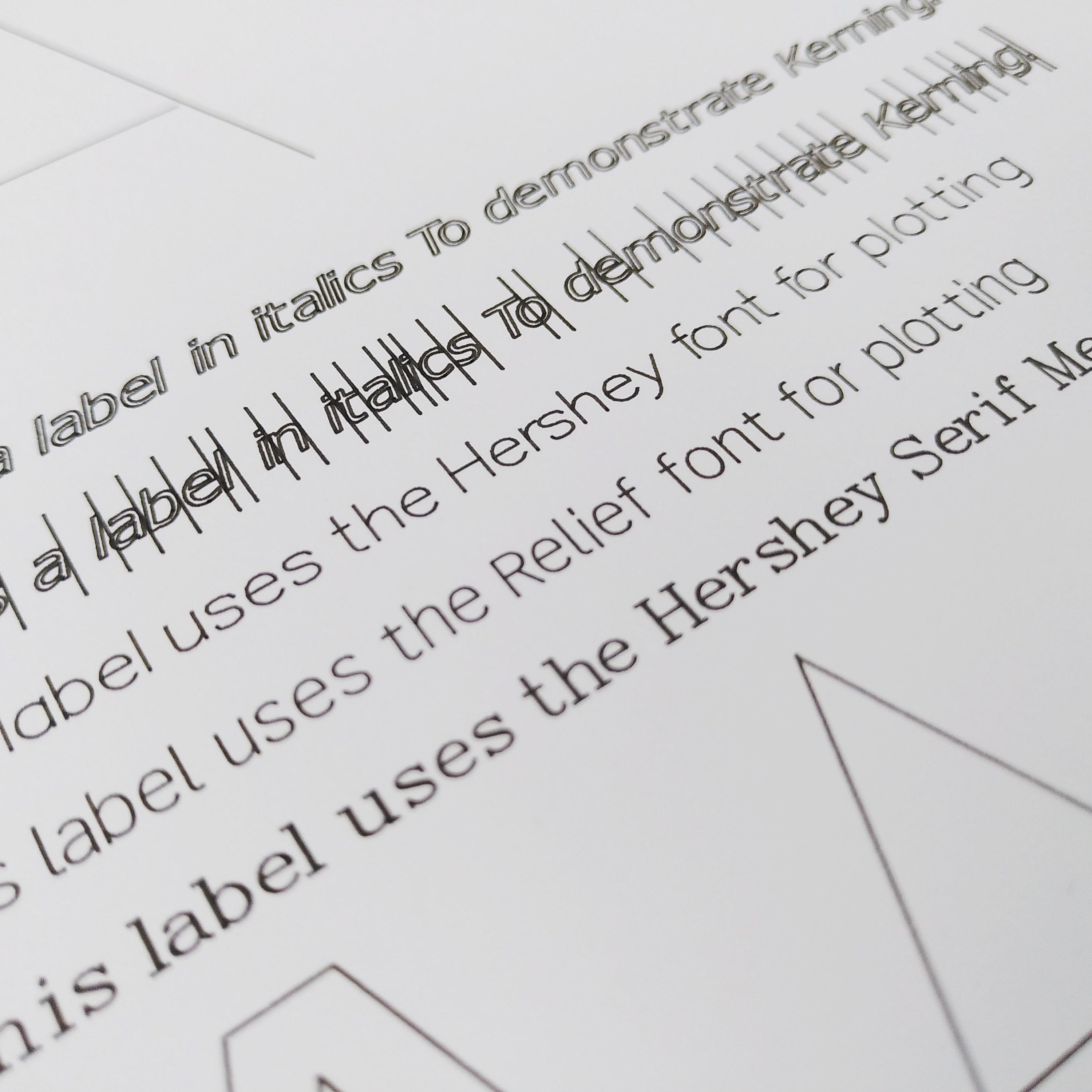
I agree that both the Hershey and Relief fonts look pretty good. I think I was a little too hasty in my adjustments to the Hershey Serif Medium font, though; it still looks slightly off to me. The lower cases letters seems slightly misaligned from the upper case letters. If we ever want to use that font we should probably polish it a little further.
CATEGORIZING
Categorizing the library nodes is a vexing problem. Nodebox has a very limited defined set of node colors based on output data type, so there's not much I can do with that. It also doesn't provide much in the way of built-in metadata.
Each node does have a category property, preset to the output type in the standard nodes. As far as I can tell, Nodebox doesn't do much with that. Subnetworks are given a float output type by default (even though they often do not output floats); users are free to fix that by hand - which I now do with my library nodes. But subnetwork category properties are left blank by default.
I could start setting category properties in my subnetworks. I've thought about simply placing a "Cartan Node Library" value there to more easily distinguish my nodes; this could be useful in the network diagramming tools I am developing. Or maybe I could start putting comma separated tags in that field. But even if I did, I don't see what good it would do. As far I know, there is no way inside the Nodebox app to filter or highlight nodes by category.
I could arrange my nodes in clumps by category, repeating nodes that appear under more than one category. I already do this in a sense; I group them in columns based on their output type (color). But repeating nodes in multiple clumps would make the library even more overwhelming and scattered; I fear it would do more harm than good.
Another approach would be break my single library into a hundred different files, one for each node. I could supplement this by creating a filterable, sortable master table listing all the nodes. You could first open the master network, filter the table for the nodes you need, then open each one separately. But that would make the process of adding nodes to your own network more cumbersome than it already is.
A compromise would be to organize groups of nodes into separate mini-libraries, each holding a subset of nodes related to a given application like plotting, charting, 3D modeling, typography, geometry, etc. That might be worth doing. The problem there is defining the categories. Categories that make sense to one person often do not make as much sense to another. Categories often overlap and have fuzzy boundaries. That's an issue with any kind of categorization.
I will keep mulling this over and will welcome any ideas or suggestions from you or anyone else listening in. By the way, you already do have this power in your own hands. You can start your own mini library Nodebox file and copy paste whichever of my nodes you think belong into it (and add your own). Indeed, it sounds like you have already started to do this.
Finally, I am intrigued by your notion of "generative typography". I'm not sure exactly what you mean by that; I look forward to seeing anything you come up with!
Thanks,
John