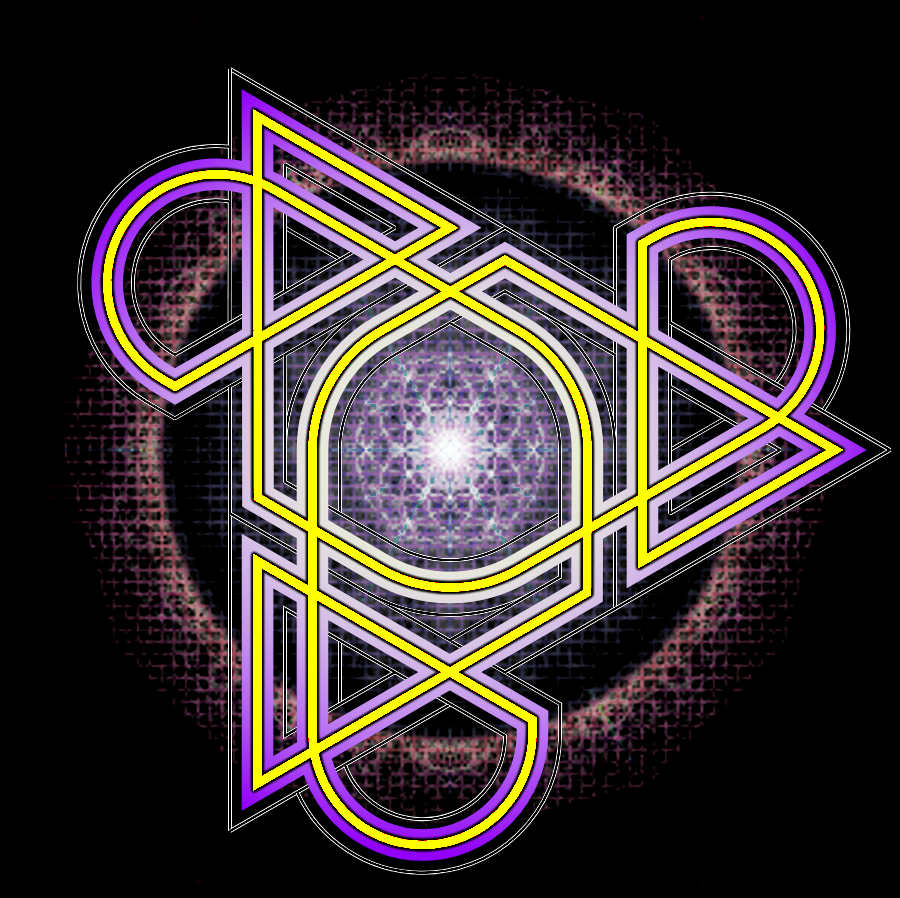
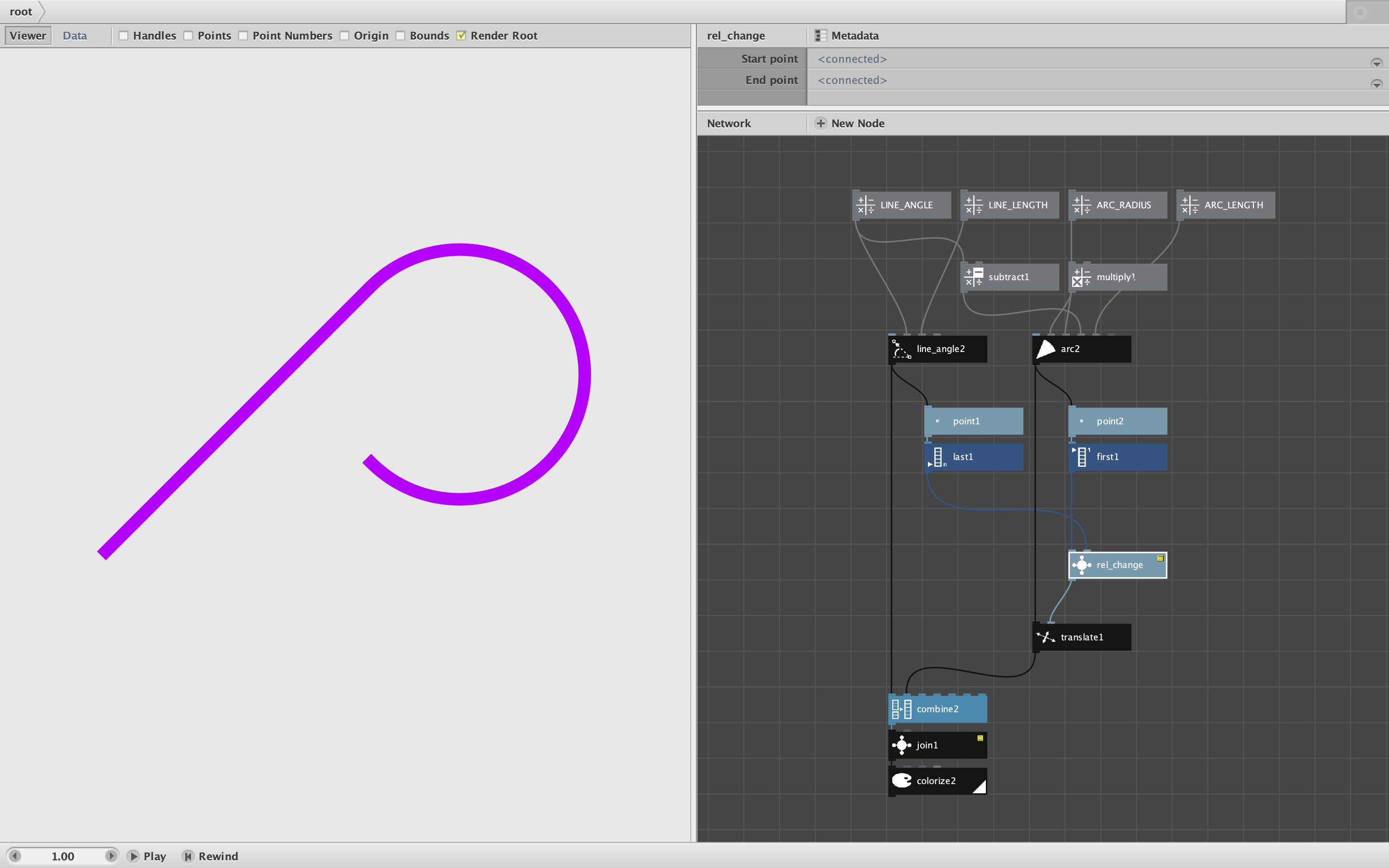
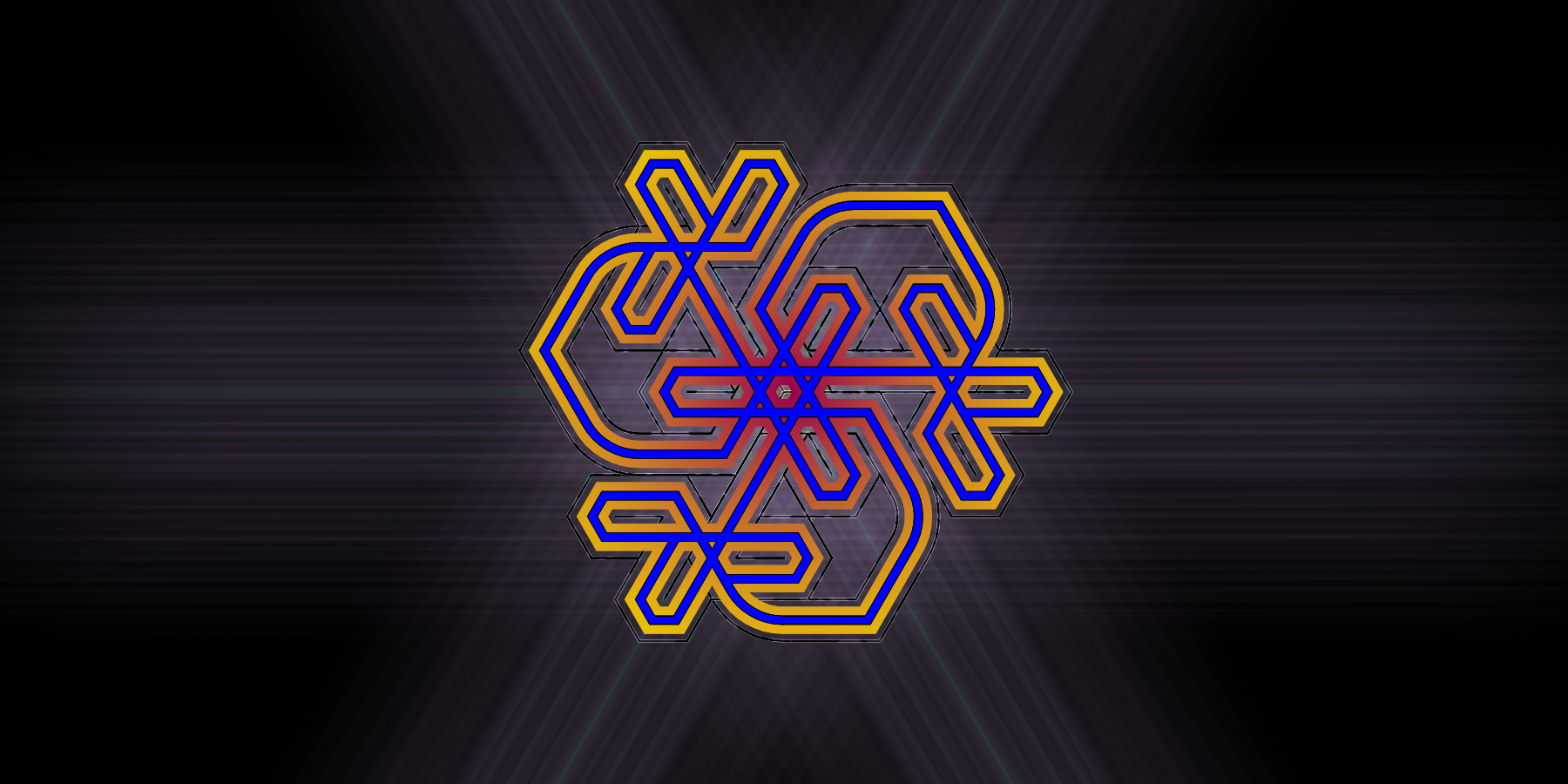
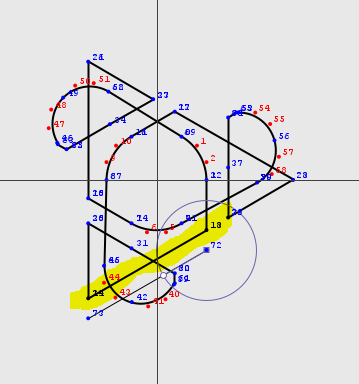
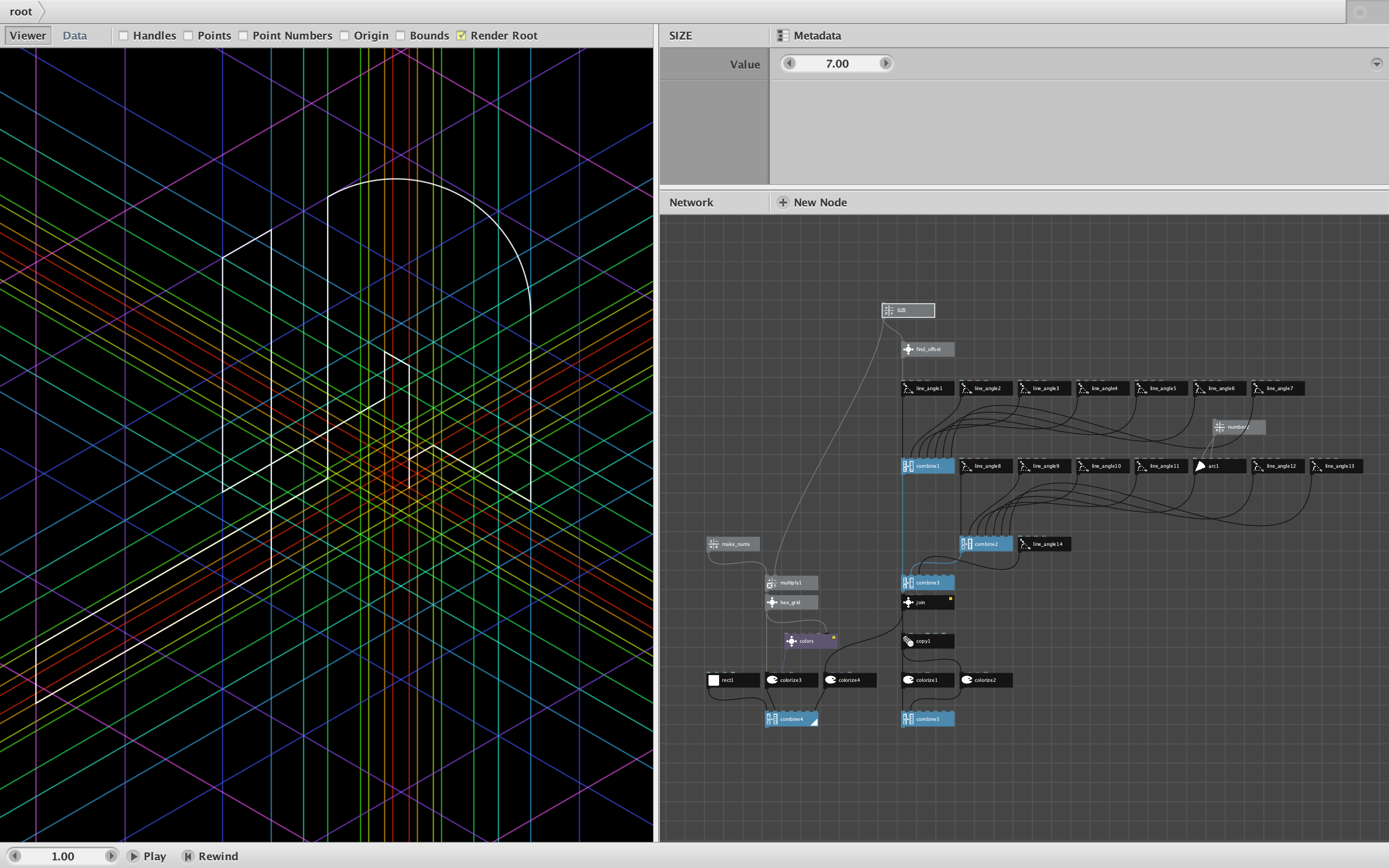
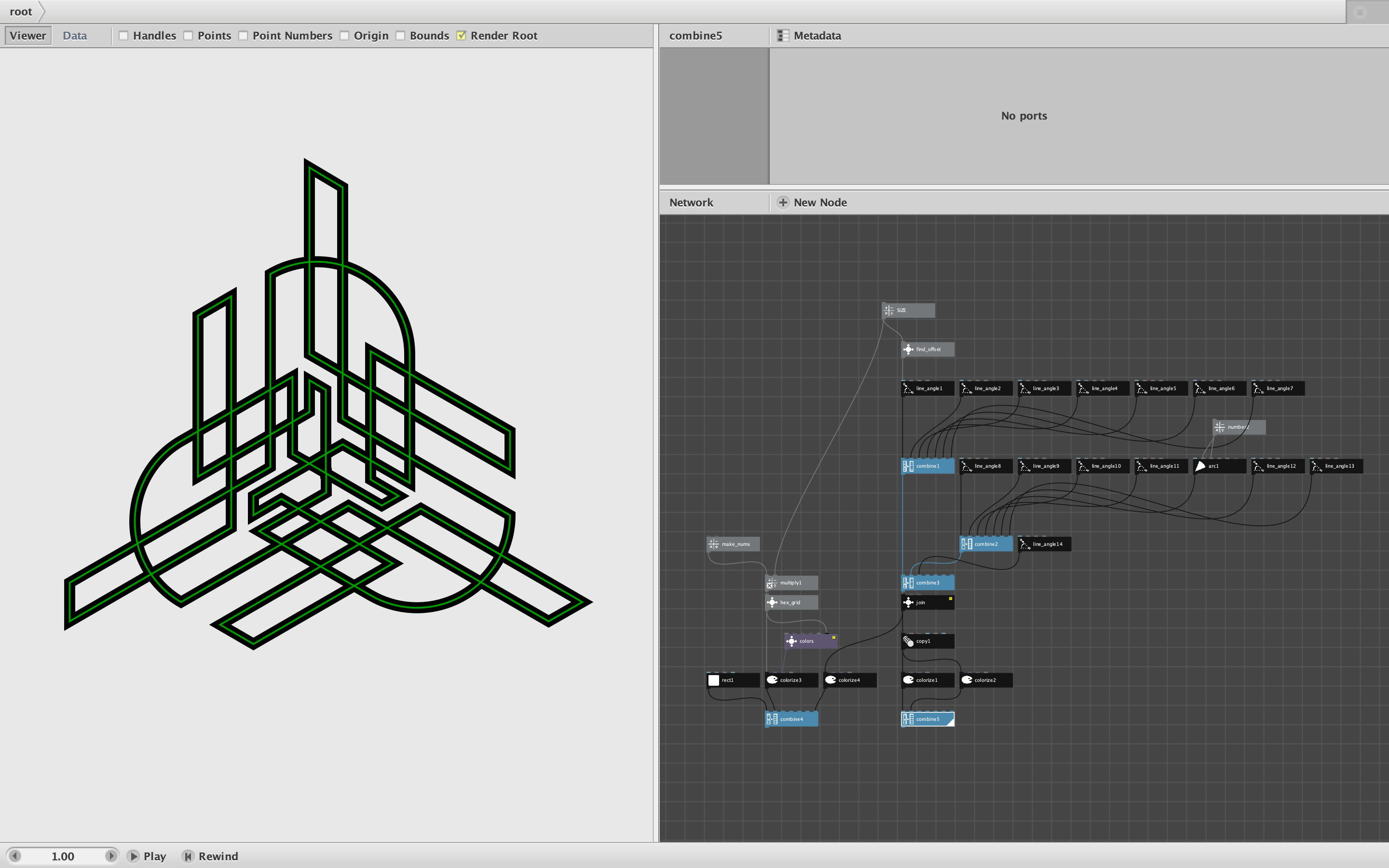
EDIT: Just found the "CURVES!" post. I think this will get me unstuck. But if there is another way to go about the method below feel free to let me know! So I will leave the original here. Essentially, I'm trying to draw designs that are visually a single line (and when I do some versions with layers, etc, it will cross over and under itself) - I am just assuming using the start and end points for all the places where a line and arc or line and line meet as variables to share those between them was the best way to 'parameterize' the design itself along with some applied symmetrical stuff so they are similar in however many directions around origin.
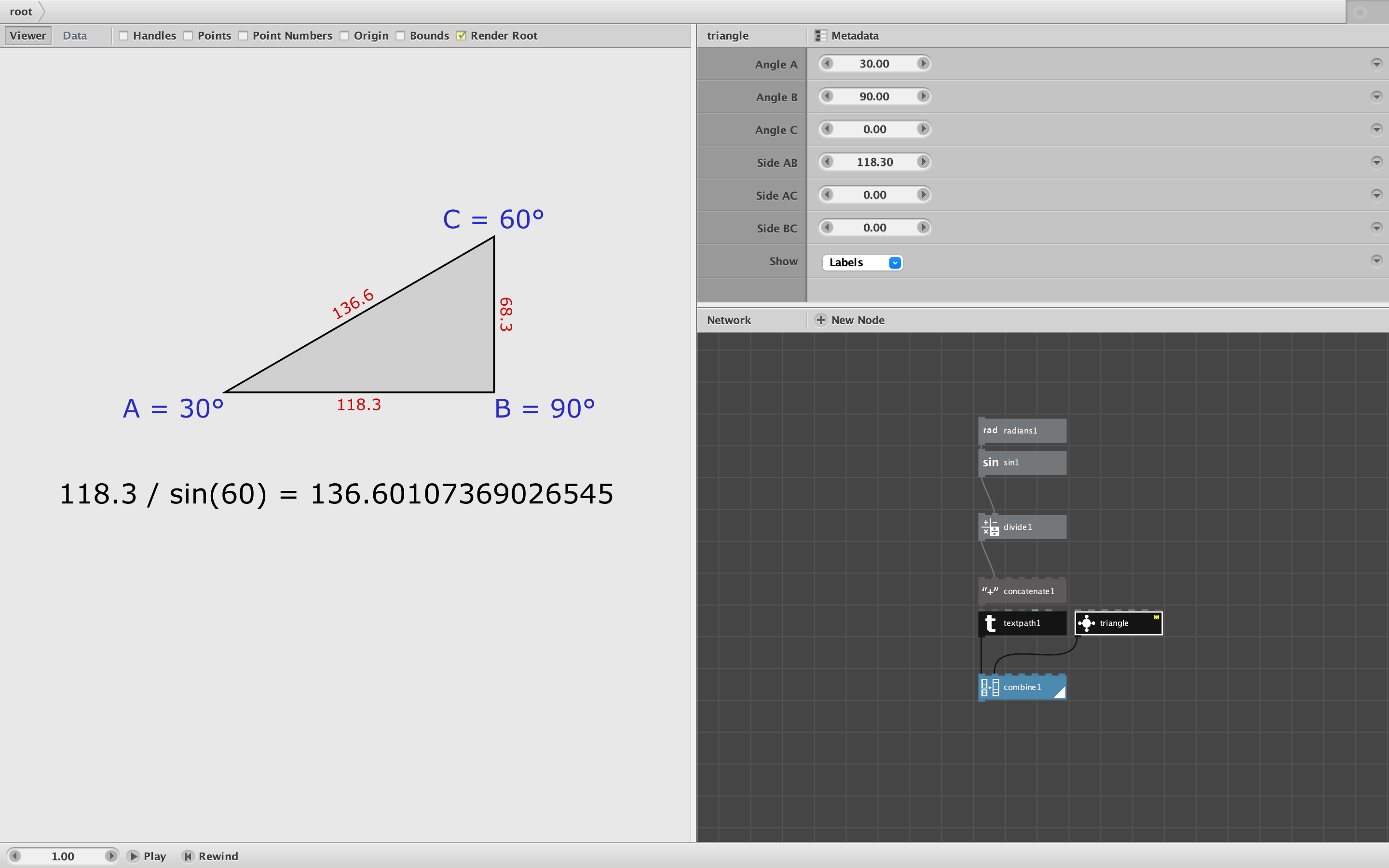
So I've read most of what I thought would be the related documentation on the site and pretty thoroughly scanned over majority of the rest especially the node references (which by the way, only shows me a white box with a black border about 20x20 px at the top and the parameters which only say the same thing the do in the software - don't know if that's something to look into. Shows this for all node reference pages.)
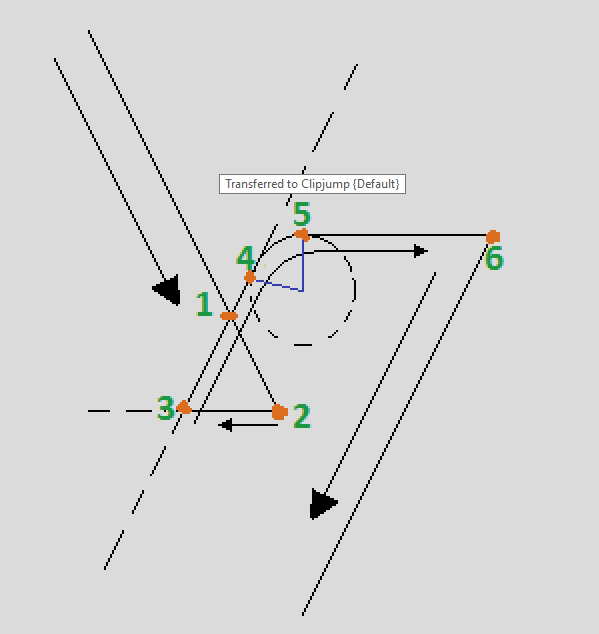
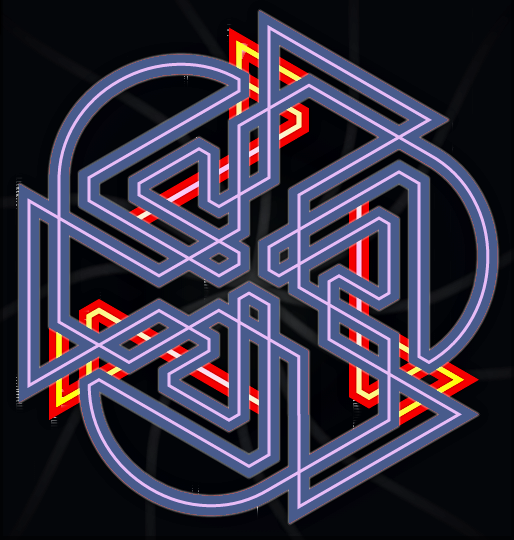
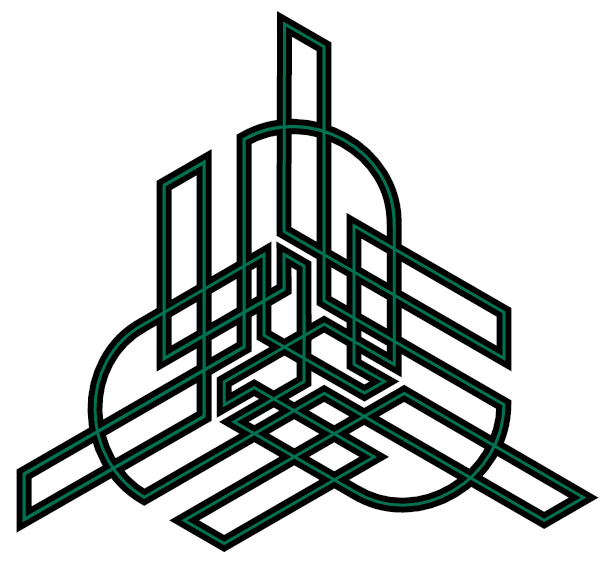
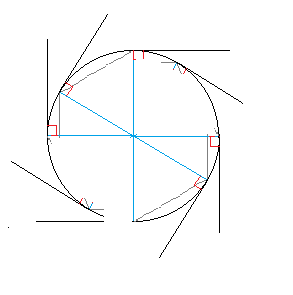
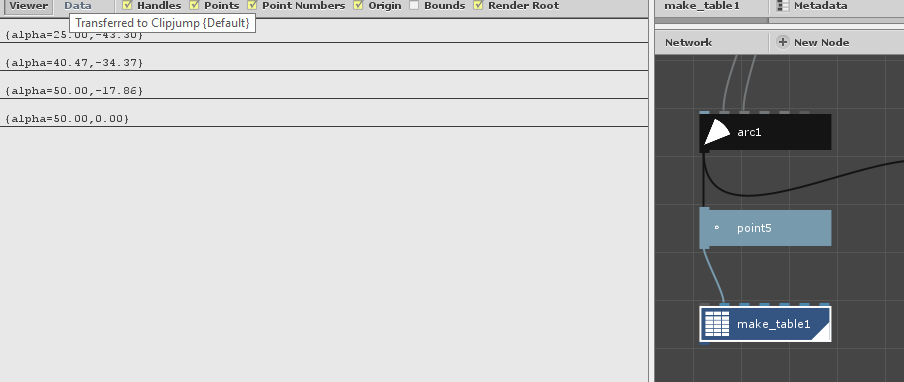
With what I'm doing, I can connect any arbitrary lines at their start and end points (though I'm sure there is a much better or best practice vs what I'm doing) - however, currently, I'm stuck trying to connect from the end or start point of a line to the end or start point of an arc. I first just tried adding some ports. But I'm assuming I need to do something like a mapping to create a link between the end parameter in degrees to coordinates right? I've attached a rough diagram I made in paint but also a finished example of what I am aiming to accomplish. Ideally to make my design process less tedious. (Mainly to create precise designs the are rotated, translated correctly, etc and connected at the shared points using the pattern in the title.
By the way, thanks, I can't believe I had yet to find this program for a decade or more - it's the missing piece. What I've not gotten out of any other program. Probably tried close to a hundred; yes even stuff from Github.