ON SEAMLESS LOOPS
The first thing to observe about the art of making seamless loops is that there are situations where you DON'T want to make your animations loop seamlessly. Sometimes you want to emphasize the end of each cycle, not conceal it.
One example I did long ago was an animation about gradual change called Evolution. It shows an ape-like silhouette turning into a man-like silhouette so gradually that you are barely aware of any change - until the image snaps back to ape at the end of each cycle. That snap was the whole point:
https://www.instagram.com/p/COHMoZQney8/
But normally you do want to return to the beginning at the end of each cycle. Seamless loops are the temporal equivalent of seamless tiles.
One of the easiest and most pleasing ways of doing this is by using the wave node to create the gentle back and forth movement of a sine wave. Sine waves, being based on circles, always return to their starting point at the end of each period.
To use this technique all you have to do is hook your fame node to the Offset port of a wave node (set to type Sine), and set the period of an even multiple of the length of your movie.
For example, If your movie is 100 frames long, you can set your period to 100 and the output will fall, rise, fall again, and rise back to its starting point in exactly 100 frames. For more vigorous motion you can use any other even multiple of 100 for your period: like 50, 25, 20, or 10. I find that a period of 60 makes a soothing motion; if I use that I will make sure my movie runs for some multiple of 60.
There are countless other techniques for generating values that change and then return to their starting values. You can take any closed shape, feed your frame node into the T port of a point_on_path node, and then lookup the x or y value of the point traversing the shape's perimeter. Those x and y numbers will return to their starting values after 100 frames and will convert the inflection points of the shape into speed changes of the movement. For movies that are some multiple of 100 frames just feed the frame into a mod 100 node. For movies of any other length, just use a convert_range node to convert the length of the movie into a 0 to 100 T value.
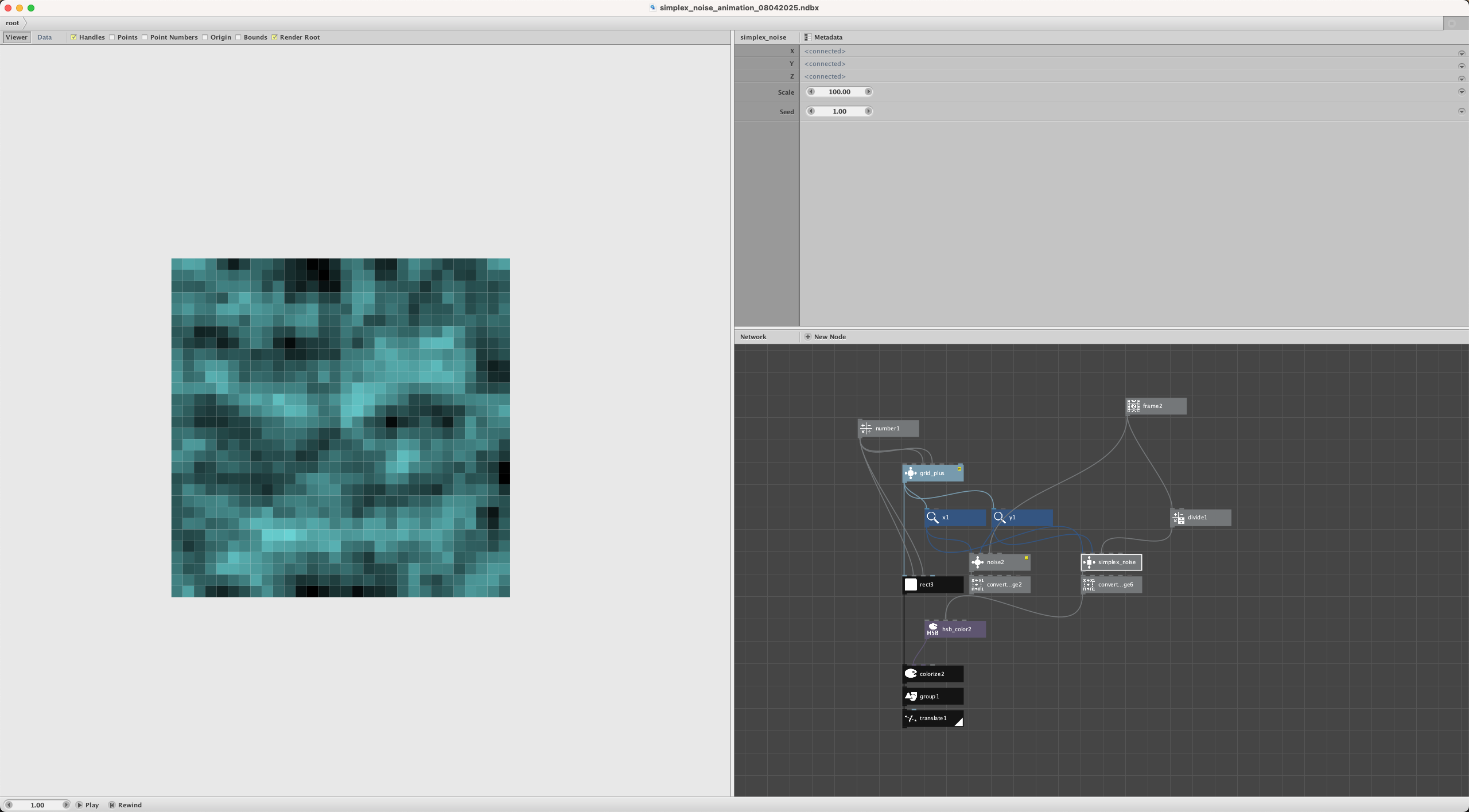
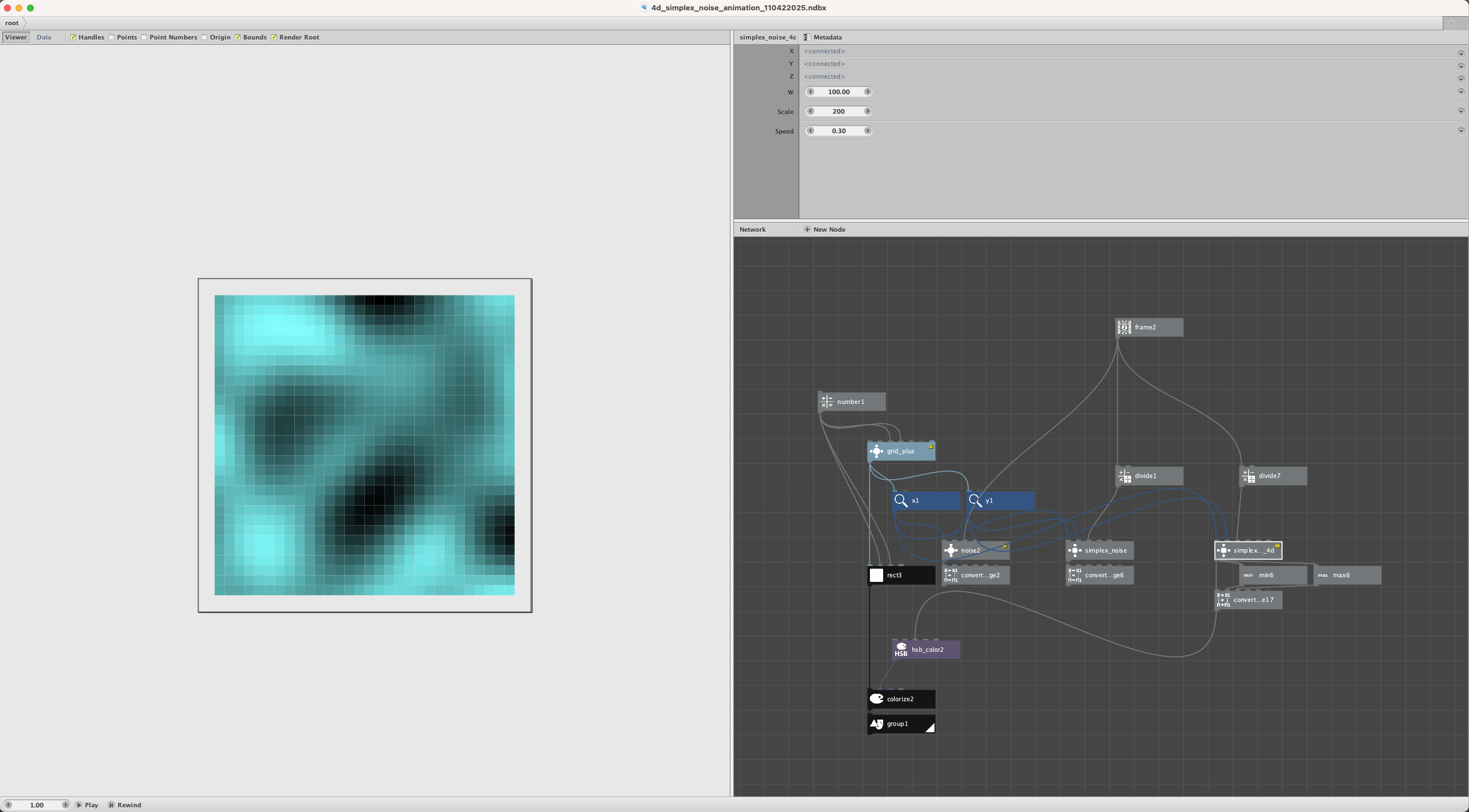
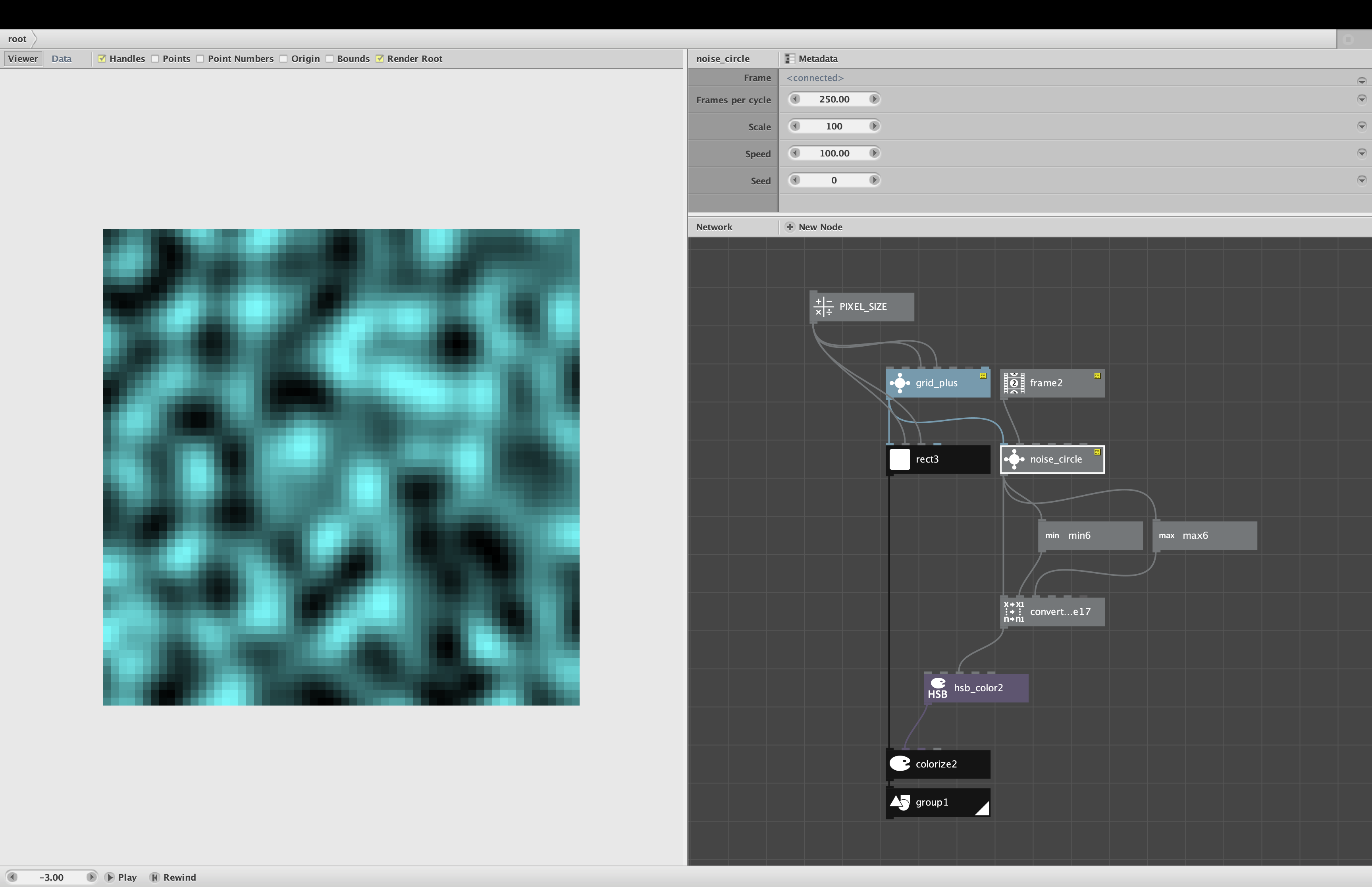
Perlin noise produces charming and mysterious patterns that are ideal for animations. My noise node is great for making clouds that drift across a sky; just feed your frame node into the z port of my noise node.
But one drawback of Perlin noise is that there is no way (I know of) to evolve a pattern back to an earlier state - for the same reason that clouds in the sky never drift back into exactly the same pattern they had an hour before.
Even here, though, there are ways to create seamless loops if you try hard enough. One technique (which I haven't yet tried but which should work in theory) is to make a large landscape using Perlin noise, tile that pattern by reflecting it, then move a "camera" across the pattern until you cross the tile border and return to your starting point. (By "camera" I mean using a translate node to move a pattern across the window of the canvas.)
If this was done in a straight line you would see an obvious "rewind" effect as the clouds would move across the sky and then travel backwards. But with some effort and cleverness you could conceal this to some degree by taking a circuitous path across your landscape while also gently zooming in and out (using the scale port of the noise node) with a wave node.
A simpler way of looping Perlin noise is just to feed a sine wave into its Z port. If you render the noise directly you would see the clouds in the sky ebb and flow with the sine wave. But if you add in other effects you can conceal this effect. I used this technique on another animation long ago called "Movement in the Deep":
https://www.instagram.com/p/B_tldNhn3r6/
The noise is driven by half a sine wave that gradually falls from 600 to 0 and then rises back to 600. If you look carefully you see a flowing motion half way through the video that moves down and then reverses and moves back. But because of the way the noise was rendered into shifting angled bricks that are colored independently, the effect is not at all obvious.
There is much more to say on this topic. If anyone here has questions about how to make a particular animation seamless, I will be happy to help.